







AI Image Revival
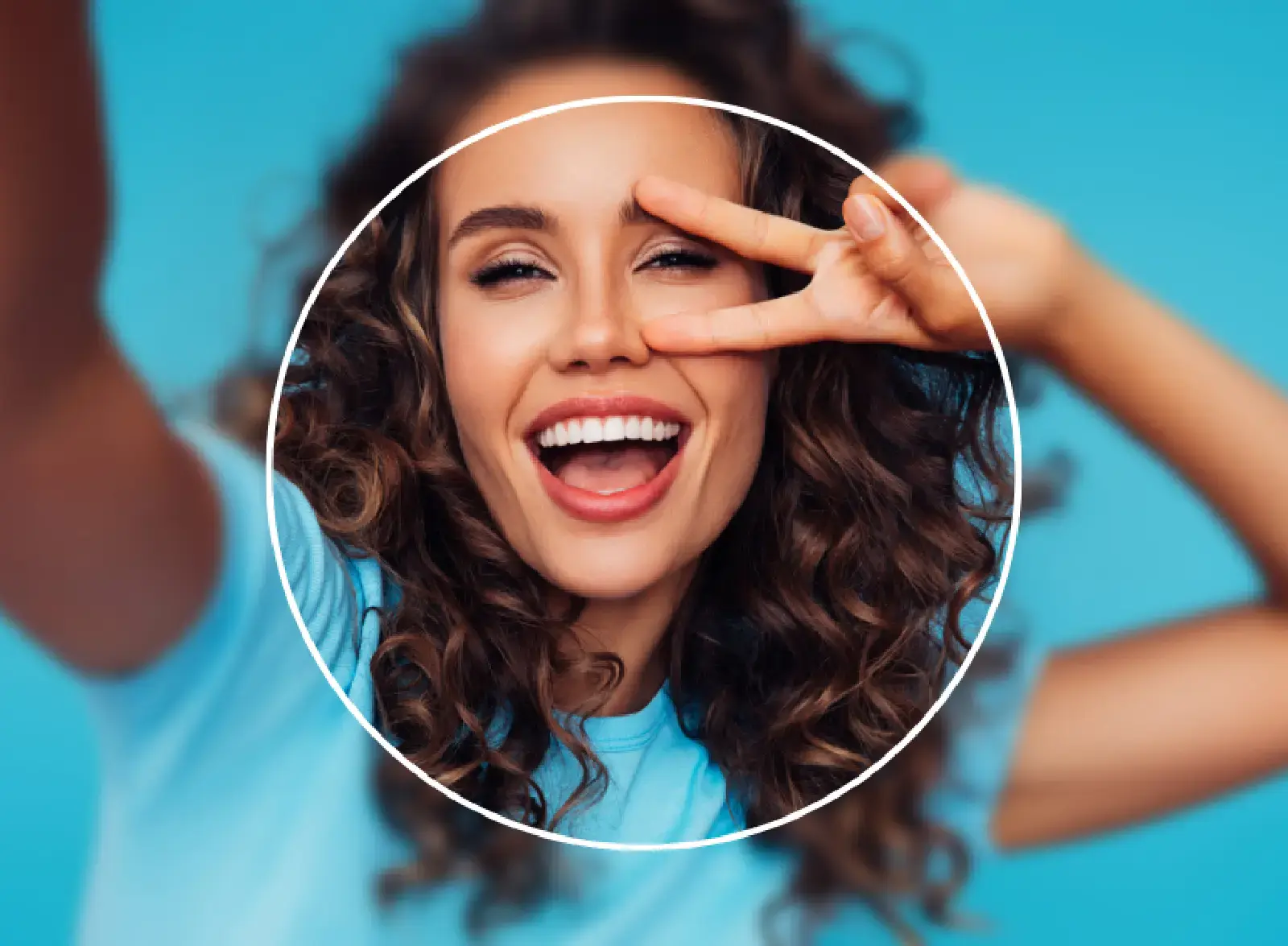
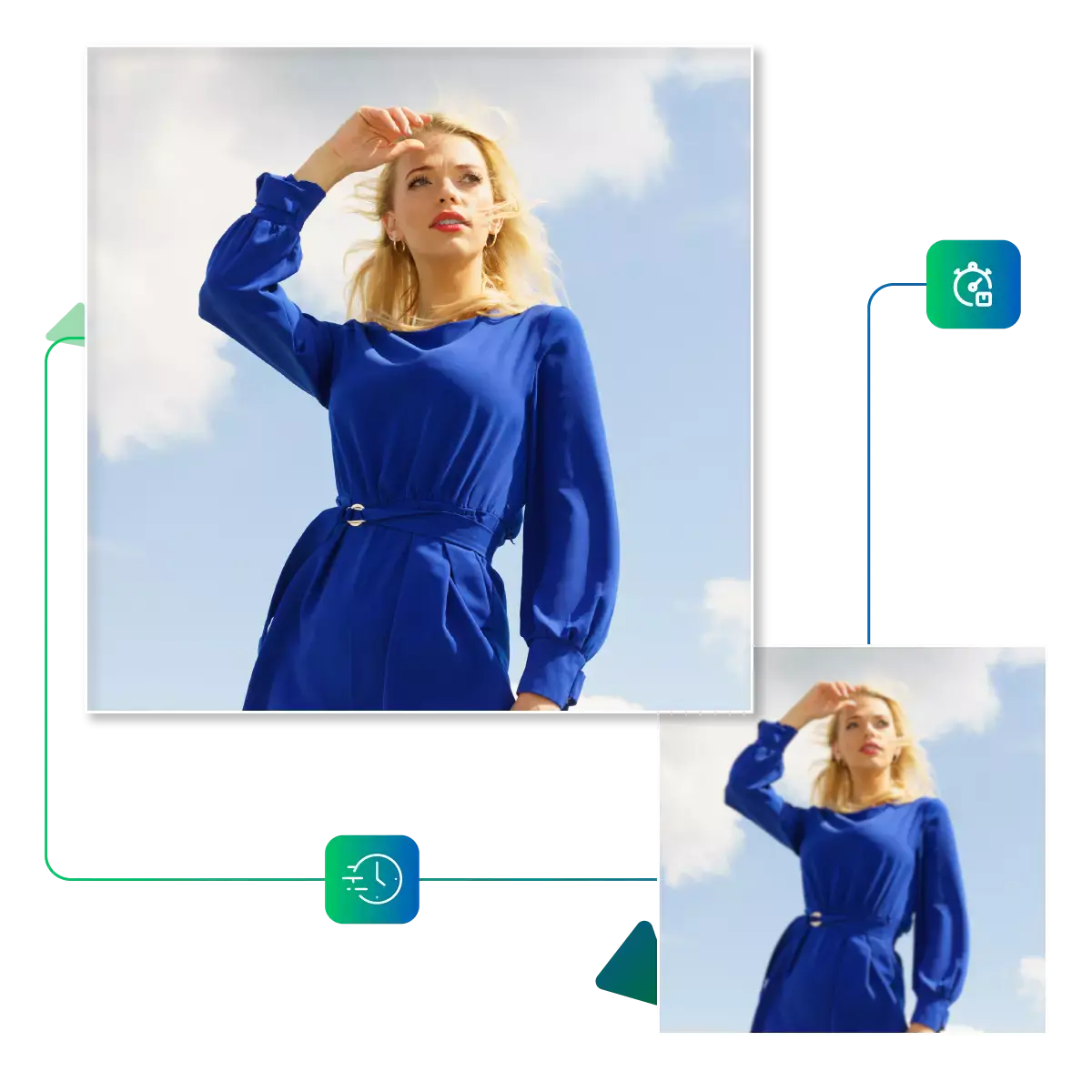
Ever taken what should've been the perfect shot, only to find it ruined by blur? Now our AI Image Revival tool fixes. That in seconds, with no more deleting great moments, just crystal-clear memories.
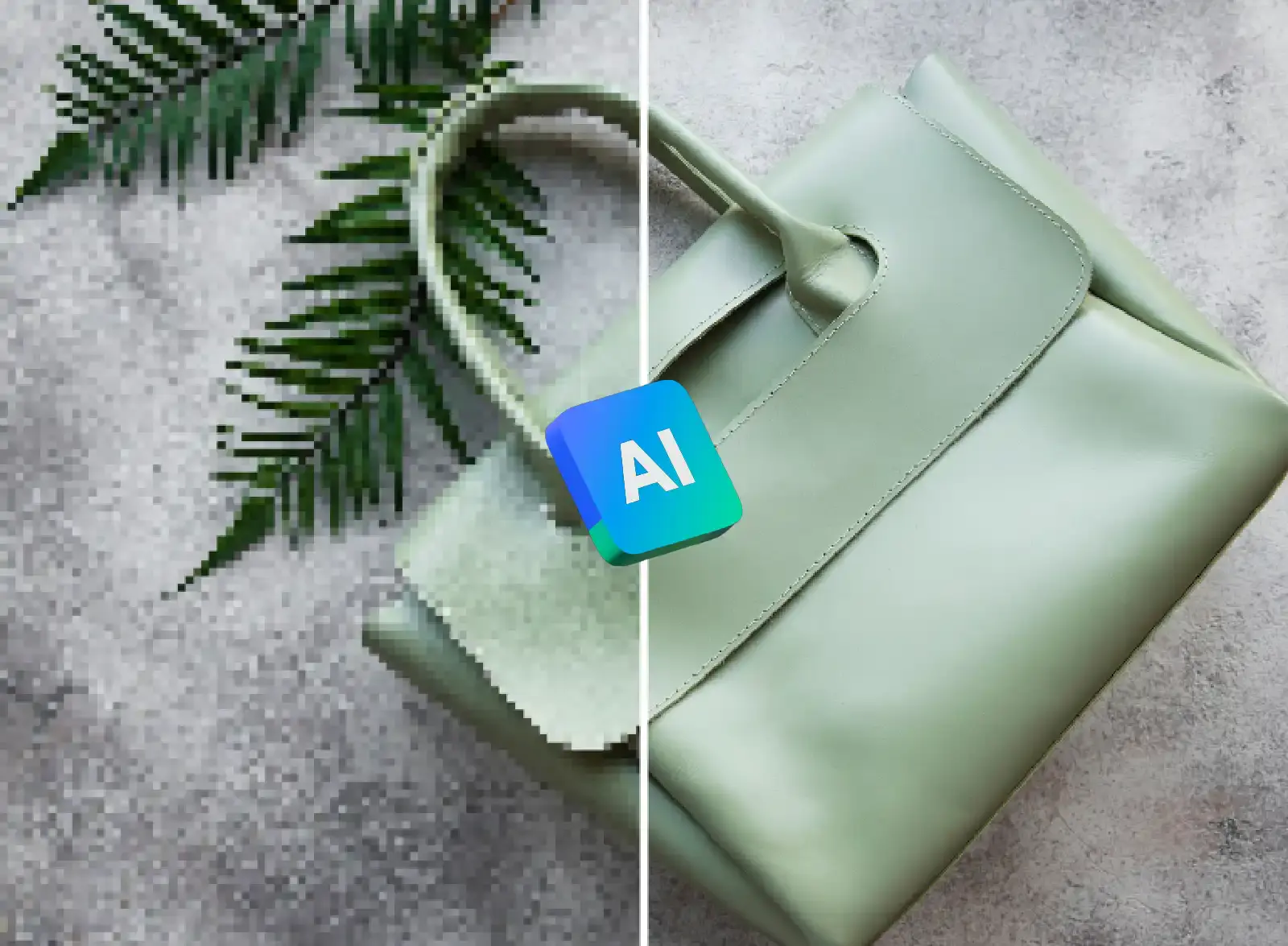
Boost your photo clarity in one click. With Upscale.media' AI sharpener, as it instantly fixes blurry images, revealing crisp details, which is perfect for social media, prints, or professional use. You need no extra skills, just upload and get pro-level results fast, Now try it for free!
Open your browser and go to Upscale.media. It is the free online tool for instant image sharpening.
Click the upload button to select any blurry photo from your computer or mobile device.
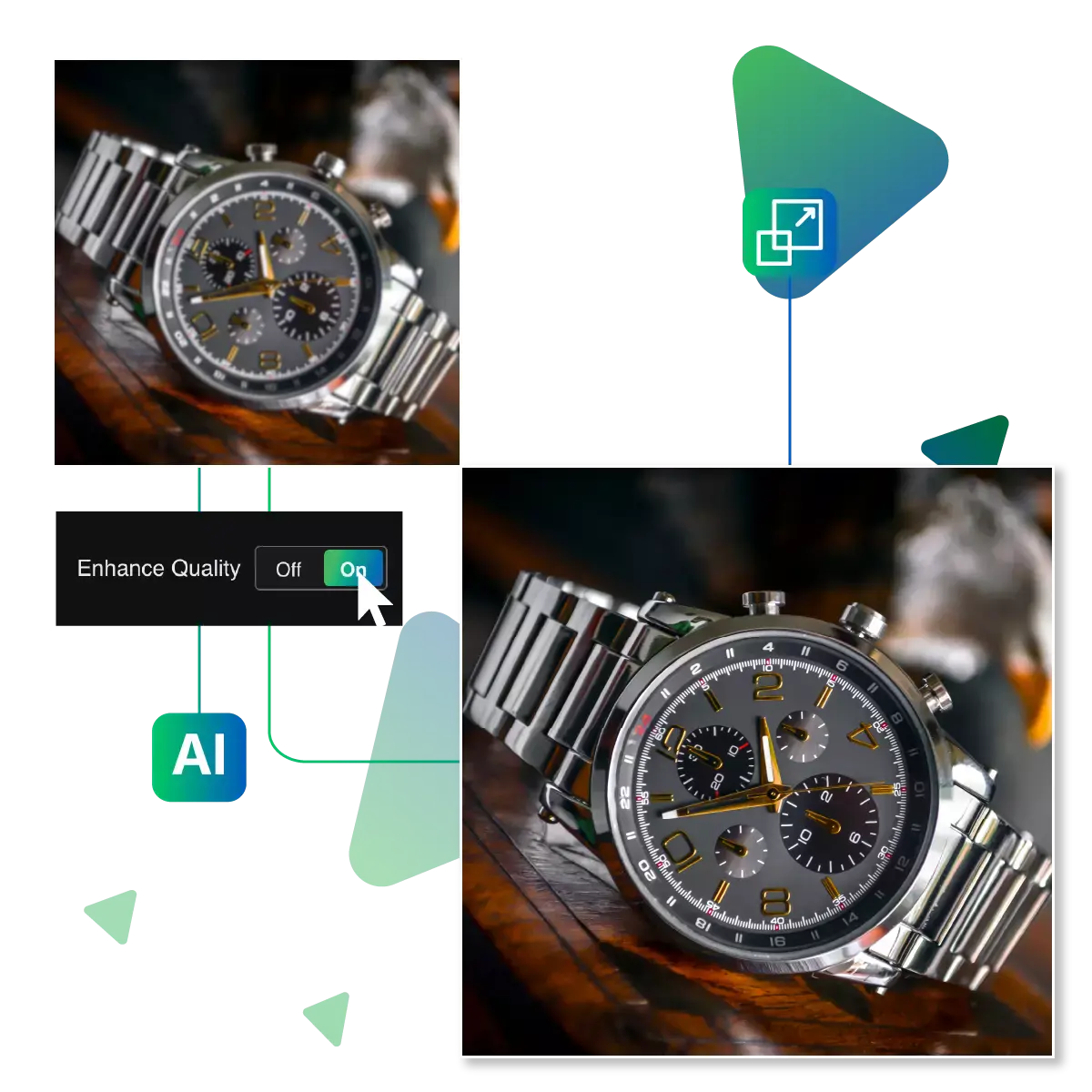
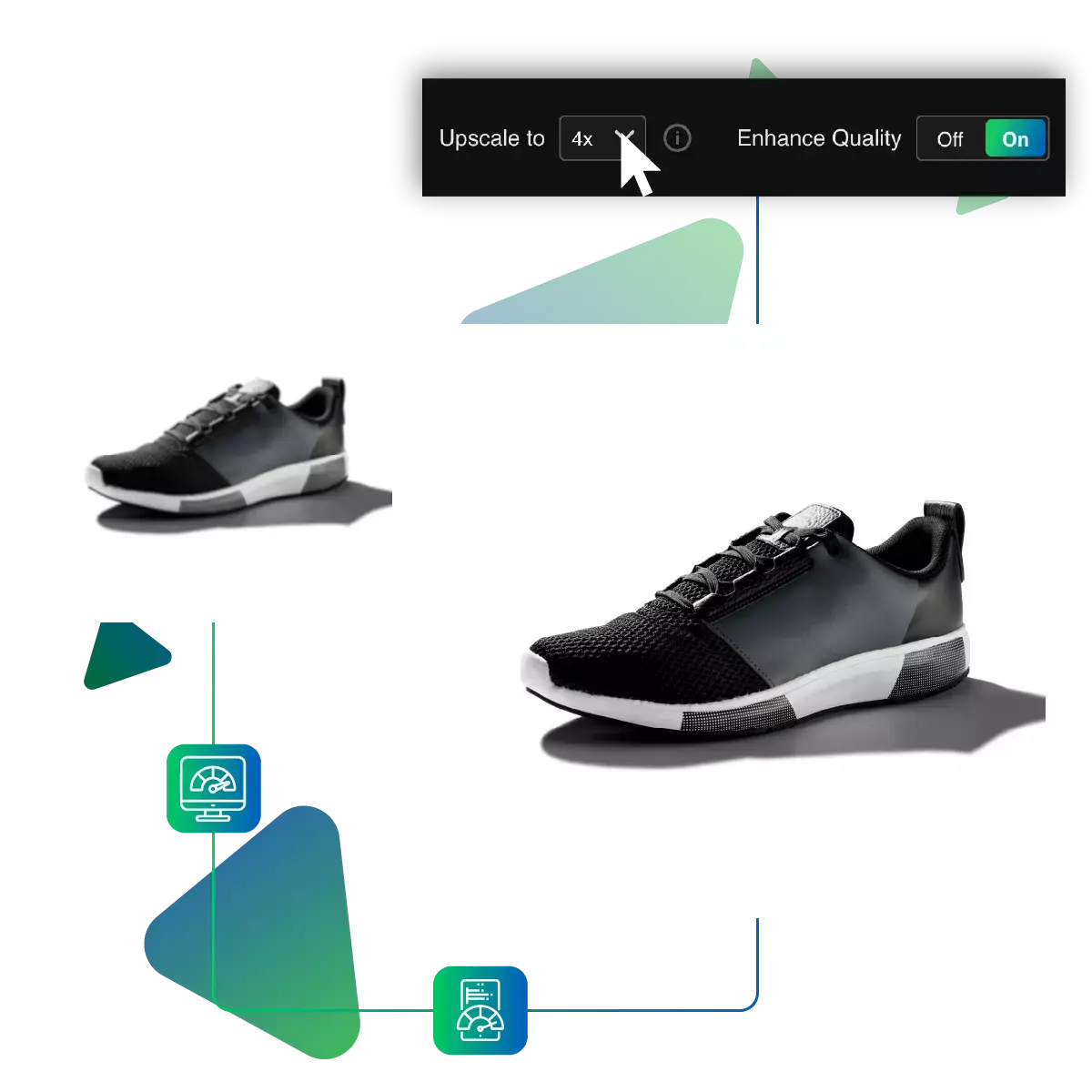
Select 2X for basic sharpening, or 4X or even 8x for maximum clarity. It also enhances detail.
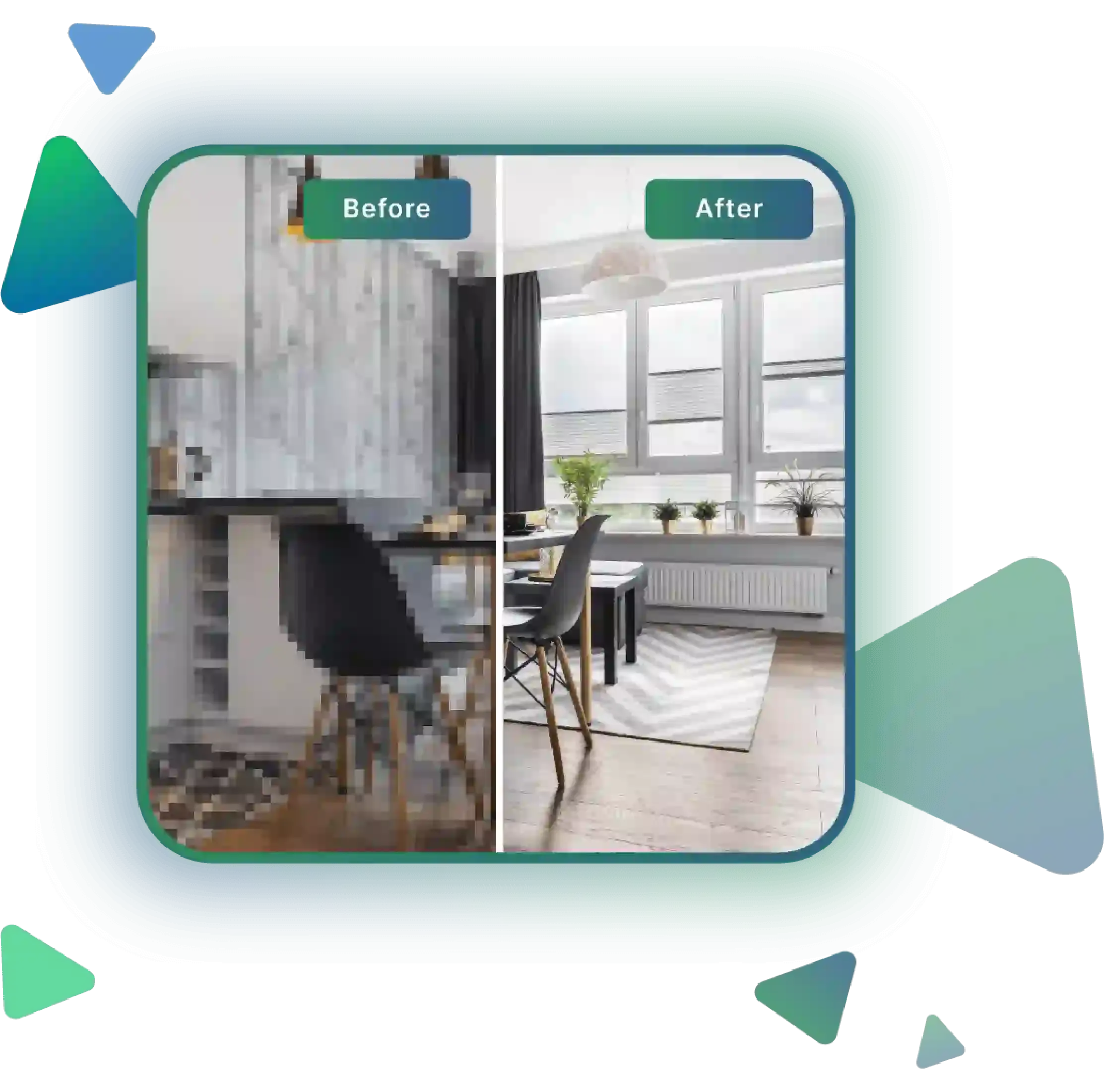
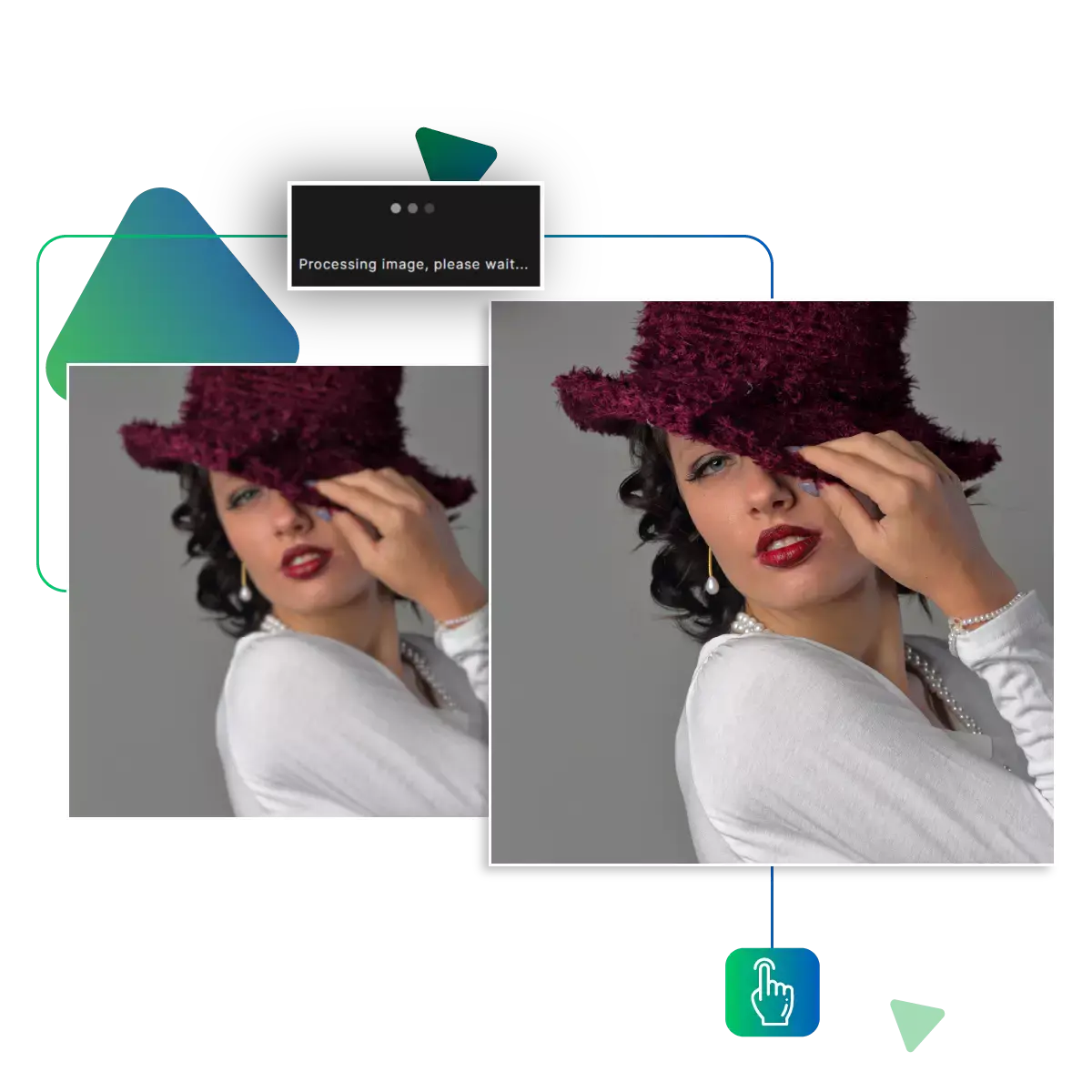
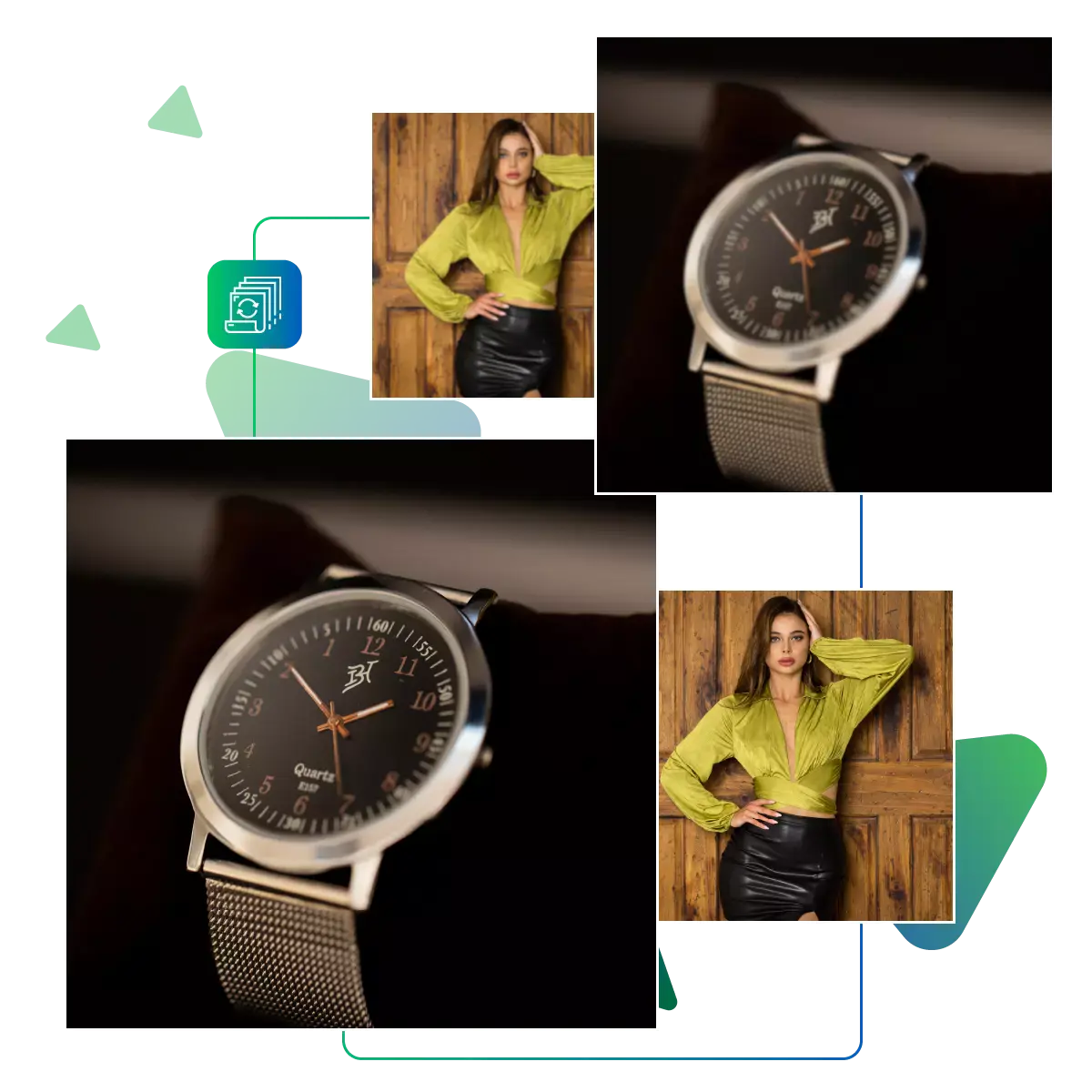
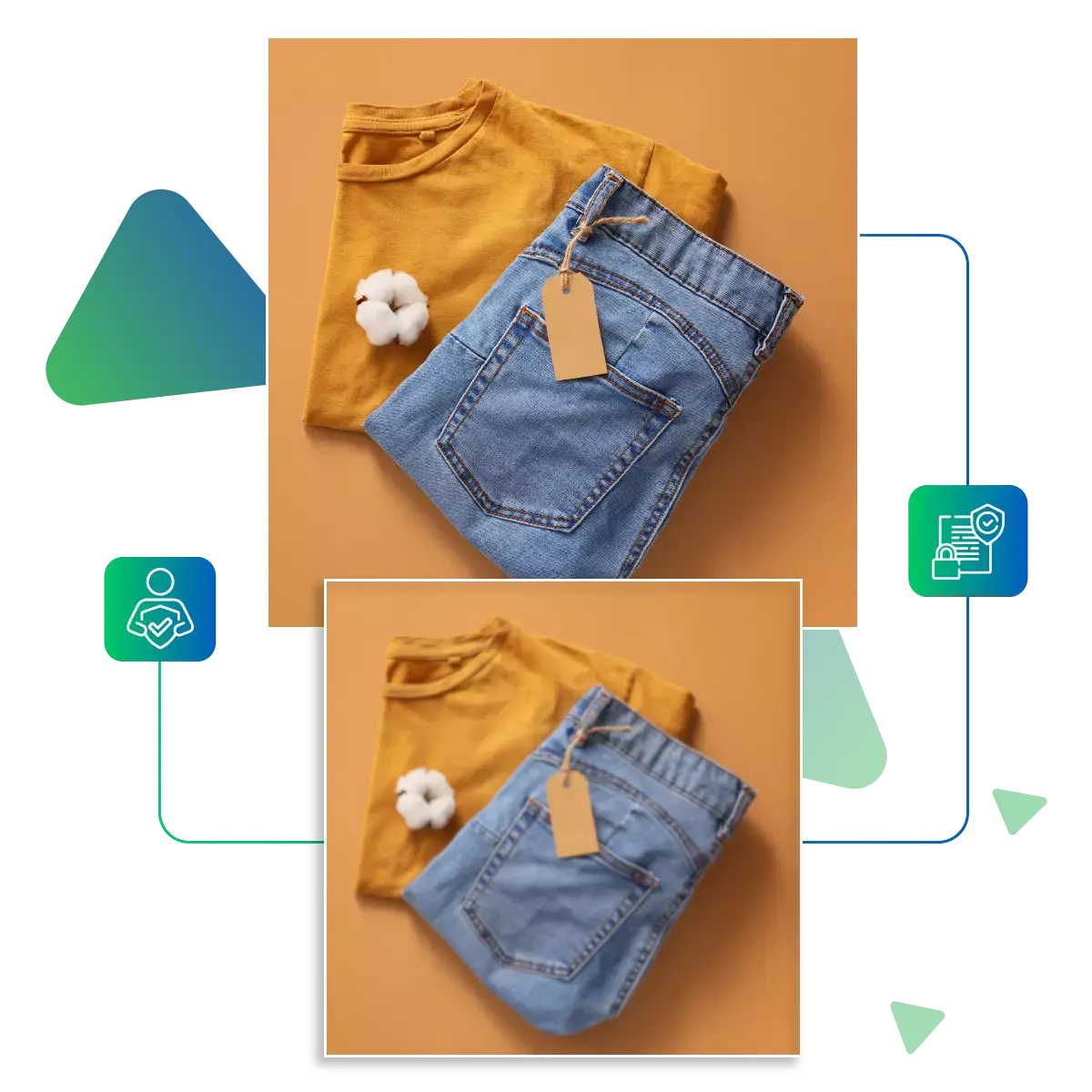
See your image transform in real-time. Before downloading, now watch blur turn to sharp perfection.
Get your crystal-clear image. With one click, it is ready to use anywhere in perfect quality.
Our advanced AI analyzes your image pixel-by-pixel to deliver perfect sharpness. Exactly where needed, unlike basic filters. That create harsh edges, and our technology enhances details naturally, while preserving textures, the algorithm intelligently distinguishes, and in between actual blur and intentional soft focus, giving you professional-level results, that too with zero effort, and perfect for fixing slightly out-of-focus shots, motion blur, or just adding that extra pop to your images.
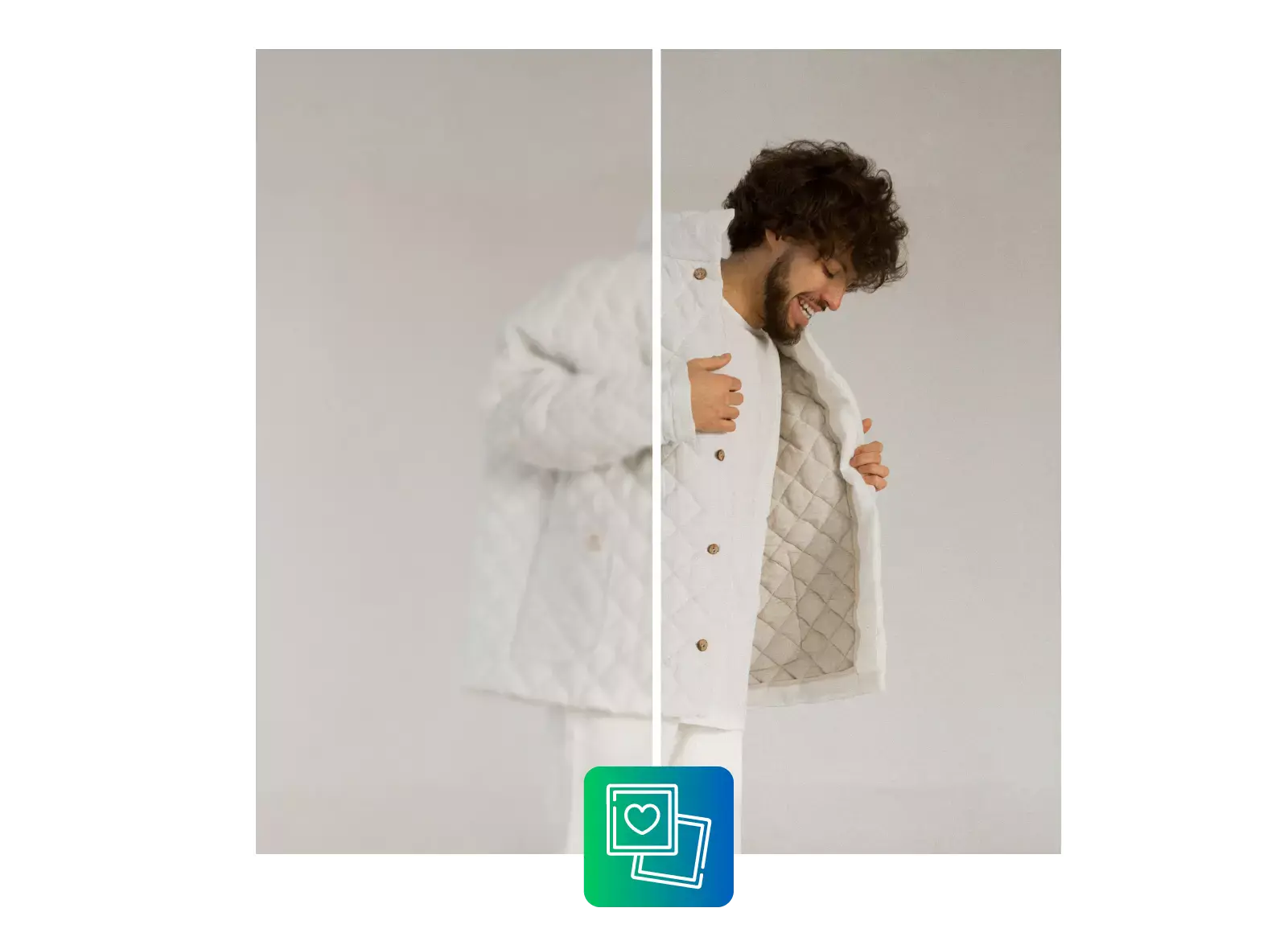
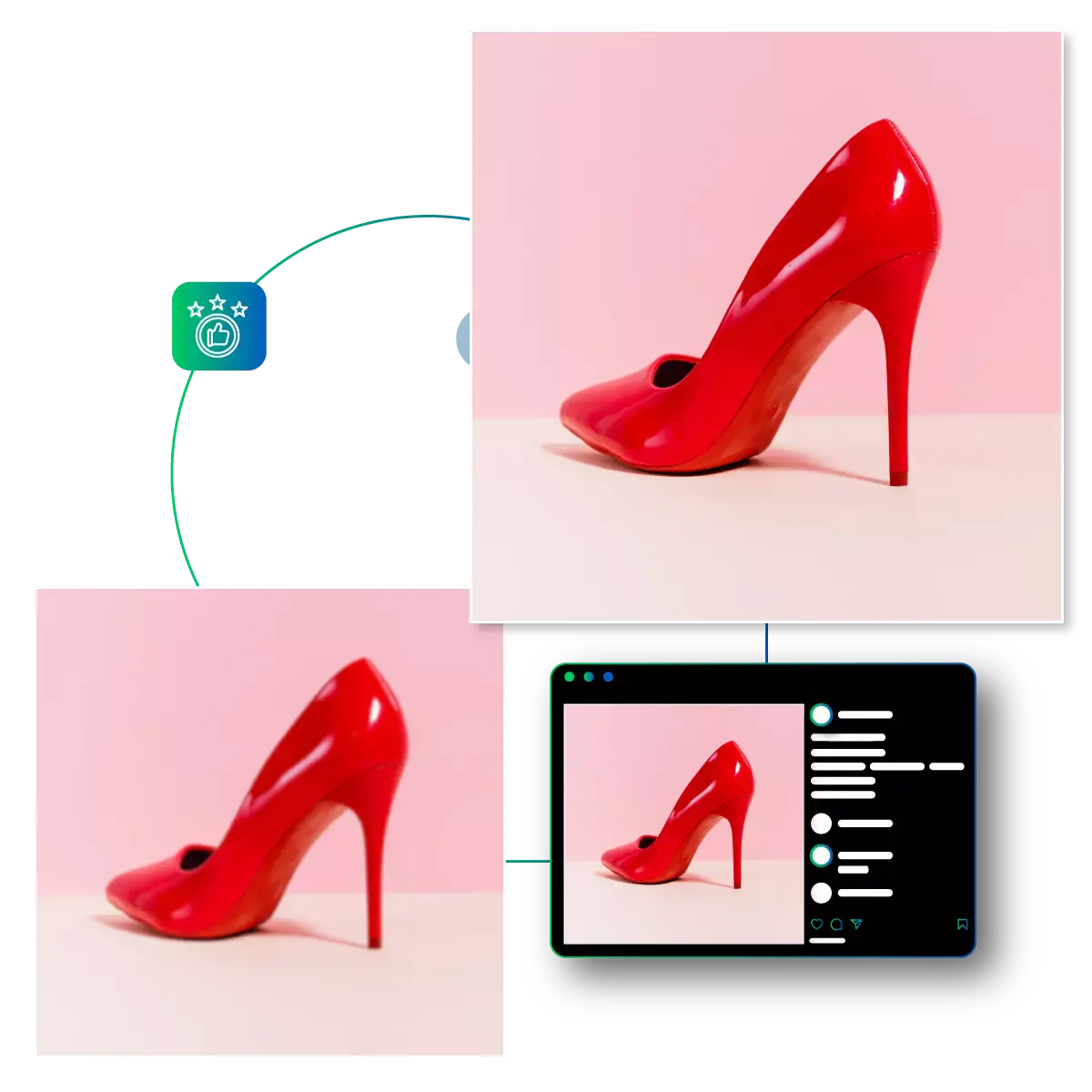
Watch your blurry photo transform, in real-time, as soon as you upload it, and our lightning-fast processing is also here. This means no waiting, and instantly, you'll see the before and after comparison, also the interface lets you toggle. In between the original and sharpened versions, you can appreciate every improved detail. This is ideal when you need quick fixes for social media posts, real estate photos, or important documents.
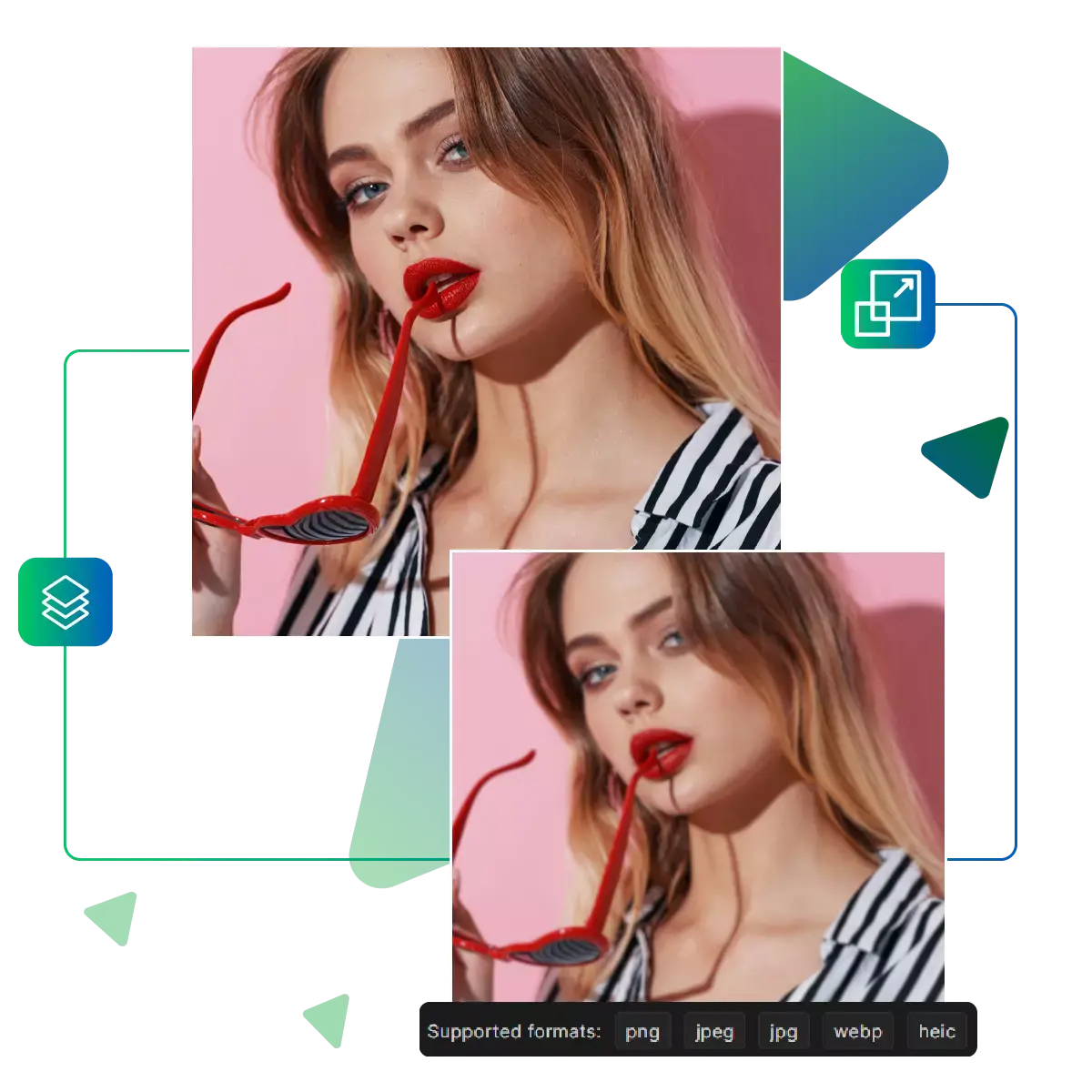
While sharpening, our technology meticulously maintains your image's original quality, as colors stay true. Also important, textures remain intact, and there's no added noise or artifacts. The result is a naturally enhanced version of your photo. That looks professionally edited, not artificially processed. This makes a huge difference for printing, professional portfolios, or when enlarging images.
Our AI automatically fixes blurry photos. This is enhancing details naturally. With no skills needed, just upload and get crisp results instantly.
Our smart technology automatically enhances blurry areas. While preserving natural details, now watch fuzzy photos transform into crisp, clear images with perfect edge definition, with no manual editing required!
See your image sharpen in real-time as you adjust settings, and get immediate before-and-after comparisons to fine-tune. On exactly how much sharpening you want before downloading.
Professional sharpening with zero cost or watermarks, with no subscriptions, no sign-ups; just upload and sharpen images for free with unlimited use!
Ever taken what should've been the perfect shot, only to find it ruined by blur? Now our AI Image Revival tool fixes. That in seconds, with no more deleting great moments, just crystal-clear memories.
Sanjay Choudhury
Riya Khanna
Aditya Kapoor
We’ve answered some of the most common questions about the Upscale.media API. If you don’t see your question here, feel free to reach out at support@pixelbin.io
What is Upscale.media API?
How can Upscale.media API be integrated into my website or app?
The API supports multiple programming languages such as React, Python, Golang, etc., and fits easily into most tech stacks. Integration is straightforward, with clear documentation to guide you through.
What kind of image transformations can be achieved with Upscale.media API?
How does Upscale.media API enhance online visual appeal?
How fast and accurate is the image upscaling with Upscale.media API?
Can Upscale.media API be used for creative design projects?
How does Upscale.media API improve digital content quality?
Is Upscale.media API adaptable for different image upscaling needs?
Can Upscale.media API be customized for specific needs?
What are the benefits of using Upscale.media API for different industries like e-commerce, marketing, and social media?