





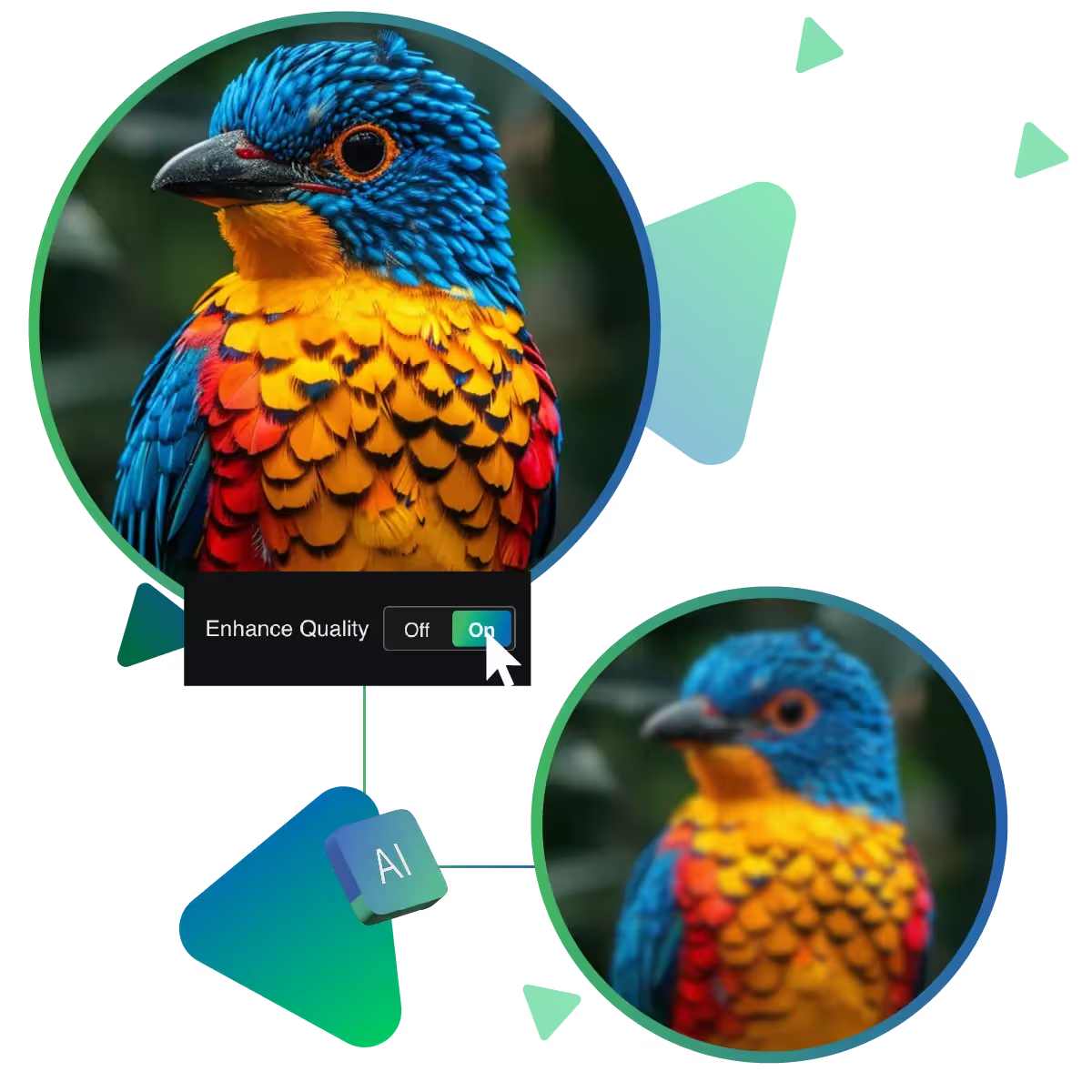
Unlock best picture quality by using free AI improver tool
The result of Upscale.media’s Picture Quality Improver is a clean. Presents high-resolution image ready for any use.
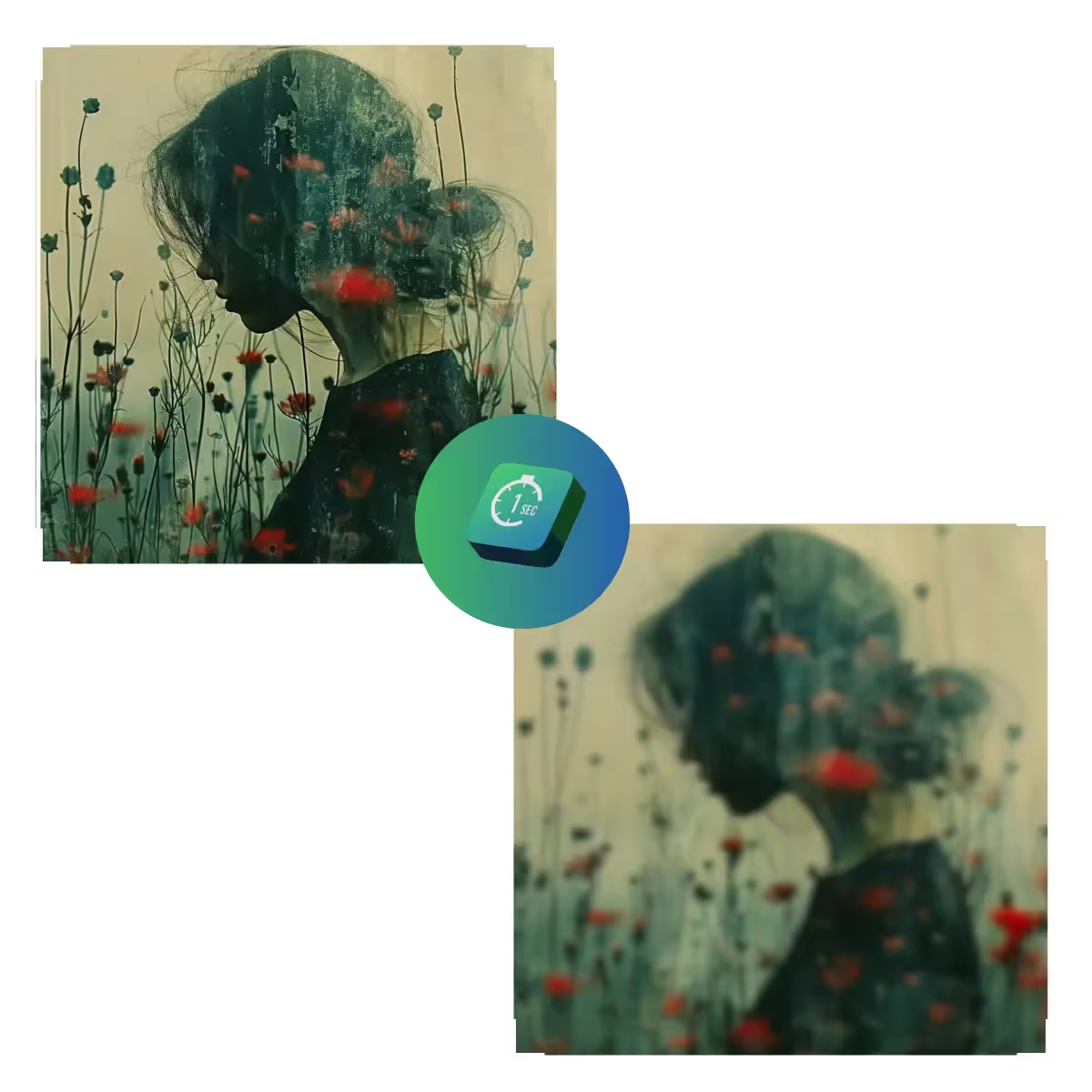
Our Picture Quality Improver uses AI to upscale, denoise, and refine photos in seconds, reviving details and sharpness effortlessly.
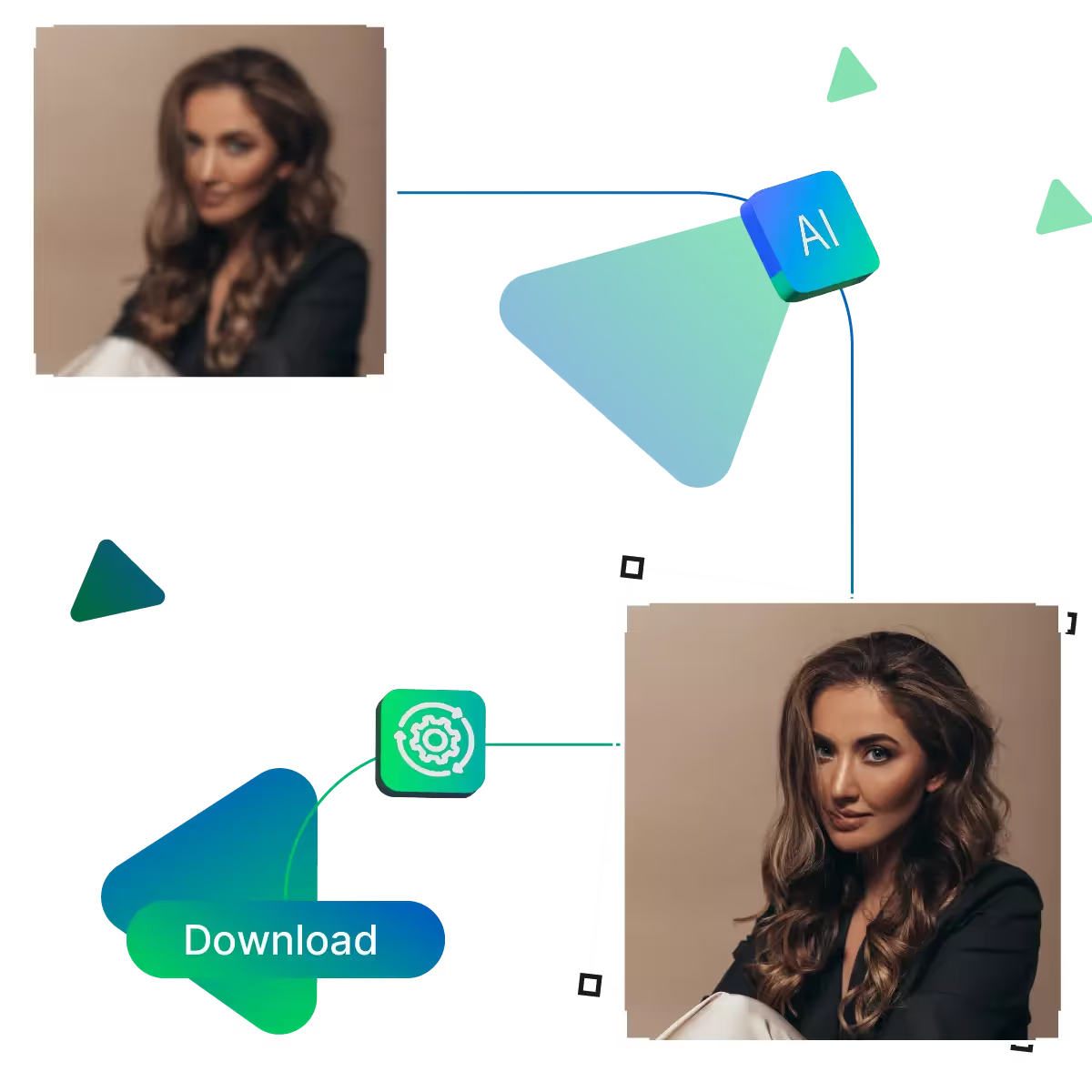
Start the process by visiting the site.
The next step is uploading the image.
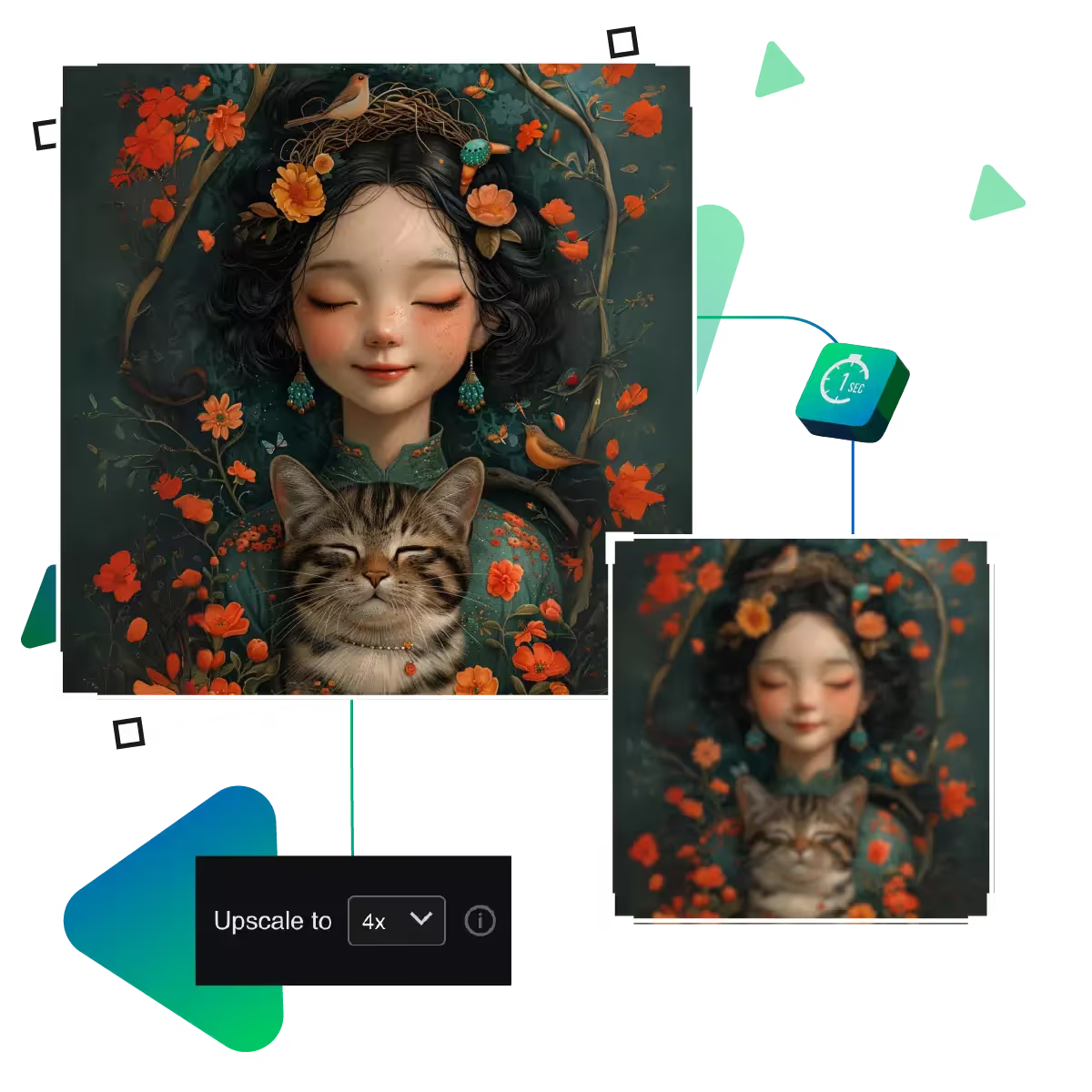
The next step is to upscale the image by using AI.
If needed, choose to 8x enlargement option for your photo.
Preview the result to check if it meets your needs.
Download the result to use it for your tasks.
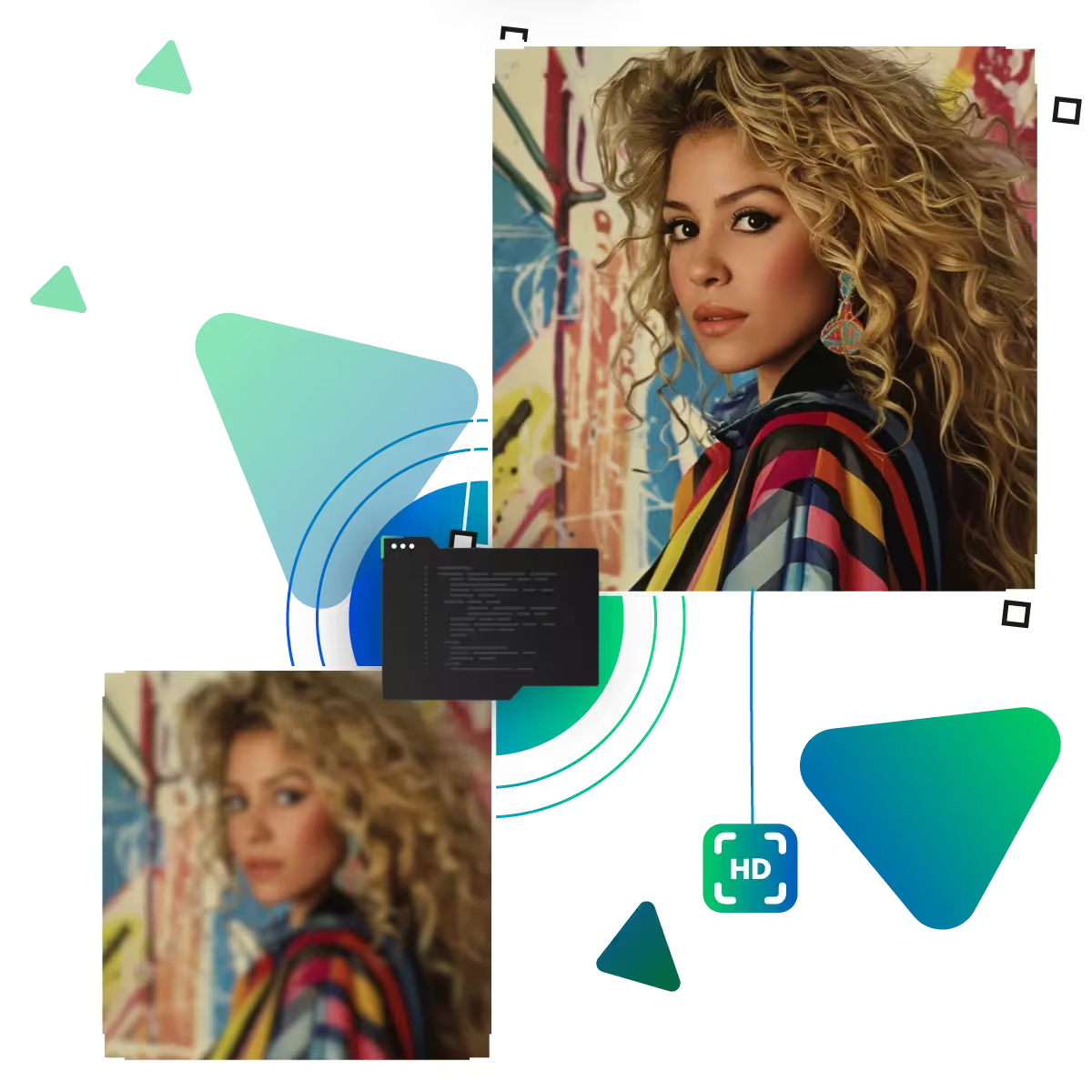
Enlarge your small photos without compromising quality. As our tool utilizes advanced technology to add missing details seamlessly, it is perfect for turning blurry snapshots into clear, sharp images you can print or share.
Start improving your photos in seconds with our simple upload system. You just select your picture from your device. With no complicated steps needed, it works with all common image types and sizes, and you'll see your photo ready for enhancement right away, making the whole process fast and hassle-free from start to finish.
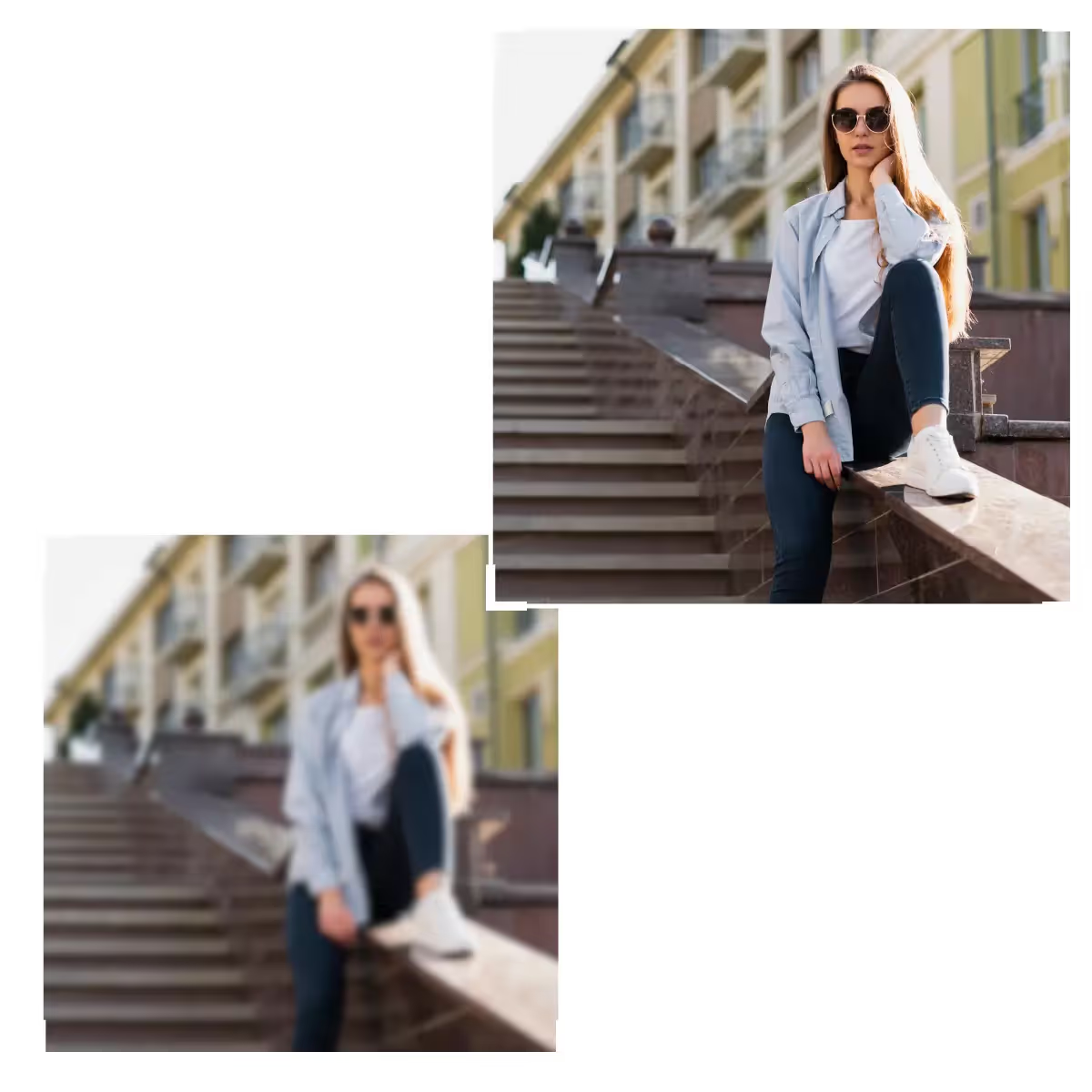
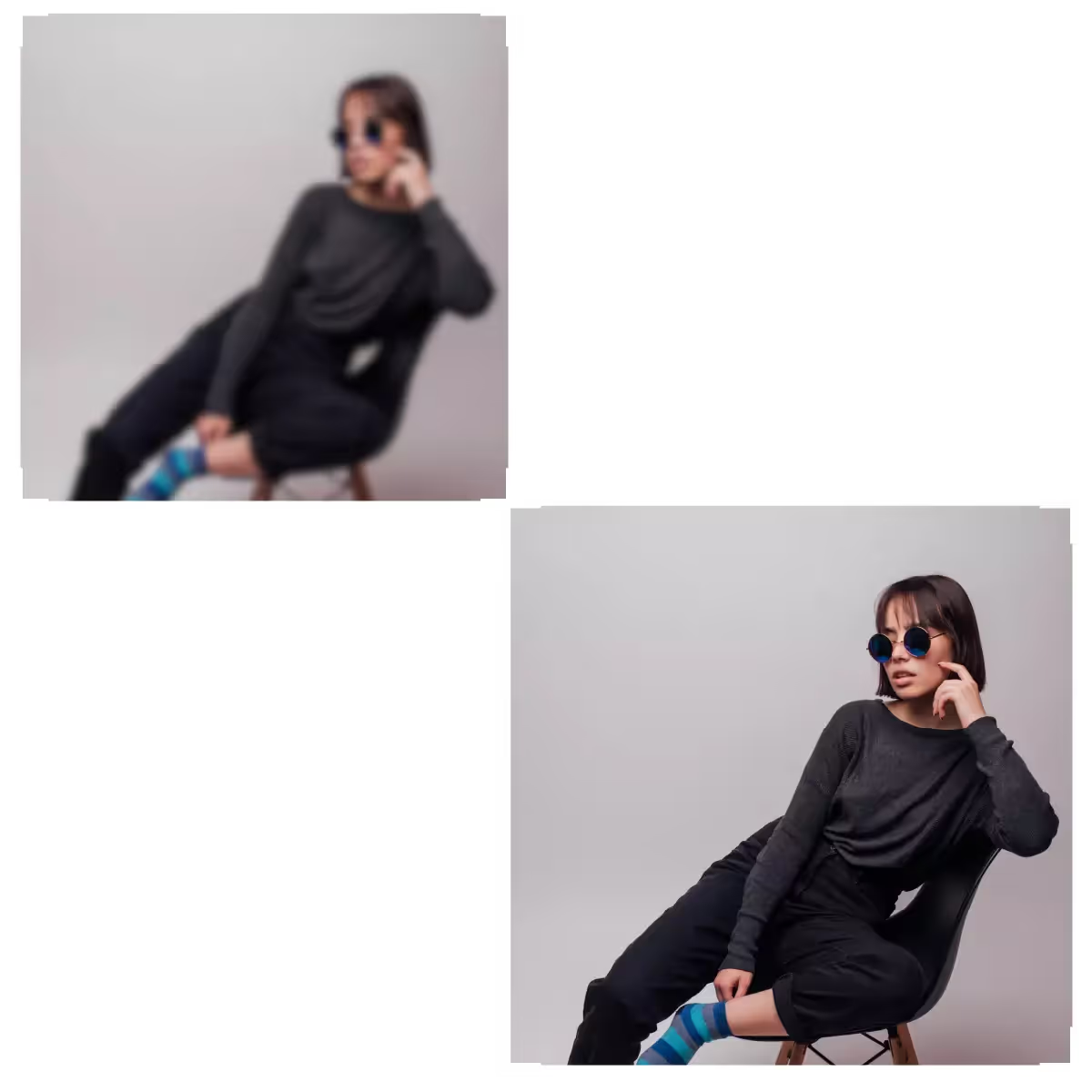
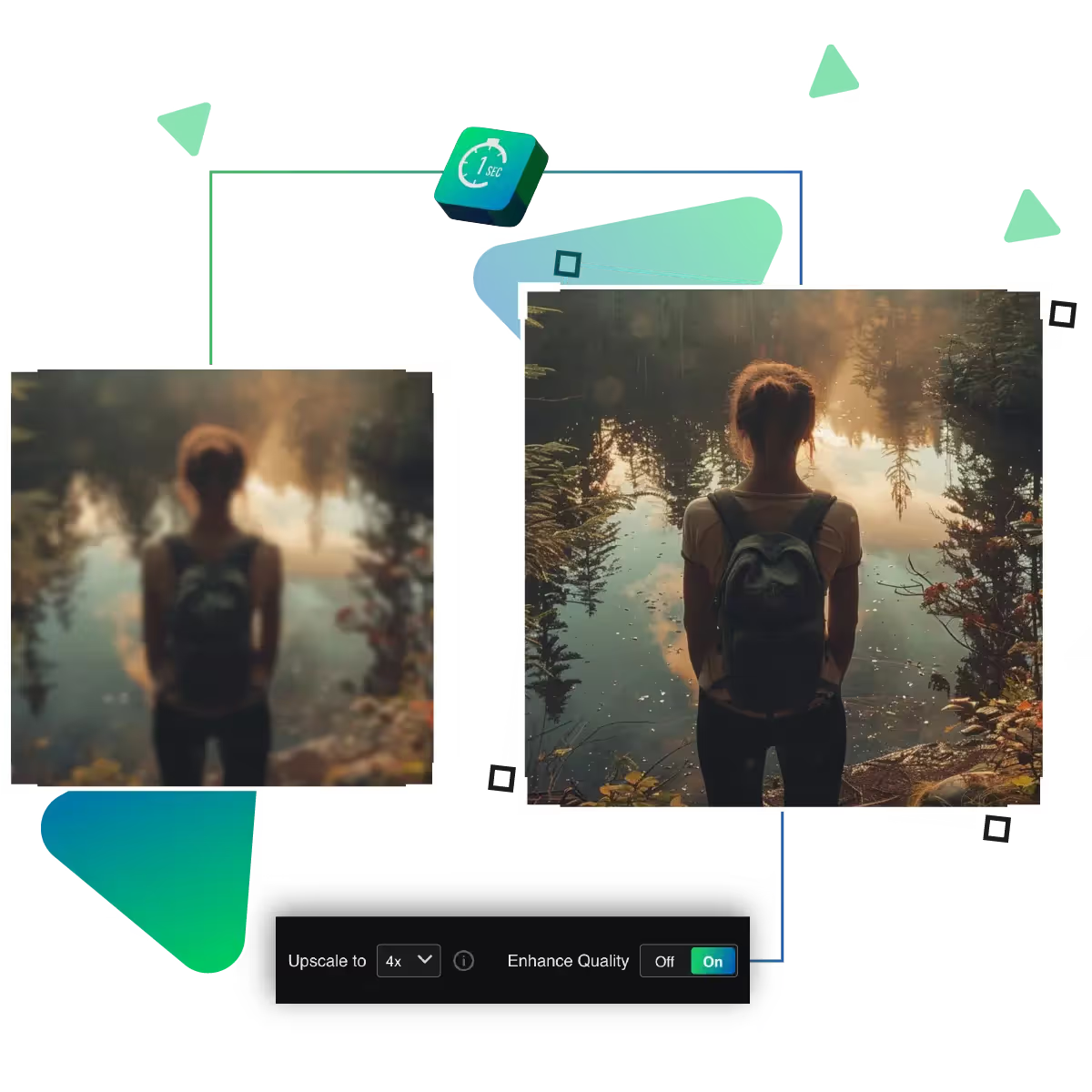
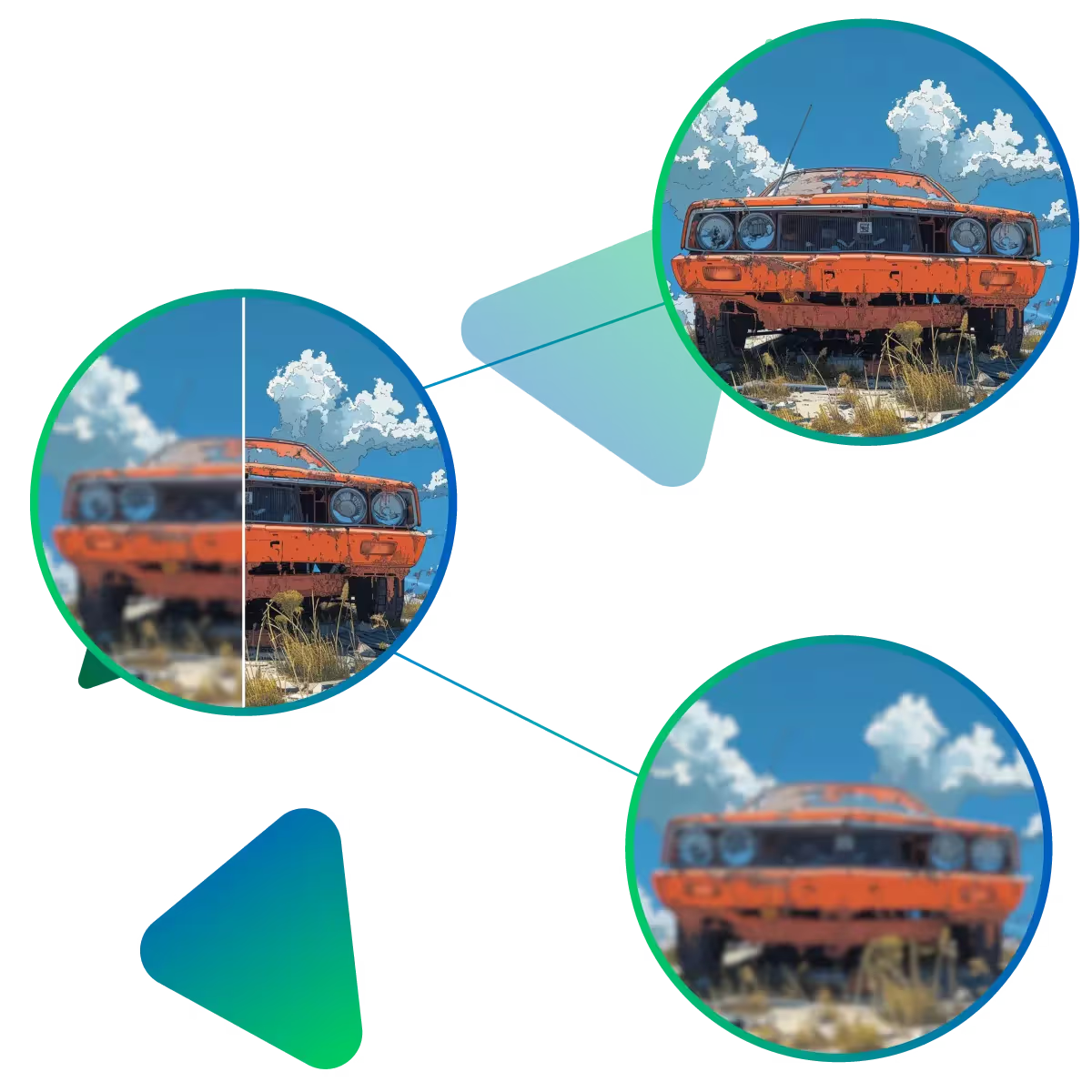
See exactly how your photo improves before saving it, as the split-screen view shows your original next to the enhanced version, and you can check all the details are perfect before downloading. The tool helps you get the result you want without any guesswork.
Now to turn blurry photos into sharp, clear images with Upscale.media’s Picture Quality Improver.
Our AI carefully increases the image size while preserving all important details, it is perfect for enlarging family photos or zooming in up to 8x, on important shots without losing sharpness.
Improving your pictures takes just moments, just select your image, and our system starts working immediately, and there’s no waiting around; within seconds. You’ll see a clearer, more detailed version of your photo.
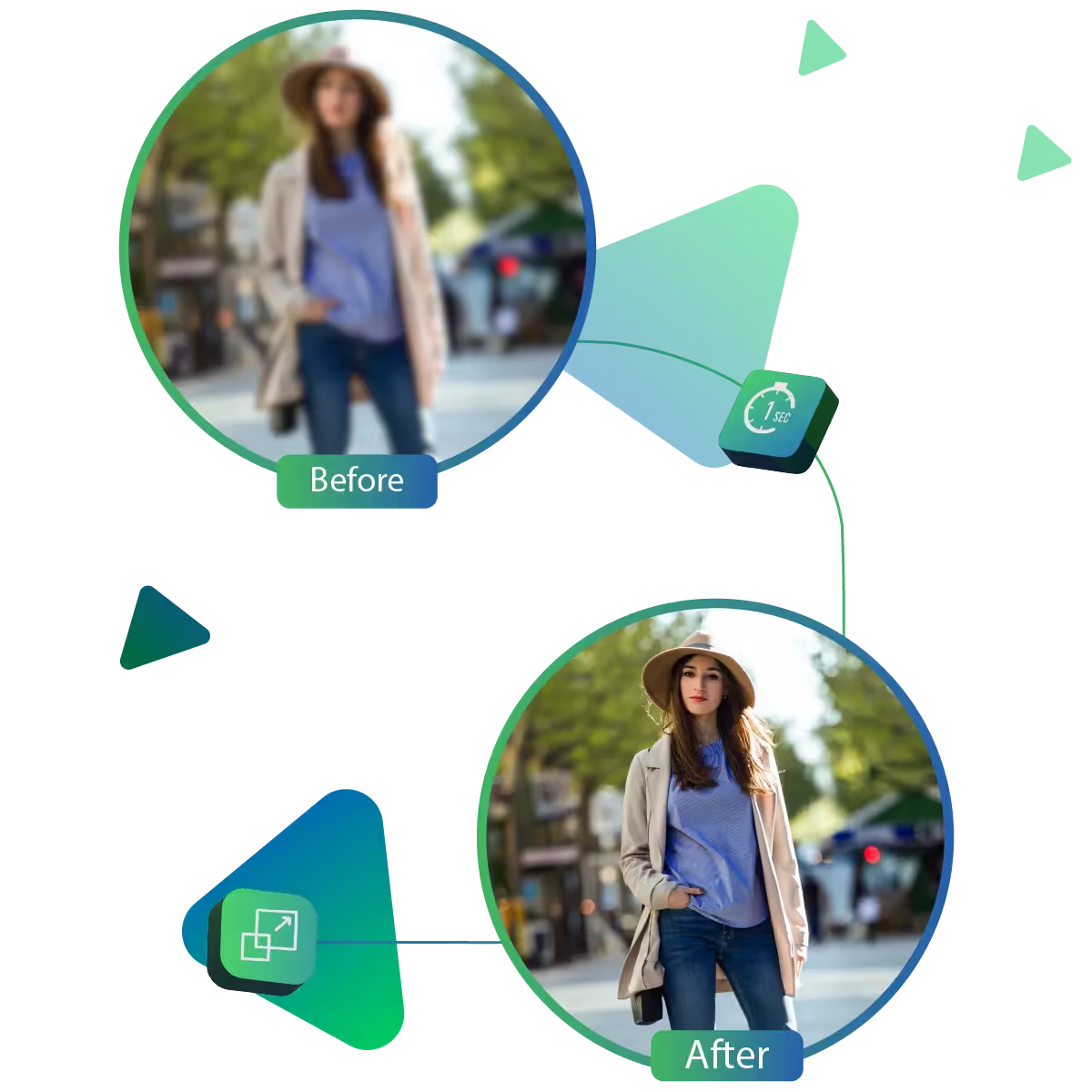
Watch your image transform right before your eyes! The tool displays the before-and-after results side by side, allowing you to see the improvement instantly.
The result of Upscale.media’s Picture Quality Improver is a clean. Presents high-resolution image ready for any use.
Sanjay Choudhury
Riya Khanna
Aditya Kapoor
We’ve answered some of the most common questions about the Upscale.media API. If you don’t see your question here, feel free to reach out at support@pixelbin.io
What is Upscale.media API?
How can Upscale.media API be integrated into my website or app?
The API supports multiple programming languages such as React, Python, Golang, etc., and fits easily into most tech stacks. Integration is straightforward, with clear documentation to guide you through.
What kind of image transformations can be achieved with Upscale.media API?
How does Upscale.media API enhance online visual appeal?
How fast and accurate is the image upscaling with Upscale.media API?
Can Upscale.media API be used for creative design projects?
How does Upscale.media API improve digital content quality?
Is Upscale.media API adaptable for different image upscaling needs?
Can Upscale.media API be customized for specific needs?
What are the benefits of using Upscale.media API for different industries like e-commerce, marketing, and social media?