





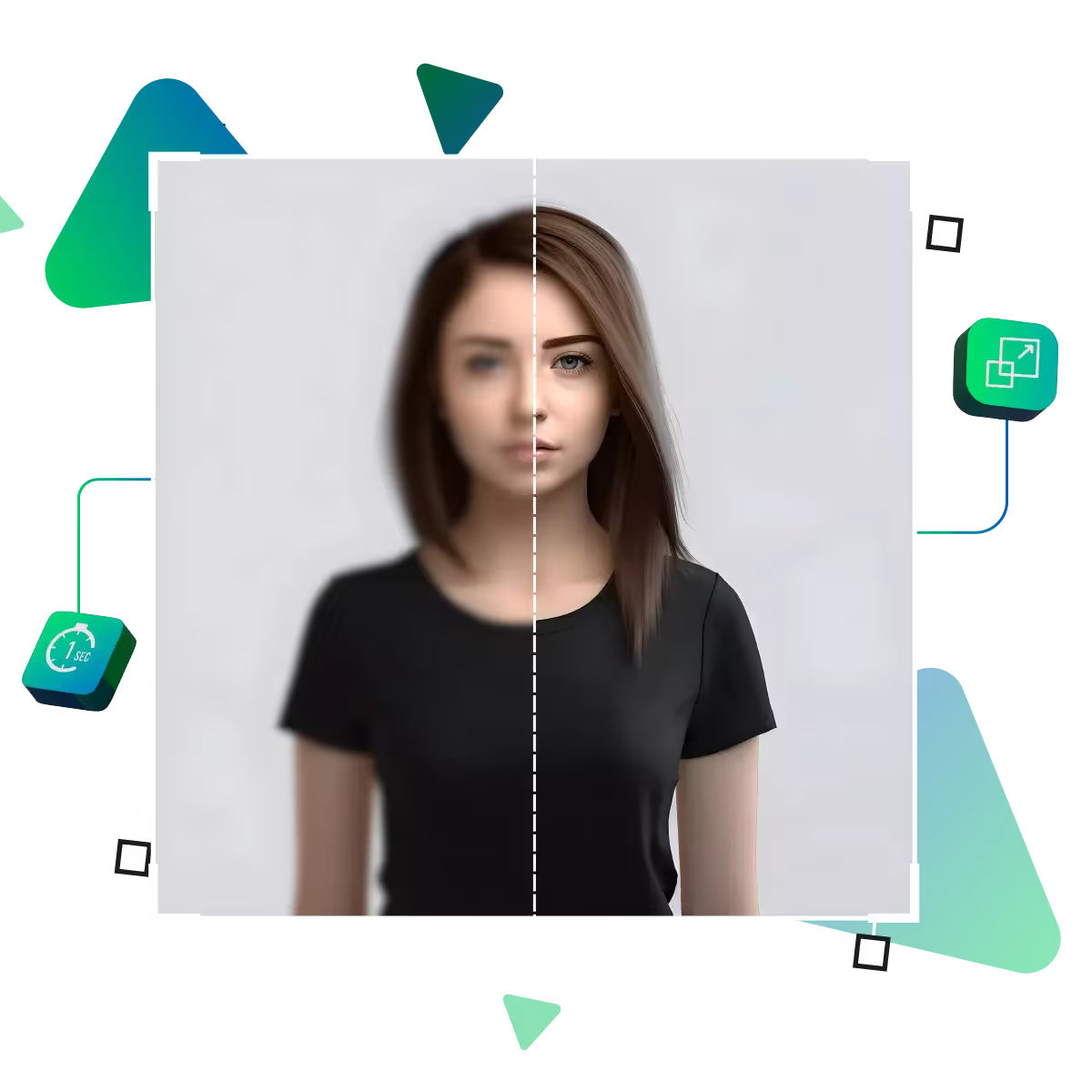
Now unlock the best quality with Pic Enhancer online tool
Upscale.media’s pic enhancer is your simple solution for transforming ordinary images into high-quality visuals, that is fast and accessible.
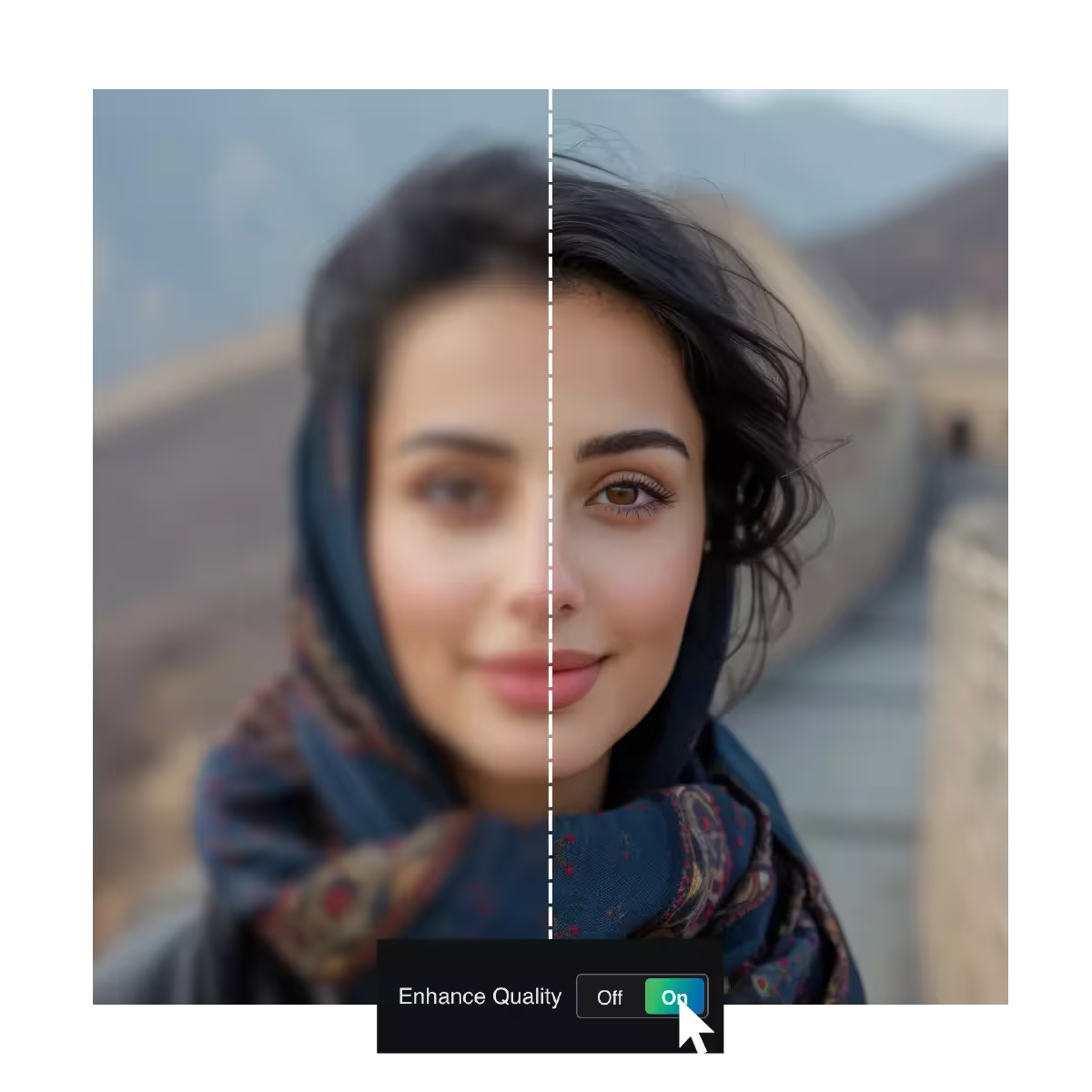
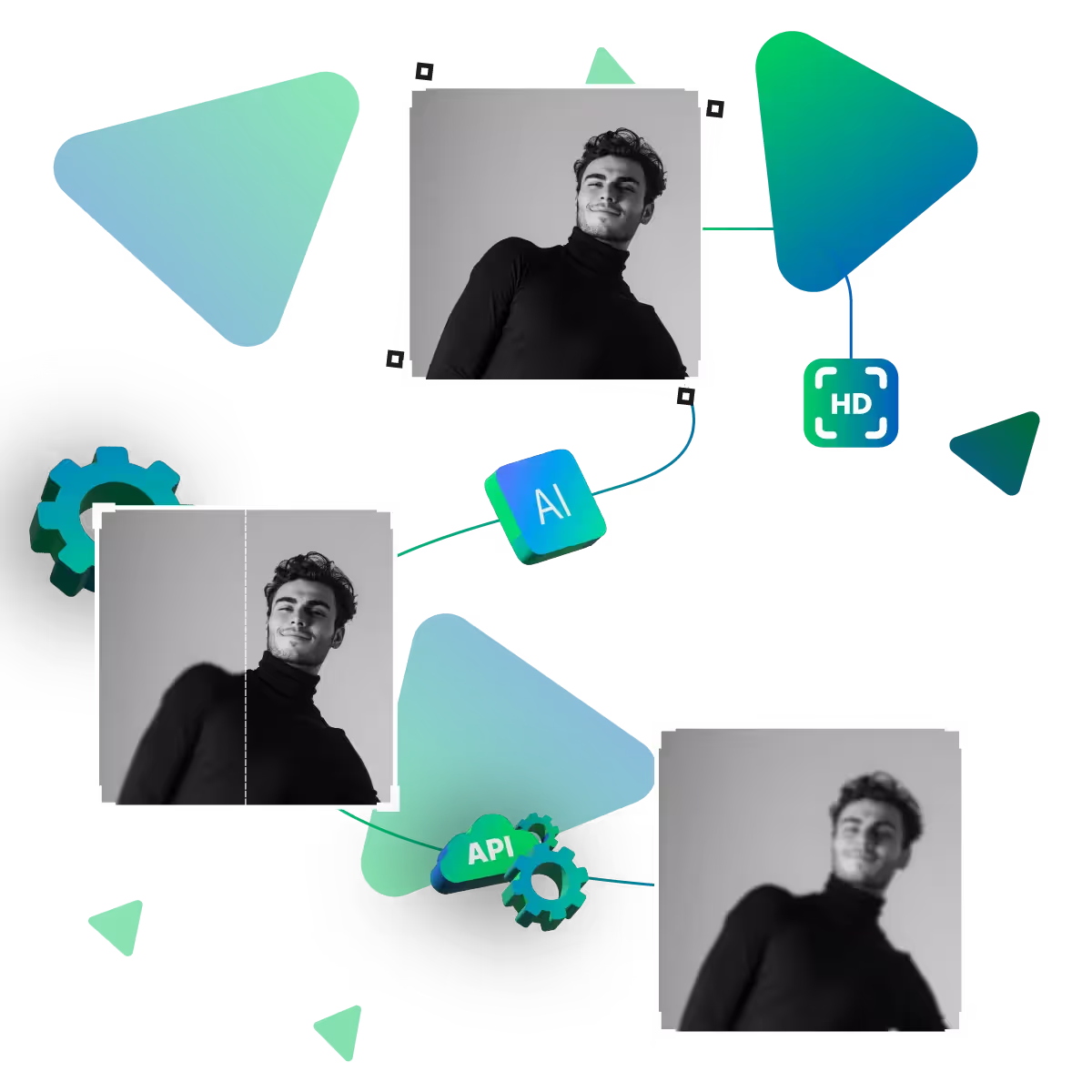
If you're looking to elevate your images effortlessly, Upscale.media's Pic Enhancer utilizes cutting-edge AI. The tool refines, sharpens, and upscales photos with stunning precision.
First, start by visiting the upscale.media site.
Here, choose and upload your picture that needs to be changed.
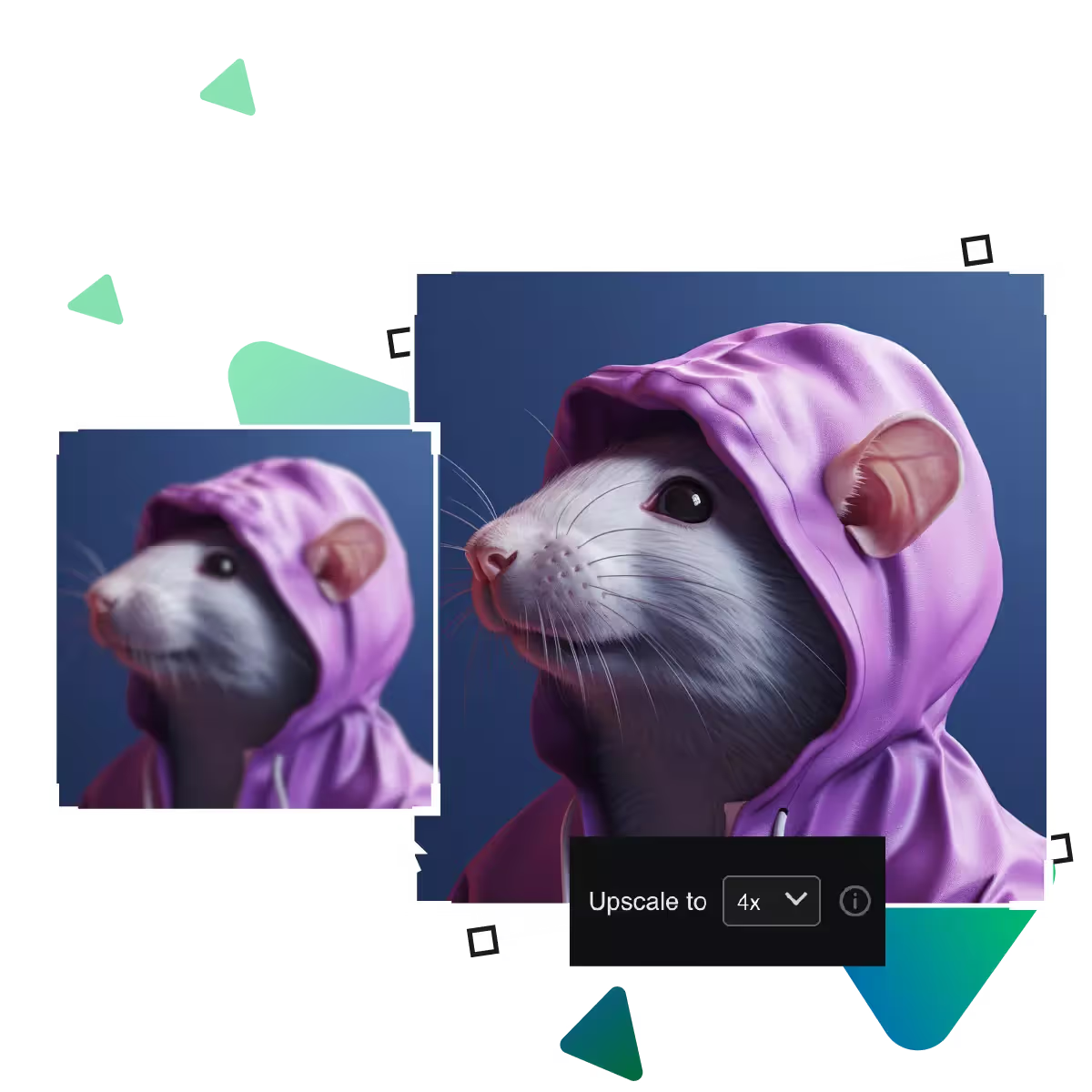
From 2x, 4x, or 8x enlargement option, choose your preferred one.
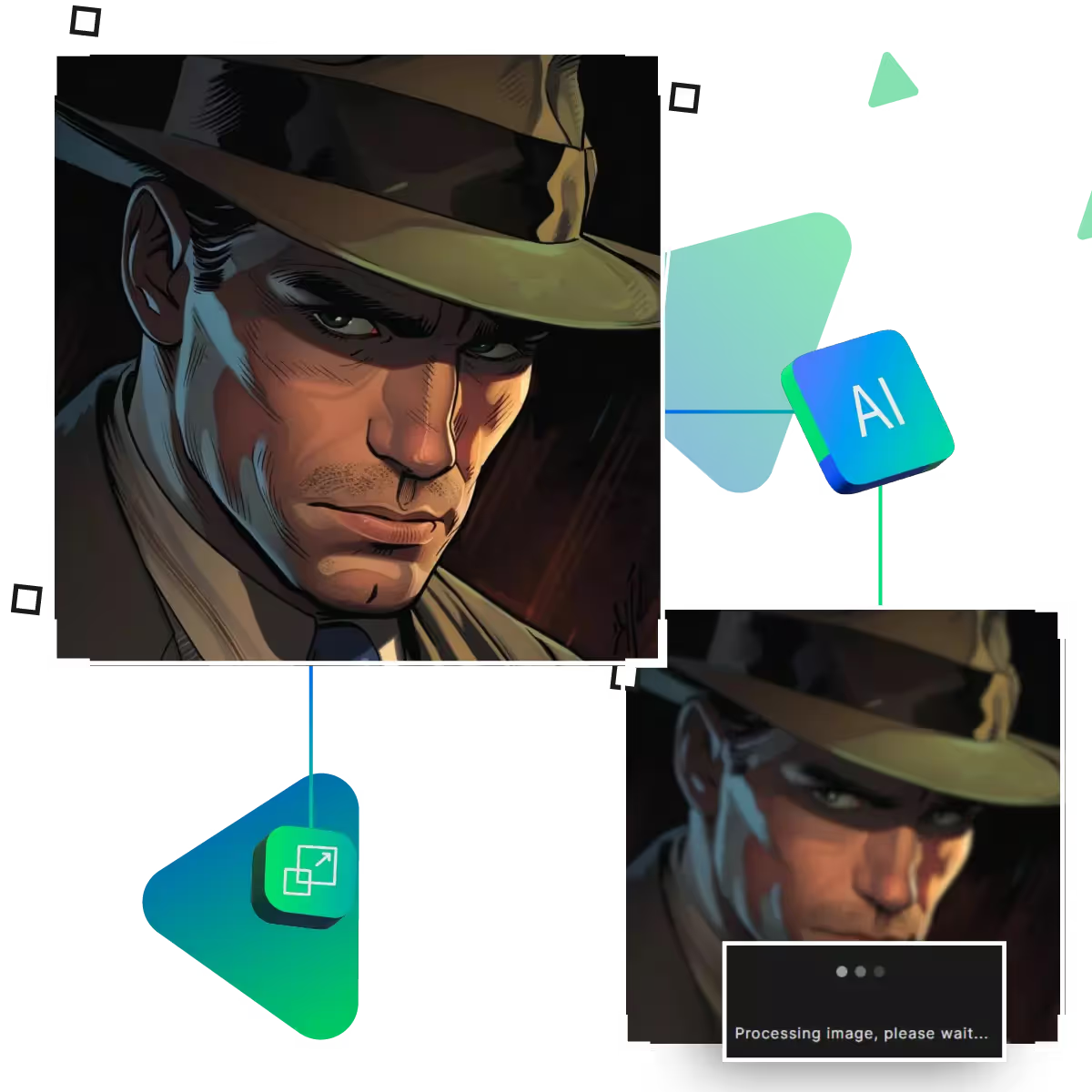
Here, AI will upscale your images automatically.
This step offers you an option to view your images and see if it meet your needs.
In the final step, you can download your photos and use them.
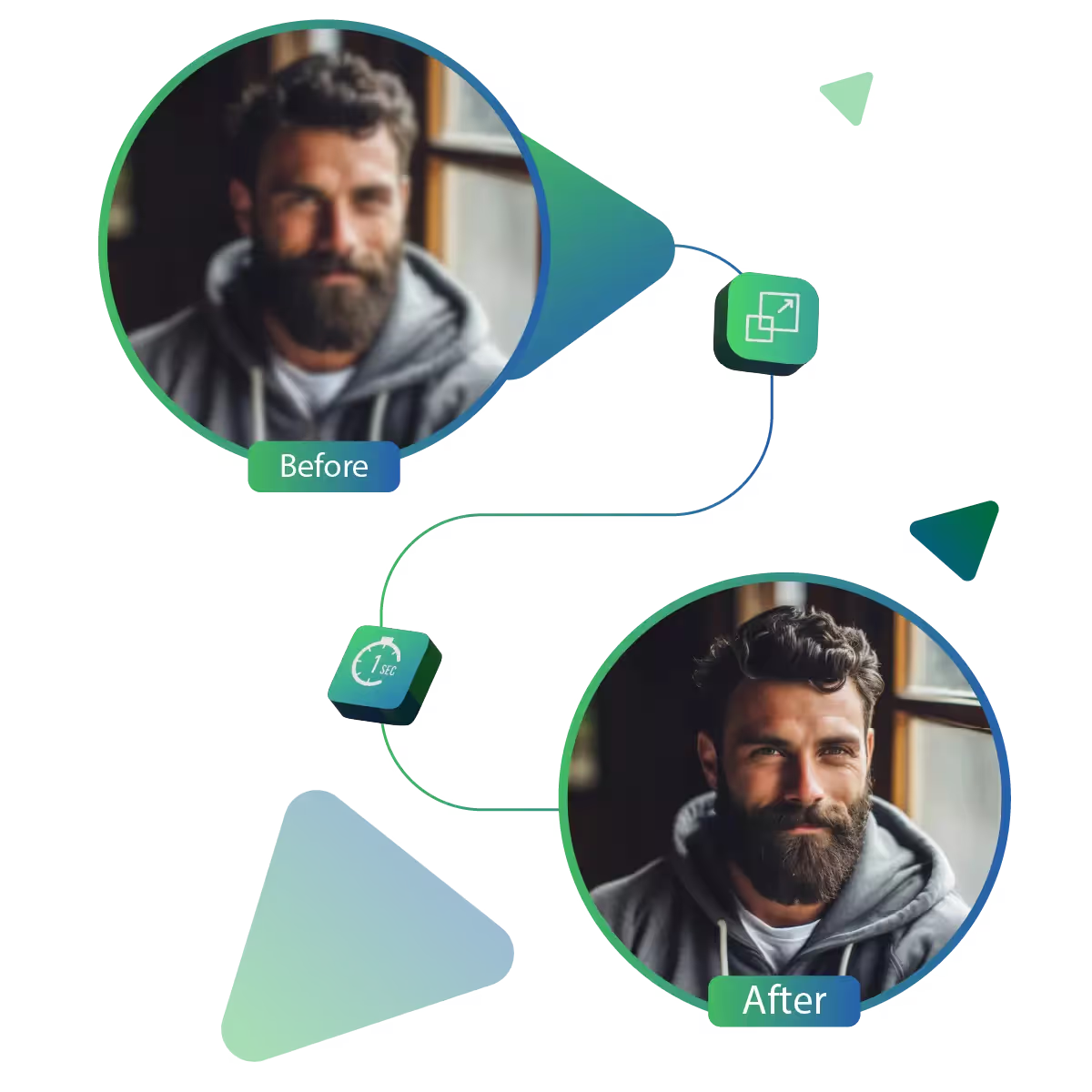
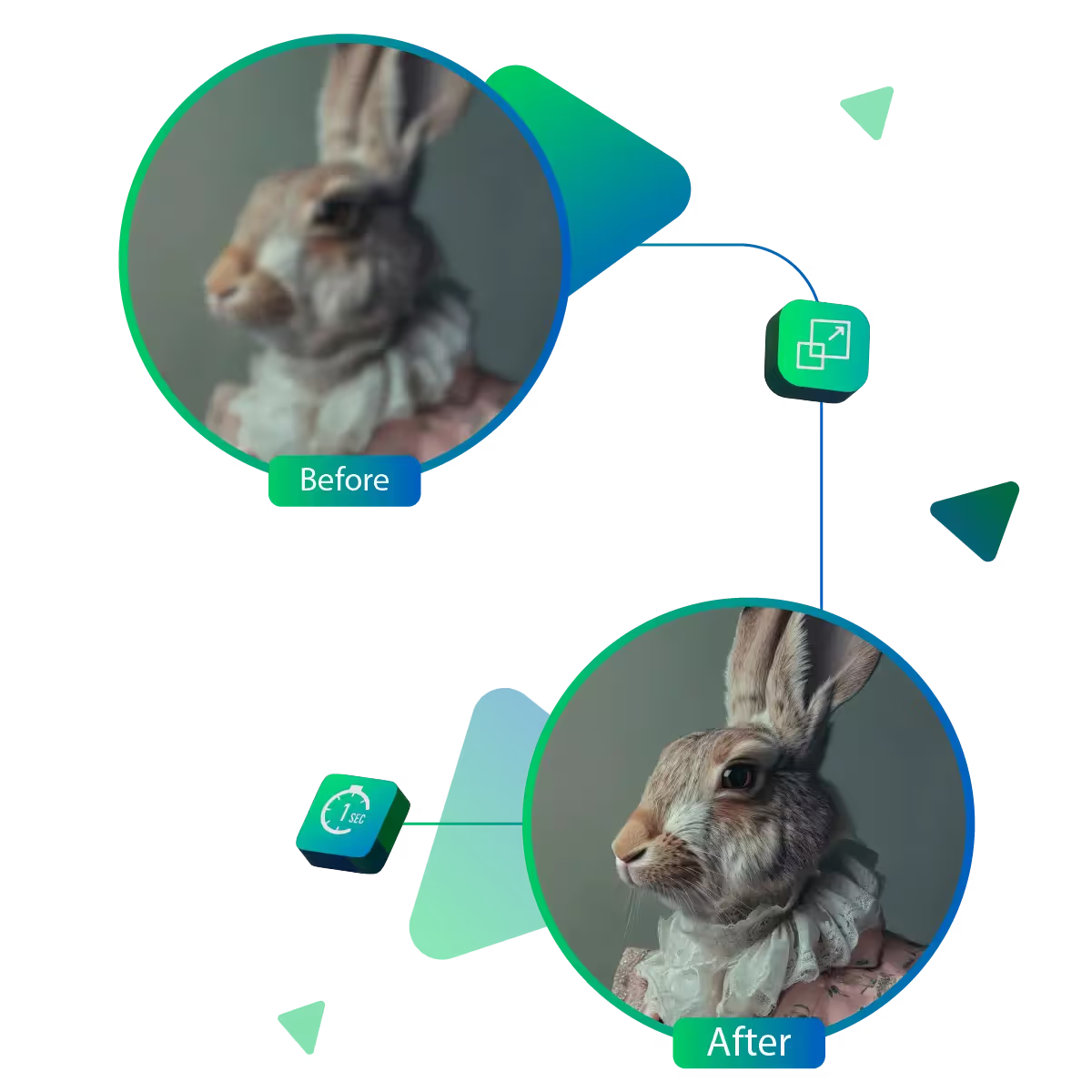
This tool transforms your photos into sharp, clear ones with a single click, as the tool enhances overall visibility and focus. With this, your pictures will instantly look more refined and crisp. The tool makes it easier to appreciate every part of the image. That too, without needing to manually edit anything.
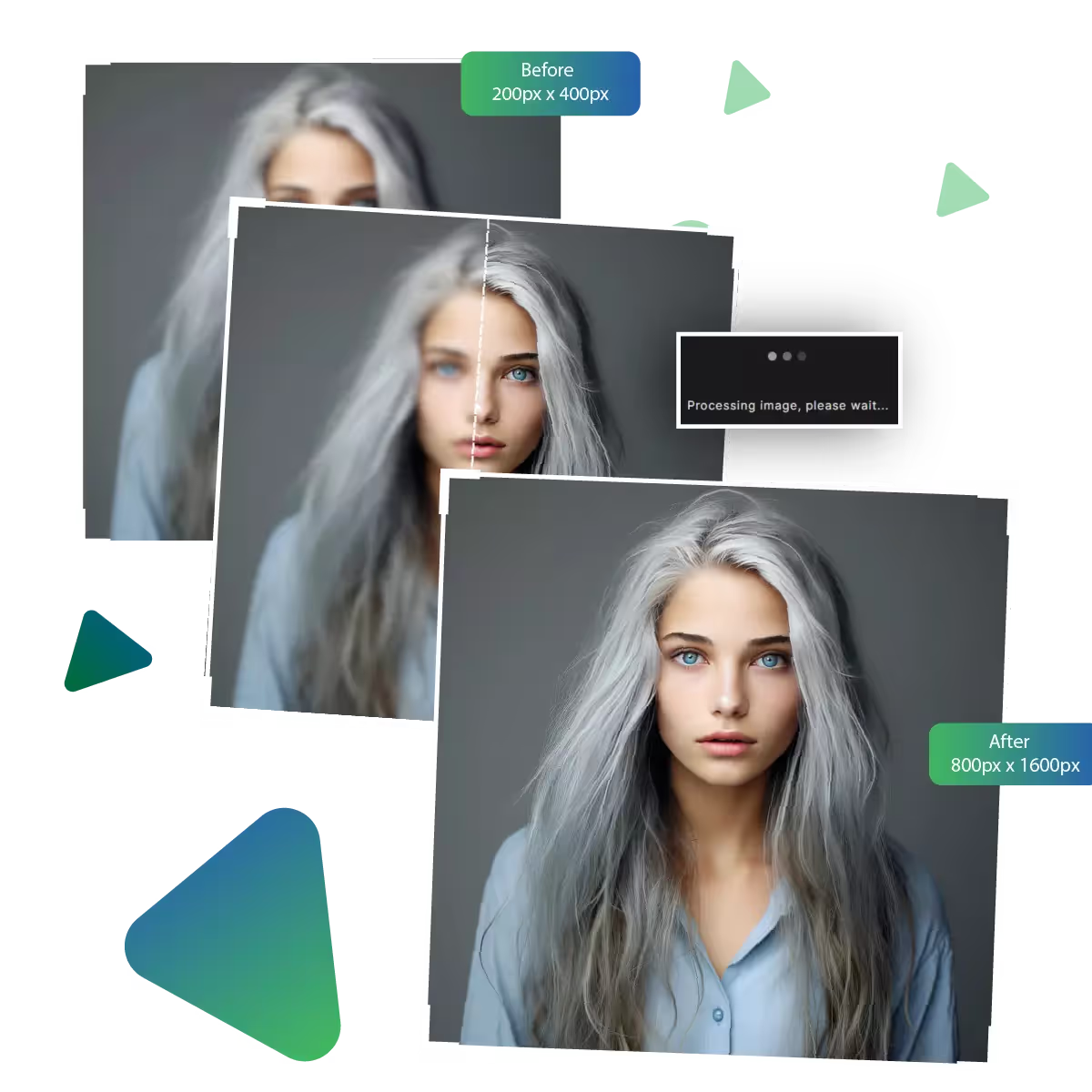
When your photo appears grainy, pixelated, or of low quality, this tool helps improve its appearance. It upgrades the resolution and overall appearance, making images appear cleaner and more defined. Great for both digital sharing and printing, the upgraded quality helps your photo stand out with clarity, whether it’s displayed or used.
Sometimes photos have rough patches or visual noise. And the result is softer and more visually appealing than that, too, without altering the natural feel of the picture.
With Upscale.media’s pic enhancer, you can quickly give your images a new life. This easy-to-use tool offers impressive upgrades without any need for technical skills.
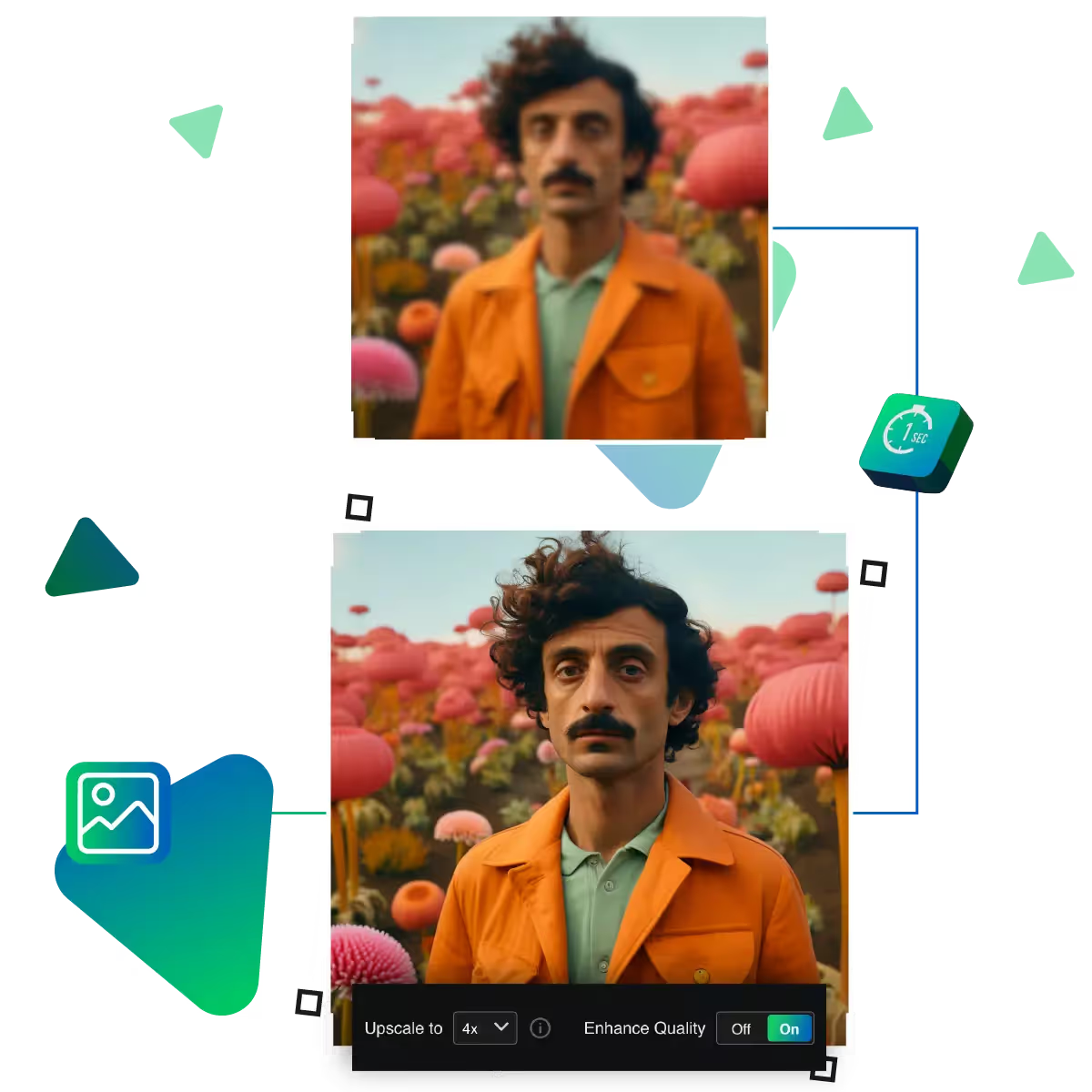
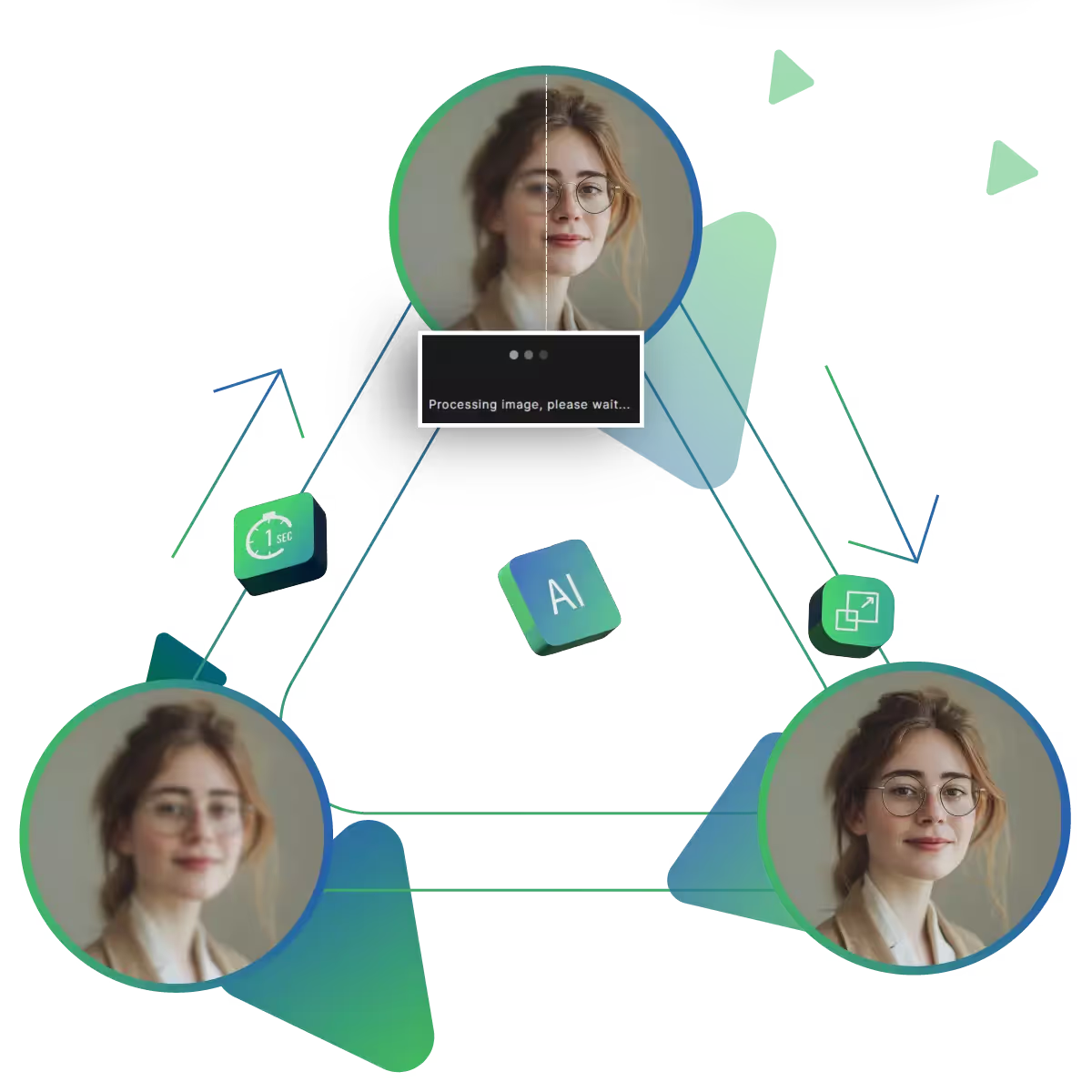
If your photo feels off, this tool can instantly improve it. With one click, it refreshes your image by addressing common quality issues. You won’t need to adjust anything, just upload and watch your picture become clearer and sharper in seconds.
Designed for everyone, the layout is simple and welcoming, whether you’re new to photo editing or just want a quick result. The process is smooth, just upload, enhance, and download, with no complicated steps, no confusion.
Your photo’s hidden details deserve attention, as this tool enhances small features like edges, lines, and textures. The tool makes the image look more defined and focused. That too, without needing any manual adjustments. Now your photo becomes more polished and visually appealing.
Upscale.media’s pic enhancer is your simple solution for transforming ordinary images into high-quality visuals, that is fast and accessible.
Sanjay Choudhury
Riya Khanna
Aditya Kapoor
We’ve answered some of the most common questions about the Upscale.media API. If you don’t see your question here, feel free to reach out at support@pixelbin.io
What is Upscale.media API?
How can Upscale.media API be integrated into my website or app?
The API supports multiple programming languages such as React, Python, Golang, etc., and fits easily into most tech stacks. Integration is straightforward, with clear documentation to guide you through.
What kind of image transformations can be achieved with Upscale.media API?
How does Upscale.media API enhance online visual appeal?
How fast and accurate is the image upscaling with Upscale.media API?
Can Upscale.media API be used for creative design projects?
How does Upscale.media API improve digital content quality?
Is Upscale.media API adaptable for different image upscaling needs?
Can Upscale.media API be customized for specific needs?
What are the benefits of using Upscale.media API for different industries like e-commerce, marketing, and social media?