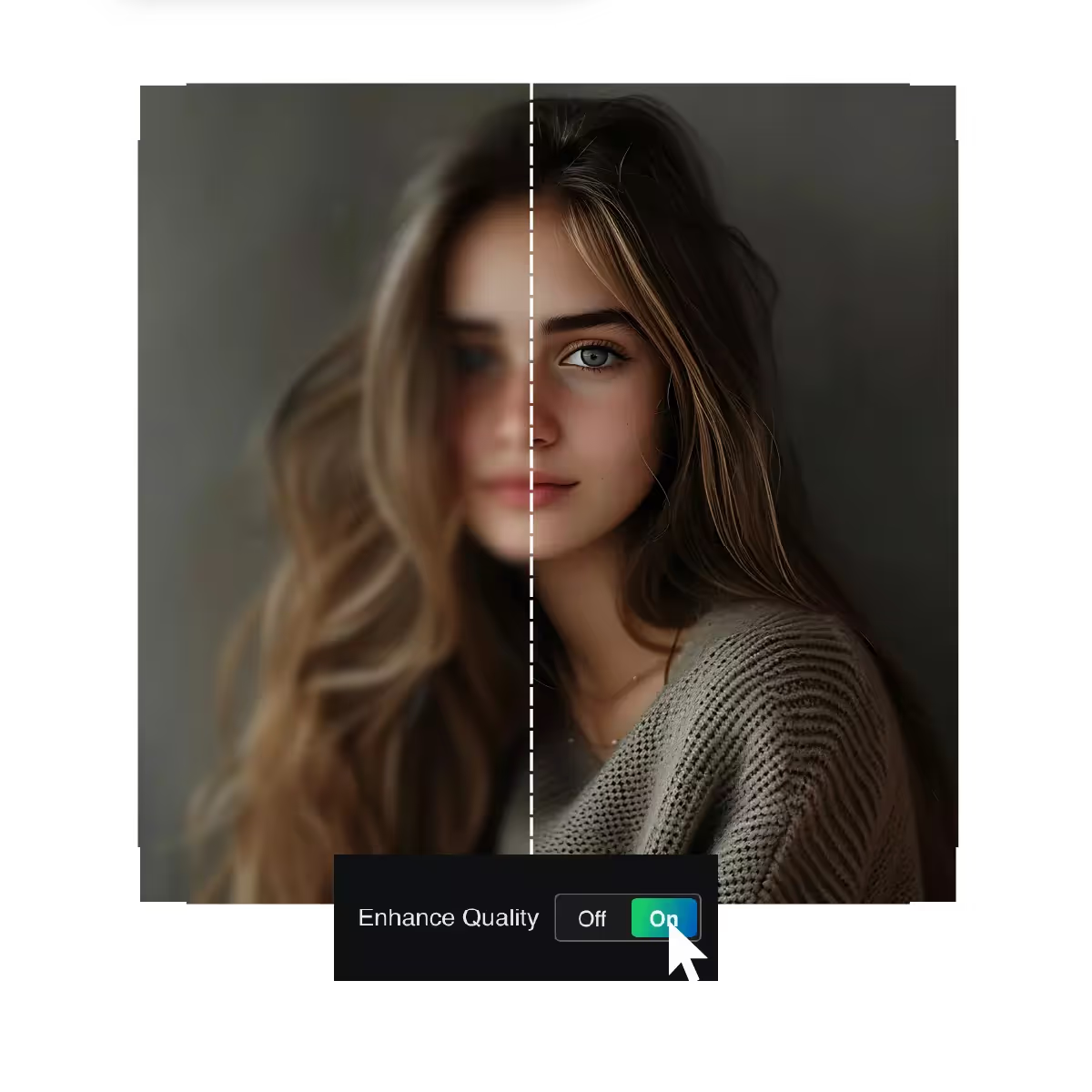






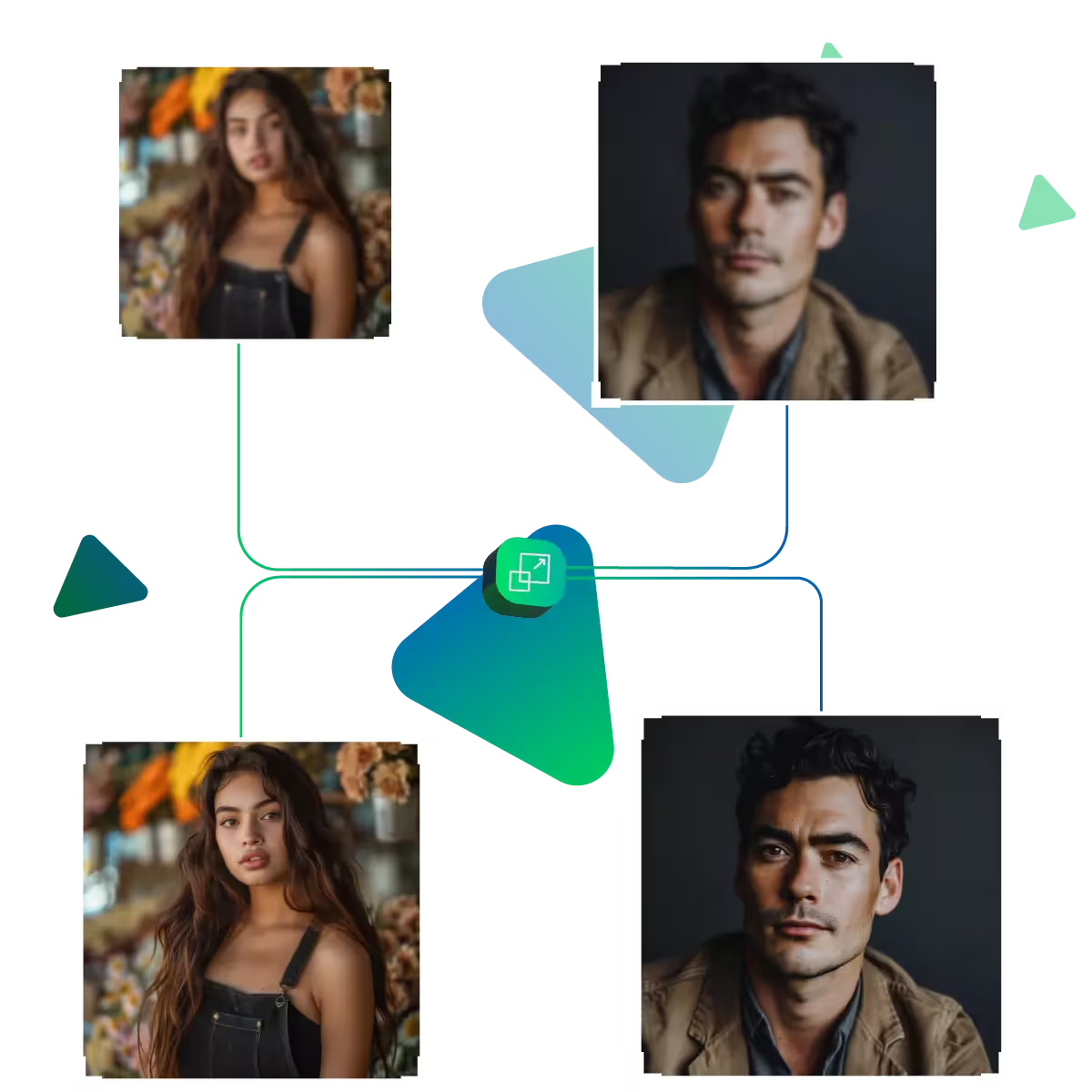
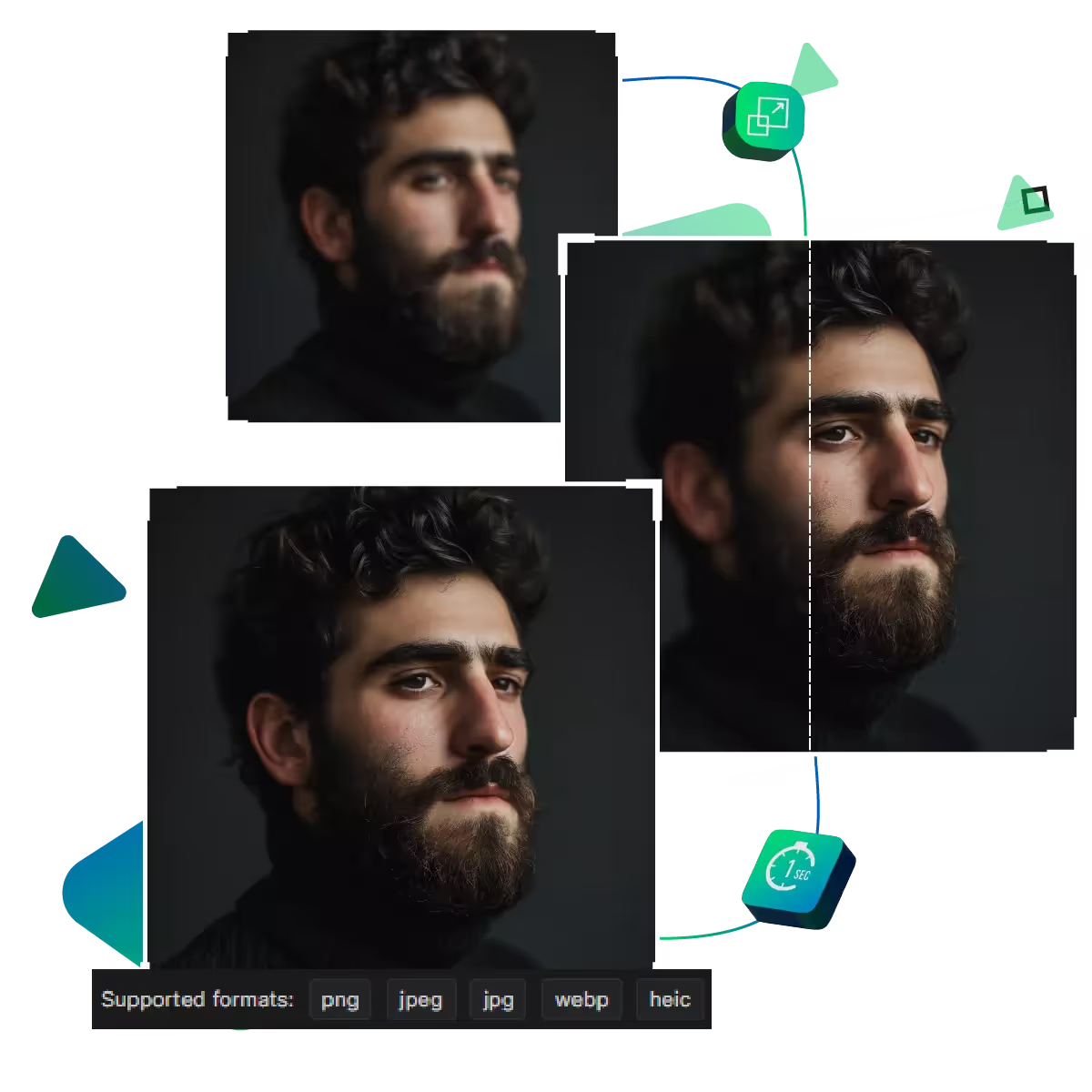
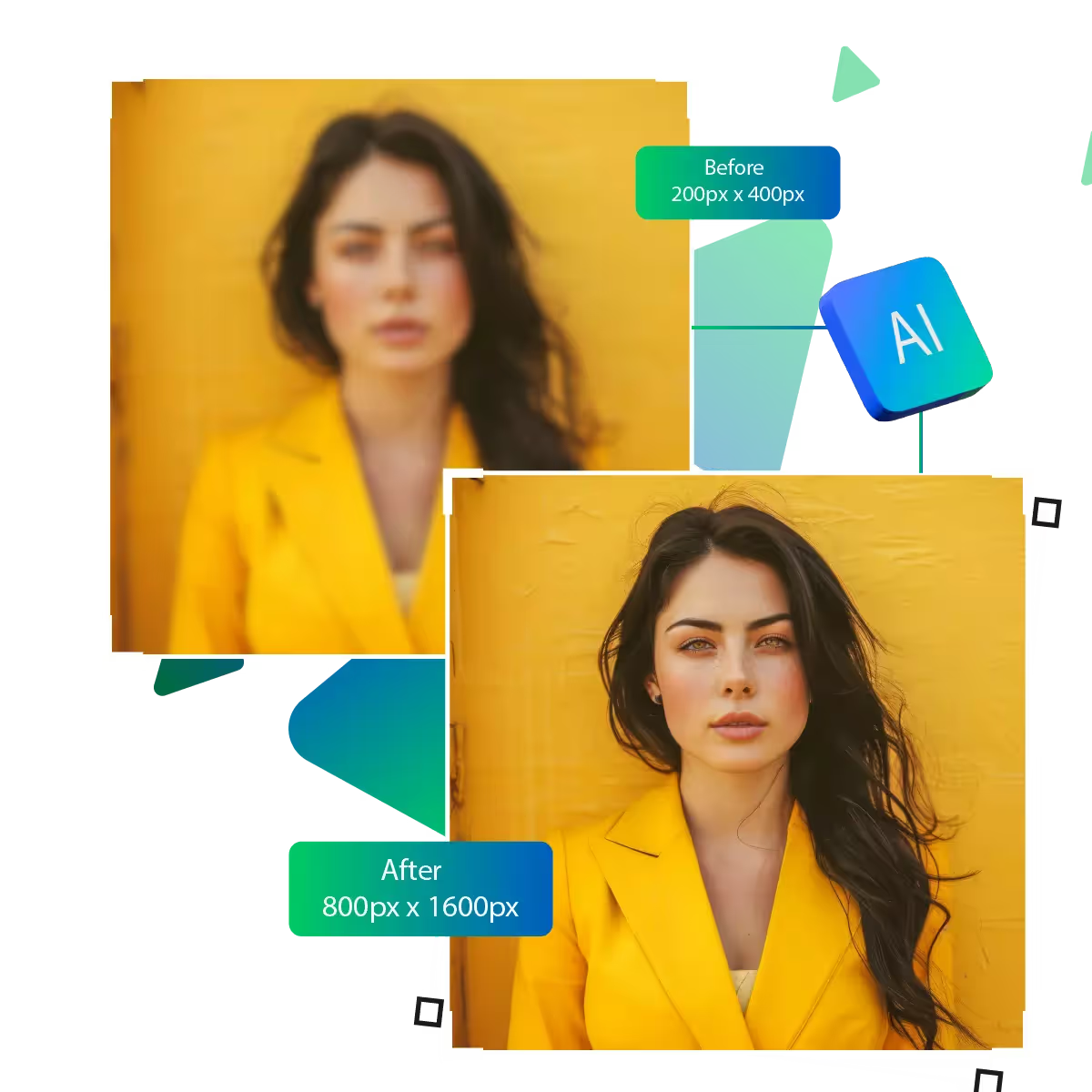
Now improve image resolution online free with an upscale AI tool
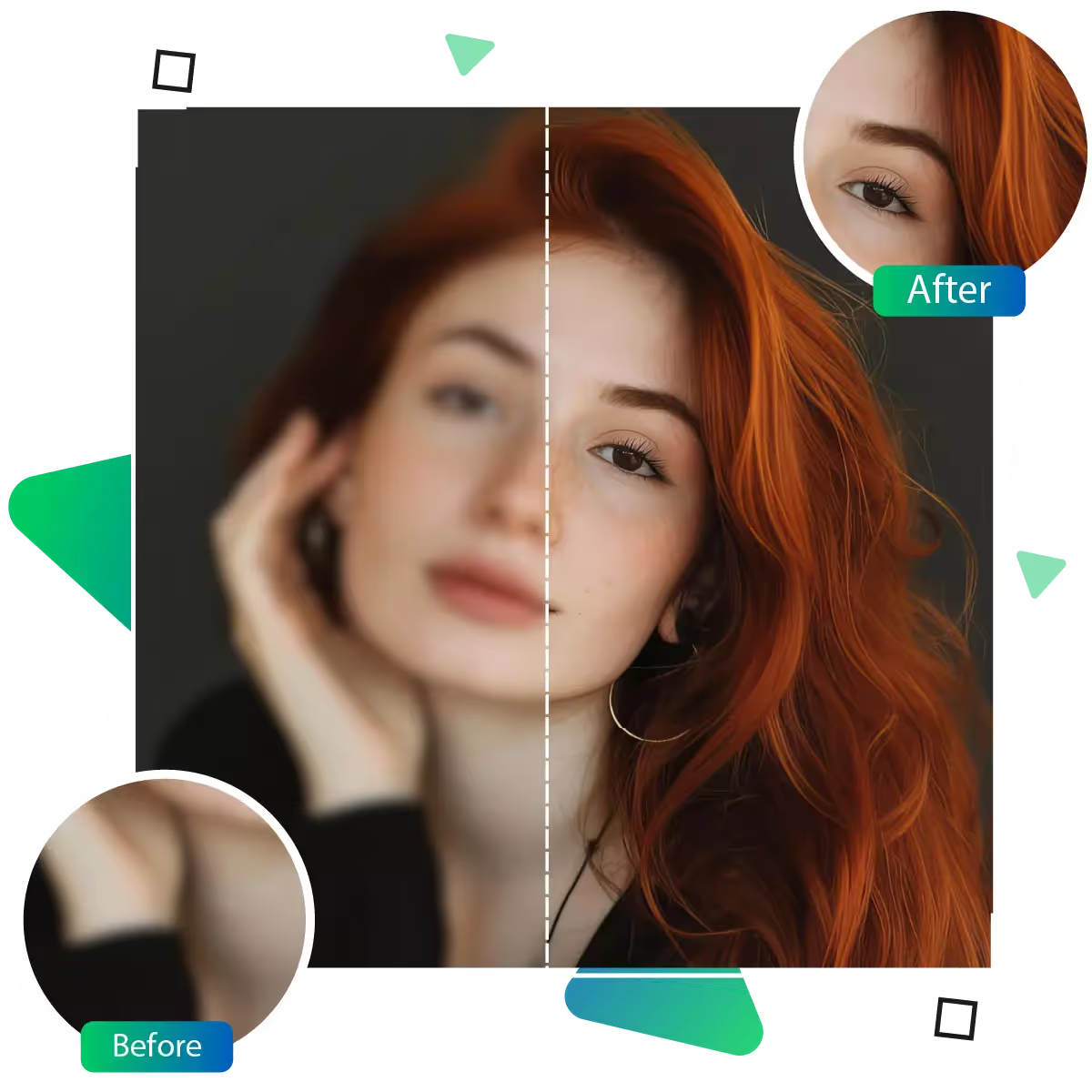
Upscale.media helps you turn low-quality images into clearer, sharper versions in just a few clicks.
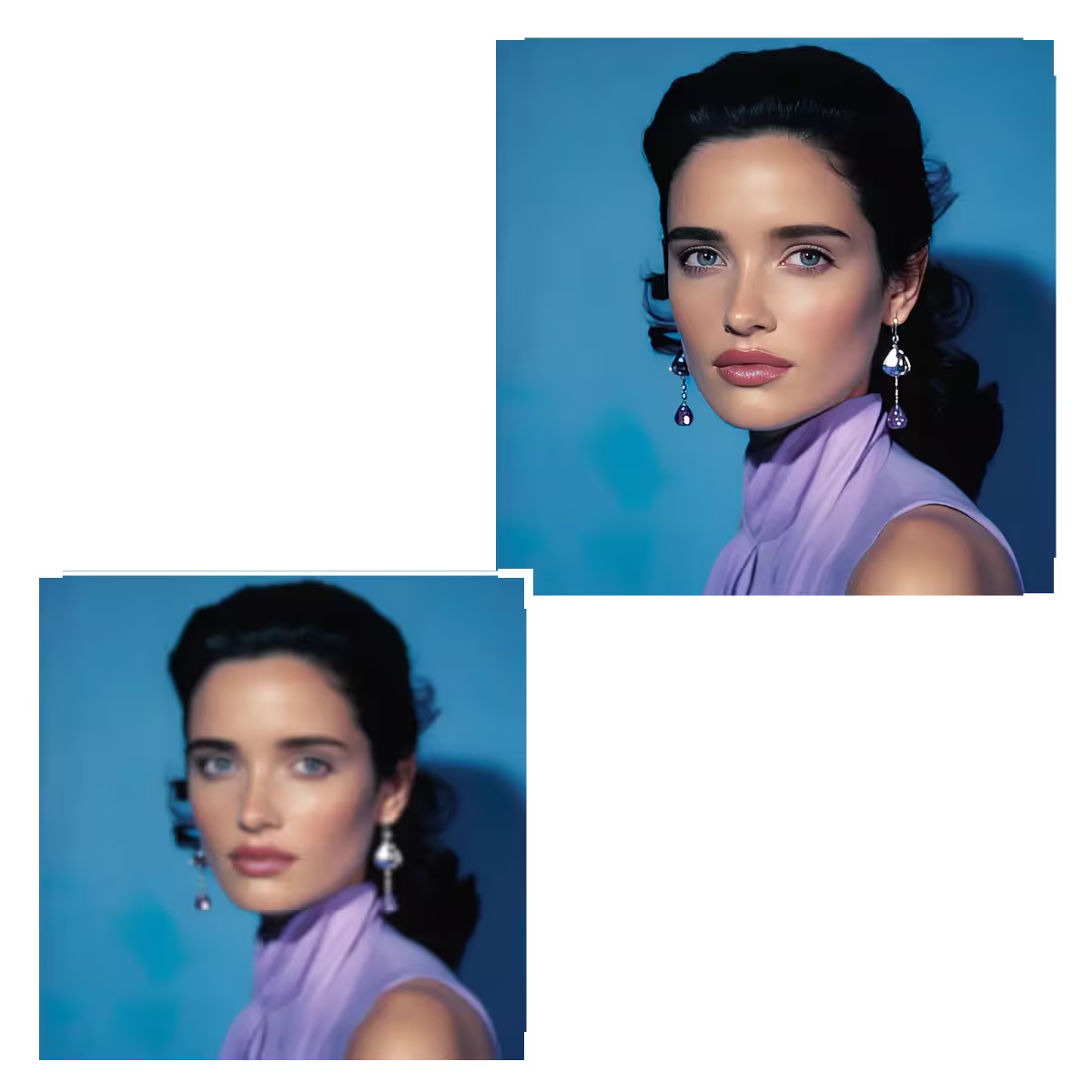
Use Upscale.media to improve image resolution online, now boost clarity and detail instantly with AI-powered upscaling.
First you need to visit the upscale.media site.
Then you need to upload the picture that needs upscaling.
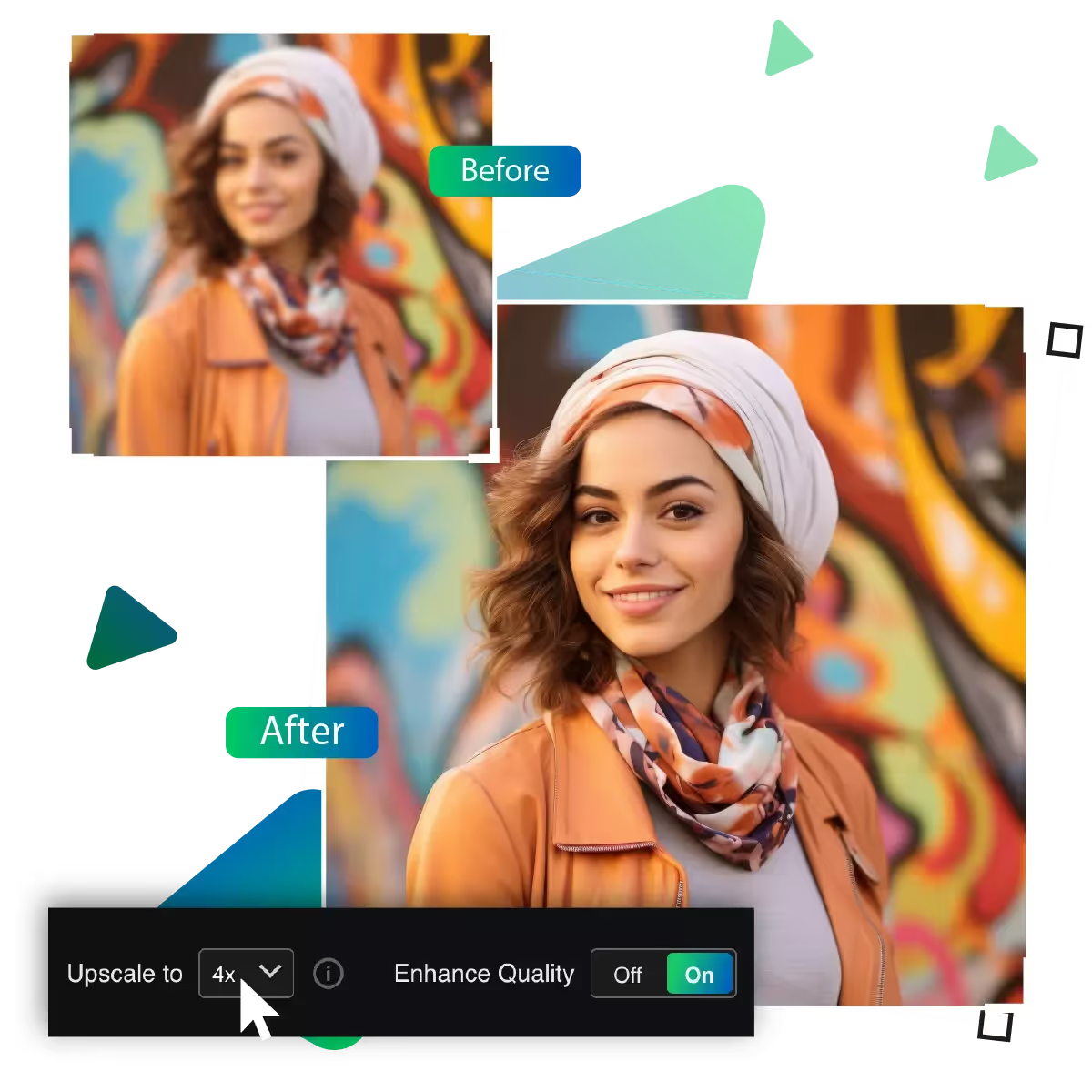
In this step, you need to choose the enlargement option from 2x, 4x, and 8x.
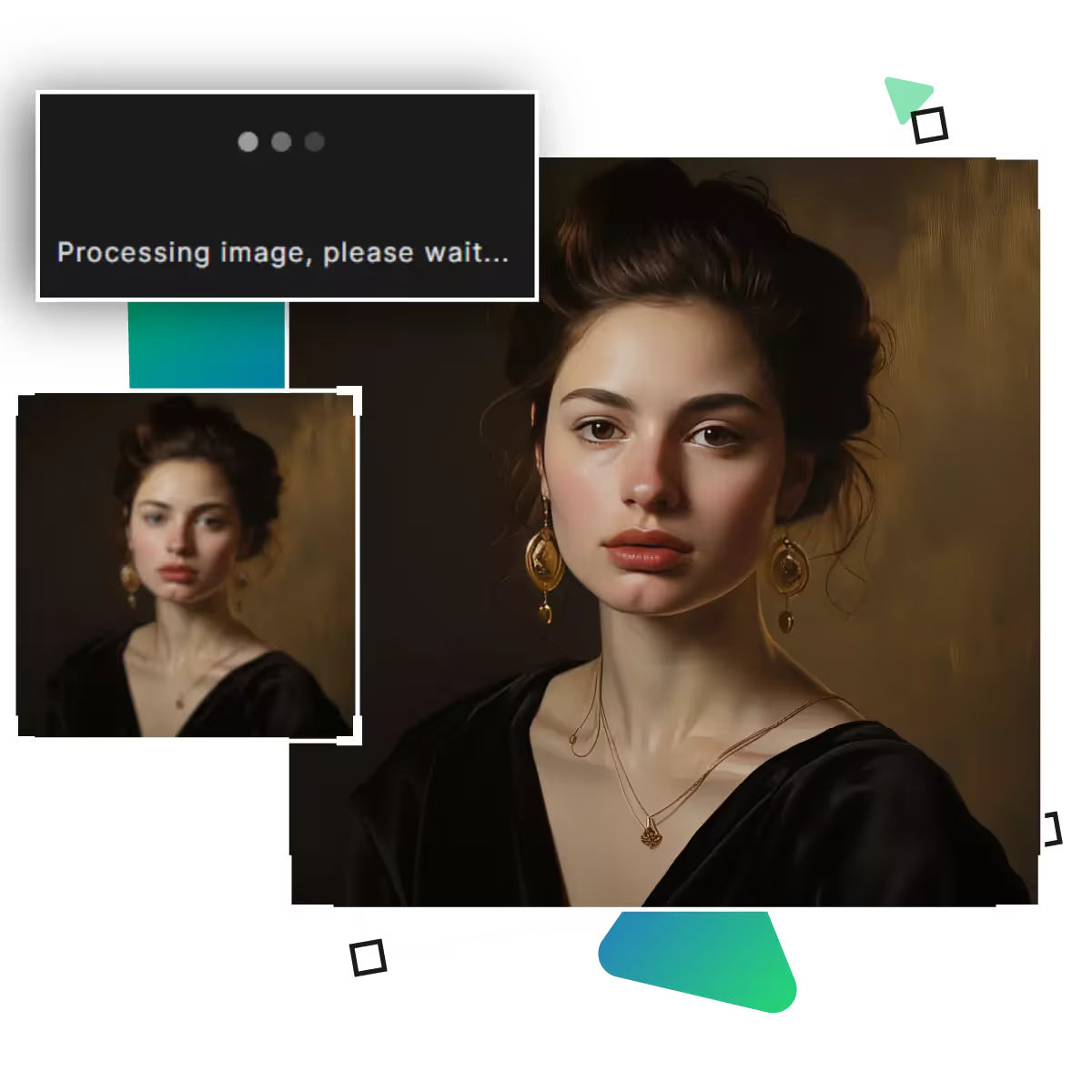
In this step, the AI will upscale your image and will provide a better result.
In this step, you can preview the result and see if it meets your desired needs.
In the last step, you can download the result, which can be used for different purposes.
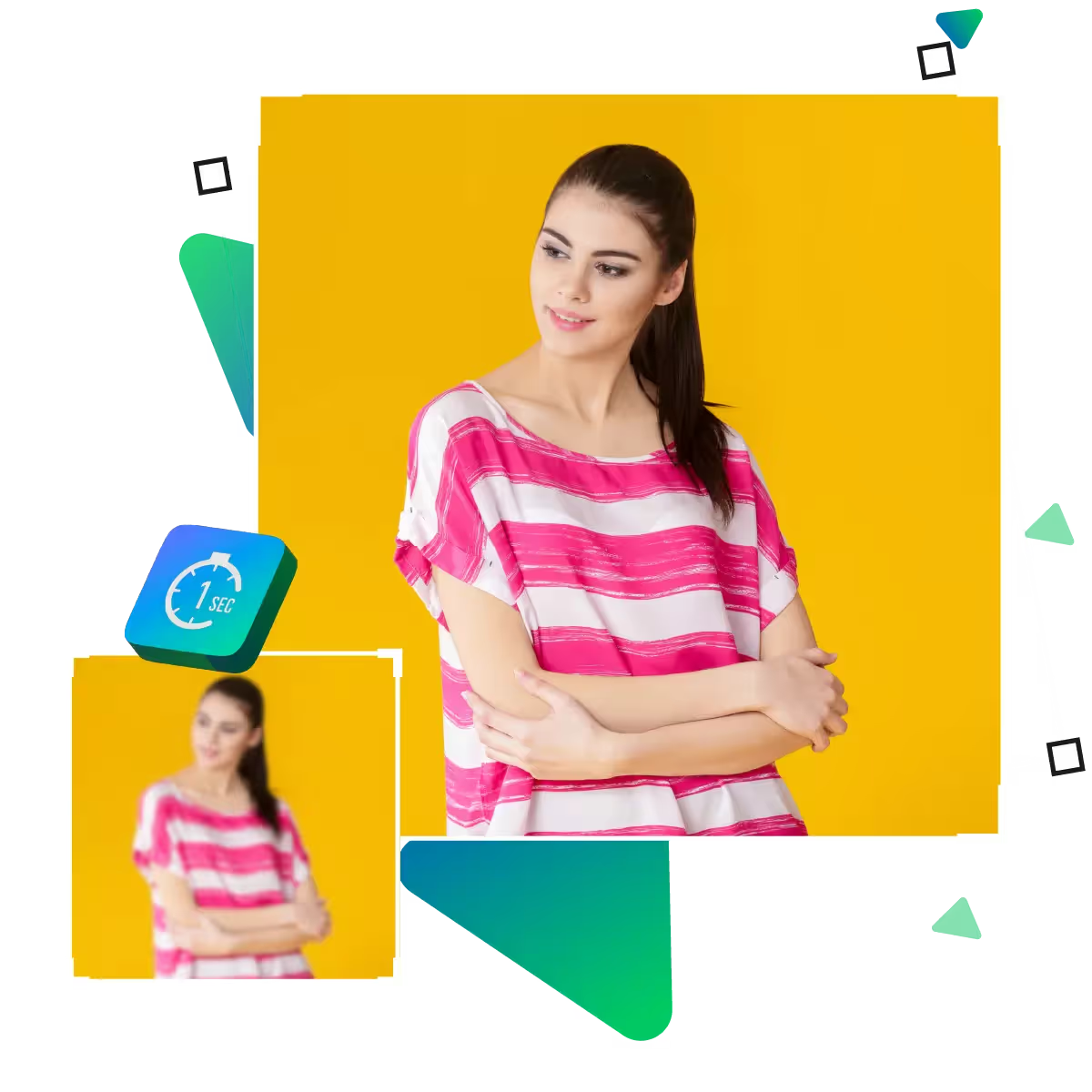
Upscale.media helps you improve image resolution online free in just a few clicks. That too with no complicated tools or editing skills required, you just upload your photo. And the platform enhances it instantly, and the tool is quick, easy, and perfect for anyone looking to sharpen images without hassle.
Upscale.media keeps the important details intact, your picture remains true to its original look. While becoming clearer and sharper, whether you're fixing a photo or enhancing digital art. This tool ensures that everything you value in the image remains visible.
Upscale.media allows users to enlarge uploaded pictures up to 25mb. Whether you're resizing for printing, posting online, or saving the image for later use, Upscale.media makes the process simple. The tool's AI feature makes it even easier.
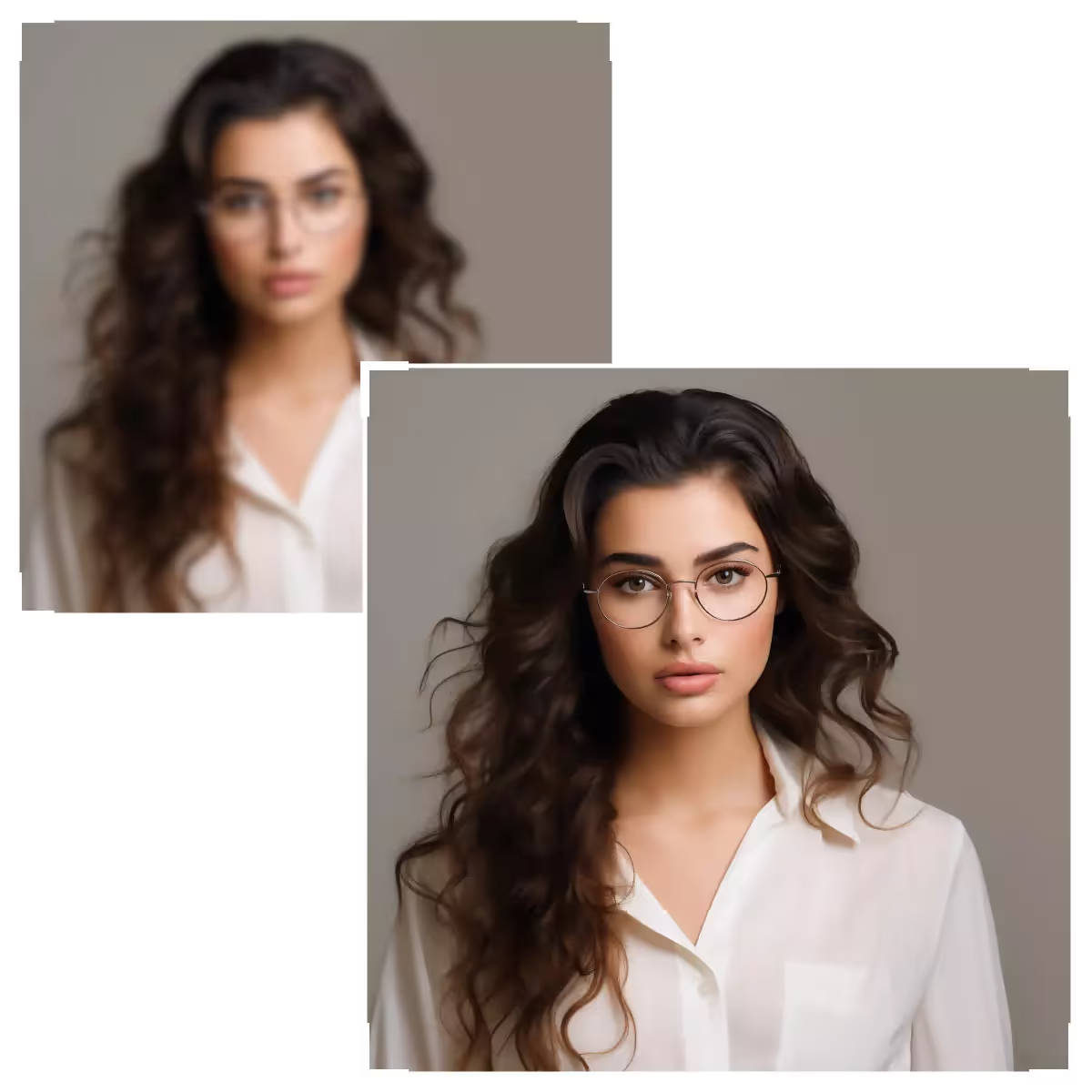
Upscale.media helps you improve image resolution online free, with just a few clicks, turn blurry photos into sharper versions.
If your pictures look a little rough or unclear, this tool helps smooth them out. It makes your images look more polished without changing what’s important. Whether it's a selfie or artwork, the final result looks cleaner and refined.
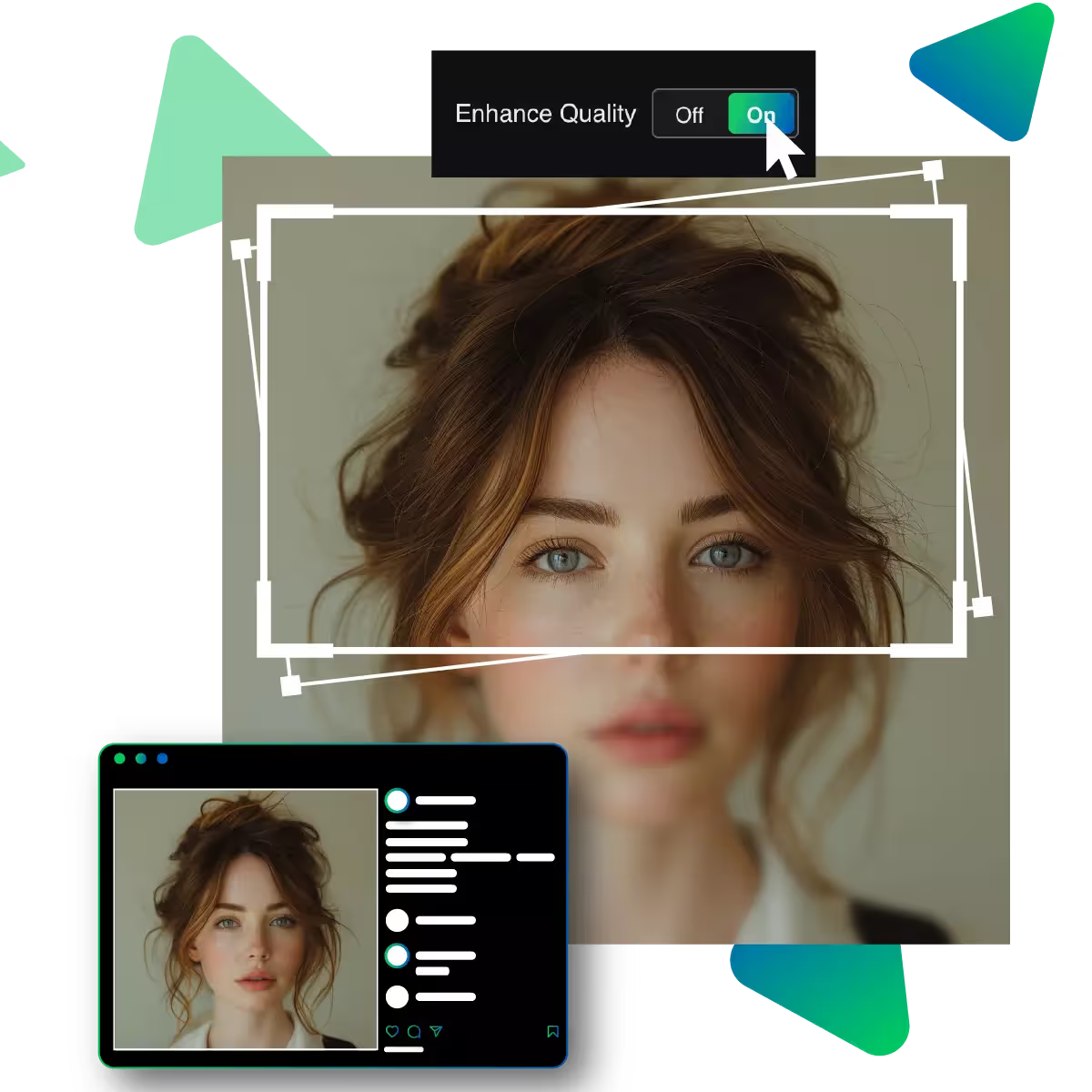
Even if your image starts off looking dull or fuzzy, you can give it a fresh boost. This tool enhances the overall quality, making the picture clearer and sharper while preserving its original feel and colors.
Upscale.media works great for every image options like old photos, noisy photos. It keeps the lines clean and the colors strong, helping your creative designs look more crisp and detailed without any effort.
Upscale.media helps you turn low-quality images into clearer, sharper versions in just a few clicks.
Sanjay Choudhury
Riya Khanna
Aditya Kapoor
We’ve answered some of the most common questions about the Upscale.media API. If you don’t see your question here, feel free to reach out at support@pixelbin.io
What is Upscale.media API?
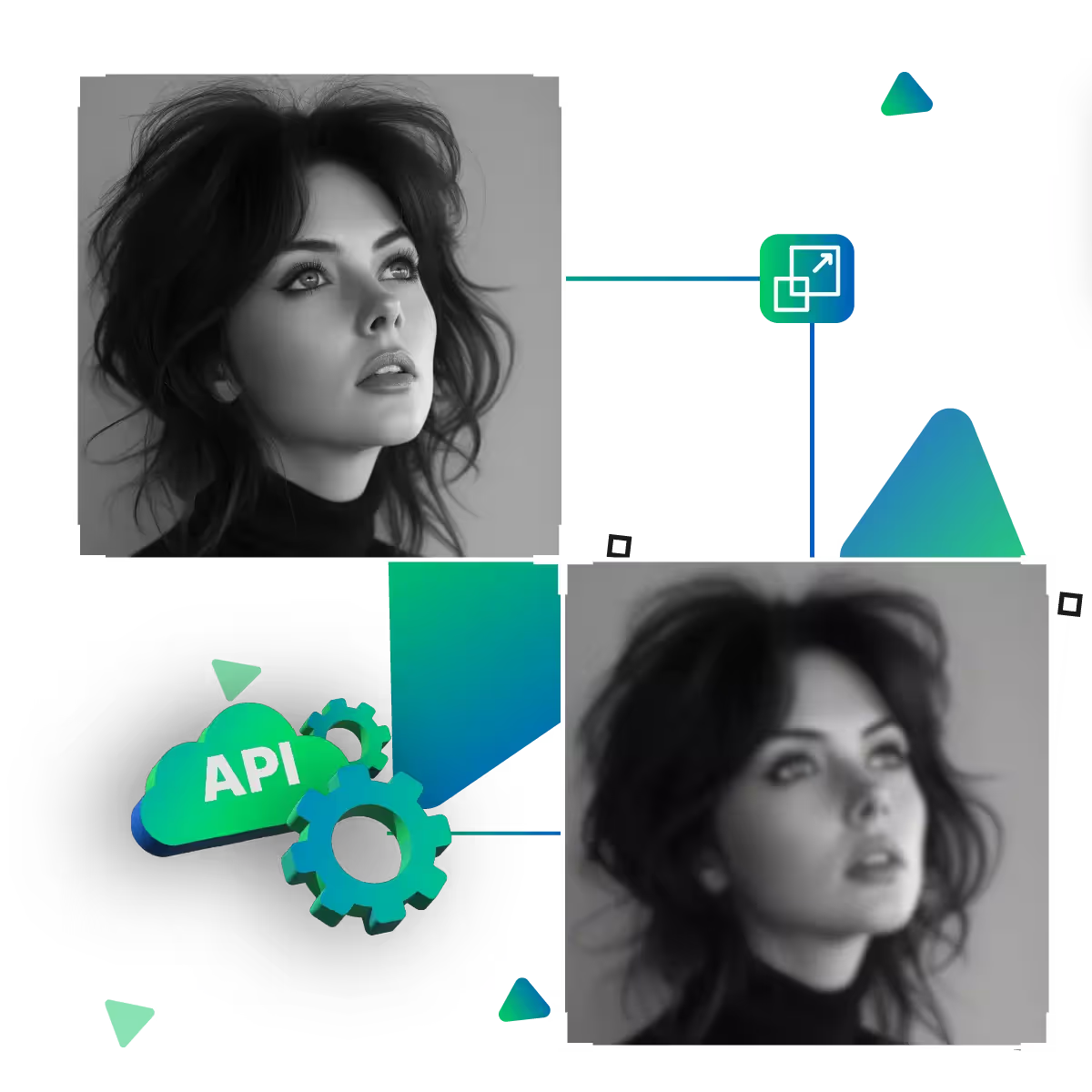
How can Upscale.media API be integrated into my website or app?
The API supports multiple programming languages such as React, Python, Golang, etc., and fits easily into most tech stacks. Integration is straightforward, with clear documentation to guide you through.
What kind of image transformations can be achieved with Upscale.media API?
How does Upscale.media API enhance online visual appeal?
How fast and accurate is the image upscaling with Upscale.media API?
Can Upscale.media API be used for creative design projects?
How does Upscale.media API improve digital content quality?
Is Upscale.media API adaptable for different image upscaling needs?
Can Upscale.media API be customized for specific needs?
What are the benefits of using Upscale.media API for different industries like e-commerce, marketing, and social media?