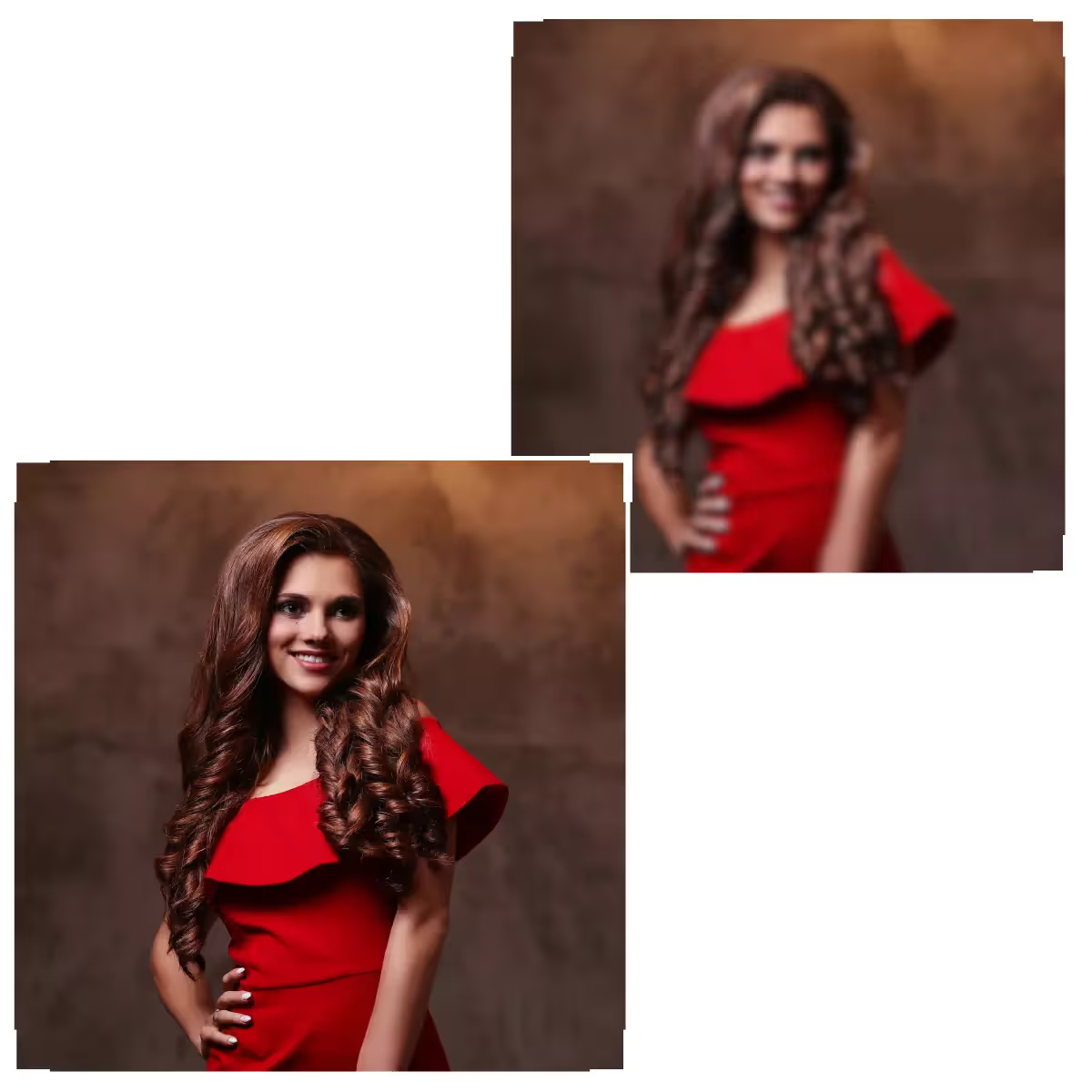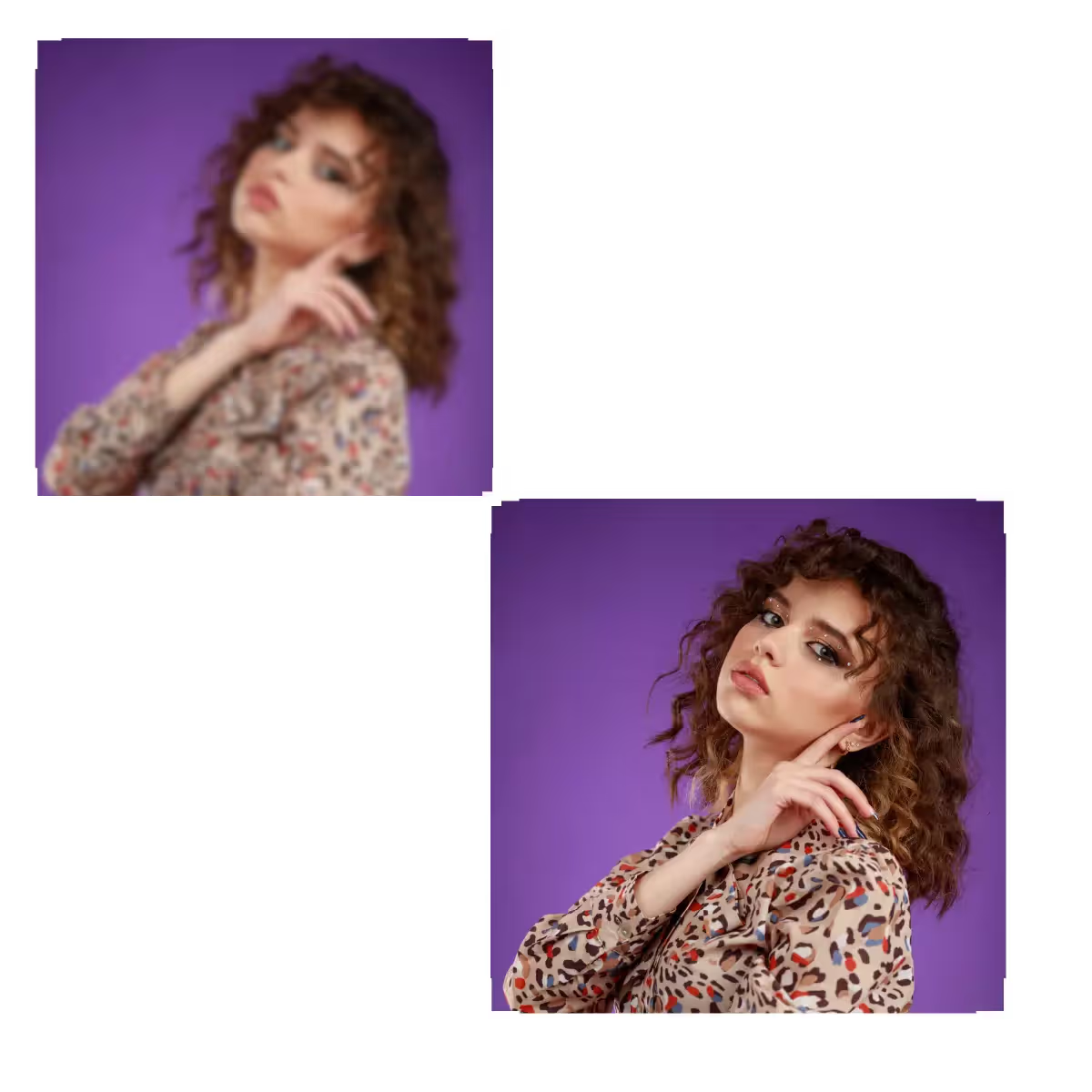





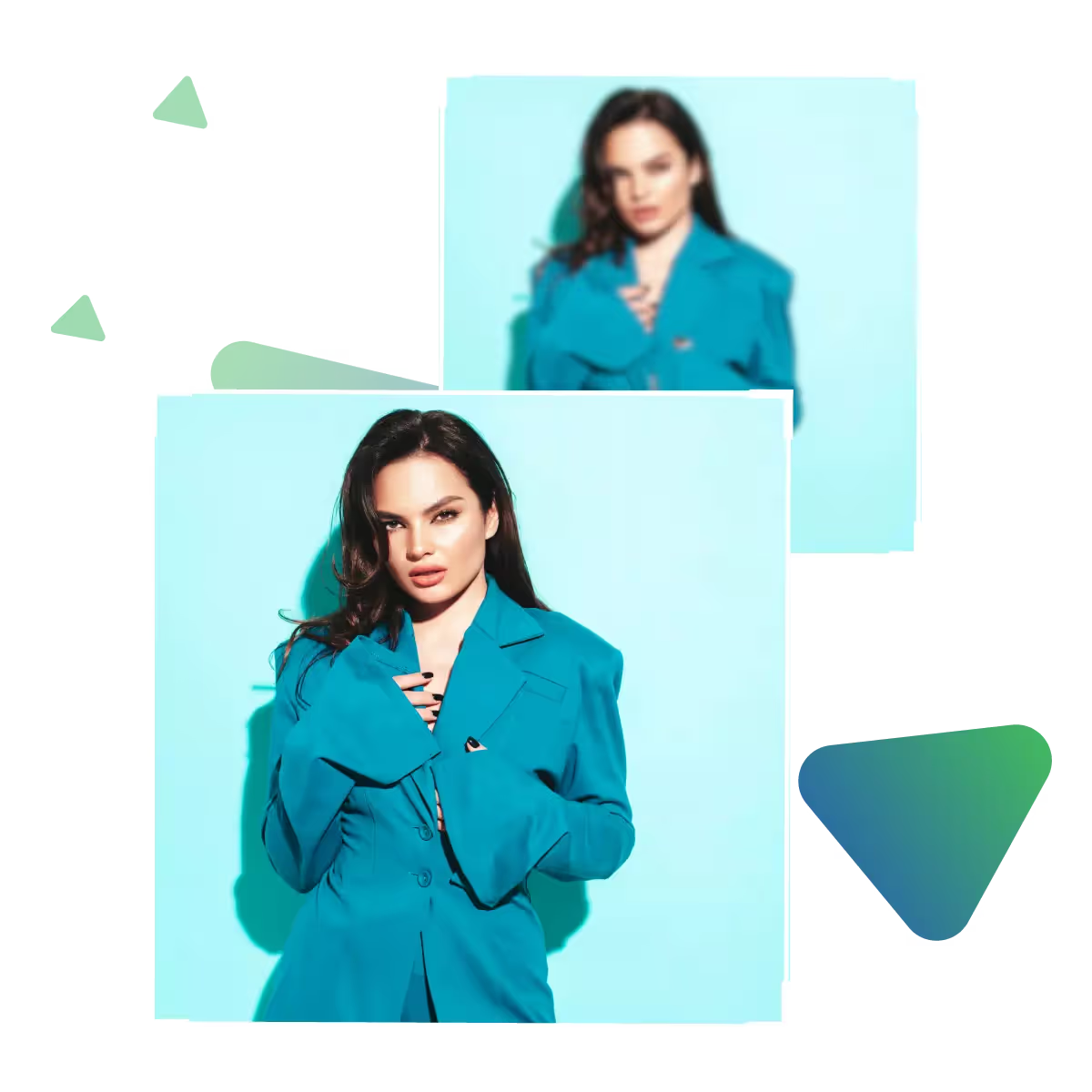
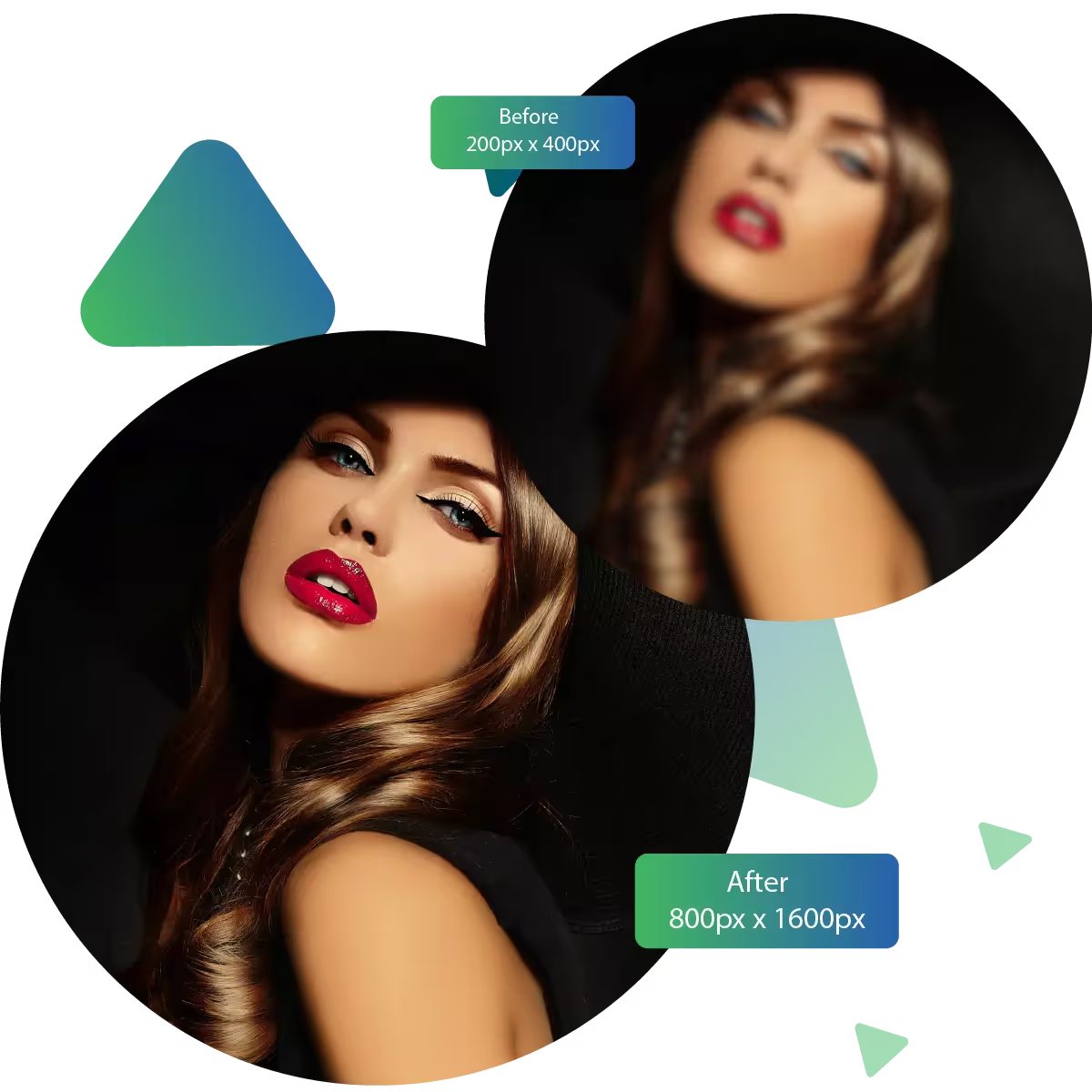
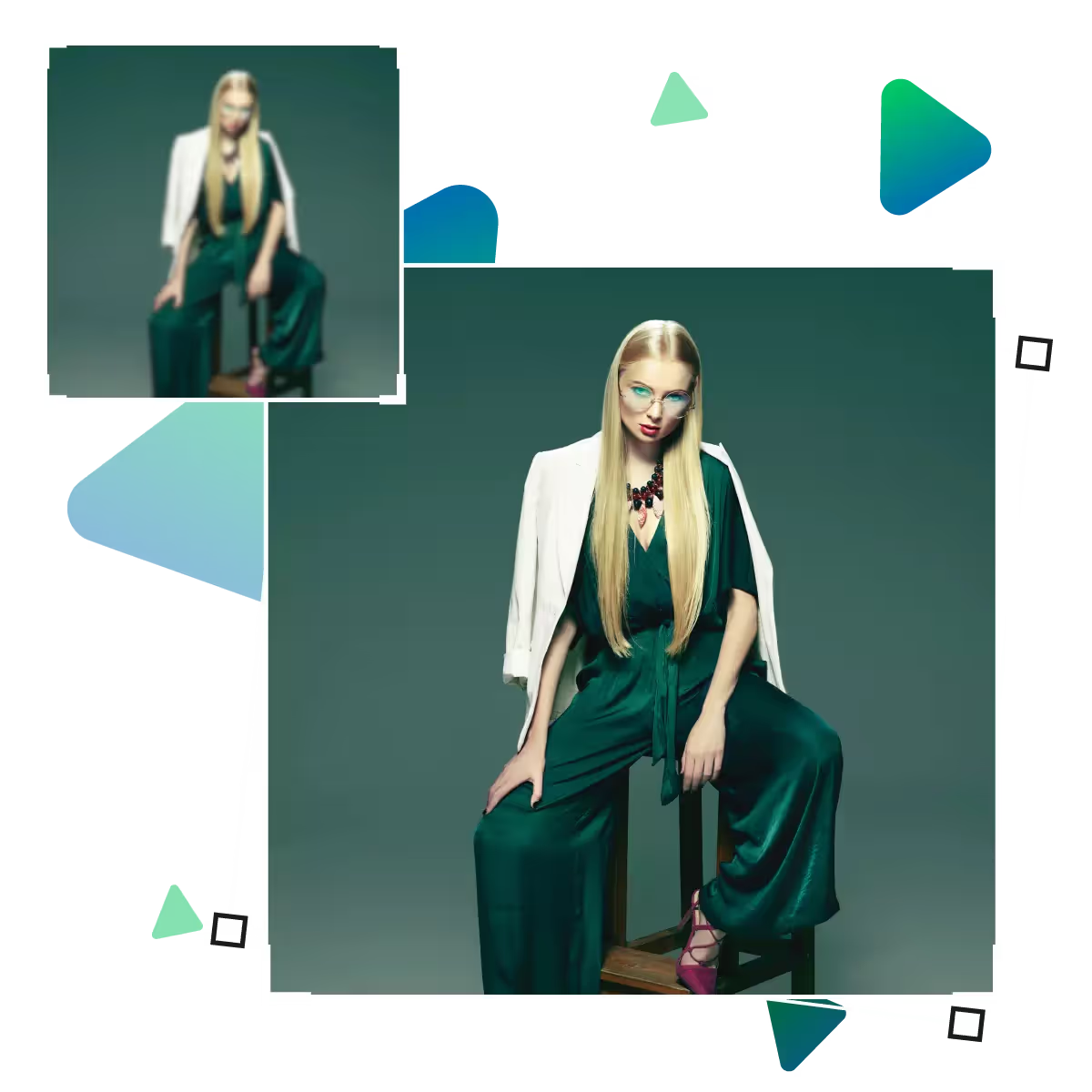
Quality value by using the best photo enhancer online tool
Our AI automatically analyzes and improves every detail, from sharpness to quality.
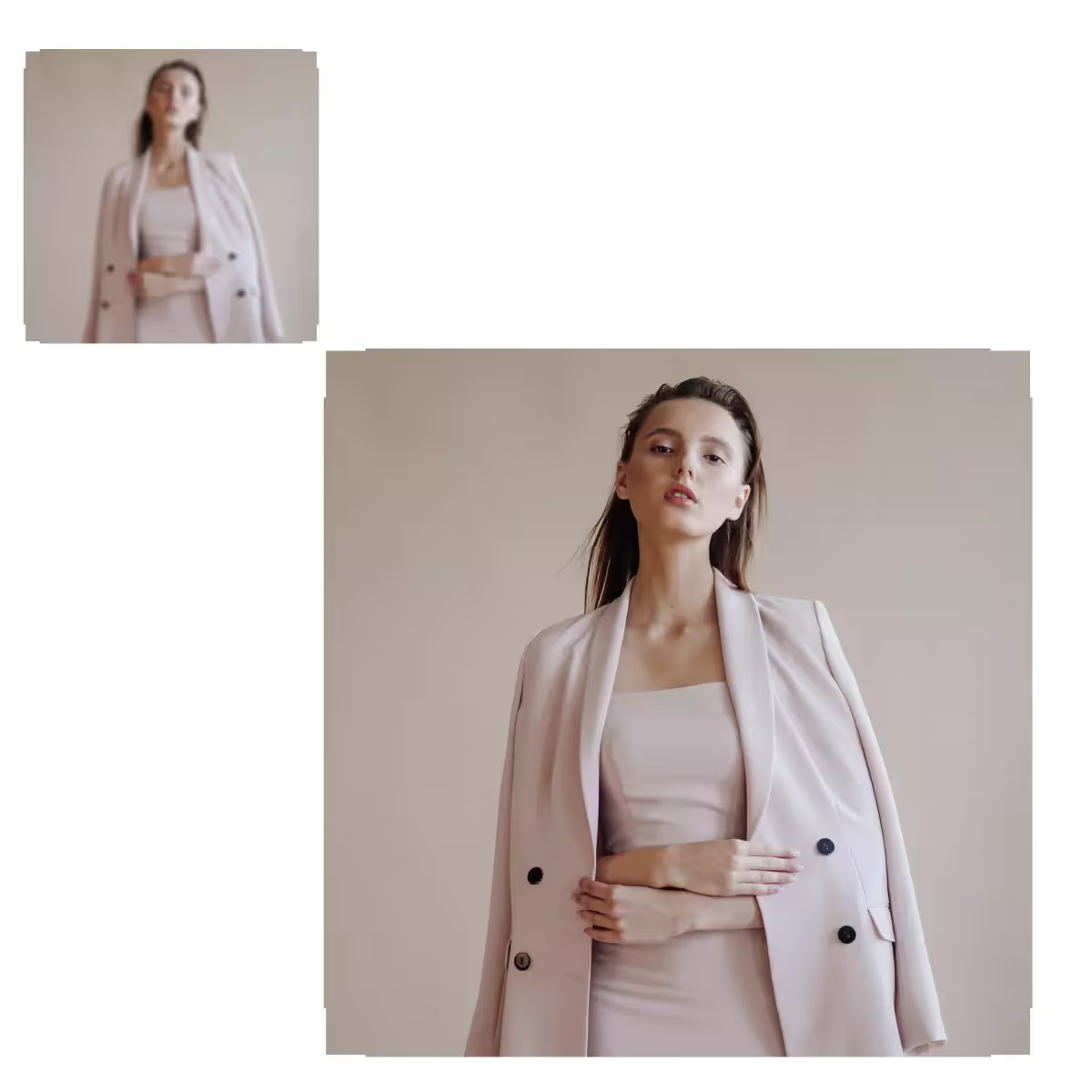
Upscale.media offers a powerful AI tool to upscale, sharpen, and fix blurry or low-quality images instantly in seconds.
Start the process by visiting the site.
Then upload your chosen photo.
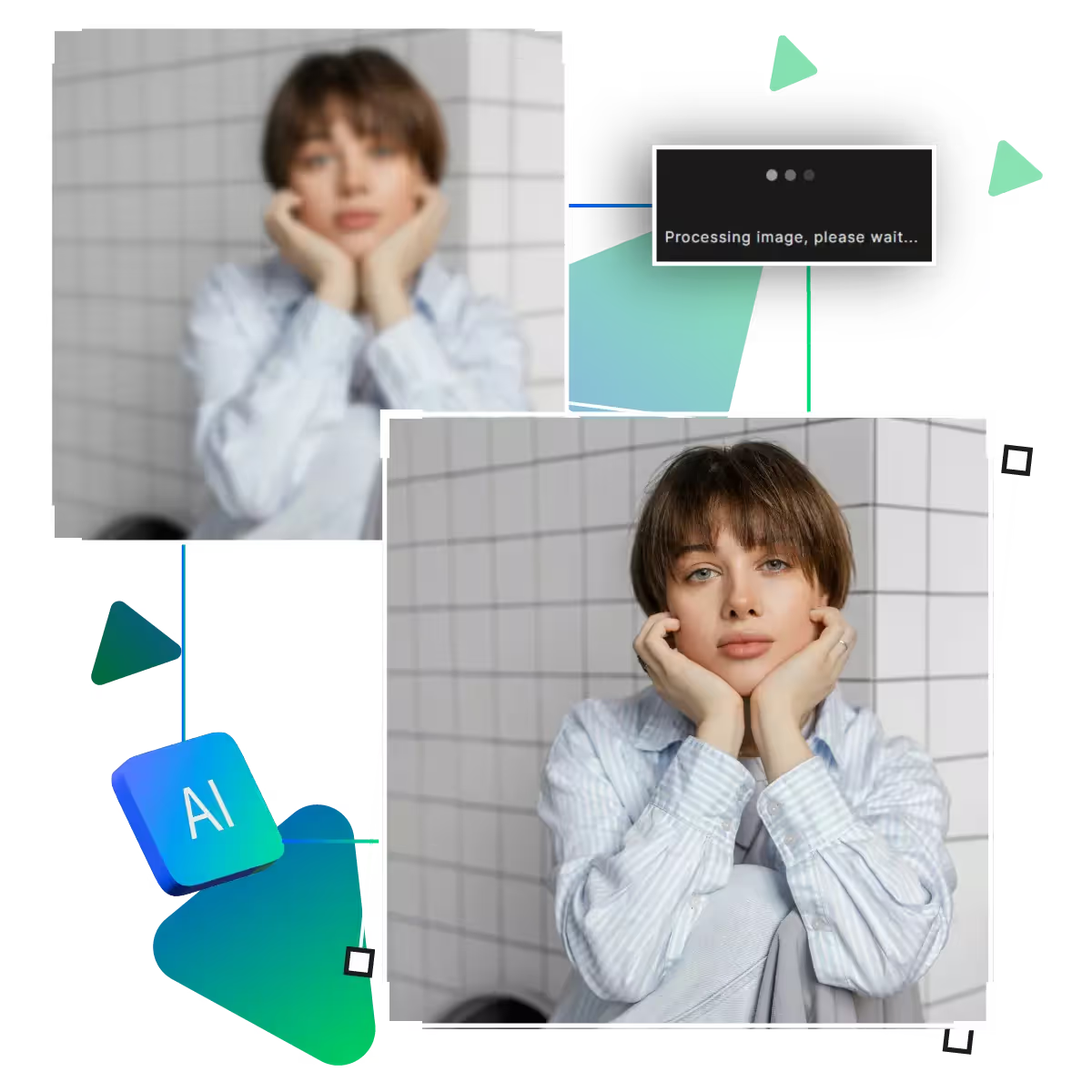
Here, AI will enhance photo quality.
After that, if needed up to 8x enlargement option for the photo can be selected.
Preview the outcome in this step.
Download the image to check if it meets your needs.
Photos can be enlarged up to 8 times while maintaining crisp details, and are ideal for perfecting small images for social media or printing, for product photos, landscapes, and portraits. The AI naturally fills in the blanks.
Automatically corrects soft-focus or blurry images in just seconds, producing sharper results. The AI recognizes edges and details. And making it excellent for enhancing old scanned photos or photos from smartphones, while eliminating dullness and maintaining a natural approach, it instantly gives every picture a more polished appearance.
Works with all common photo formats, including JPG and PNG. A simple drag-and-drop interface makes uploading effortless; there is no need to convert files before enhancing.
The greatest photo enhancer available online is free to use at Upscale.Media!
Without requiring technical expertise, our AI automatically enhances quality and sharpness. Now, just upload and get better photos right away; that too without any complicated settings or manual adjustments.
Start improving now for free! With our free version, now you can enjoy significant photo enhancement without incurring any costs; it is ideal for infrequent users who need occasional improvements without subscriptions or commitments.
With no language barriers, the simple design functions intuitively in every location, requiring no tutorials or manuals; simply point, click, and enhance, is ideal for users worldwide seeking straightforward photo enhancement.
Our AI automatically analyzes and improves every detail, from sharpness to quality.
Sanjay Choudhury
Riya Khanna
Aditya Kapoor
We’ve answered some of the most common questions about the Upscale.media API. If you don’t see your question here, feel free to reach out at support@pixelbin.io
What is Upscale.media API?
How can Upscale.media API be integrated into my website or app?
The API supports multiple programming languages such as React, Python, Golang, etc., and fits easily into most tech stacks. Integration is straightforward, with clear documentation to guide you through.
What kind of image transformations can be achieved with Upscale.media API?
How does Upscale.media API enhance online visual appeal?
How fast and accurate is the image upscaling with Upscale.media API?
Can Upscale.media API be used for creative design projects?
How does Upscale.media API improve digital content quality?
Is Upscale.media API adaptable for different image upscaling needs?
Can Upscale.media API be customized for specific needs?
What are the benefits of using Upscale.media API for different industries like e-commerce, marketing, and social media?