





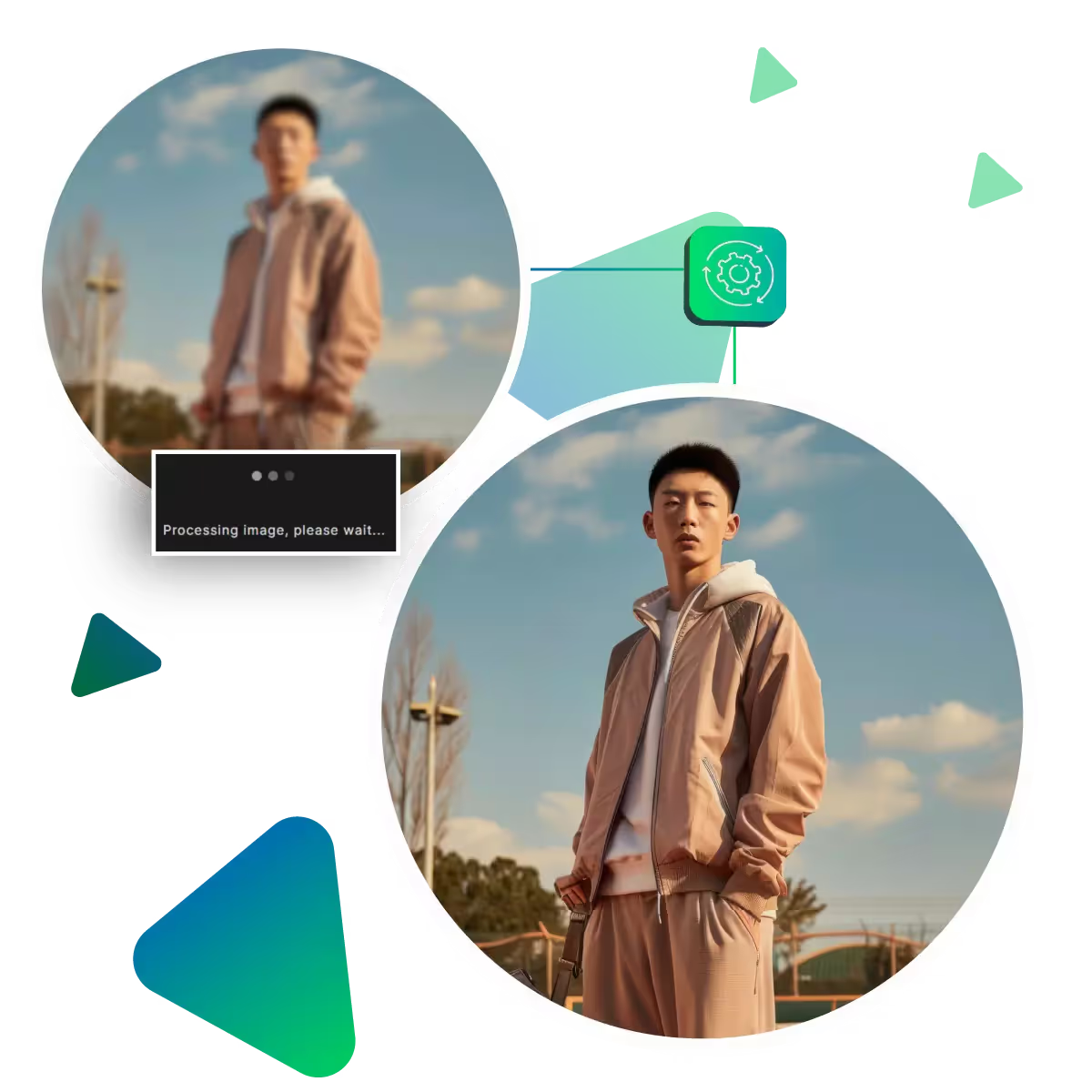
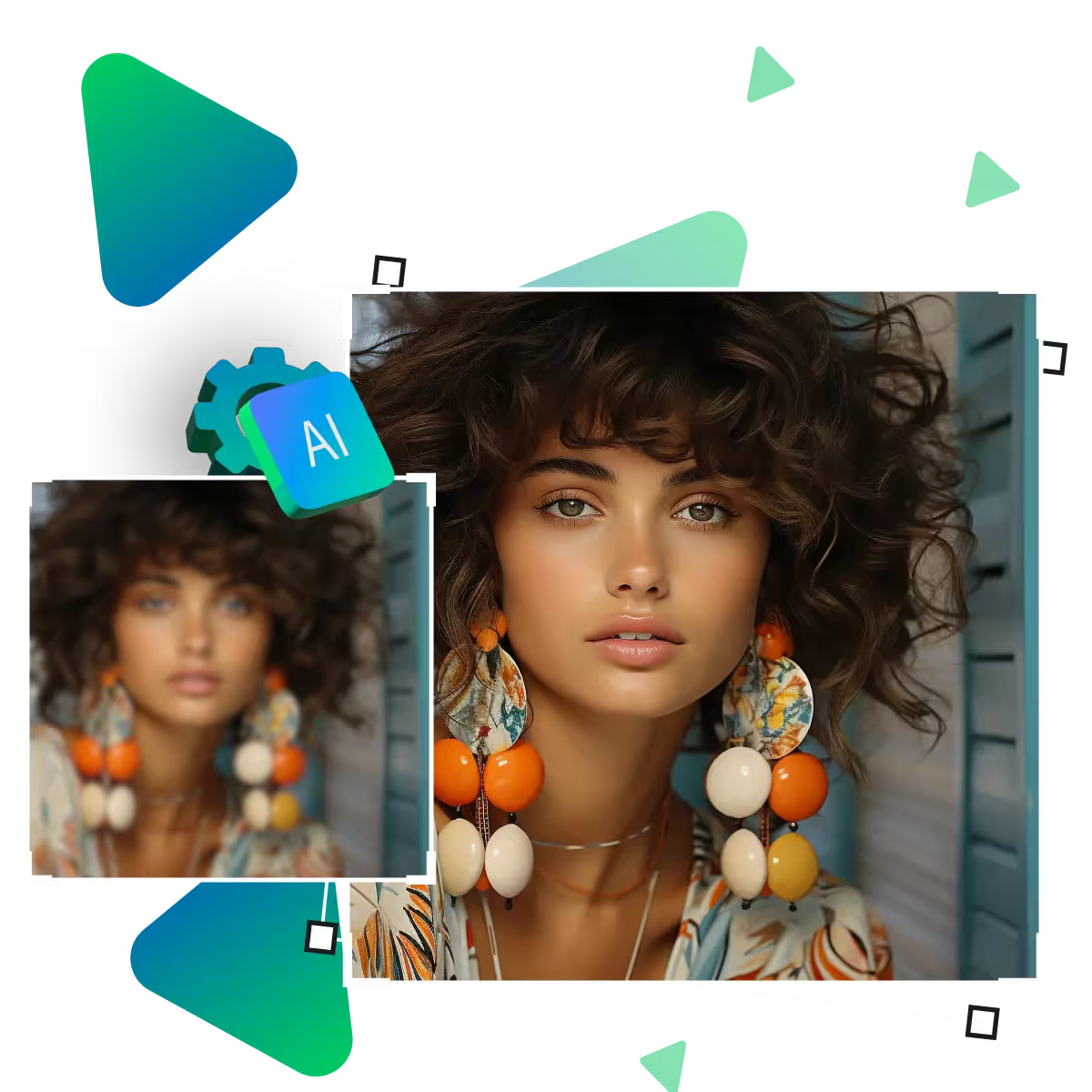
Upgrade the photo clarity enhancer online by using a free AI tool
Prepare to transform hazy photos into stunning, crisp images in just seconds!

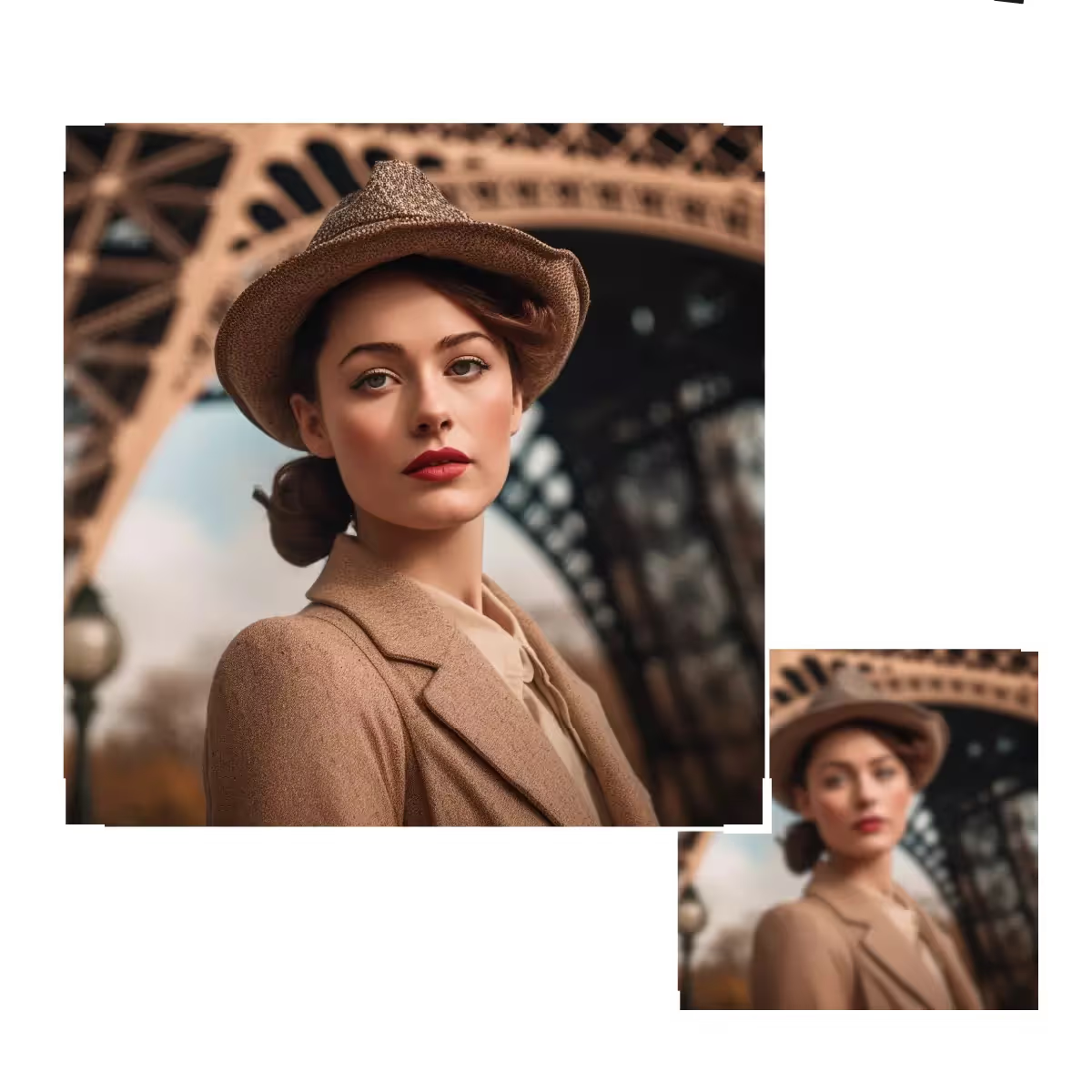
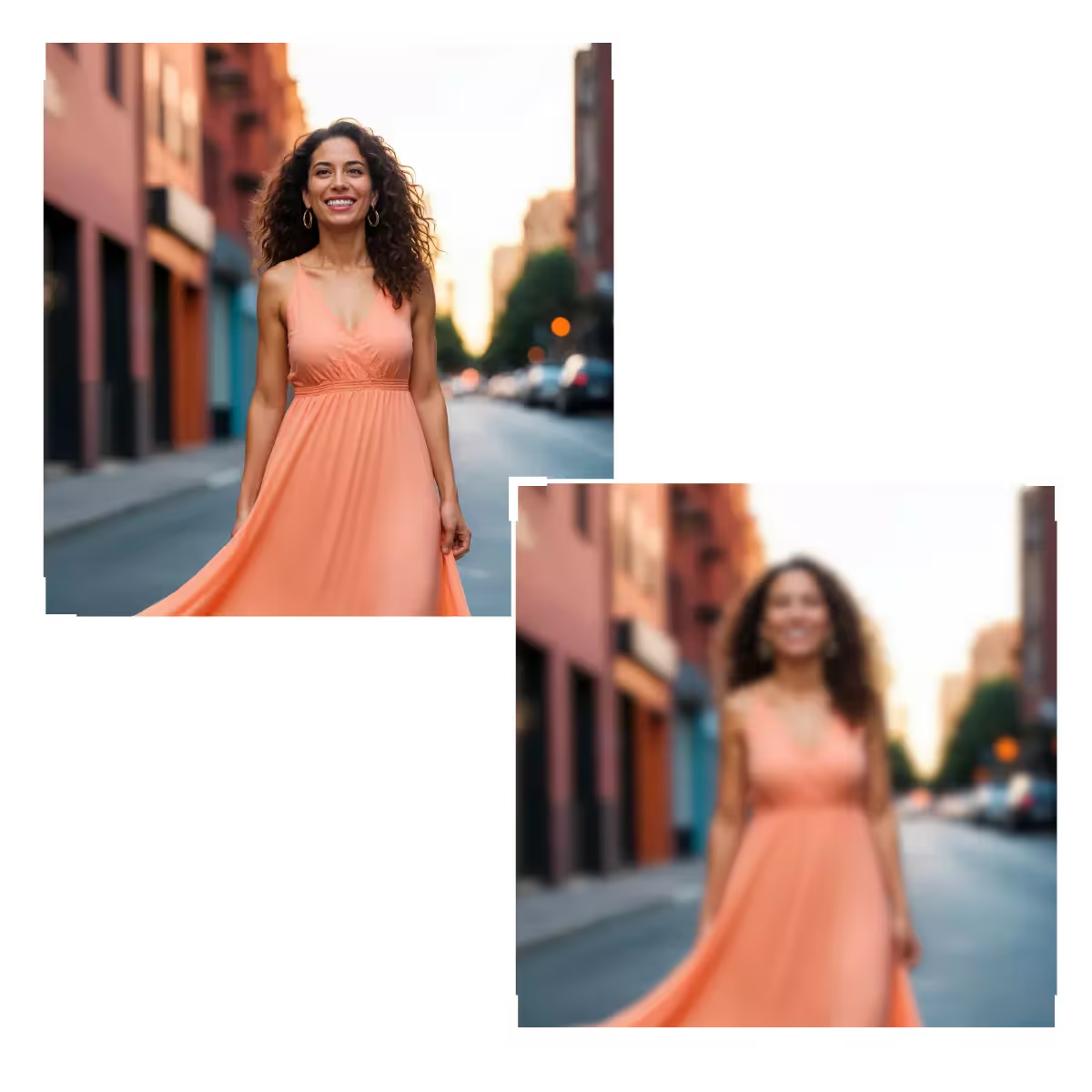
If you are struggling with blurry or low-quality photos,now use an online photo clarity enhancer like Upscale.media to sharpen details in seconds.
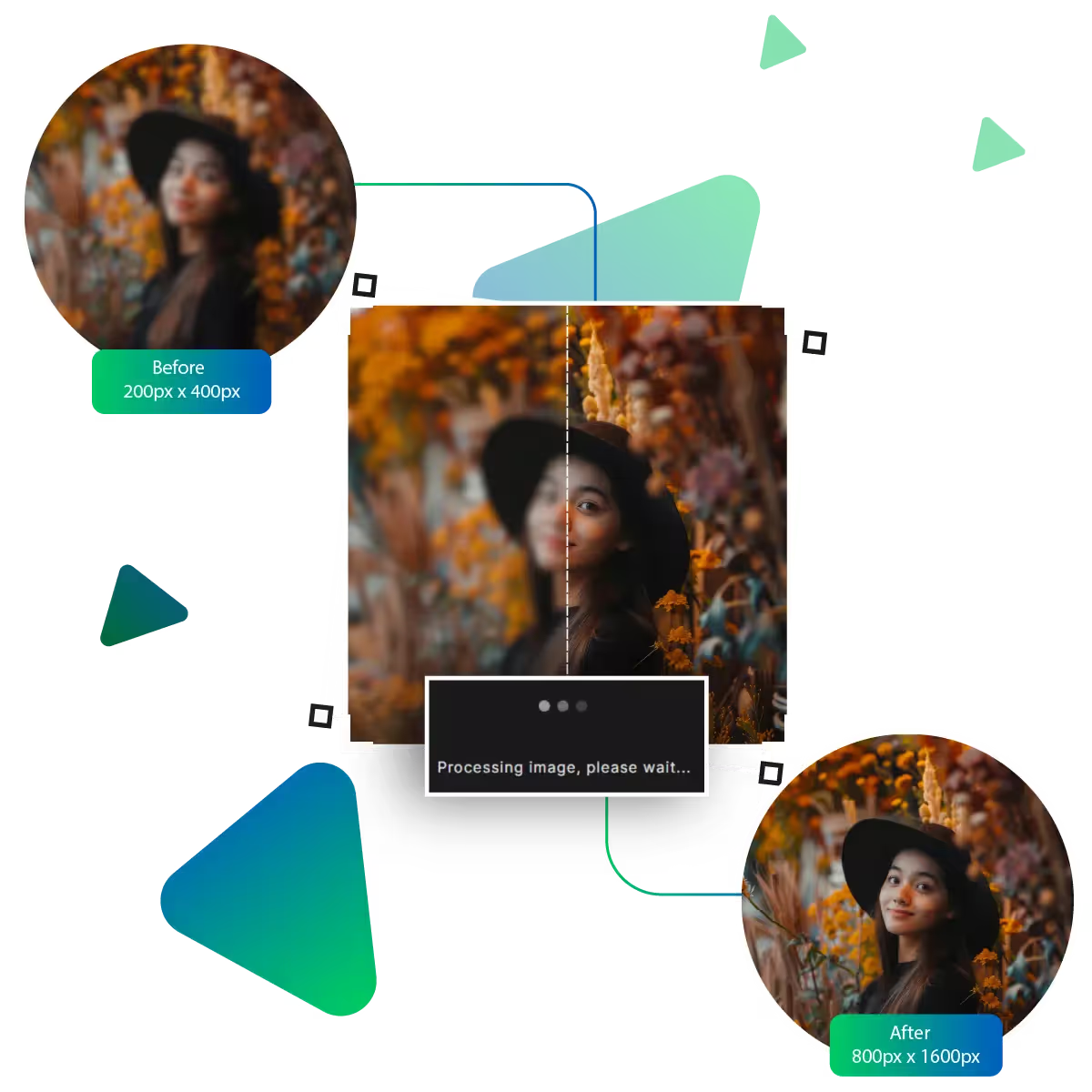
Start the enhancement process by visiting the site.
Next is uploading the image.
Here, A will enhance photo clarity online.
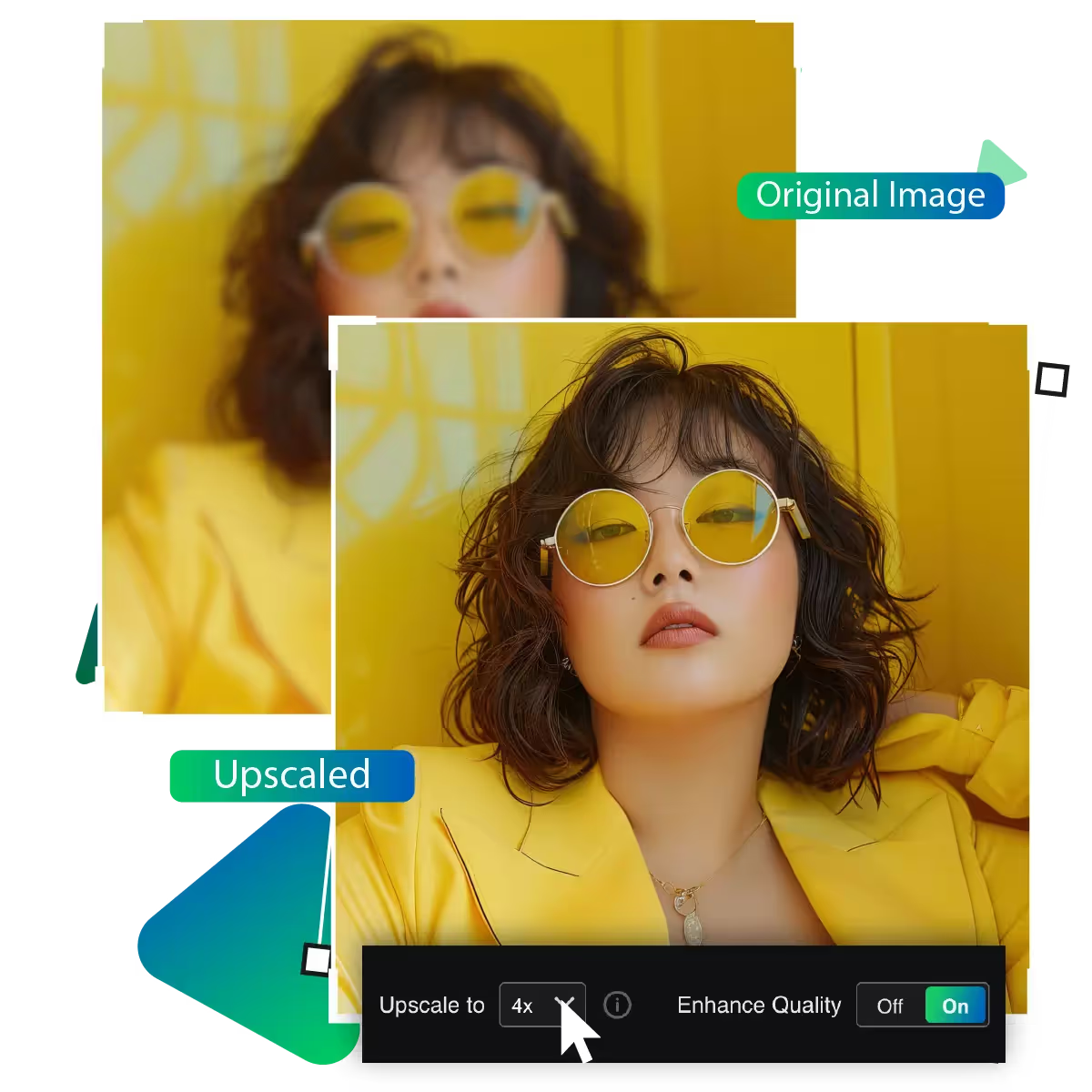
After that, up to 8x enlargement option can be chosen for the image.
You can preview the result in this step.
Lastly, download the image to use it further.
Our AI-powered enhancer quickly transforms blurry photos into crisp, clear images. Upload your picture and watch fuzzy details become sharp in seconds. The smart technology automatically detects and enhances edges while preserving natural textures.
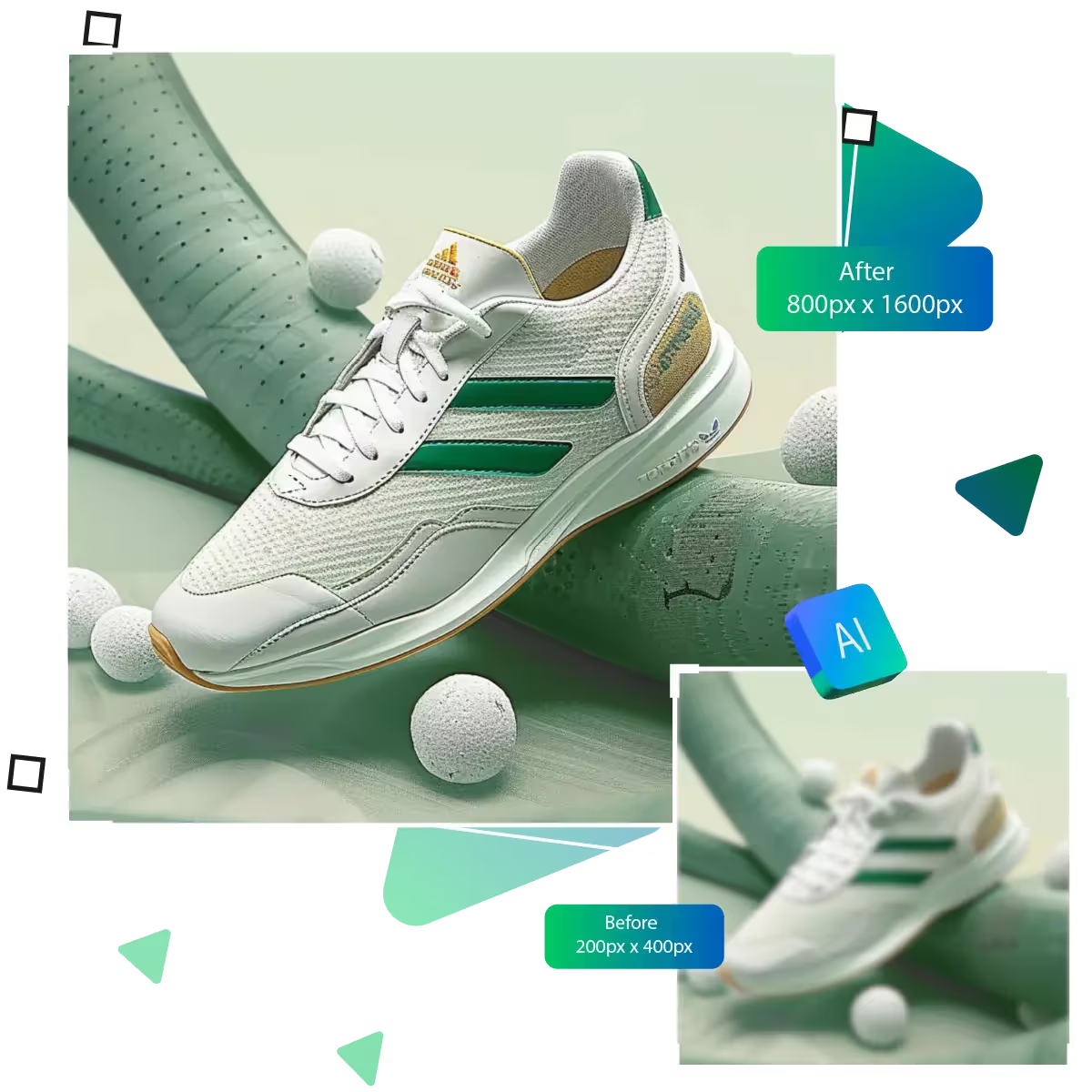
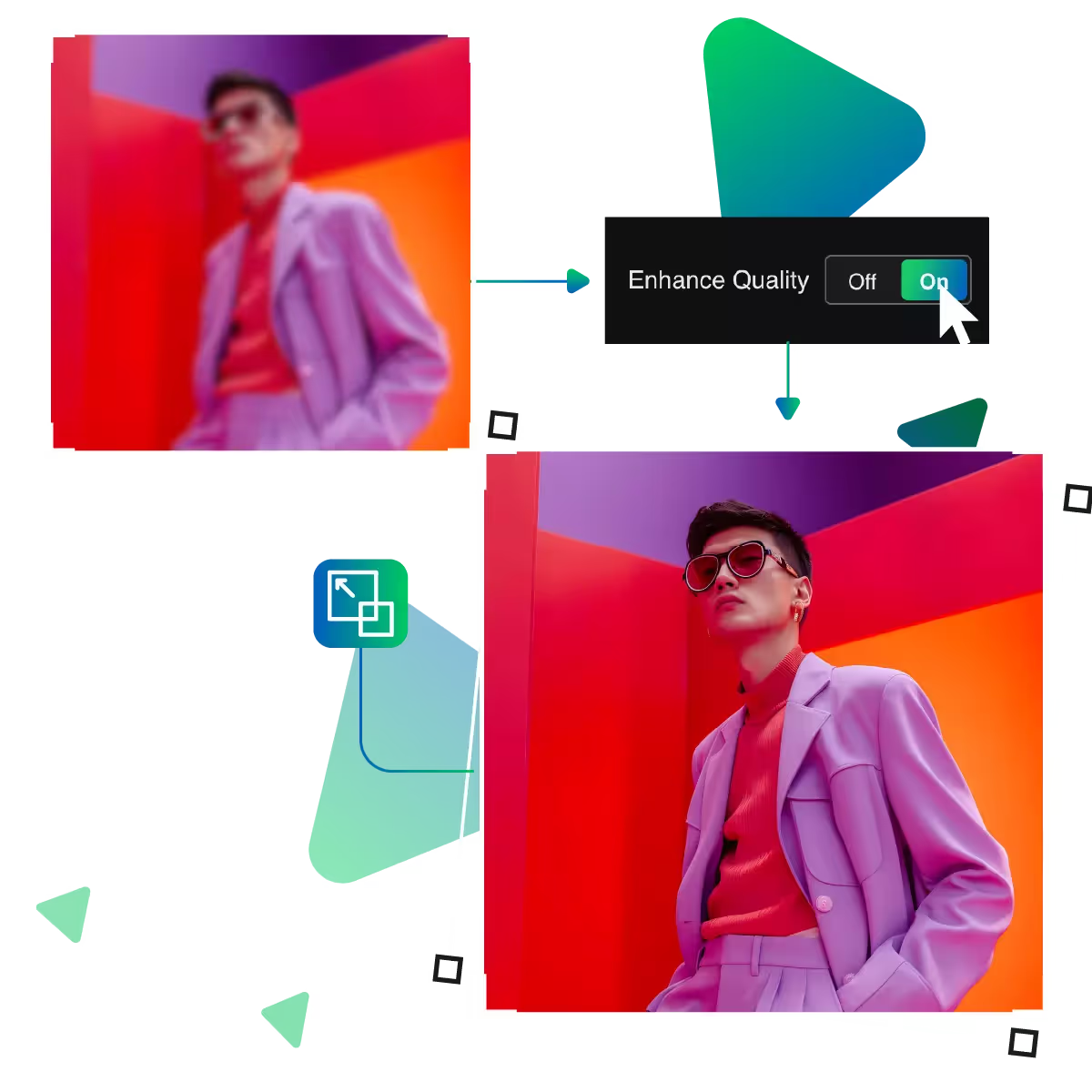
Enlarge your photos while maintaining excellent quality, without requiring additional skills. Our tool enhances image resolution, allowing the AI to smoothly upscale photos by analyzing every detail. This is perfect for enhancing digital photos or printing larger versions of your favorite images.
Access the enhancer from any smartphone, tablet, or computer. The web-based tool works seamlessly across all devices without downloads; now edit photos on the go or at home with equal ease; your enhanced images save directly to your device's storage, ready to share or print immediately.
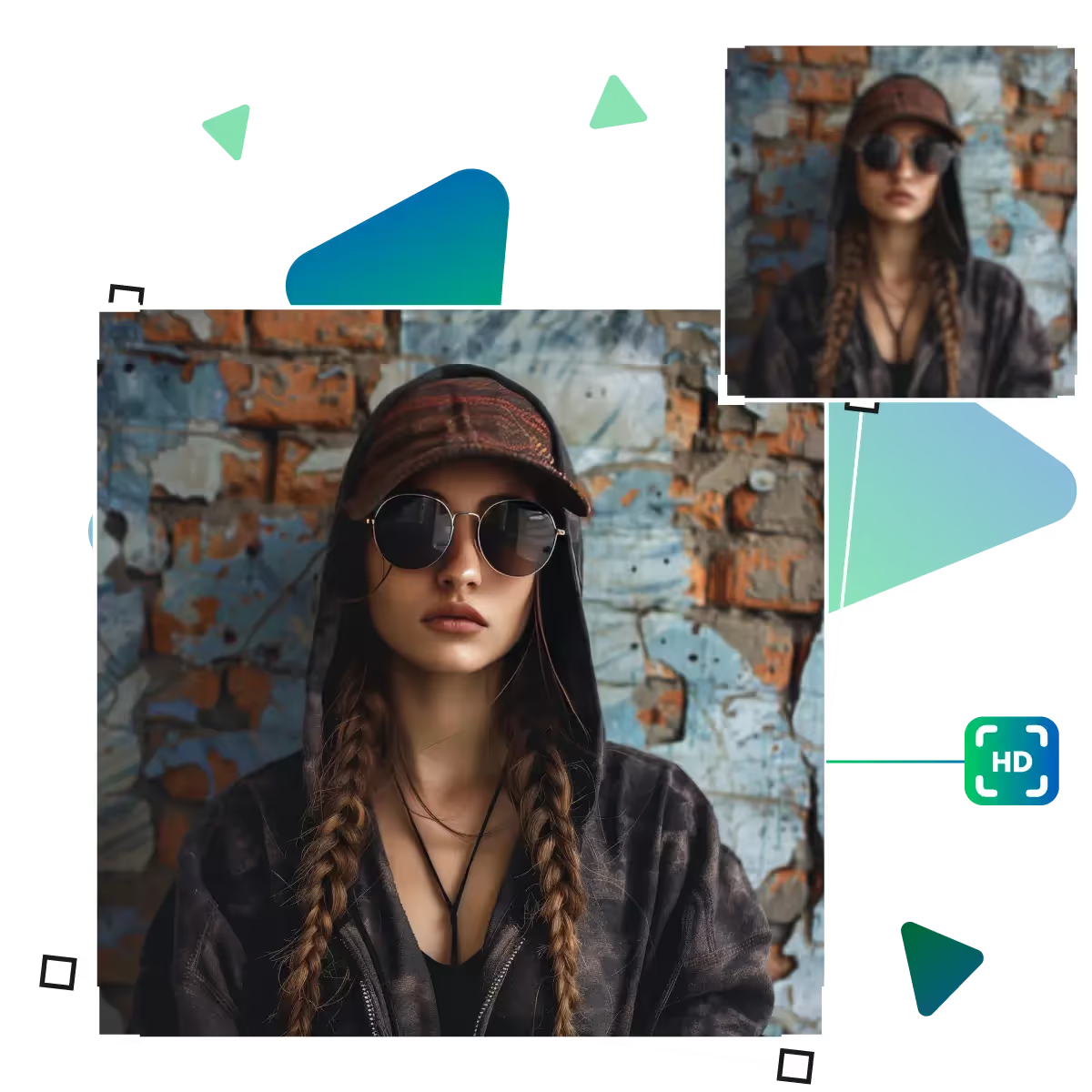
With the help of artificial intelligence, our online photo clarity enhancer instantly sharpens any image.
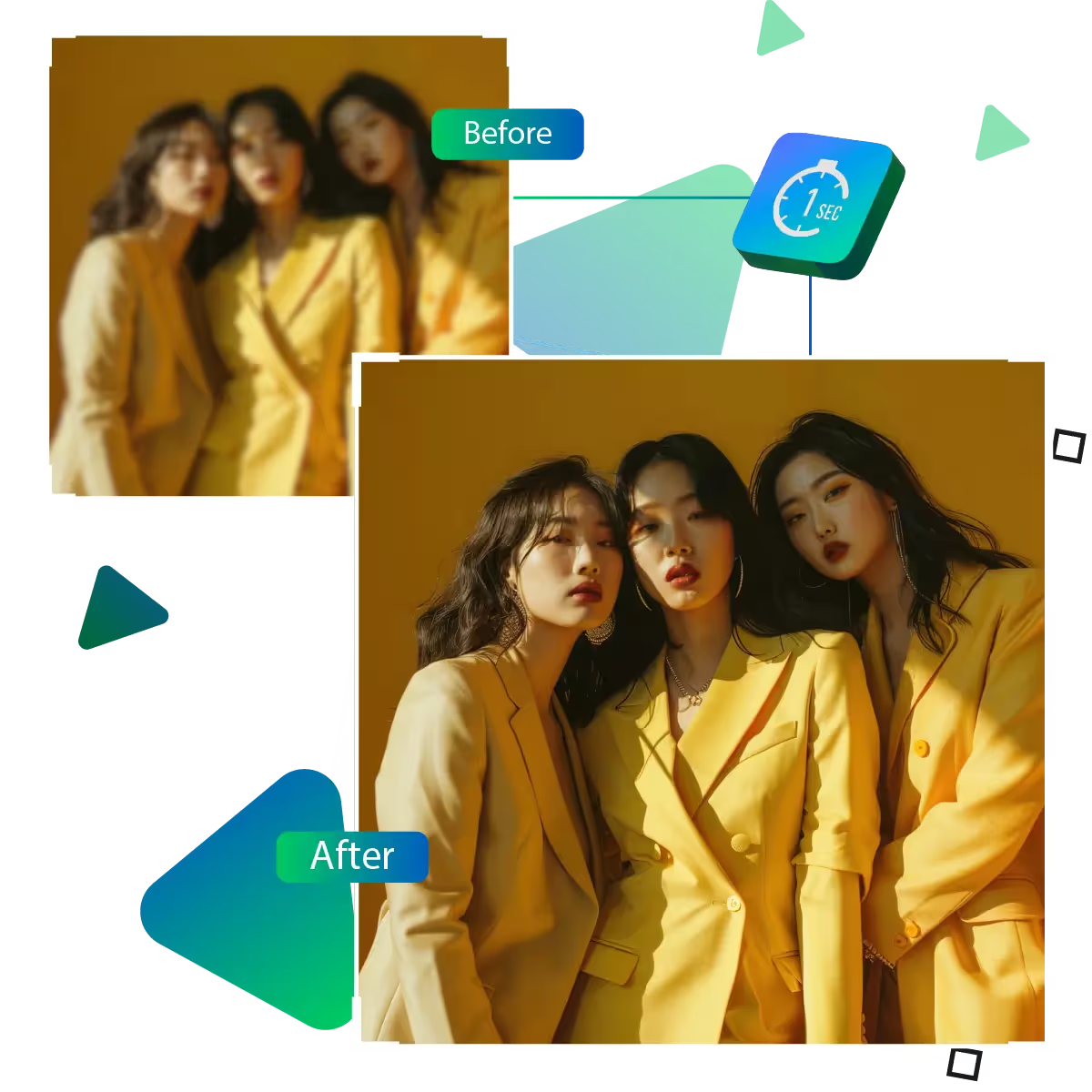
The AI enhances blurry photos to make them clear and sharp in a matter of seconds. As the tool excels at resolving group photos, where some faces appear blurry. The tool sharpens portraits and makes text easier to read.
Because the web-based tool requires no downloads or storage space, you can use it from anywhere on any computer, tablet, or phone. Your improved photos will now save straight to your device for convenient sharing.
Choose from pre-set sizes that are ideal for Instagram, Facebook, or printing, and the AI intelligently modifies pixels to preserve clarity at any size. This allows you to get the precise dimensions you need without sacrificing quality.
Prepare to transform hazy photos into stunning, crisp images in just seconds!
Sanjay Choudhury
Riya Khanna
Aditya Kapoor
We’ve answered some of the most common questions about the Upscale.media API. If you don’t see your question here, feel free to reach out at support@pixelbin.io
What is Upscale.media API?
How can Upscale.media API be integrated into my website or app?
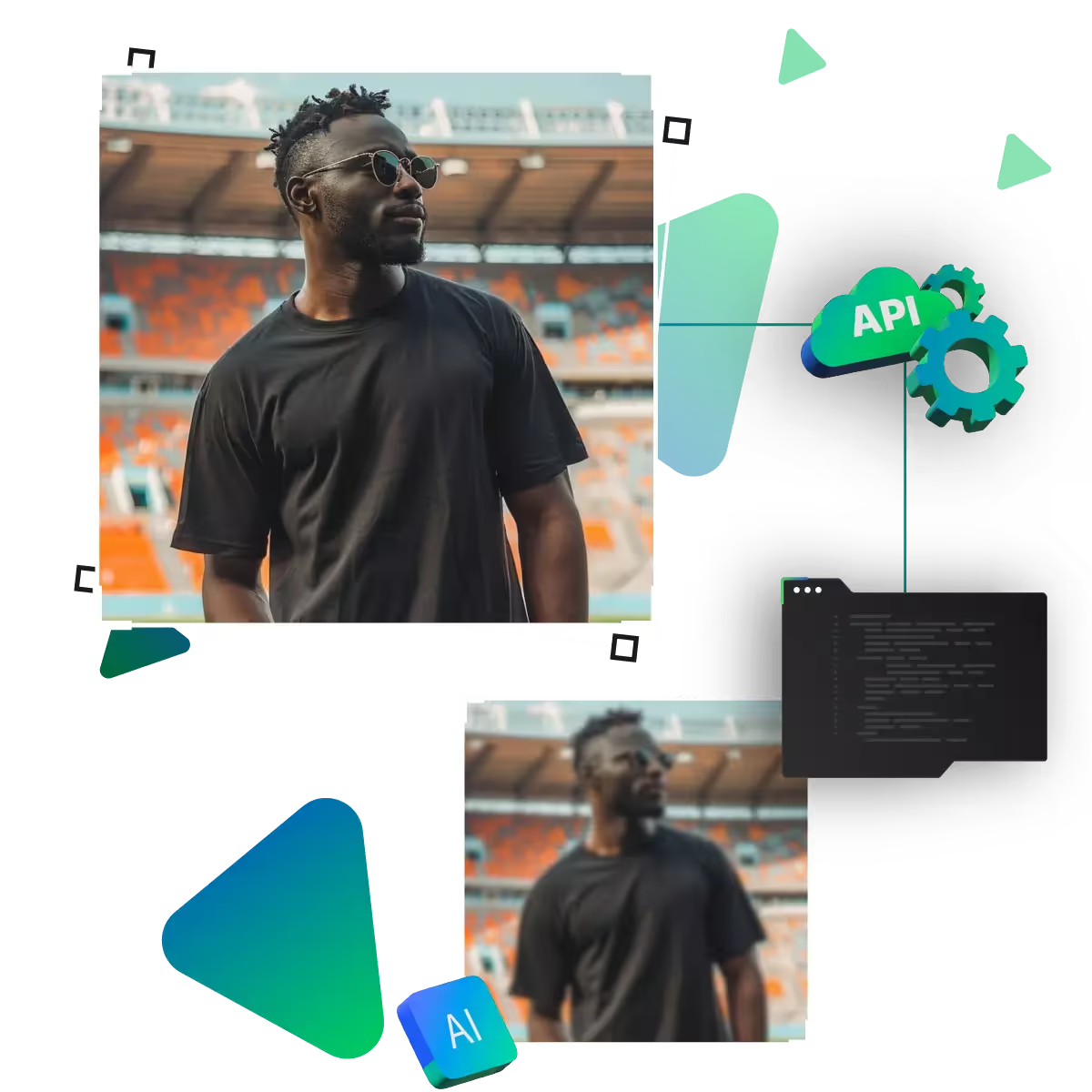
The API supports multiple programming languages such as React, Python, Golang, etc., and fits easily into most tech stacks. Integration is straightforward, with clear documentation to guide you through.
What kind of image transformations can be achieved with Upscale.media API?
How does Upscale.media API enhance online visual appeal?
How fast and accurate is the image upscaling with Upscale.media API?
Can Upscale.media API be used for creative design projects?
How does Upscale.media API improve digital content quality?
Is Upscale.media API adaptable for different image upscaling needs?
Can Upscale.media API be customized for specific needs?
What are the benefits of using Upscale.media API for different industries like e-commerce, marketing, and social media?