





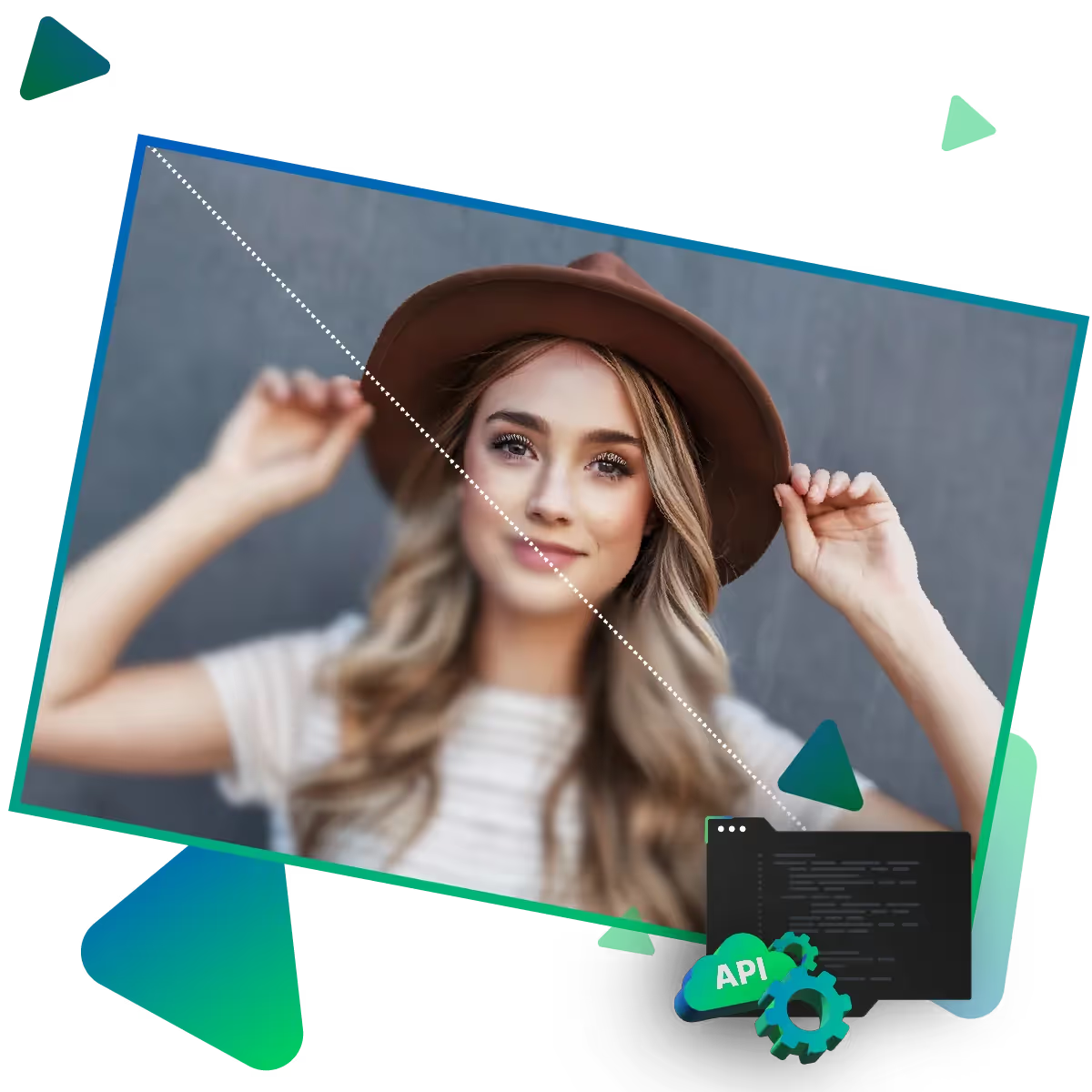
AI portrait enhancer: Next-Level Photo Refinement
Discover professional-grade portrait enhancement at your fingertips. Our AI technology maintains natural beauty and transforms ordinary photos into extraordinary portraits.
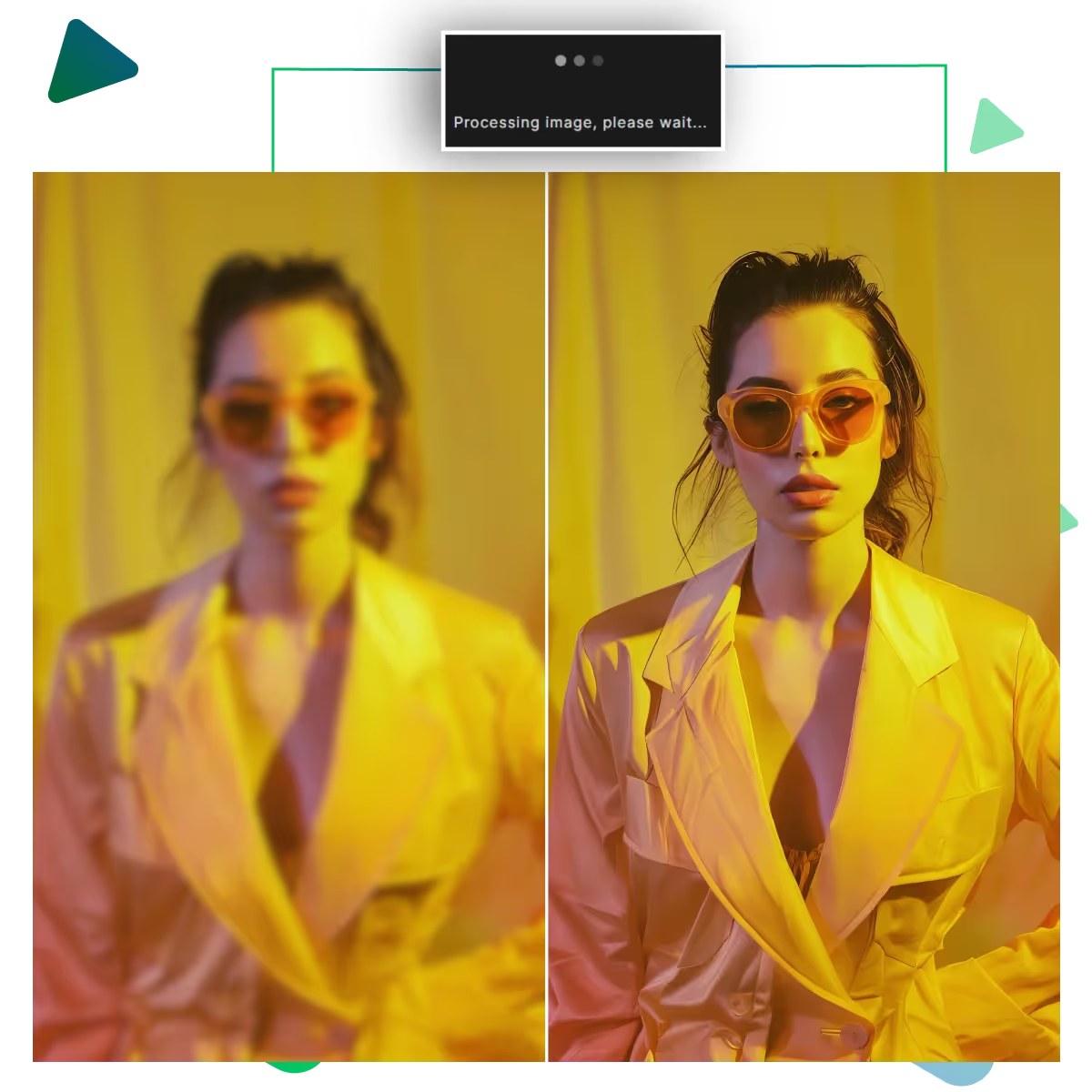
Boost your portrait photos with the AI portrait enhancer now. Advanced AI powers the tool. The tool is providing sharp, clear, and high-quality results.
Start by selecting your portrait photo from your device or cloud storage that you will be editing. Then upload it using the AI portrait enhancer tool.
After uploading the photo, it automatically improves the image quality with advanced AI.
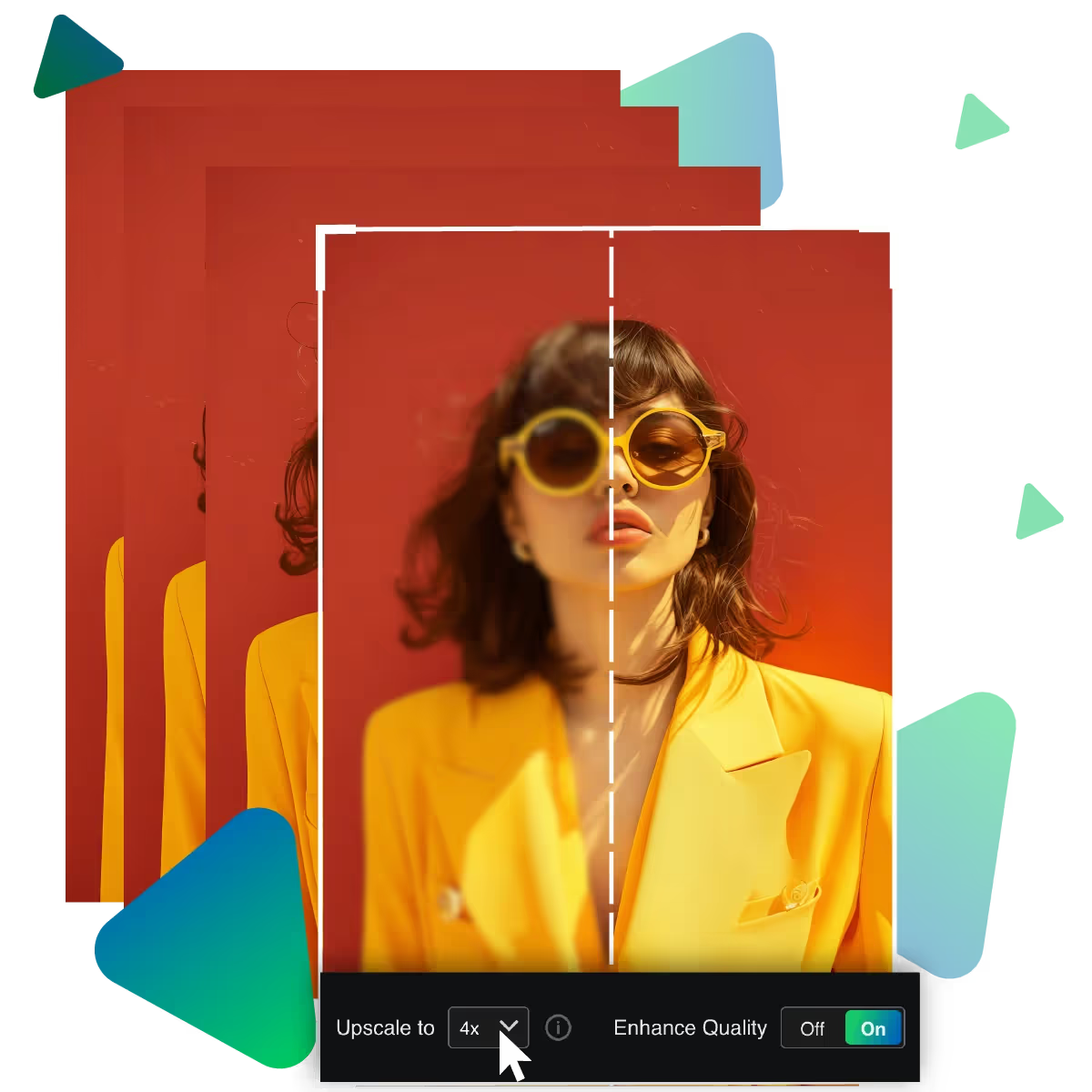
For its 2,4 or 8 x sharpness and clarity using the slider, for the perfect level of enhancement.
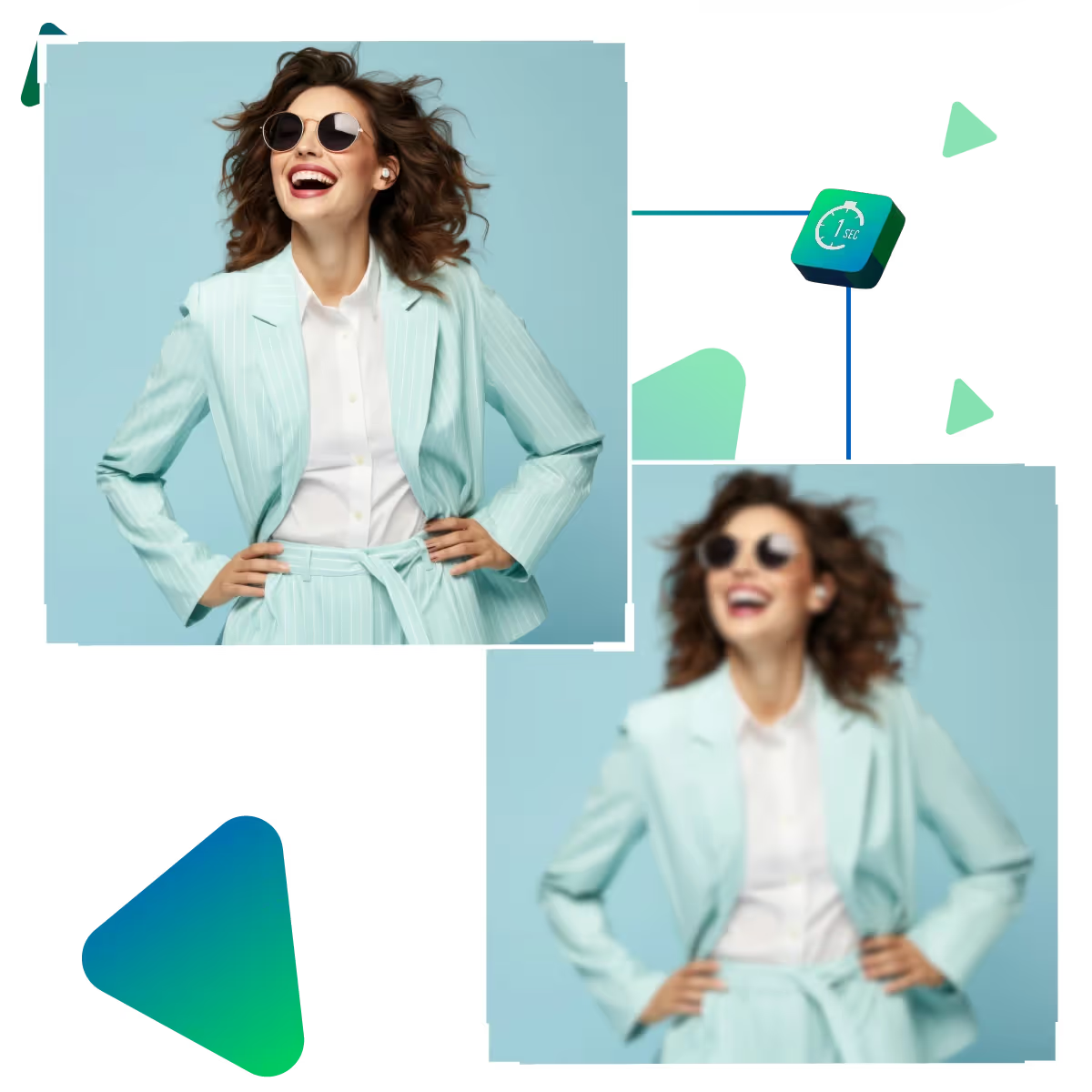
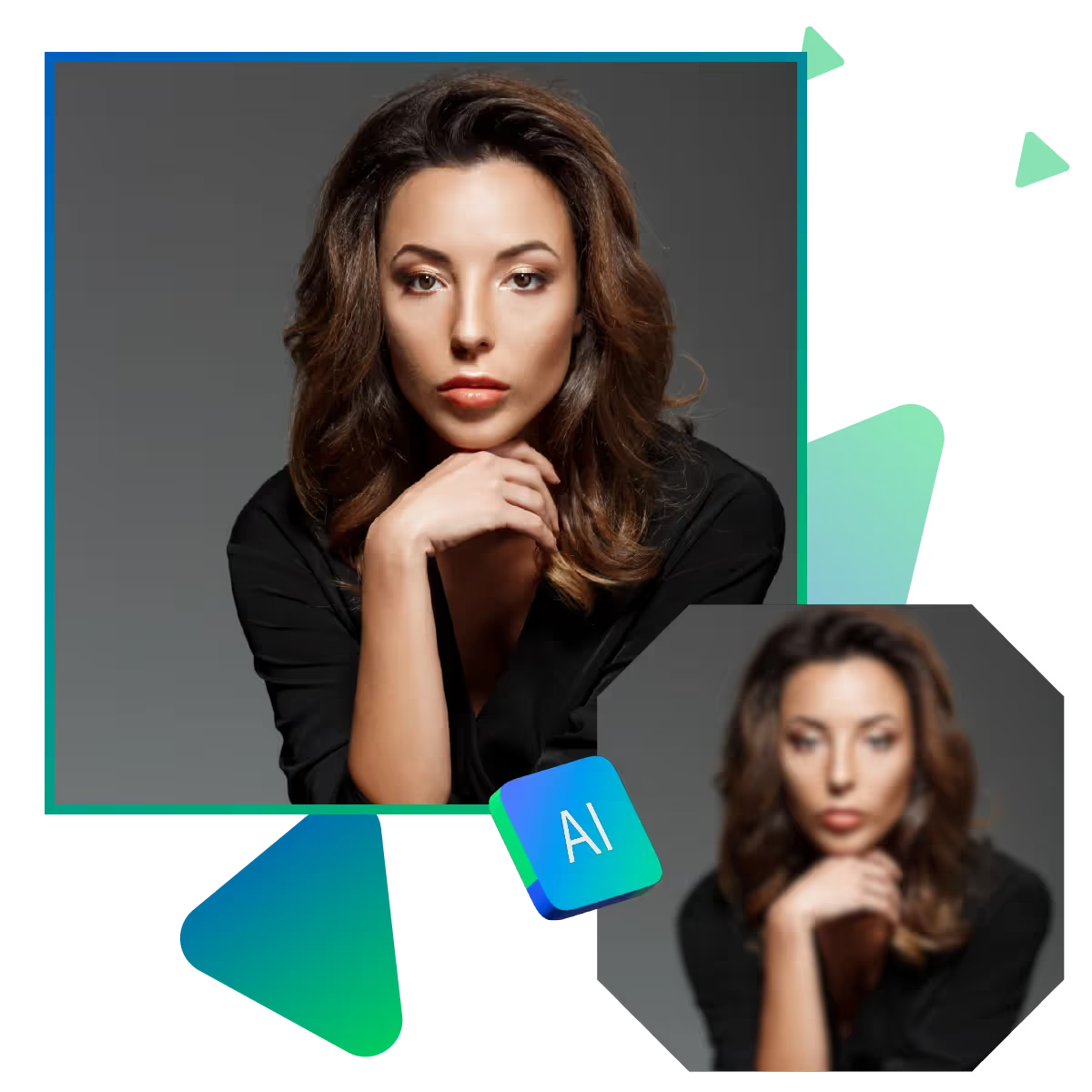
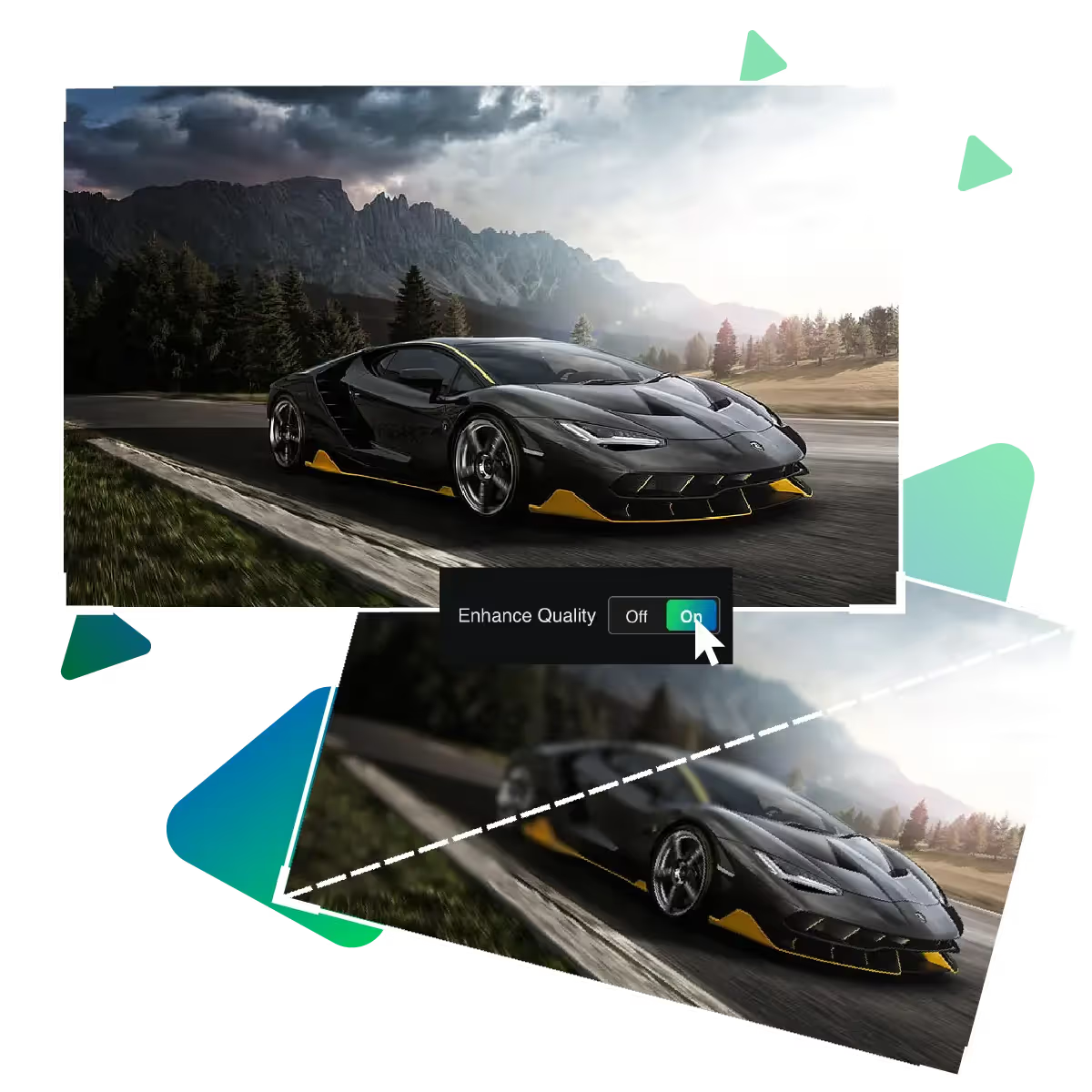
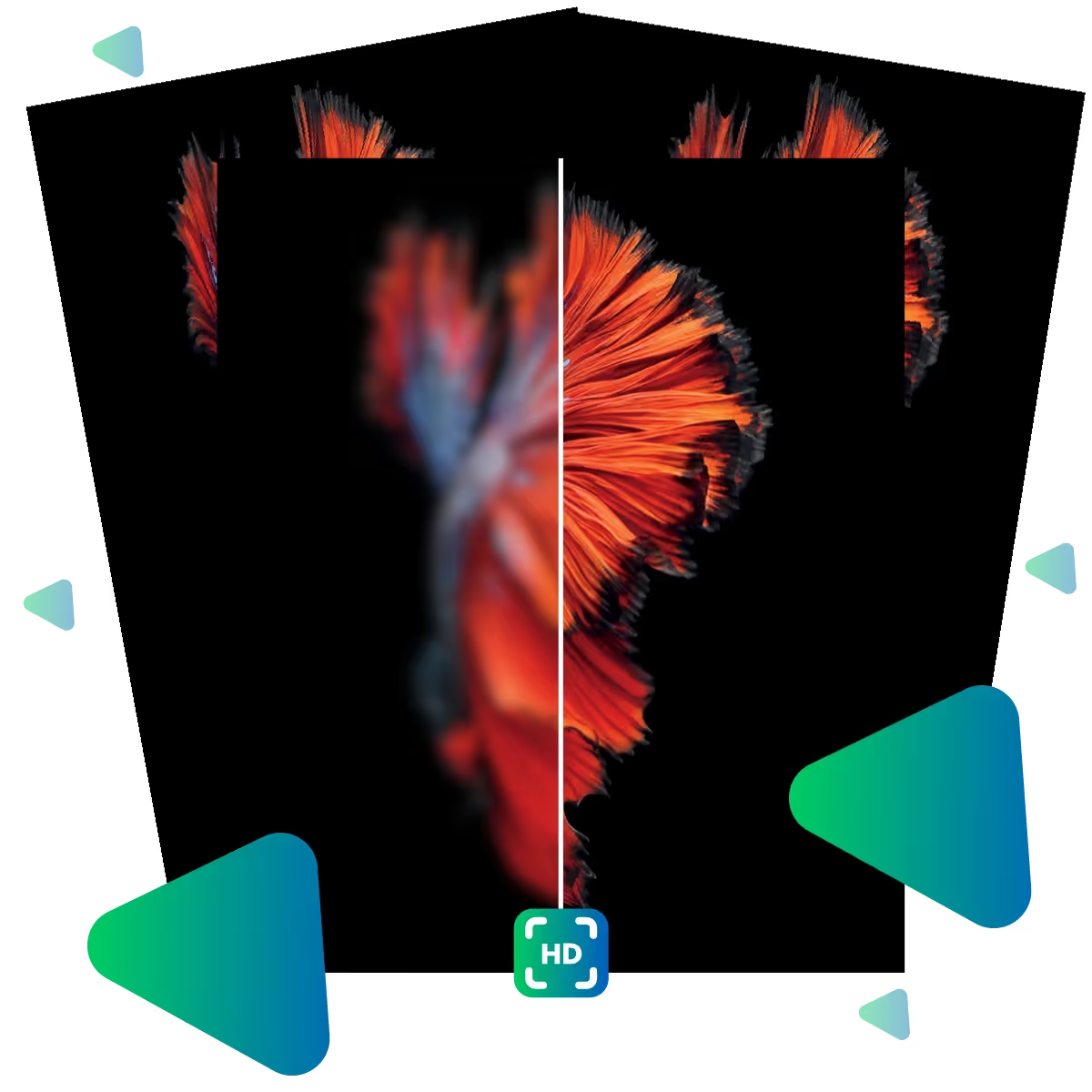
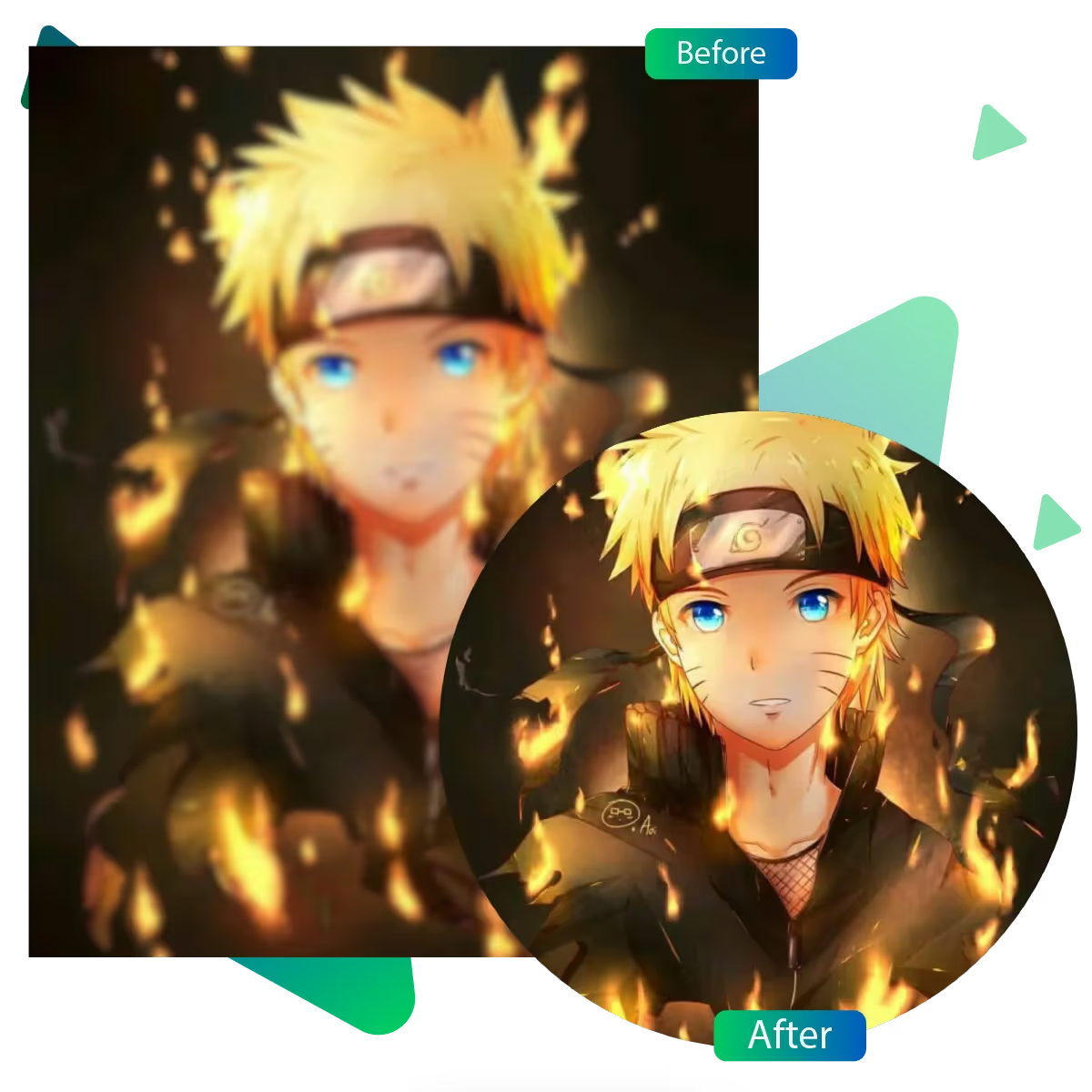
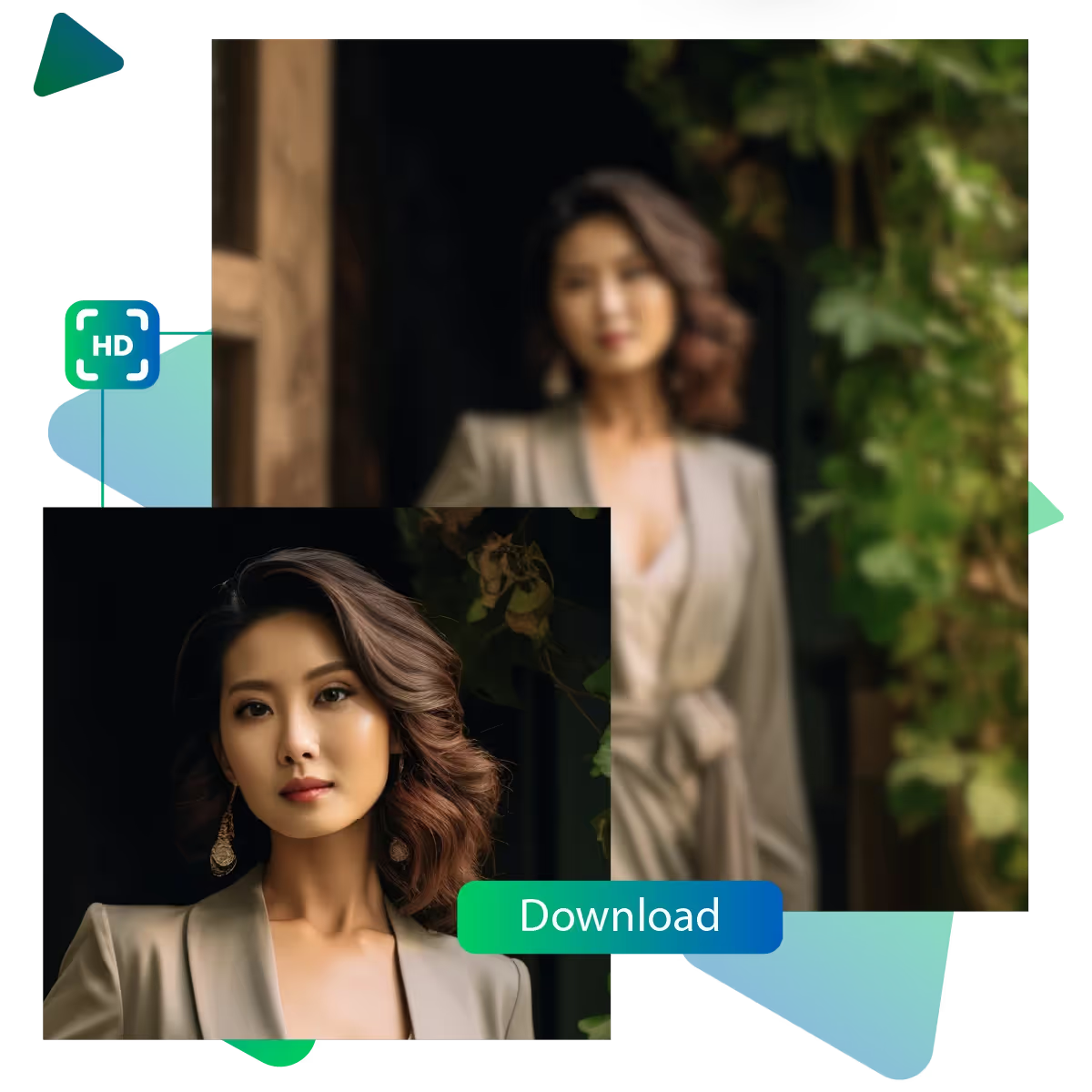
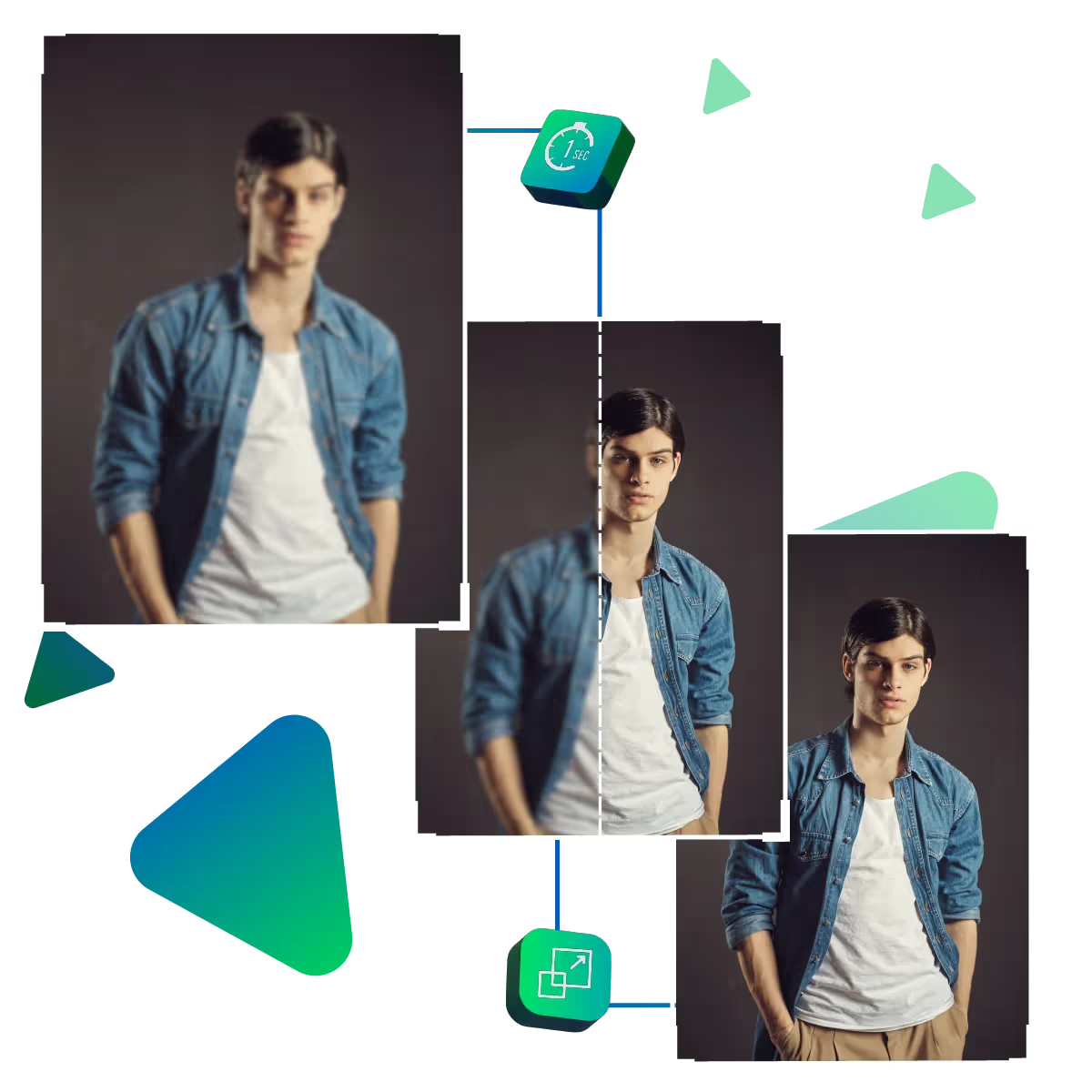
Compare the before-and-after images to ensure your portrait. This appears crisp and natural.
Once satisfied, click “Download” to save your high-quality portrait instantly, which is free.
Use your enhanced image for social media, professional portfolios, or printing, which is all thanks to AI portrait enhancer!
The AI automatically analyzes and enhances every facial feature with precision, smoothing skin. While preserving its natural texture, brightening eyes, and enhancing facial contours, the intelligent algorithm works in seconds to deliver magazine-quality results, without manual retouching, making it perfect for busy photographers and social media enthusiasts who want perfect portraits instantly.
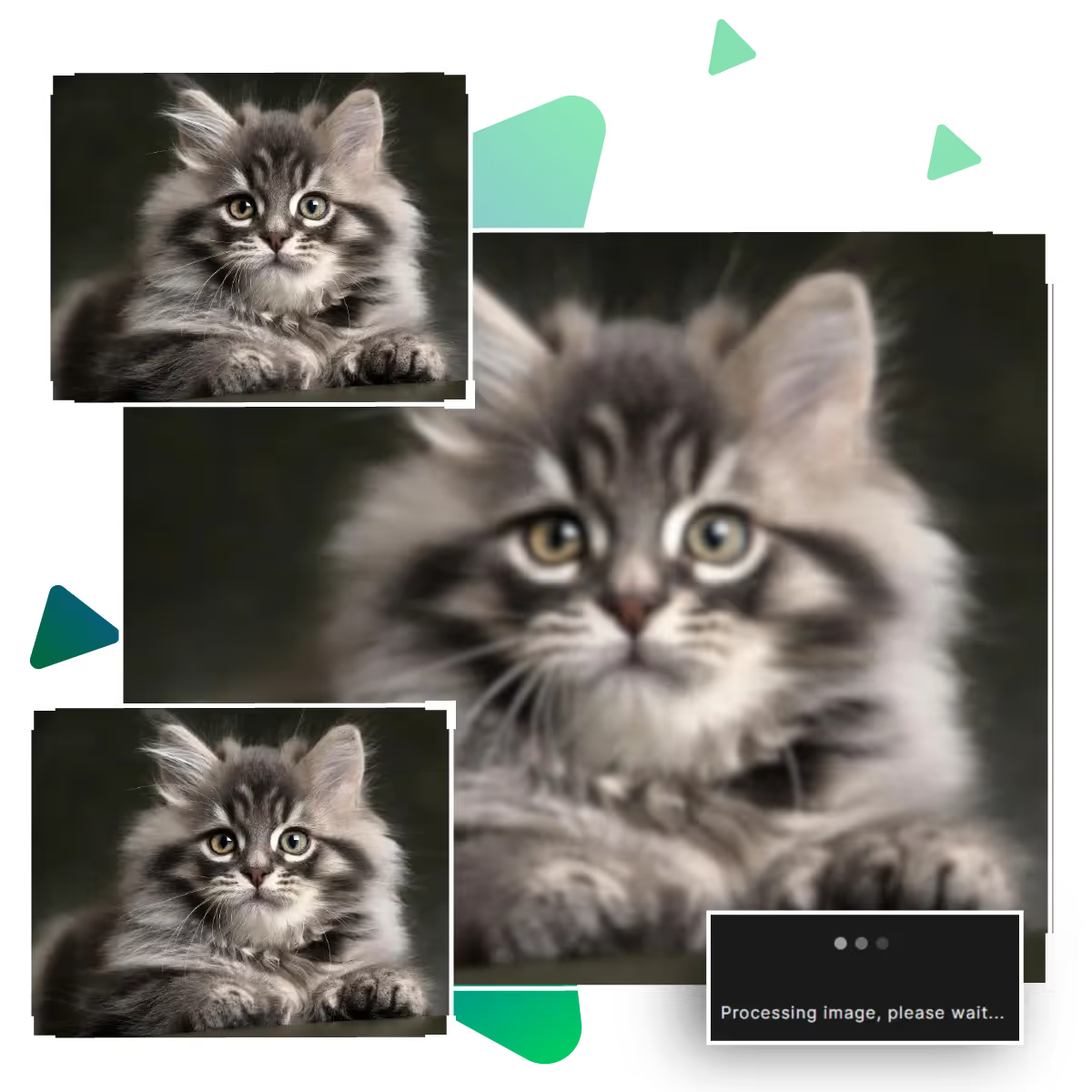
Choose between 2x, 4x, or 8x upscaling to achieve your desired print or digital quality. As the advanced interpolation maintains sharp edges and fine details, even at maximum enlargement, it is suitable whether you need web-ready images or high-res prints. This feature ensures pixel-perfect clarity without distortion or artifacts.
The fully responsive design works seamlessly across all smartphones and tablets. The touch-optimized interface makes professional editing possible anywhere, cloud synchronization allows you to start on a desktop and finish on a mobile device. Making it ideal for influencers and travelers who need to edit on the go without compromising quality.
Elevate your portrait photography instantly with AI portrait enhancer, the tool transforms ordinary photos into professional-grade portraits with just a few clicks.
The AI intelligently analyzes facial features, then apply natural-looking enhancements. It is also preserving your unique characteristics, by removing only imperfections. In order to gain authentic yet polished results.
Advanced neural networks maintain original image integrity accurately. In the time of enhancement, the system prevents common issues. Such as artificial sharpening halos or plastic-looking skin, and every enhanced photo retains authentic textures, natural color tones, and precise details at maximum resolution.
Get professional-grade enhancements in seconds with single-click processing. This makes it perfect for users who want studio-quality portraits without spending hours in editing software.
Discover professional-grade portrait enhancement at your fingertips. Our AI technology maintains natural beauty and transforms ordinary photos into extraordinary portraits.
Sanjay Choudhury
Riya Khanna
Aditya Kapoor
We’ve answered some of the most common questions about the Upscale.media API. If you don’t see your question here, feel free to reach out at support@pixelbin.io
What is Upscale.media API?
How can Upscale.media API be integrated into my website or app?
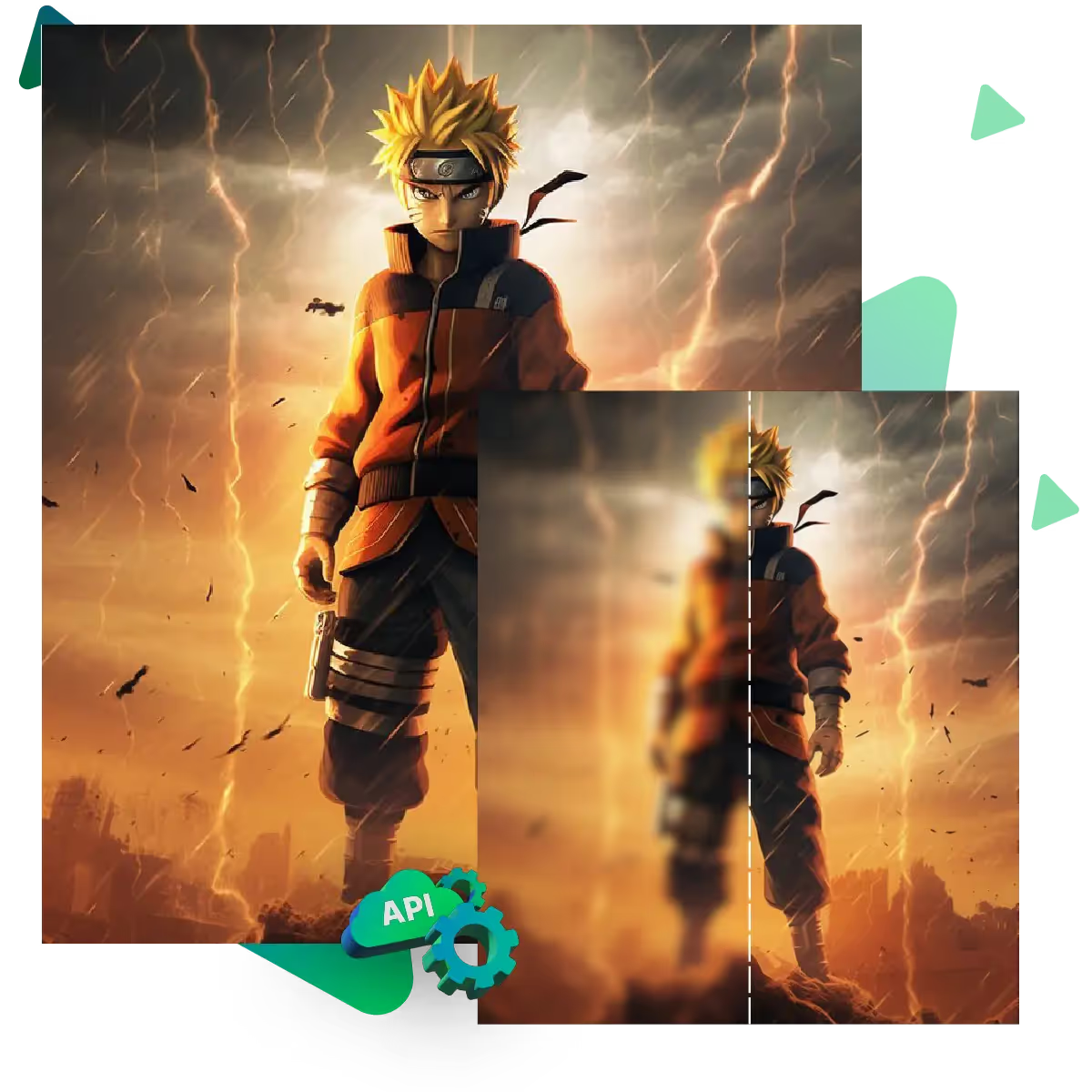
The API supports multiple programming languages such as React, Python, Golang, etc., and fits easily into most tech stacks. Integration is straightforward, with clear documentation to guide you through.
What kind of image transformations can be achieved with Upscale.media API?
How does Upscale.media API enhance online visual appeal?
How fast and accurate is the image upscaling with Upscale.media API?
Can Upscale.media API be used for creative design projects?
How does Upscale.media API improve digital content quality?
Is Upscale.media API adaptable for different image upscaling needs?
Can Upscale.media API be customized for specific needs?
What are the benefits of using Upscale.media API for different industries like e-commerce, marketing, and social media?