





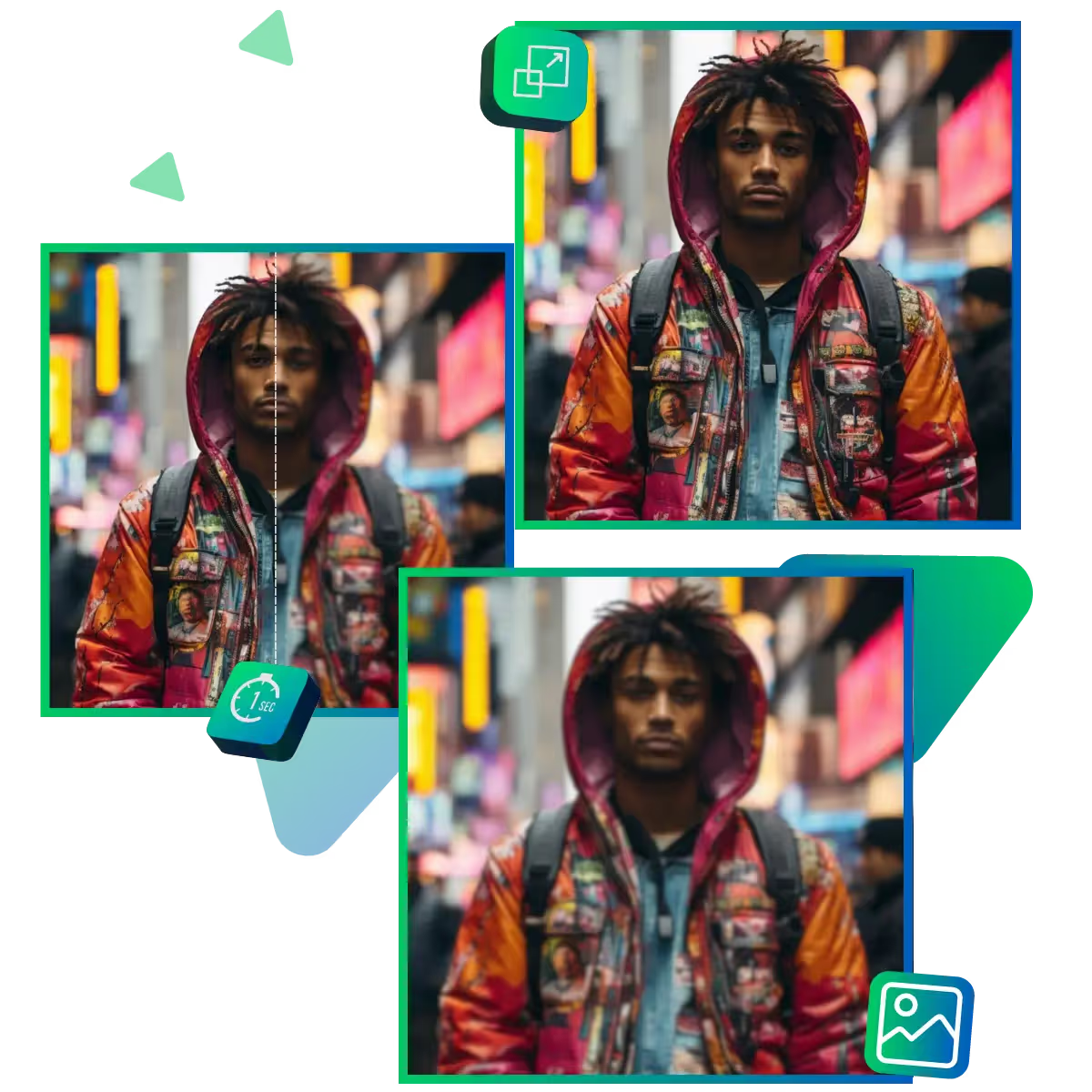
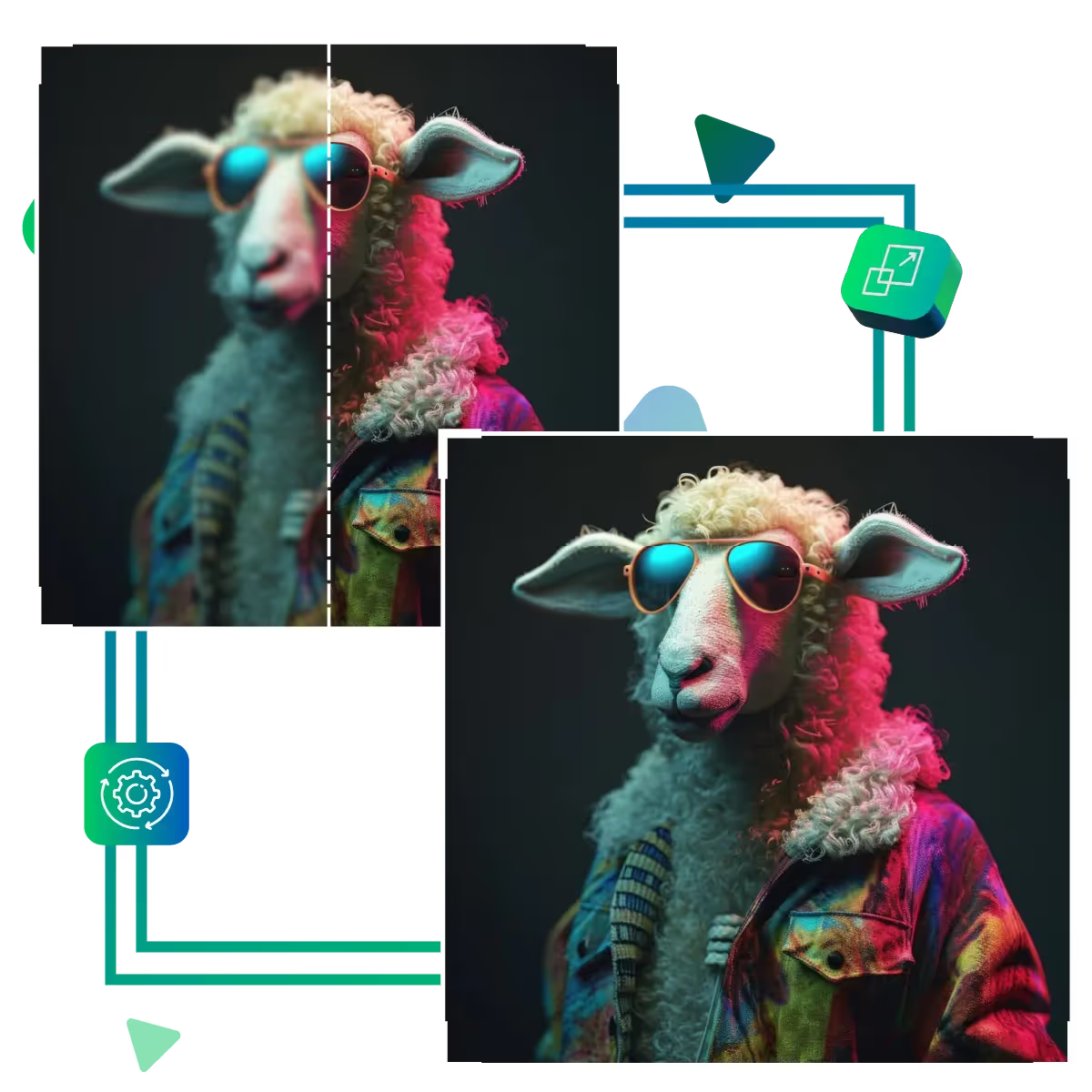
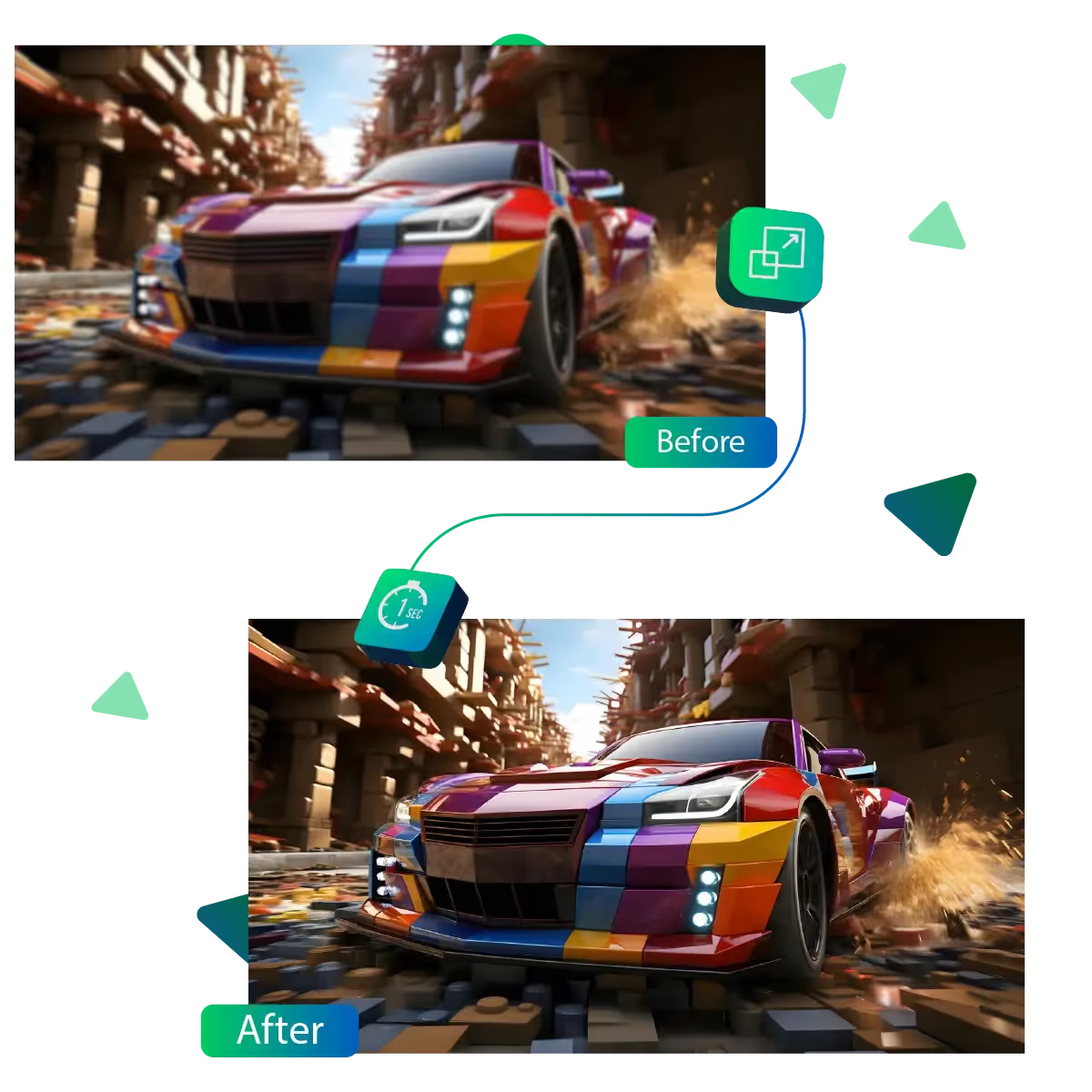
Enhance your images by using the image sharpener tool
Whether you're polishing a personal photo or preparing visuals for work, Upscale.media’s Image Sharpener helps you bring out the best in every picture.
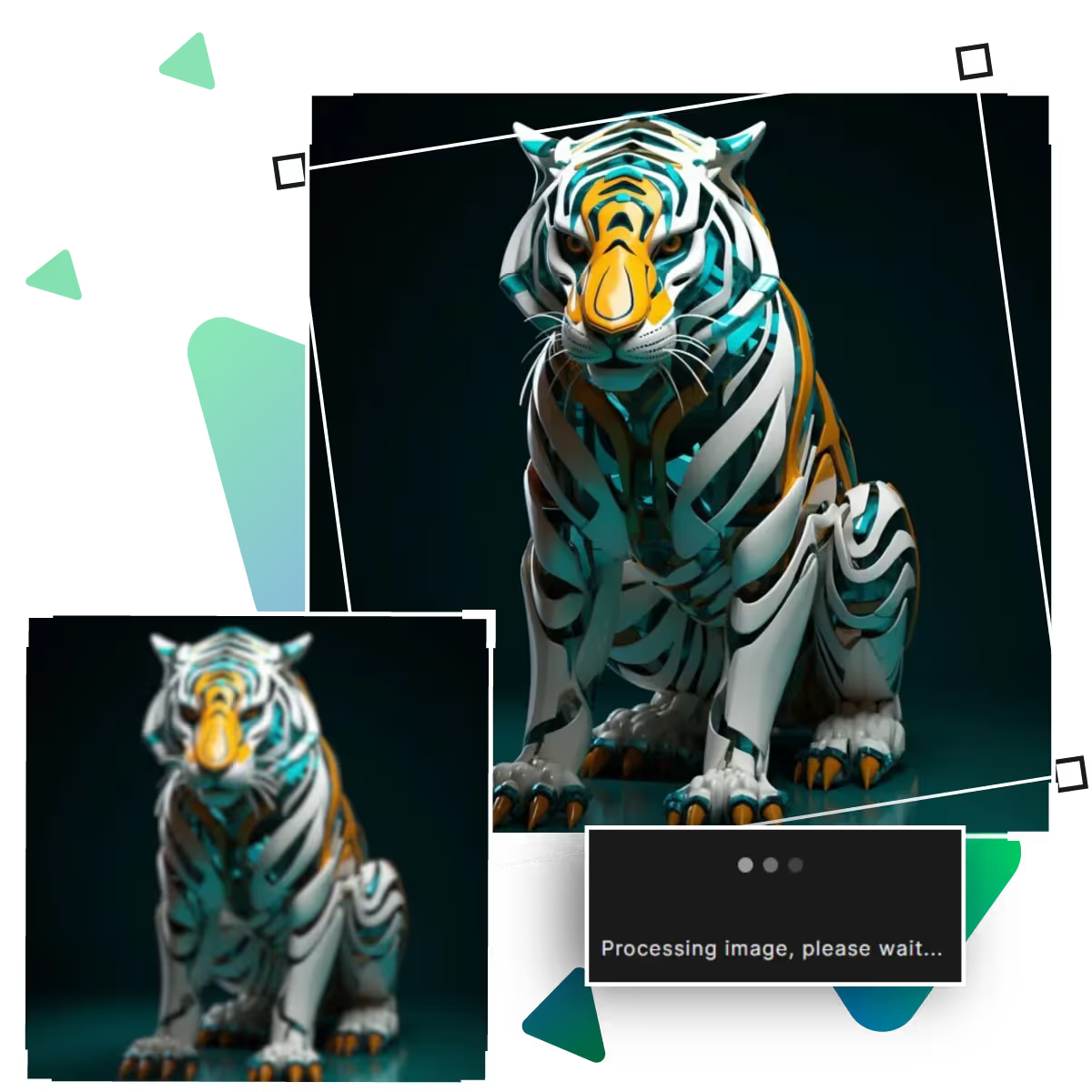
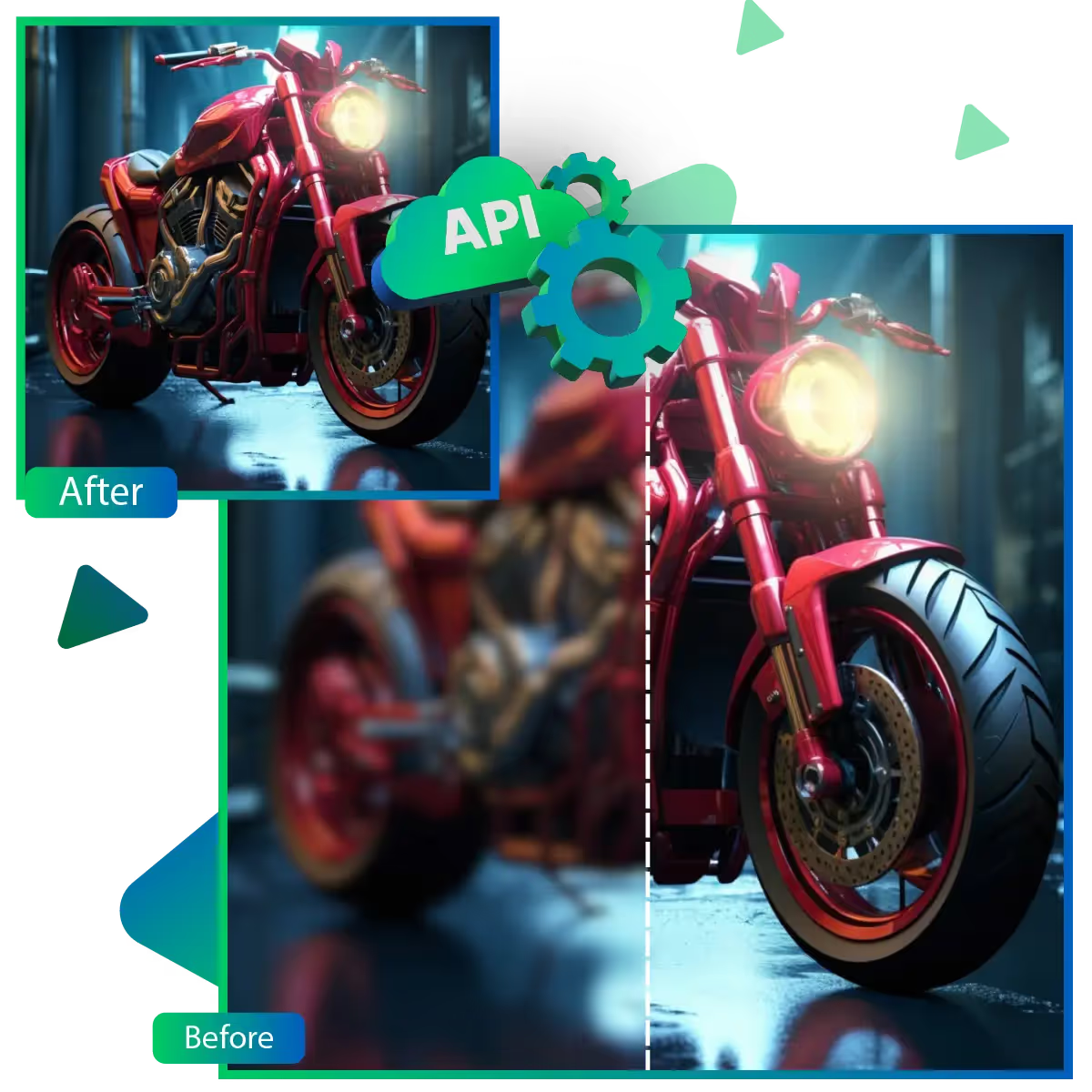
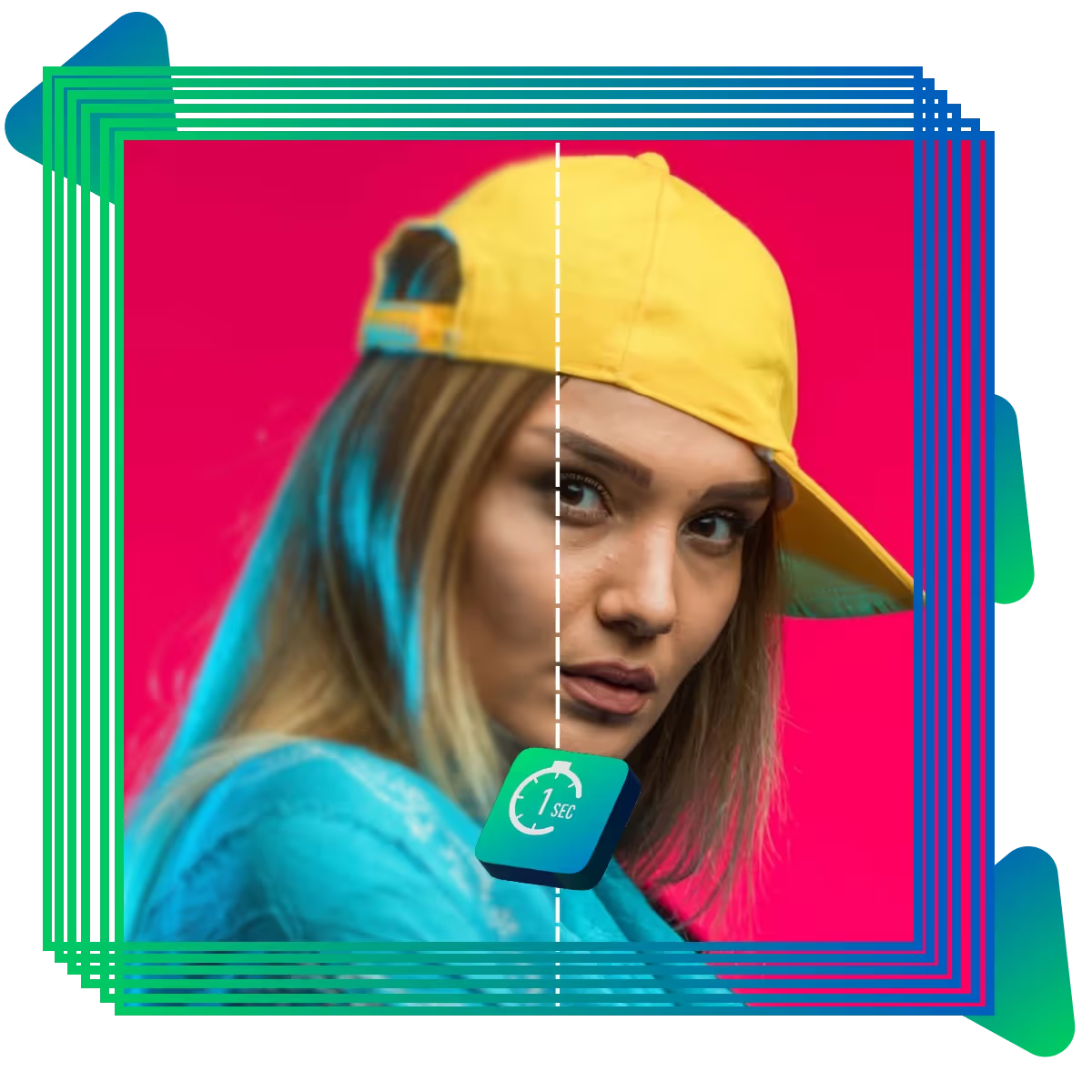
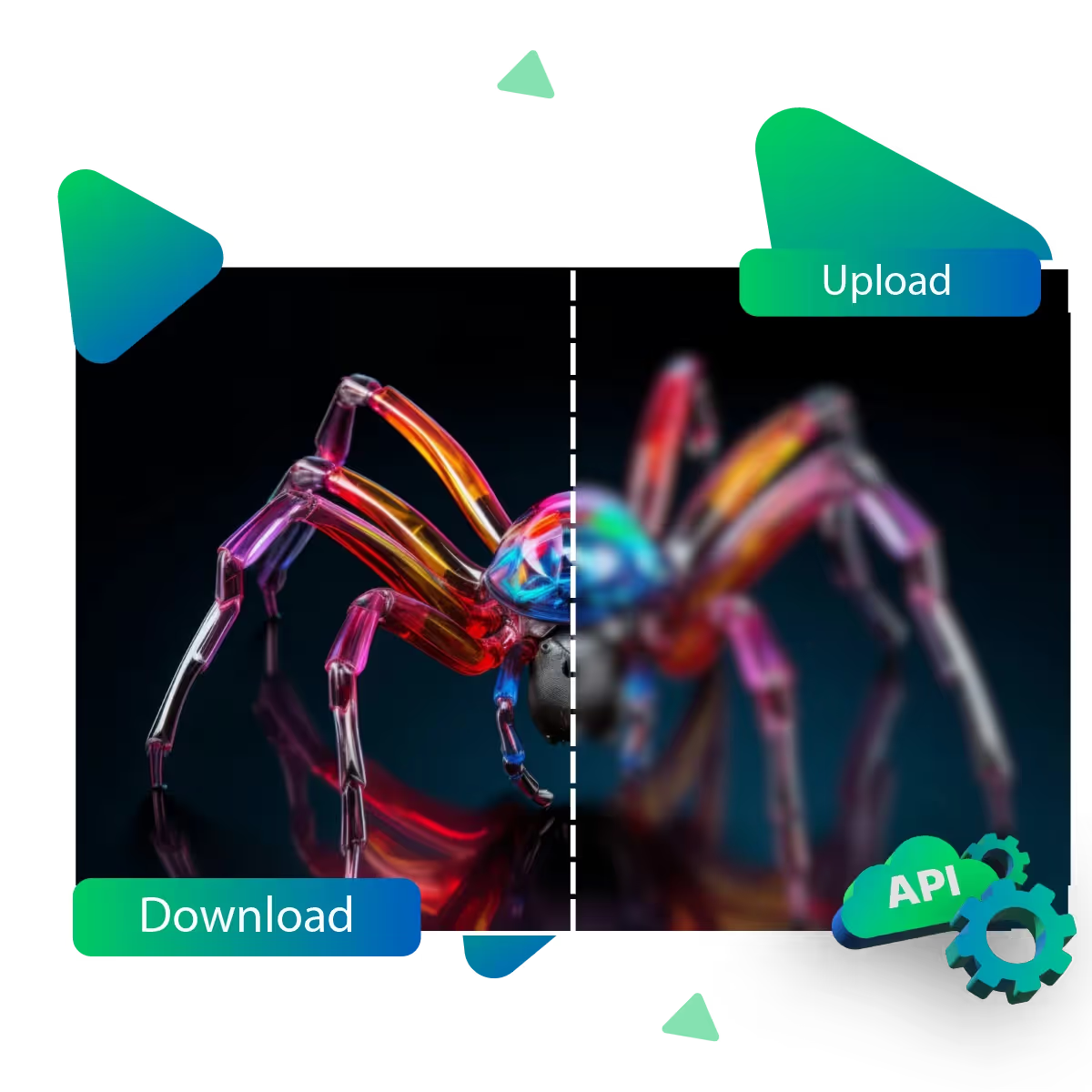
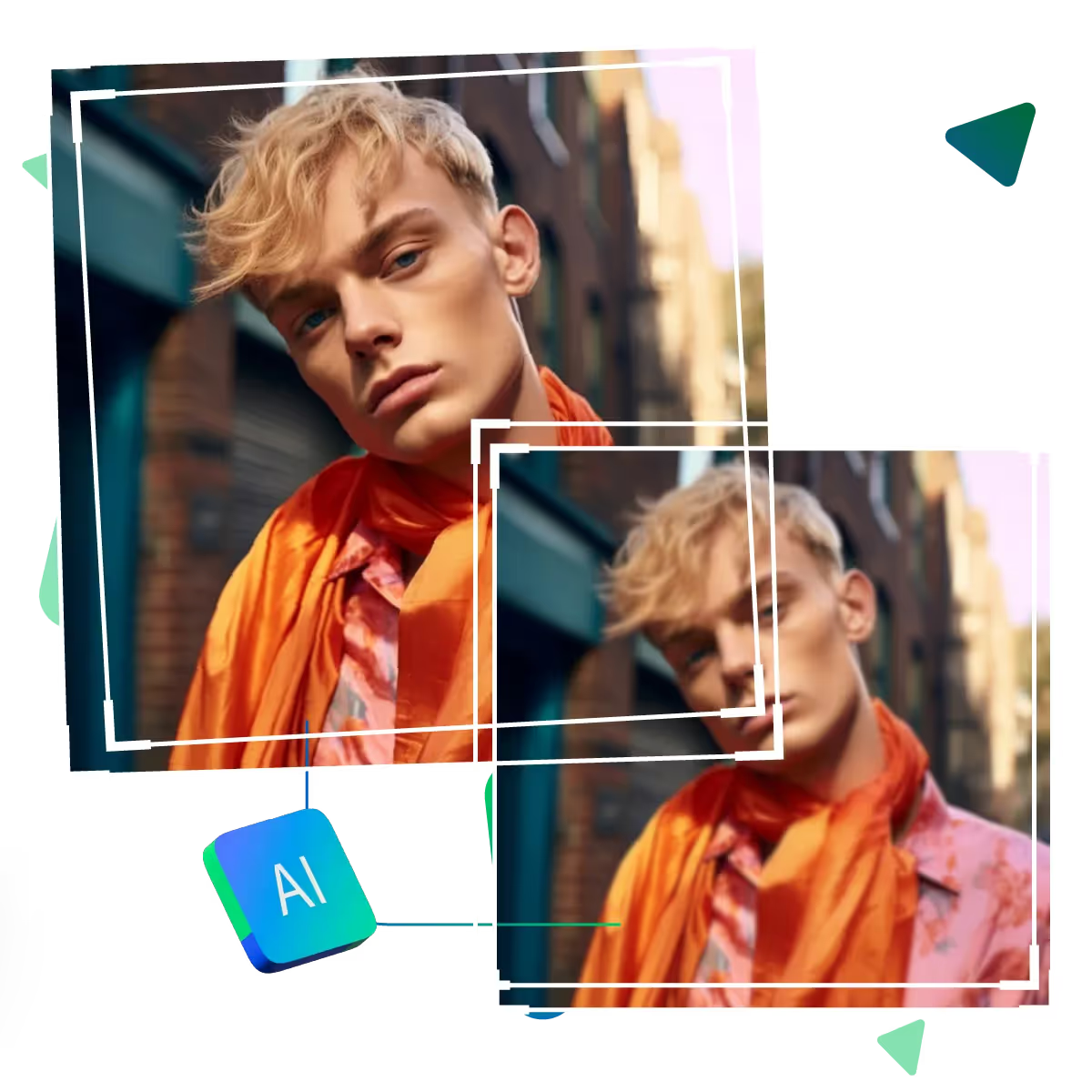
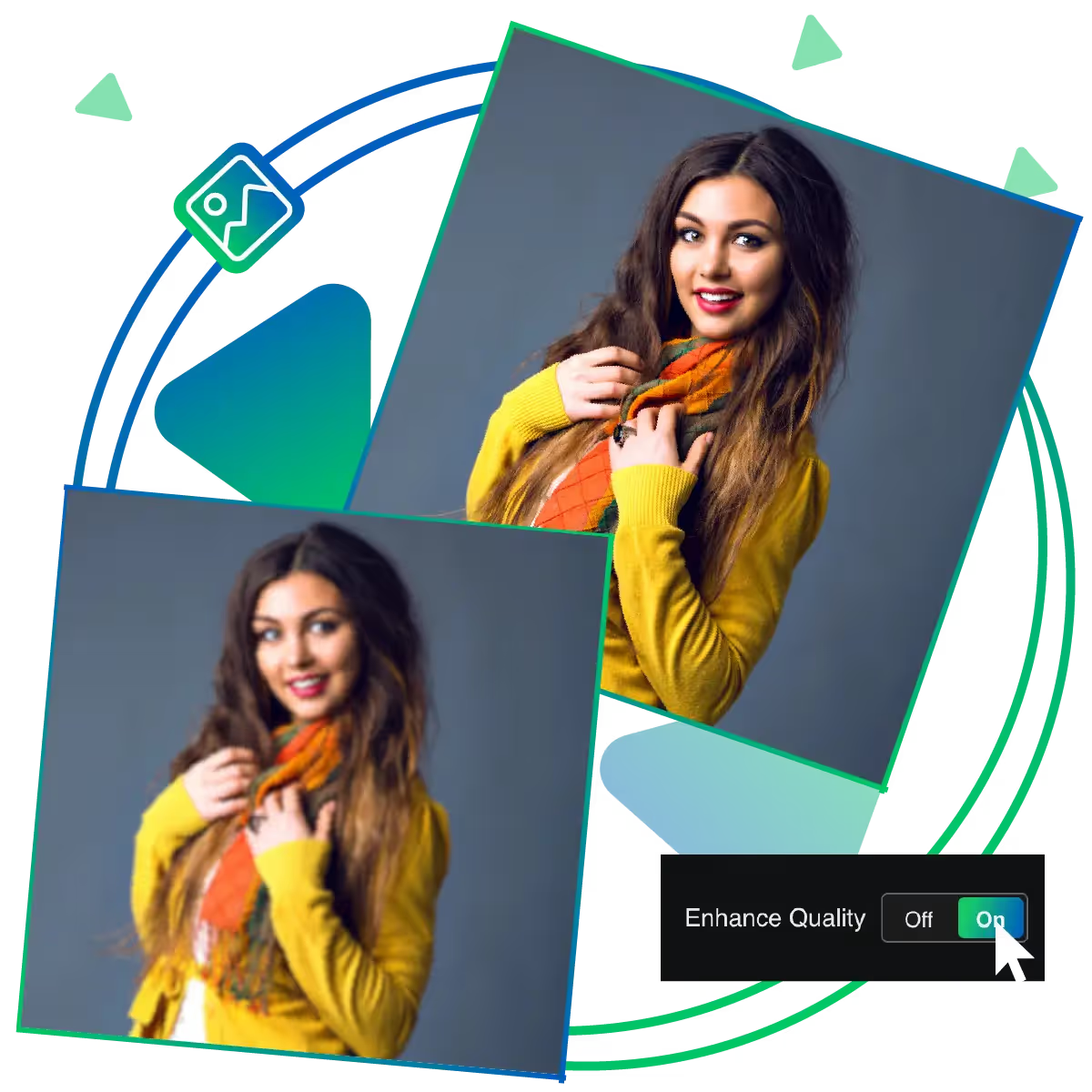
Upscale.media’s Online Image Sharpener uses advanced AI to fix blurry or soft photos in seconds, and the tool sharpens images online without losing quality.
In the first step you need to visit the site and choose your tool.
In this step you need to upload your chosen picture, that you want to sharpen.
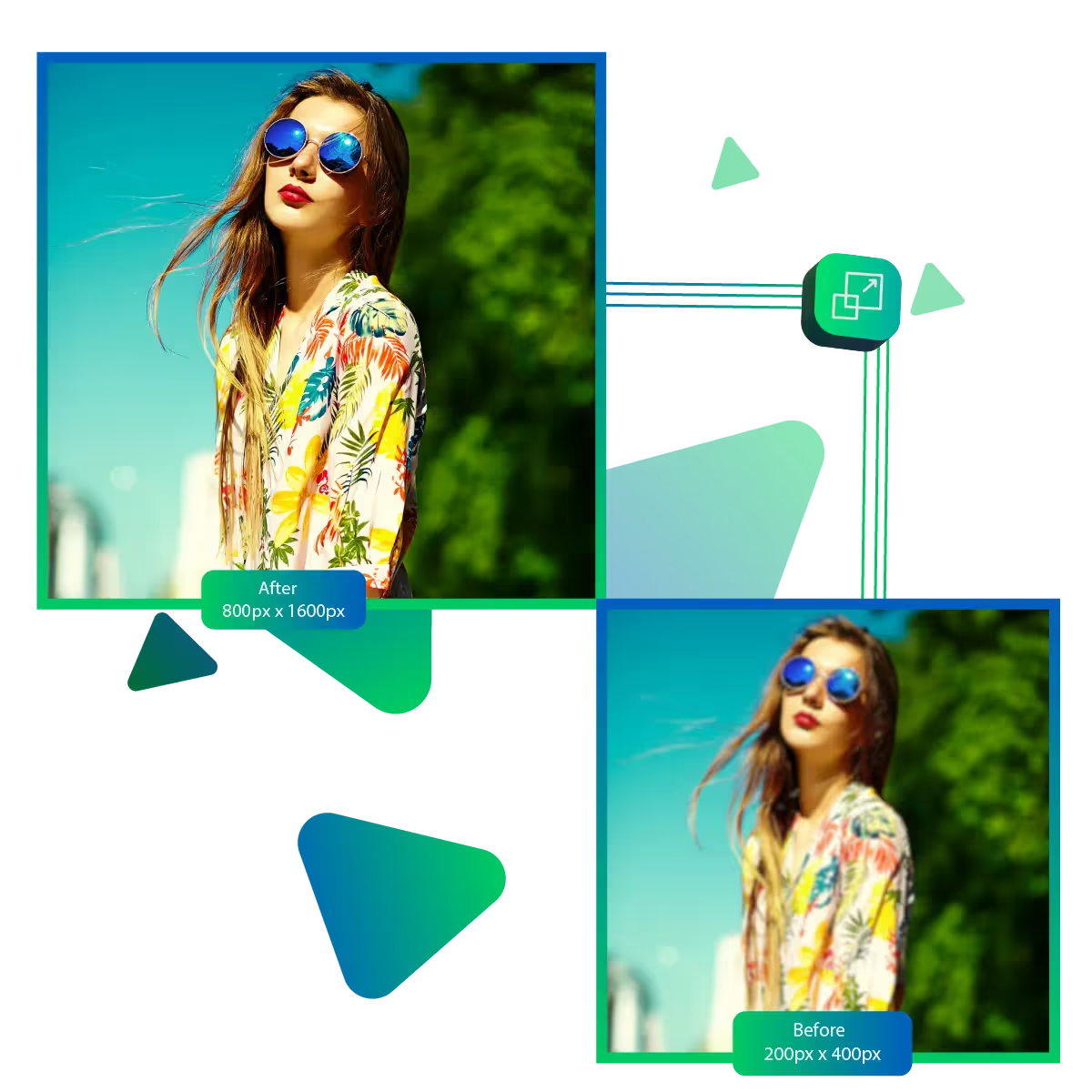
In this step you can choose the enlargement option for the image, up to 8x.
In this step, the AI will automatically process the image to give you an improved result.
In this step, you can preview the image outcome and ensure that it meets the desired outcome.
In this final step, you can download your image, which can be used for personal and professional needs.
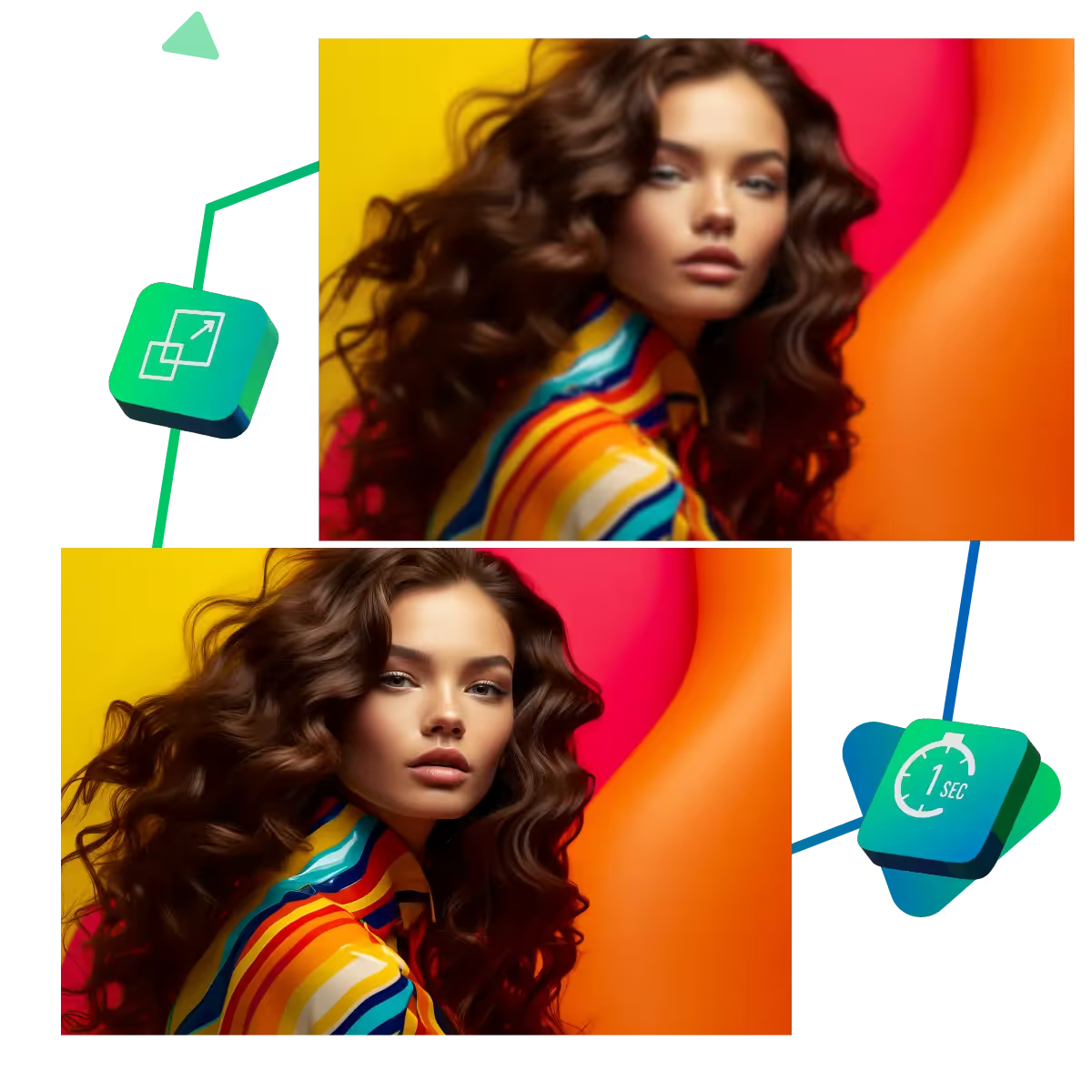
Sharpen your images in seconds with just a few clicks. The tool quickly clears up blurry photos, enhancing detail and sharpness. Whether it's a portrait or a landscape, you get better-looking results without any hassle.
There's no need to download anything; everything happens online. Just open the tool on your phone, tablet, or computer and start enhancing right away. Whether you're at home or on the go, sharpening your images is always within reach. It works smoothly across all devices, making the experience simple and stress-free.
There are no fees, subscriptions, or hidden costs associated with this service's trial period. Now, you can sharpen multiple images during the trial period without paying anything. The tool is a great option for anyone seeking high-quality results without incurring significant costs.
Upscale.media’s Image Sharpener is designed to make your photos look their best with just a few clicks.
See the changes as they happen. With the live preview option, you get to view how your photo improves before you save it. The AI tool helps you make better choices and get the look you want without guessing.
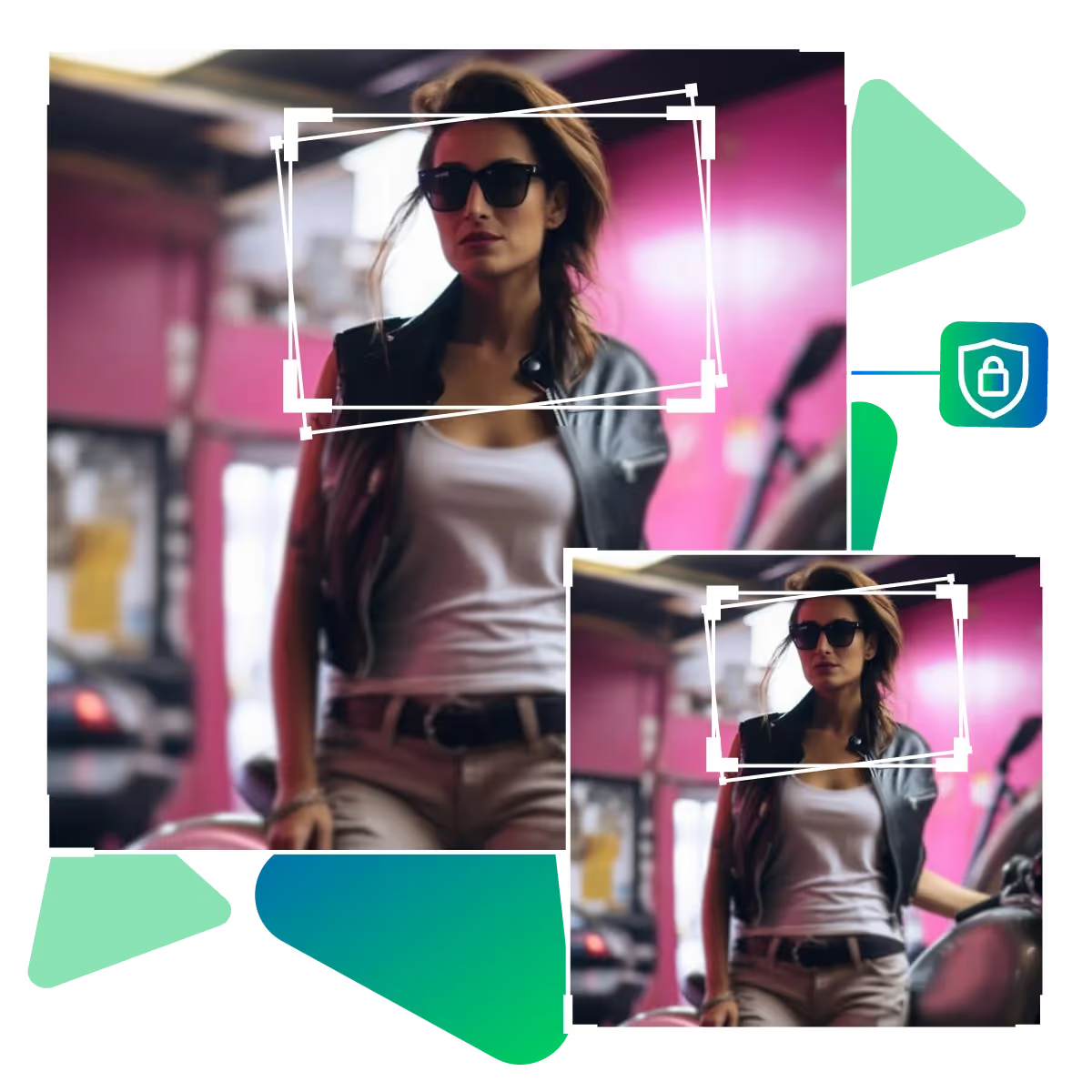
Your images are handled with care. As the AI tool ensures your photos stay private and secure while you’re editing, and now, you don’t need to worry about your files being shared or misused.
Use the photos you already have, no matter their format, whether it’s a photo from your phone, computer, or camera, the tool works with all popular types, and there’s no need to convert or resize anything, upload and go.
Whether you're polishing a personal photo or preparing visuals for work, Upscale.media’s Image Sharpener helps you bring out the best in every picture.
Sanjay Choudhury
Riya Khanna
Aditya Kapoor
We’ve answered some of the most common questions about the Upscale.media API. If you don’t see your question here, feel free to reach out at support@pixelbin.io
What is Upscale.media API?
How can Upscale.media API be integrated into my website or app?
The API supports multiple programming languages such as React, Python, Golang, etc., and fits easily into most tech stacks. Integration is straightforward, with clear documentation to guide you through.
What kind of image transformations can be achieved with Upscale.media API?
How does Upscale.media API enhance online visual appeal?
How fast and accurate is the image upscaling with Upscale.media API?
Can Upscale.media API be used for creative design projects?
How does Upscale.media API improve digital content quality?
Is Upscale.media API adaptable for different image upscaling needs?
Can Upscale.media API be customized for specific needs?
What are the benefits of using Upscale.media API for different industries like e-commerce, marketing, and social media?