





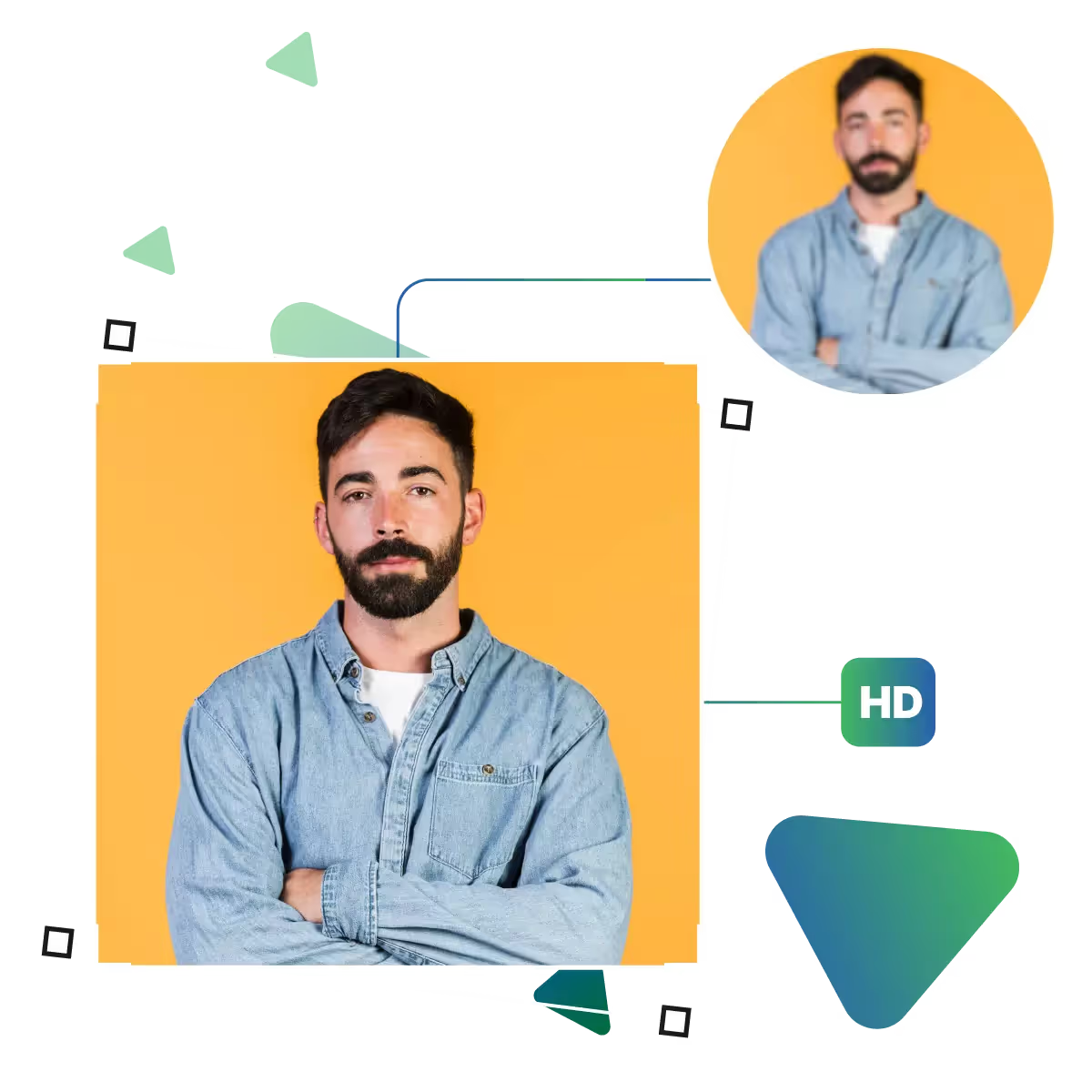
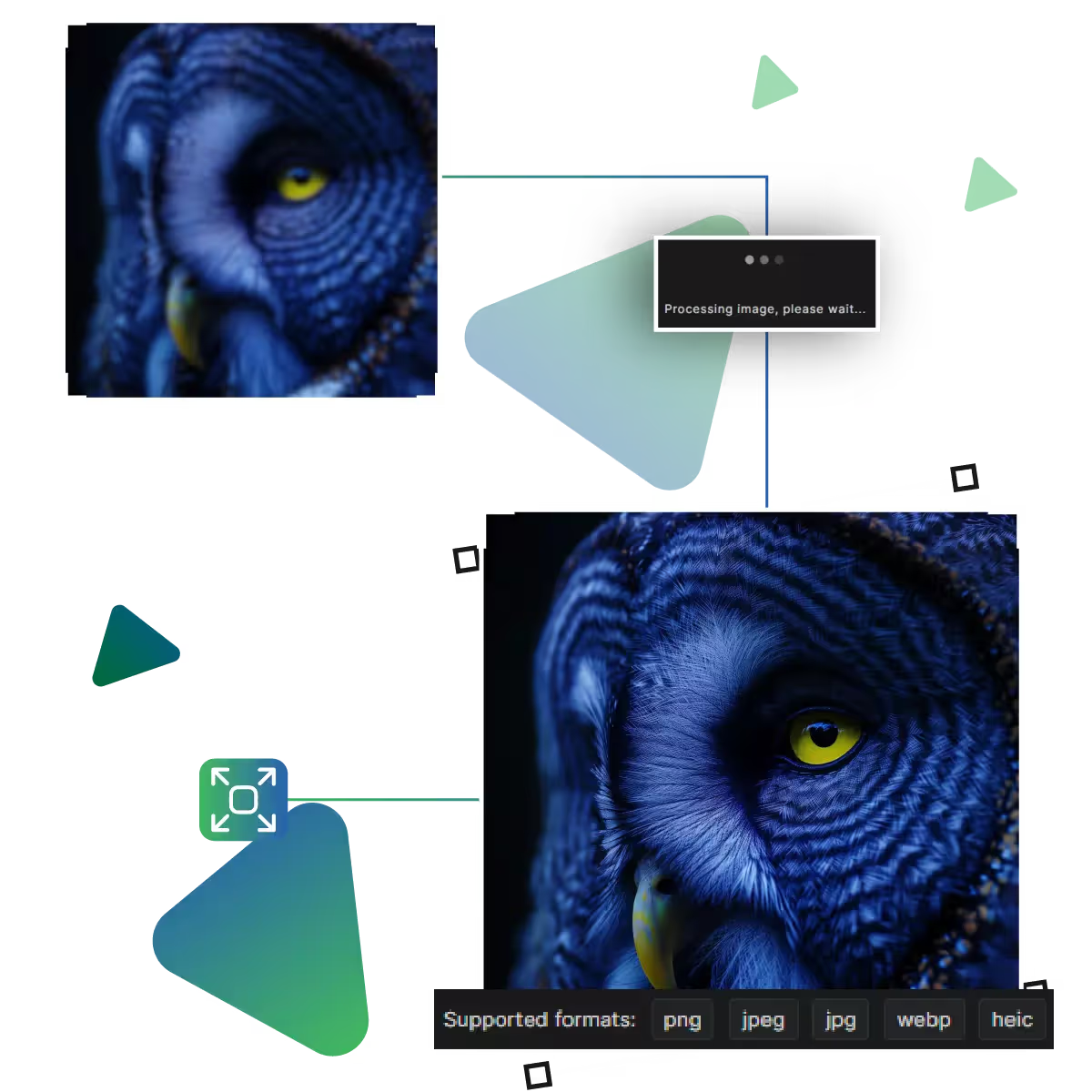
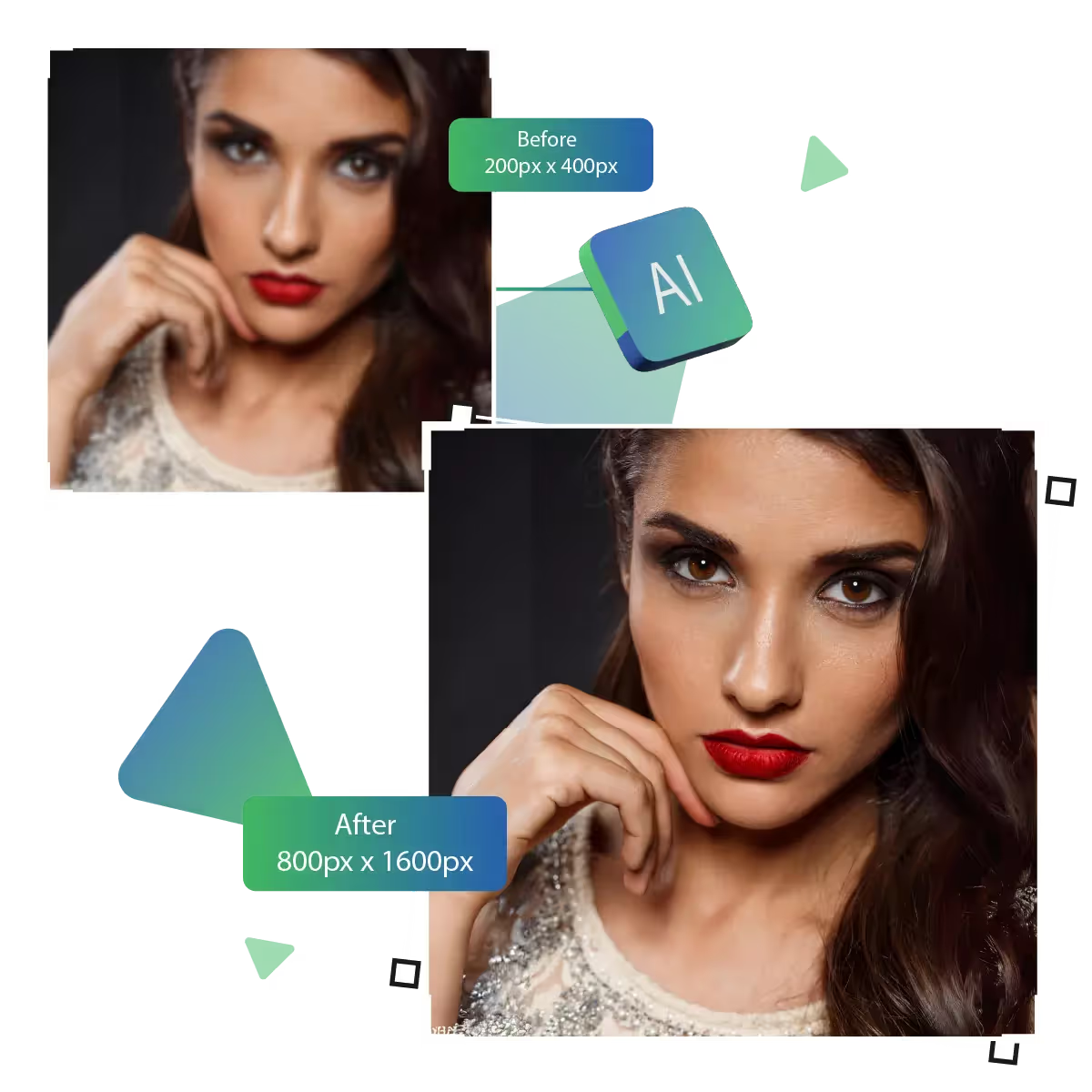
Now enhance quality with the clarity increaser AI tool
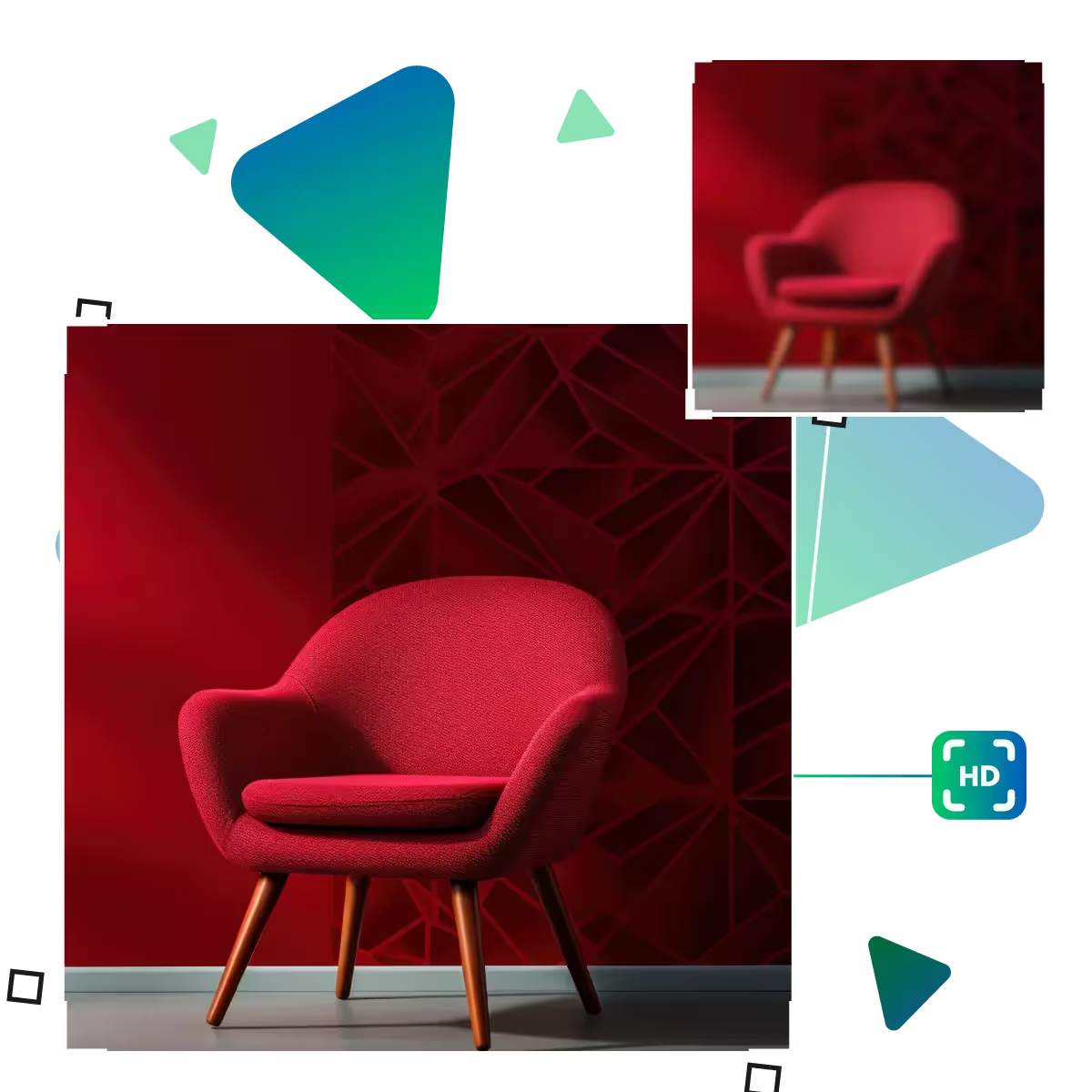
Unlock stunning detail in every image with Upscale.media’s Photo Clarity Increaser tool now enhance photos effortlessly to visually appealing results.
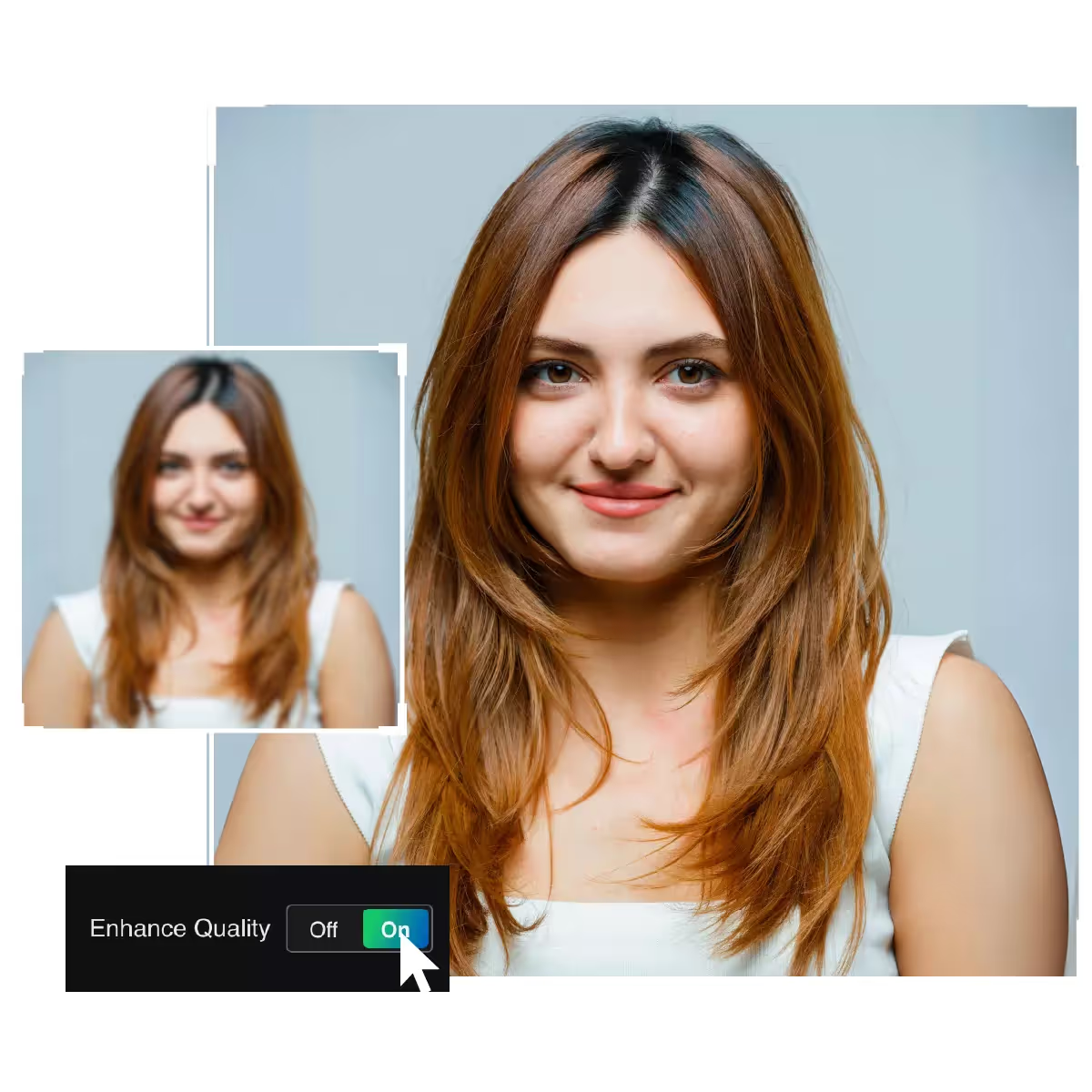
If you are looking to transform blurry photos into sharp, detailed masterpieces, use Upscale.media’s Photo Clarity Increaser’s advanced AI to bring every pixel to life.
First you need to visit the upscale.media site and open the tool section.
In this step, you need to upload the picture that needs to be changed.
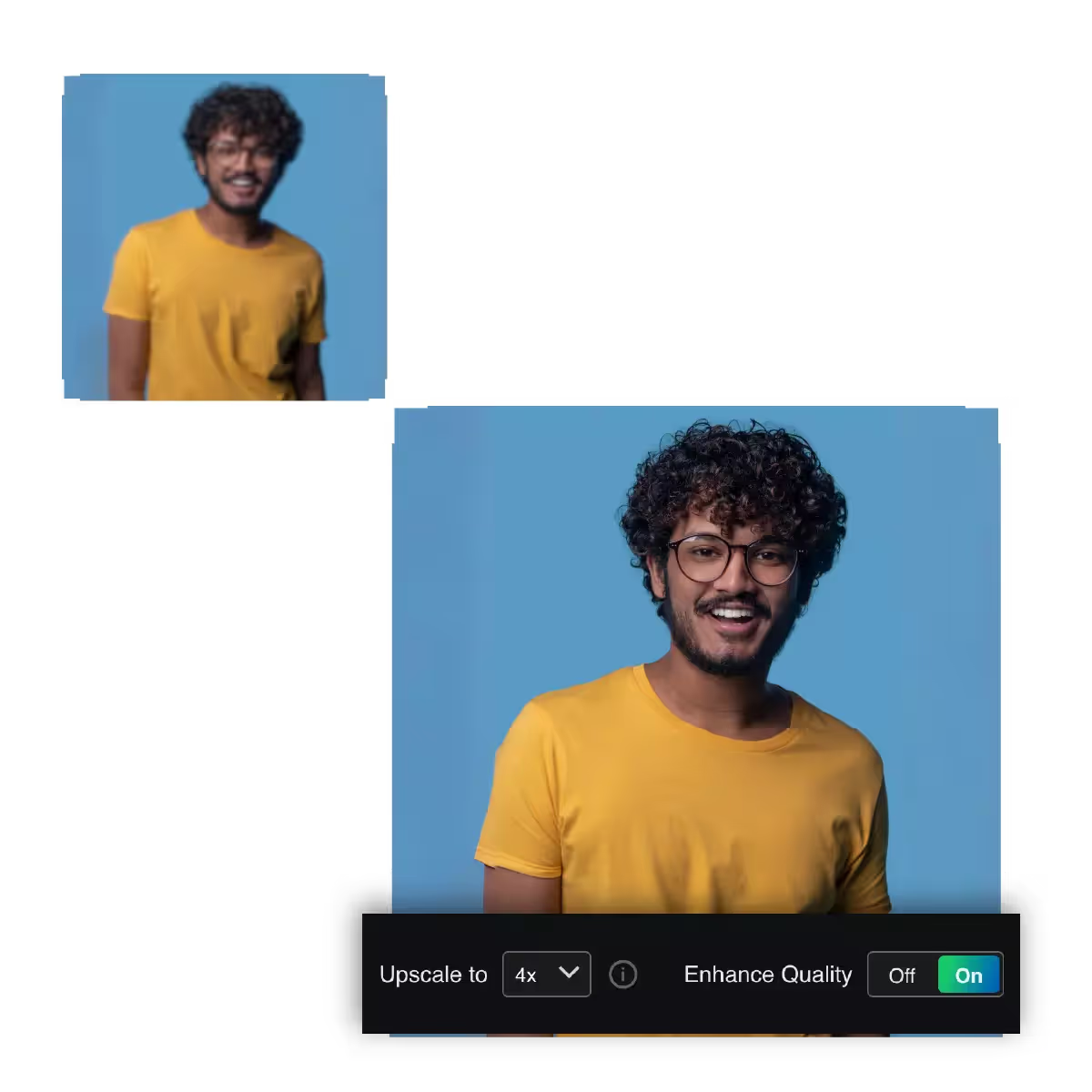
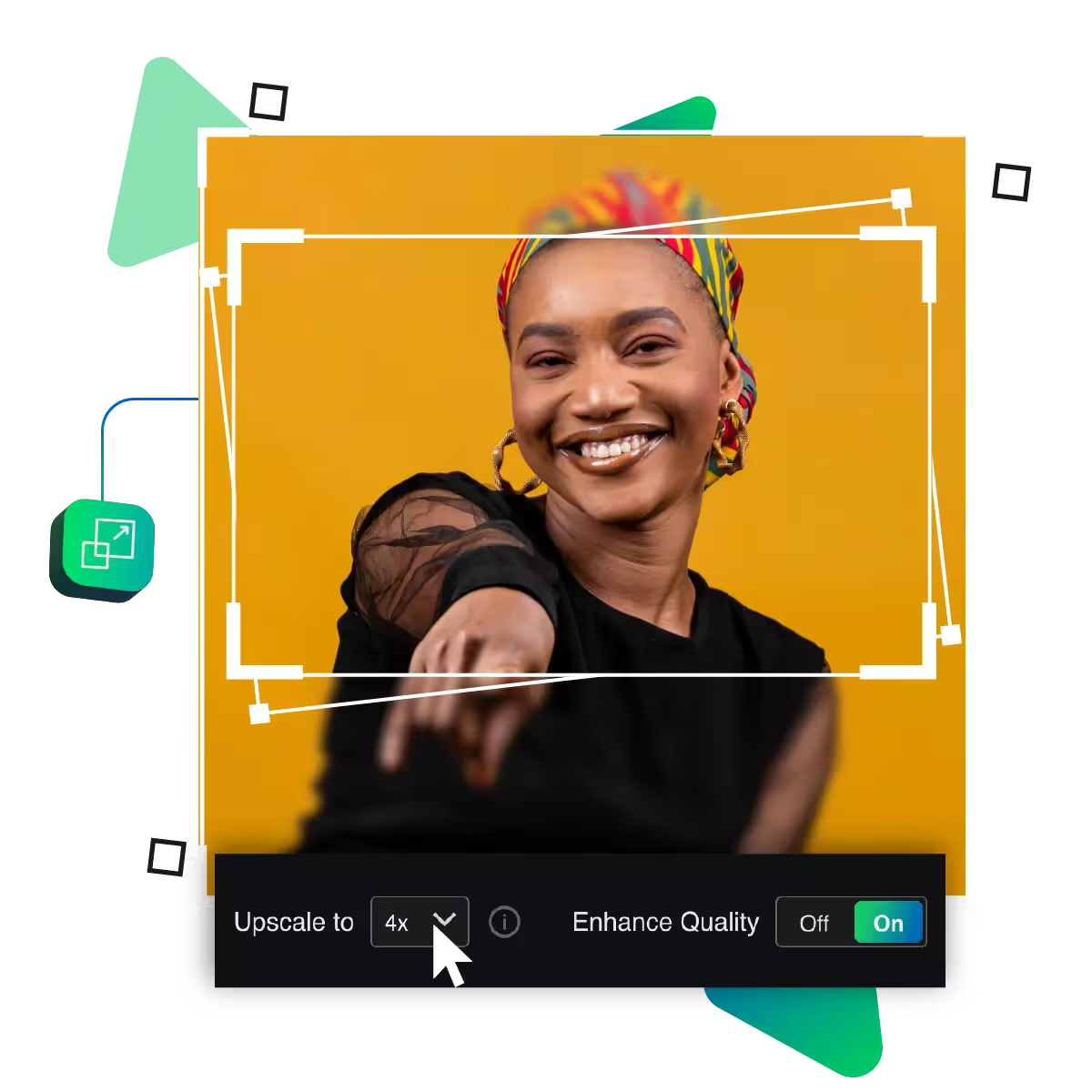
Here, you choose the enlargement option from 2x, 4x, and 8x.
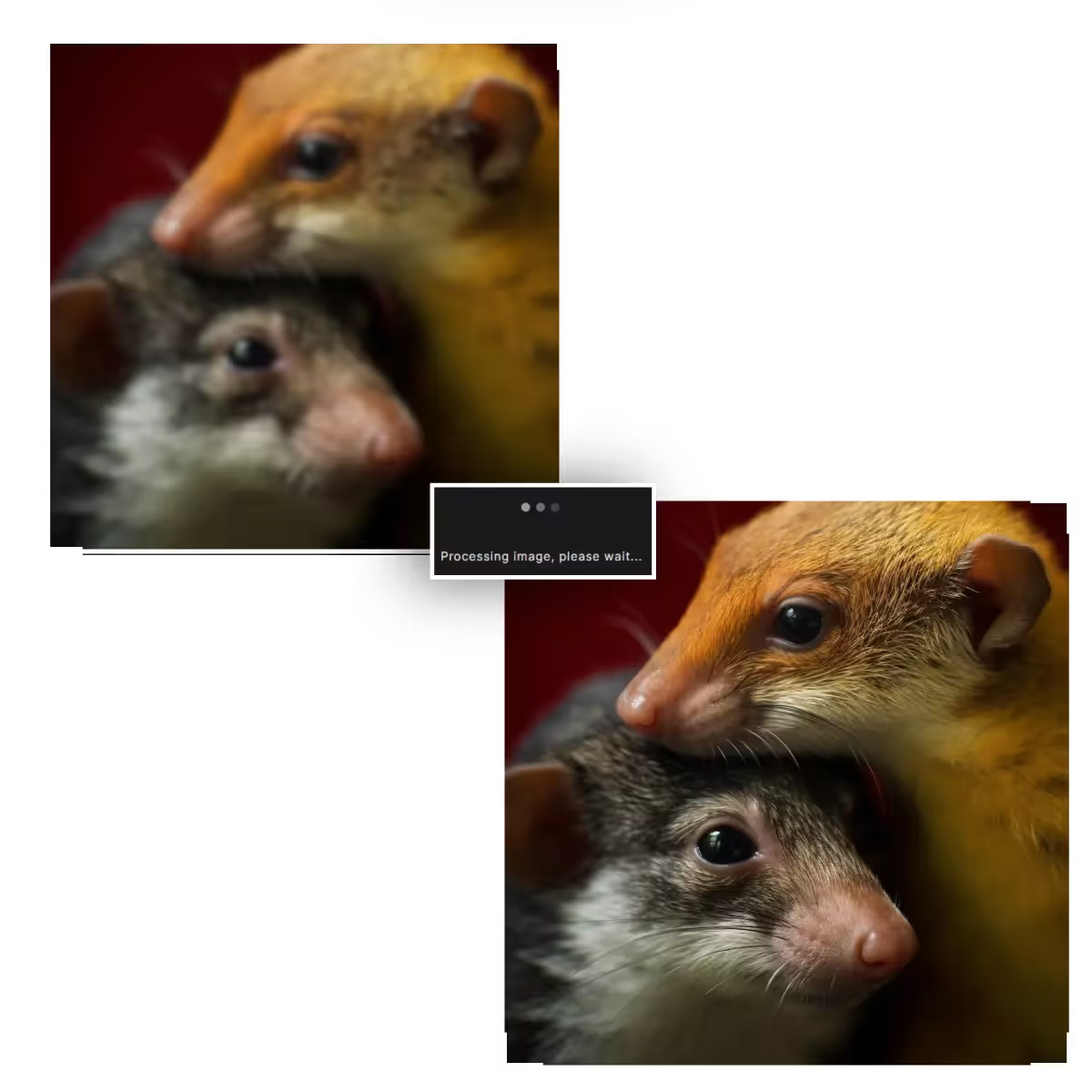
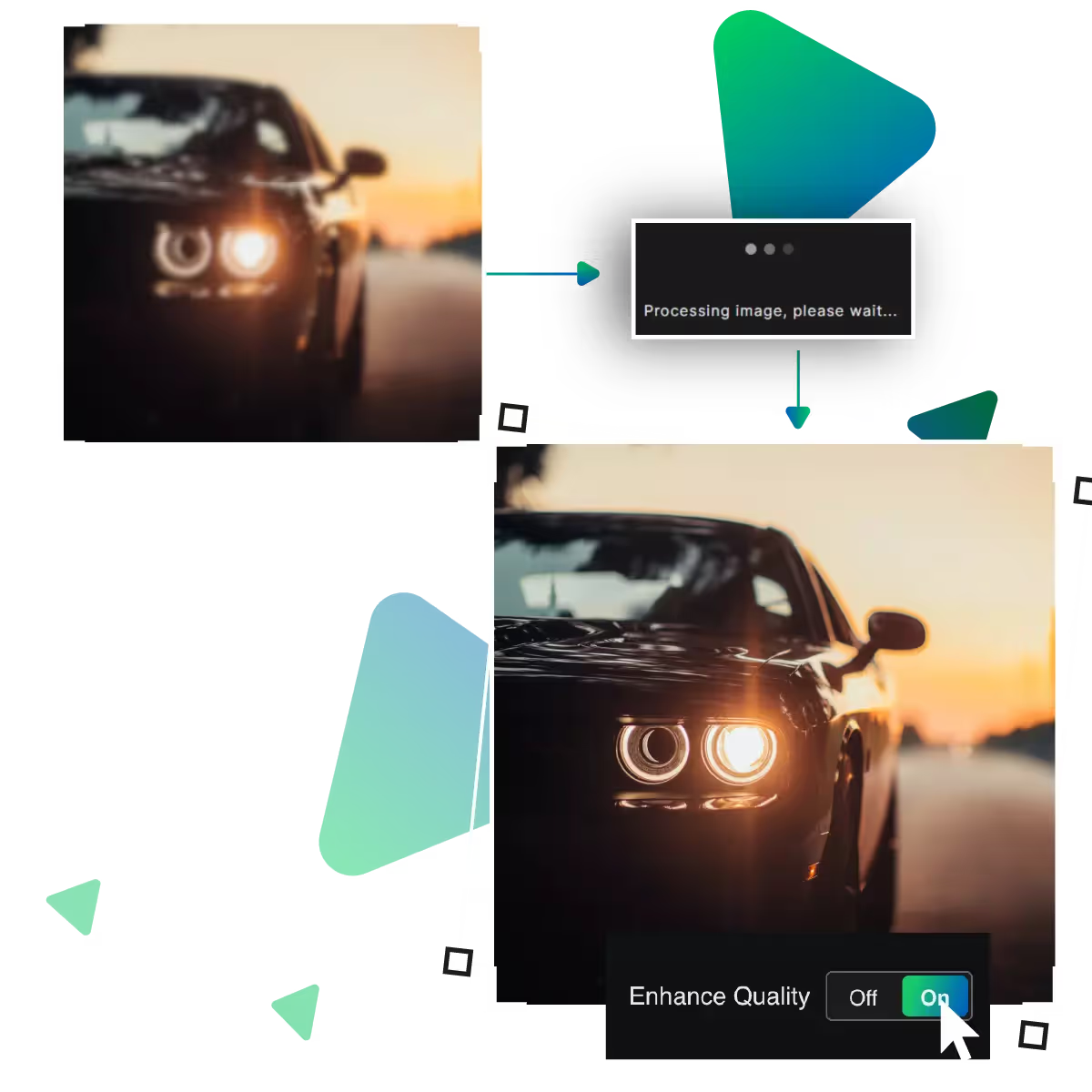
Here, AI will upscale your image and will provide a clear result.
Here you preview the result and see if it meets your needs.
In the end, you can download the results and use them for different purposes.
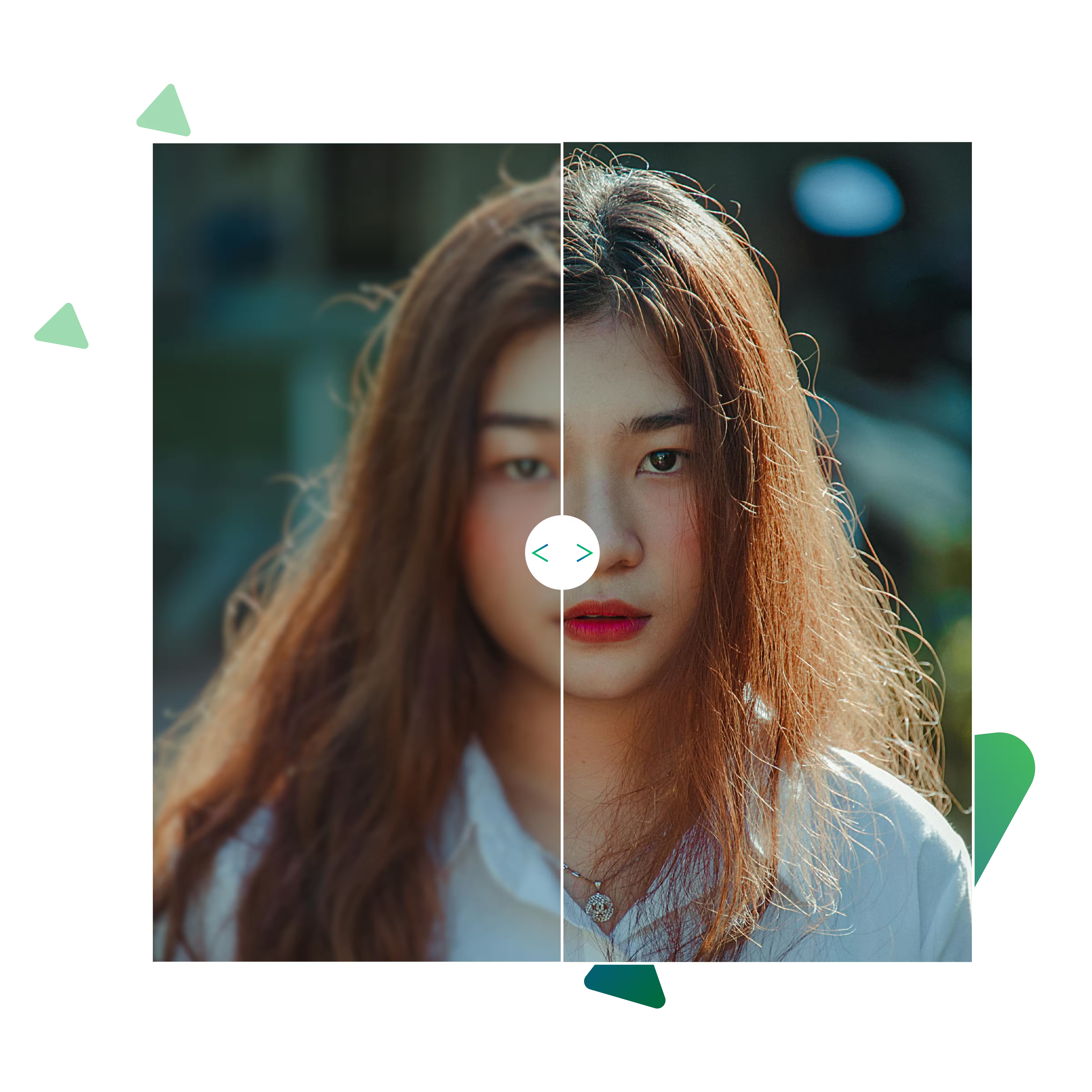
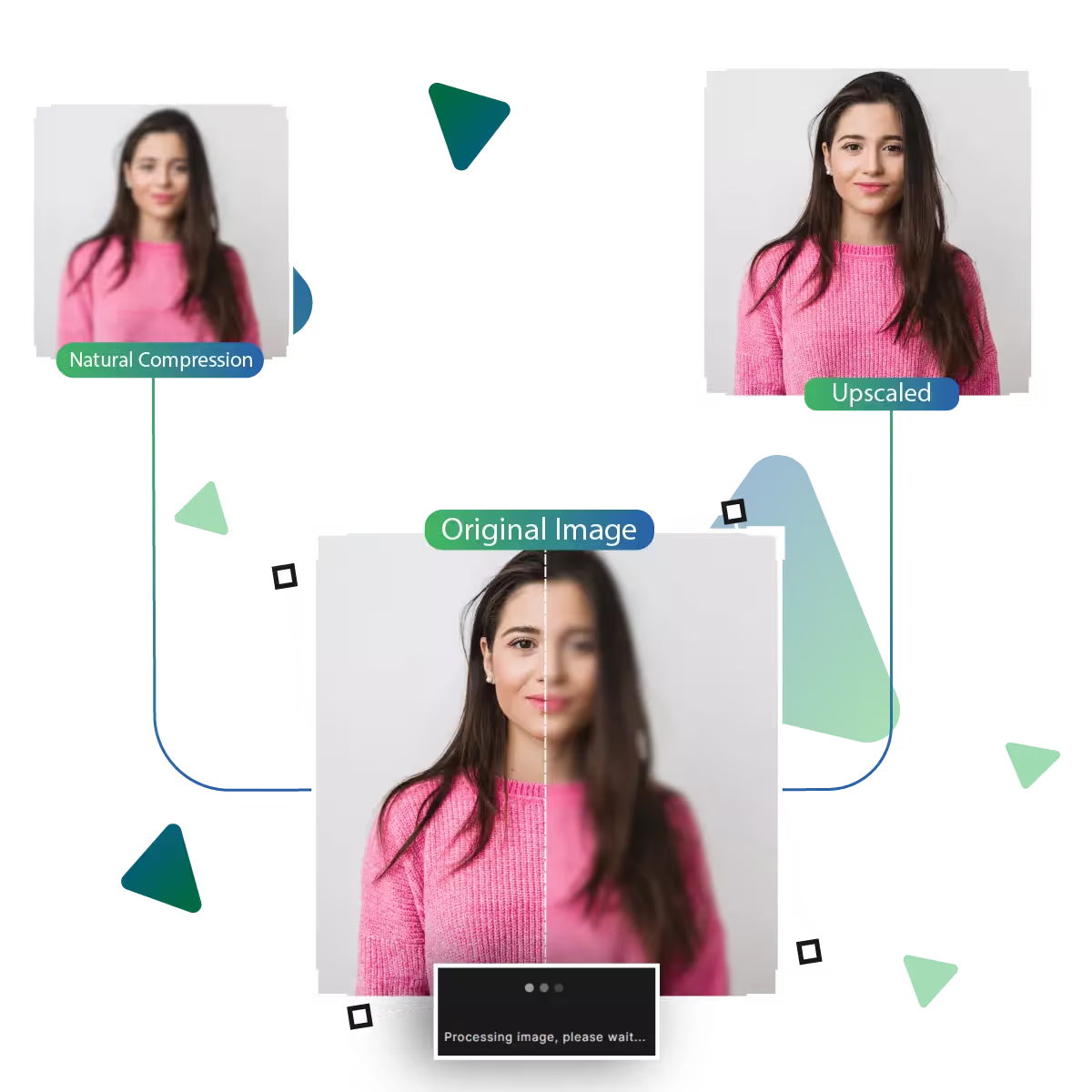
Upscale.media improves photo clarity with just one upload, whether you’re refreshing old images or updating digital designs. The tool smartly refines edges and sharpens visuals without needing manual edits. The tool brings a cleaner, crisper finish to every photo while keeping the overall look natural and true to your original content.
Choose the level of enhancement that best fits your project, whether you want a small upgrade like 2x or a significant 8x boost. Upscale.media is now offering a range of size options. Now you stay in control of how sharp and defined your final image looks. The tool makes it easy to get the results that suit your needs.
Even after enhancement, your images won’t look over-edited or artificial. As Upscale.media is designed to keep things looking real. It is just clearer and more polished, which means your photos stay authentic, whether you're upscaling people, places, or things.
Upscale.media’s Photo Clarity Increaser helps you to bring out the best in your images.
This tool gives your images a clear, sharp look instantly. Just upload your photo and watch it transform with enhanced clarity and detail, and the tool is perfect for those who want fast, quality results.
Get high-quality photo enhancements without spending a fortune. The tool offers powerful results at no cost. The tool makes it ideal for anyone wanting better visuals without investing in expensive software.
Upscale.media is built for everyone, everywhere, as with support for multiple languages, the platform is easy to understand and navigate, whether you're enhancing vacation photos or working on creative projects, you can use the tool comfortably.
Unlock stunning detail in every image with Upscale.media’s Photo Clarity Increaser tool now enhance photos effortlessly to visually appealing results.
Sanjay Choudhury
Riya Khanna
Aditya Kapoor
We’ve answered some of the most common questions about the Upscale.media API. If you don’t see your question here, feel free to reach out at support@pixelbin.io
What is Upscale.media API?
How can Upscale.media API be integrated into my website or app?
The API supports multiple programming languages such as React, Python, Golang, etc., and fits easily into most tech stacks. Integration is straightforward, with clear documentation to guide you through.
What kind of image transformations can be achieved with Upscale.media API?
How does Upscale.media API enhance online visual appeal?
How fast and accurate is the image upscaling with Upscale.media API?
Can Upscale.media API be used for creative design projects?
How does Upscale.media API improve digital content quality?
Is Upscale.media API adaptable for different image upscaling needs?
Can Upscale.media API be customized for specific needs?
What are the benefits of using Upscale.media API for different industries like e-commerce, marketing, and social media?