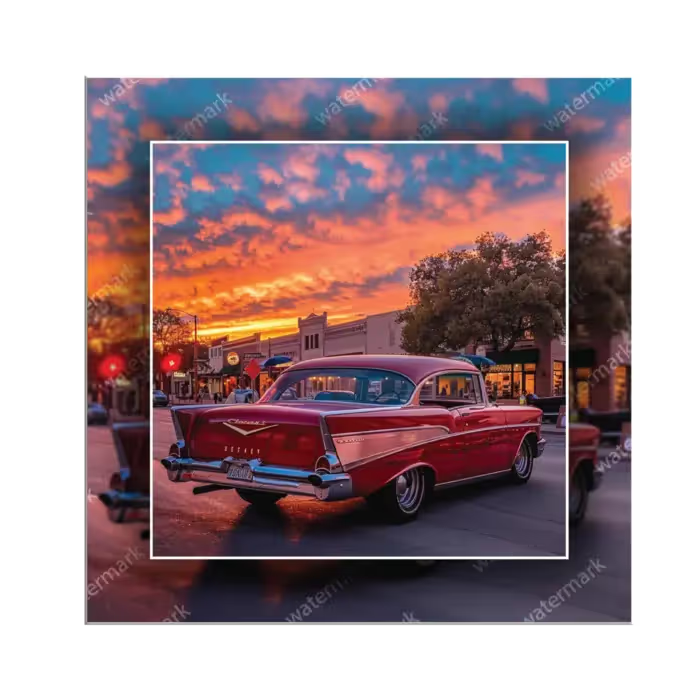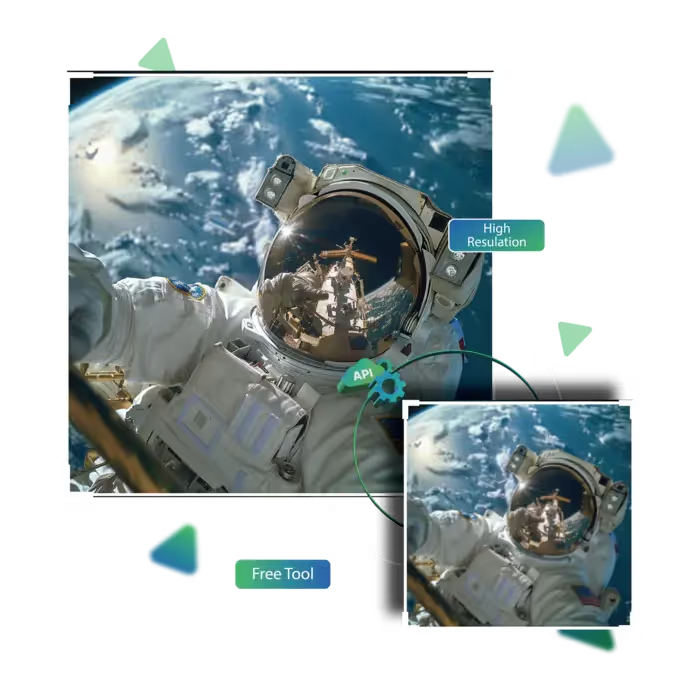






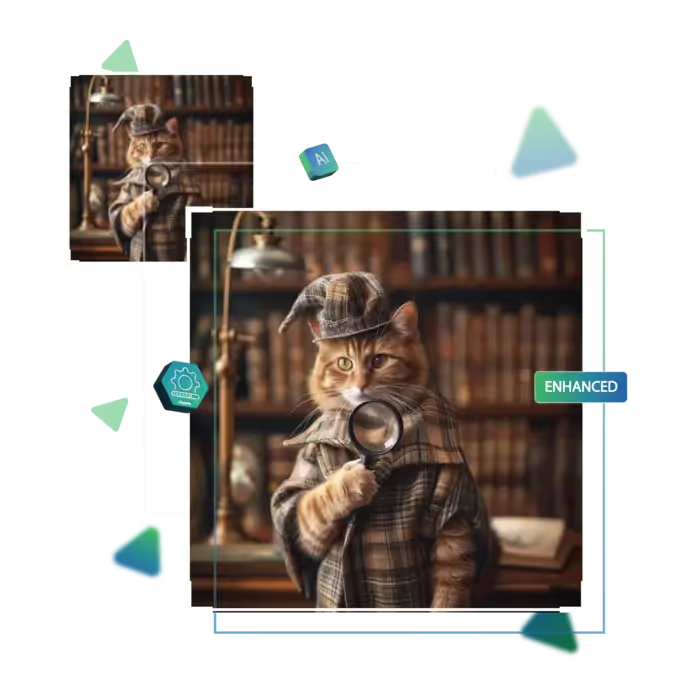
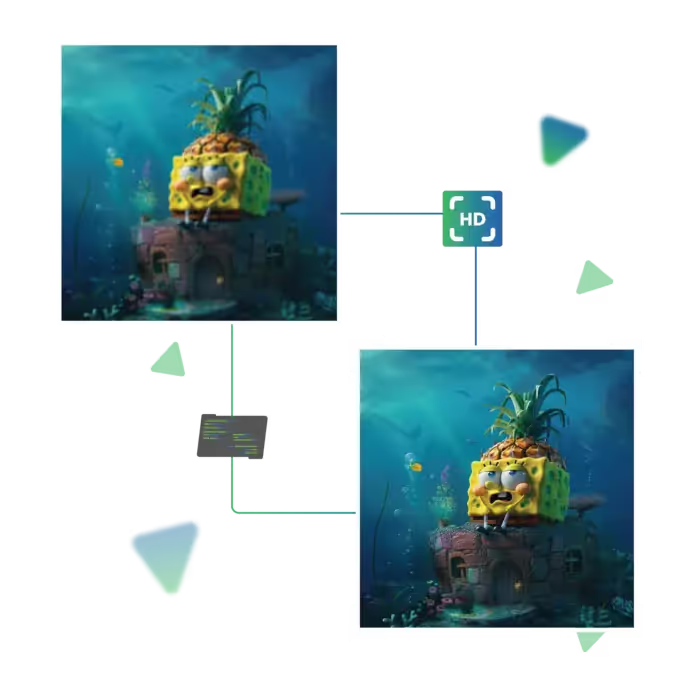
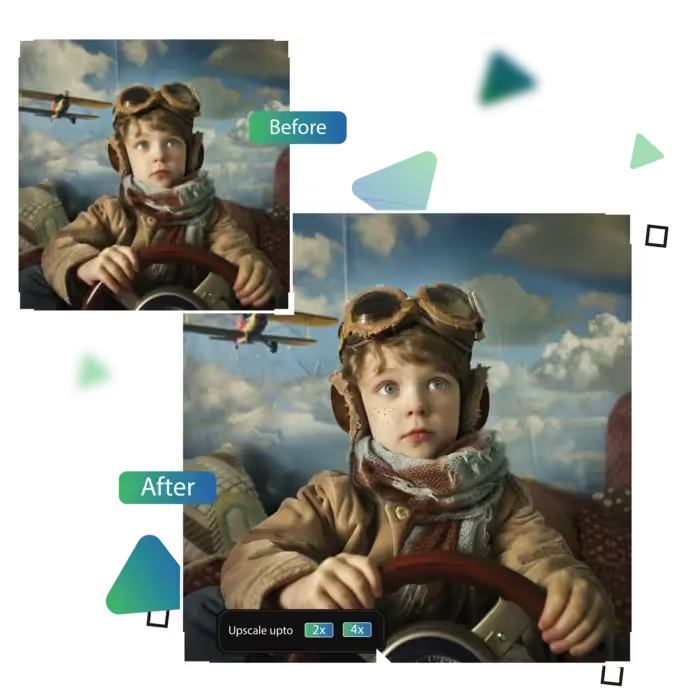
Upgrade image quality with the help of an AI online tool for free
Our tool offers instant image upgrades, from clarity boosts to noise removal, all done in a click.
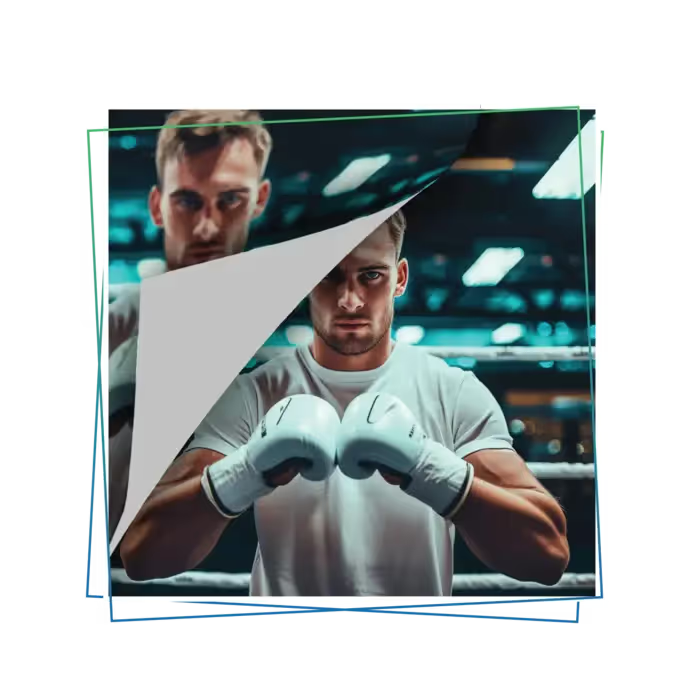
Looking to improve your online image quality for free, now, Upscale.media offers powerful AI tools that instantly enhance image resolution, clarity, and details, completely free.
Step 1 is to visit the site.
Step 2 is to upload the image.
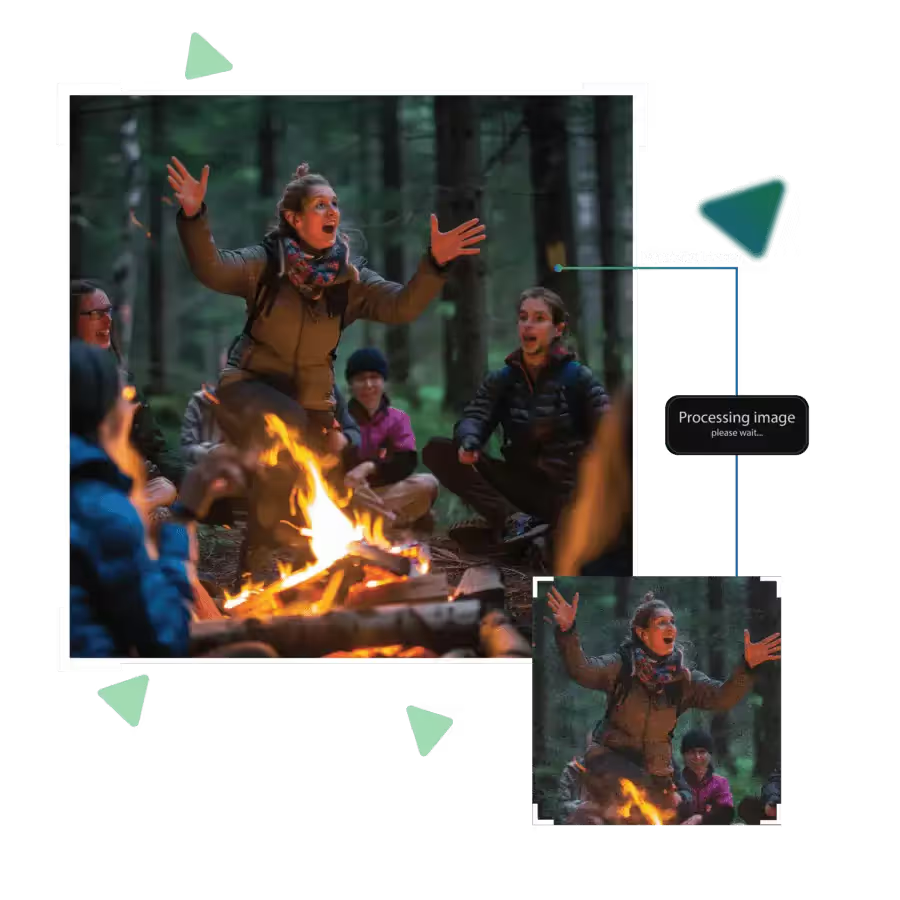
Step 3 is AI increasing image quality.
Step 4 is choosing up to 8x enlargement option for the image.
Step 5 is to preview the result.
Step 6 is downloading the image and use it.
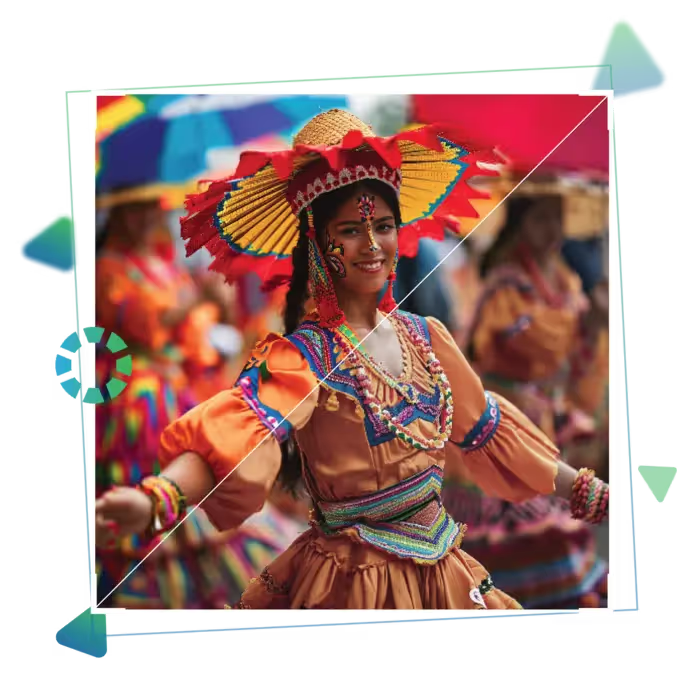
With just a click, give your images a smarter and clearer look using automatic enhancement powered by AI. It works behind the scenes to enhance photo clarity, sharpness, and detail; no effort or editing skills are needed. You don’t have to make any adjustments; upload your image and let the tool do the work for you.
Blurry or grainy images? The tool gently smooths them out while keeping important parts clear. Whether your photo was taken in low light or zoomed in too much, this feature helps clean it up instantly. You’ll get a sharper, more polished version of your picture in no time; all online and for free.
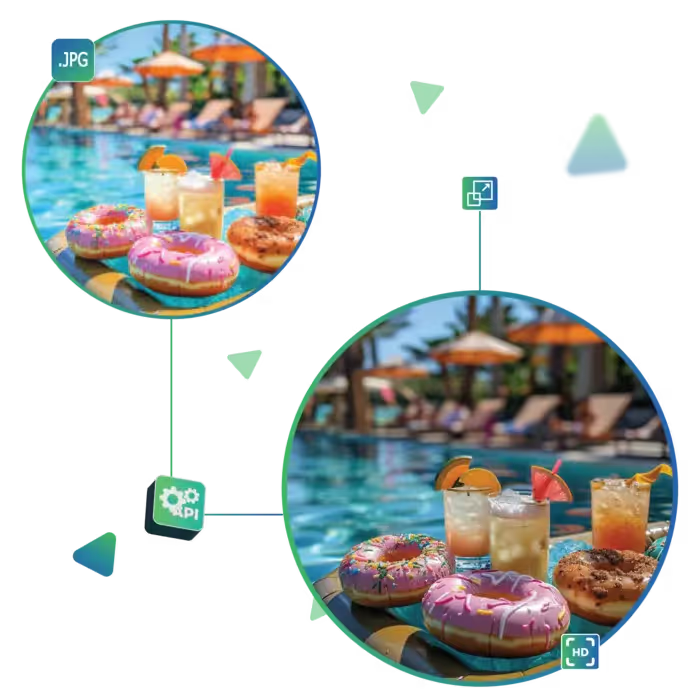
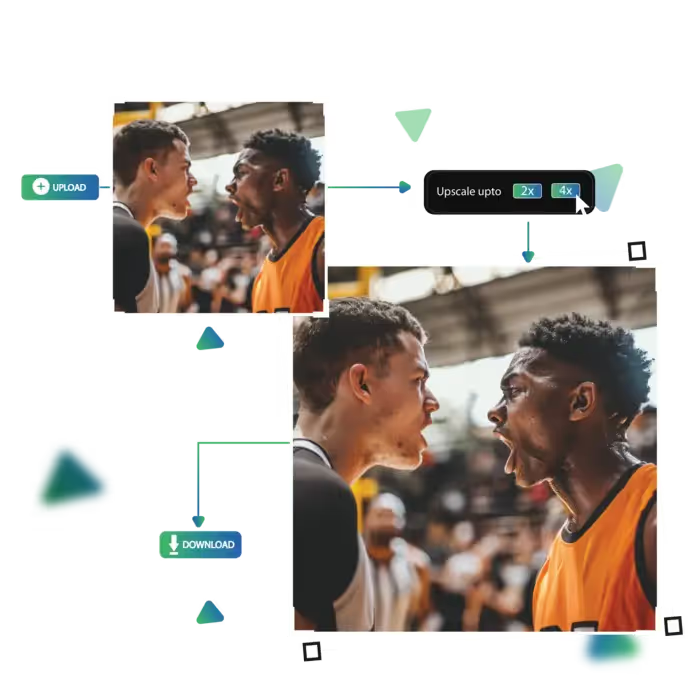
Would you like a larger or more detailed image, now, you can easily increase its size without losing quality, just choose how much you want to scale up, like 2x, 4x, or 8x. And the tool keeps it sharp and neat; great for printing, presentations, or just giving your favorite photos a better look.
With Upscale.media, you can enhance your photos quickly, clearly, and effortlessly.
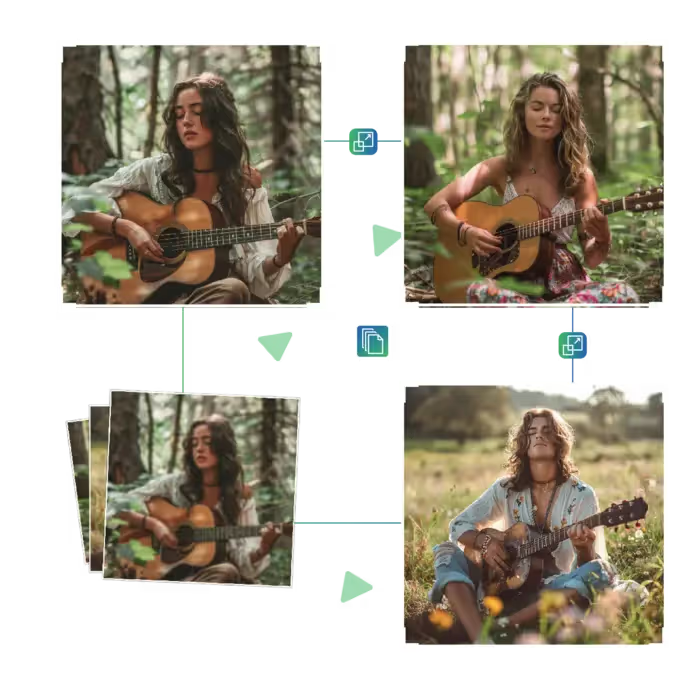
Transform your images in seconds with a single click. No need for complex tools or edits; upload and let the platform work its magic. Whether you're improving a photo for personal or professional use, enjoy cleaner, sharper visuals without paying a thing or wasting time.
Even after enhancement, your image keeps its fine details and texture intact, you won’t lose the essence of the photo. Now gain a more polished, professional version, and the tool focuses on improvement without over-editing.
If your image looks grainy or blurry, this feature can help. The tool cleans up your visuals for a more polished finish. It is ideal for low-light photos or images taken on the go, also gives your pictures a soft, clear look.
Our tool offers instant image upgrades, from clarity boosts to noise removal, all done in a click.
Sanjay Choudhury
Riya Khanna
Aditya Kapoor
We’ve answered some of the most common questions about the Upscale.media API. If you don’t see your question here, feel free to reach out at support@pixelbin.io
What is Upscale.media API?
How can Upscale.media API be integrated into my website or app?
The API supports multiple programming languages such as React, Python, Golang, etc., and fits easily into most tech stacks. Integration is straightforward, with clear documentation to guide you through.
What kind of image transformations can be achieved with Upscale.media API?
How does Upscale.media API enhance online visual appeal?
How fast and accurate is the image upscaling with Upscale.media API?
Can Upscale.media API be used for creative design projects?
How does Upscale.media API improve digital content quality?
Is Upscale.media API adaptable for different image upscaling needs?
Can Upscale.media API be customized for specific needs?
What are the benefits of using Upscale.media API for different industries like e-commerce, marketing, and social media?