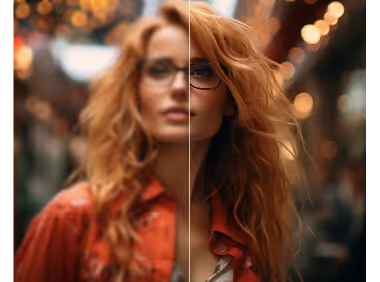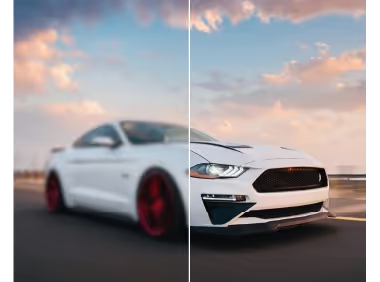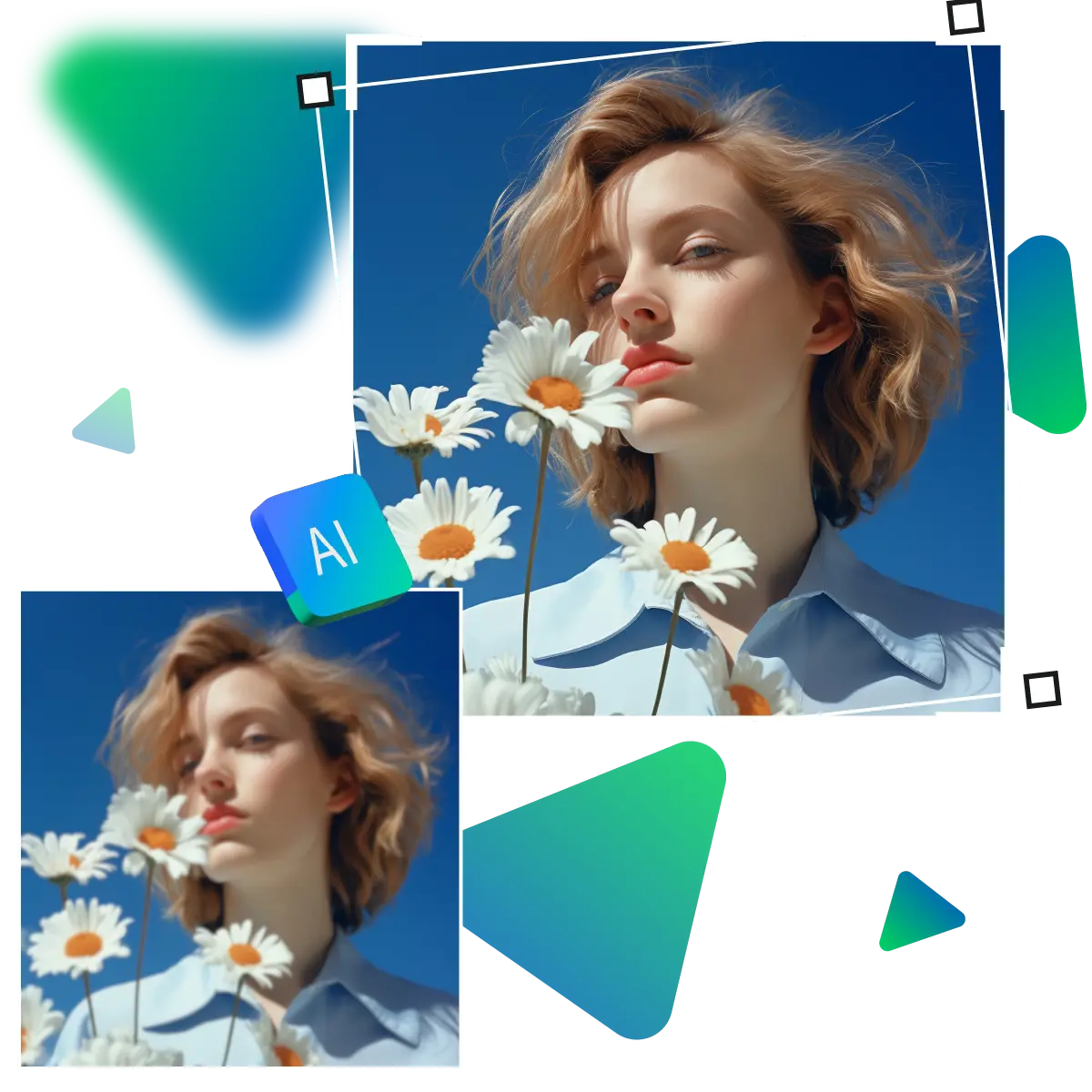




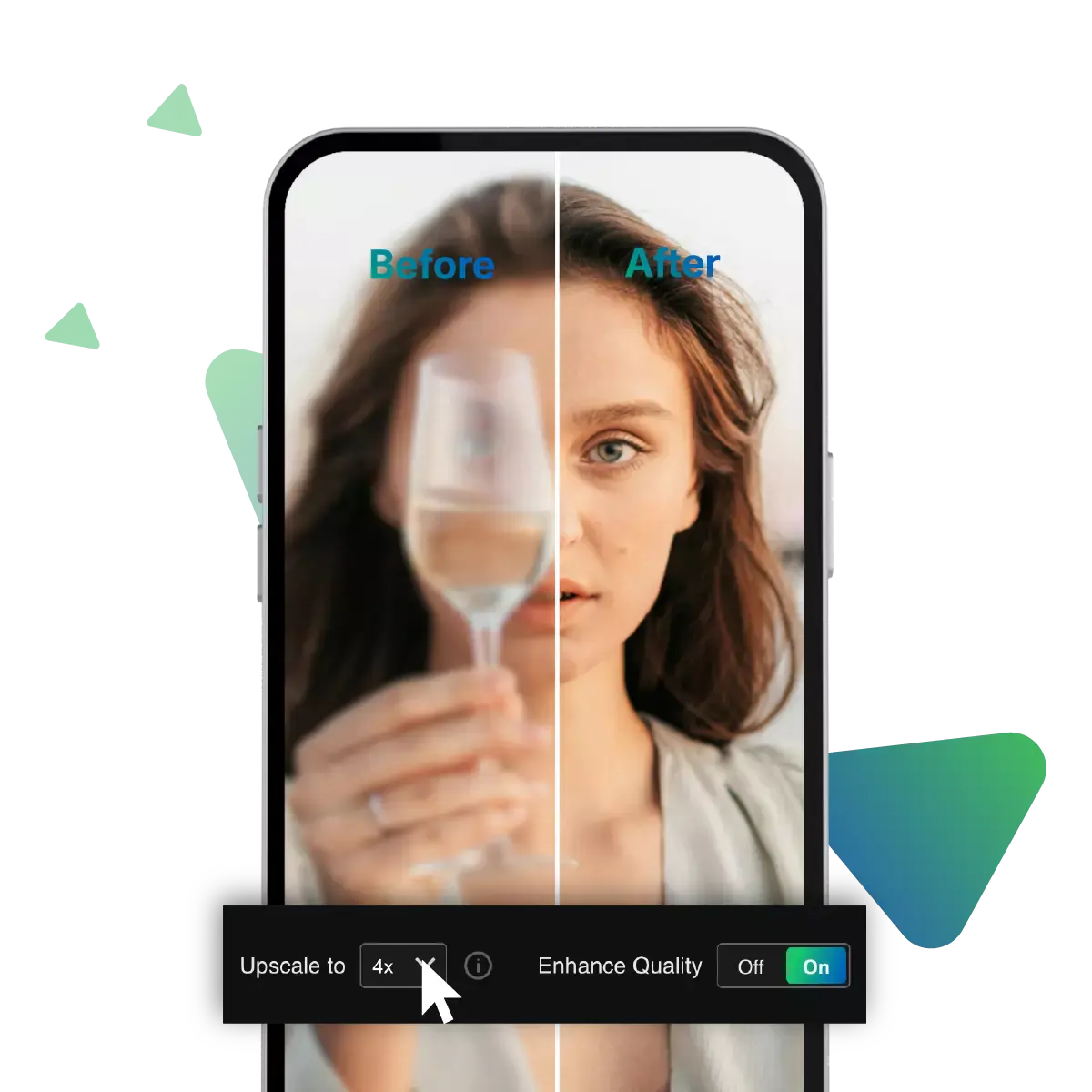
Sharper MidJourney Makeover
Blurry MidJourney renders holding you back, no worries. Now Upscale.media free sharpening tool is here to fix that, fast. As with powerful AI, instant edits, and zero cost.
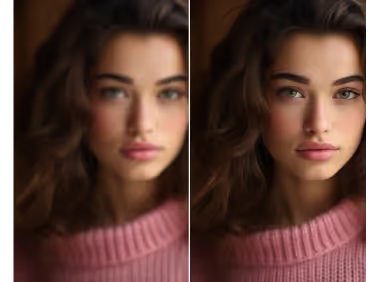
If you are looking to boost the quality of your MidJourney AI creations, and say hello to stunning, crisp visuals, with a 100% free and easy to use tool.
Go to Upscale.media in your browser, this way, you can access the AI-powered image upscaling tool.
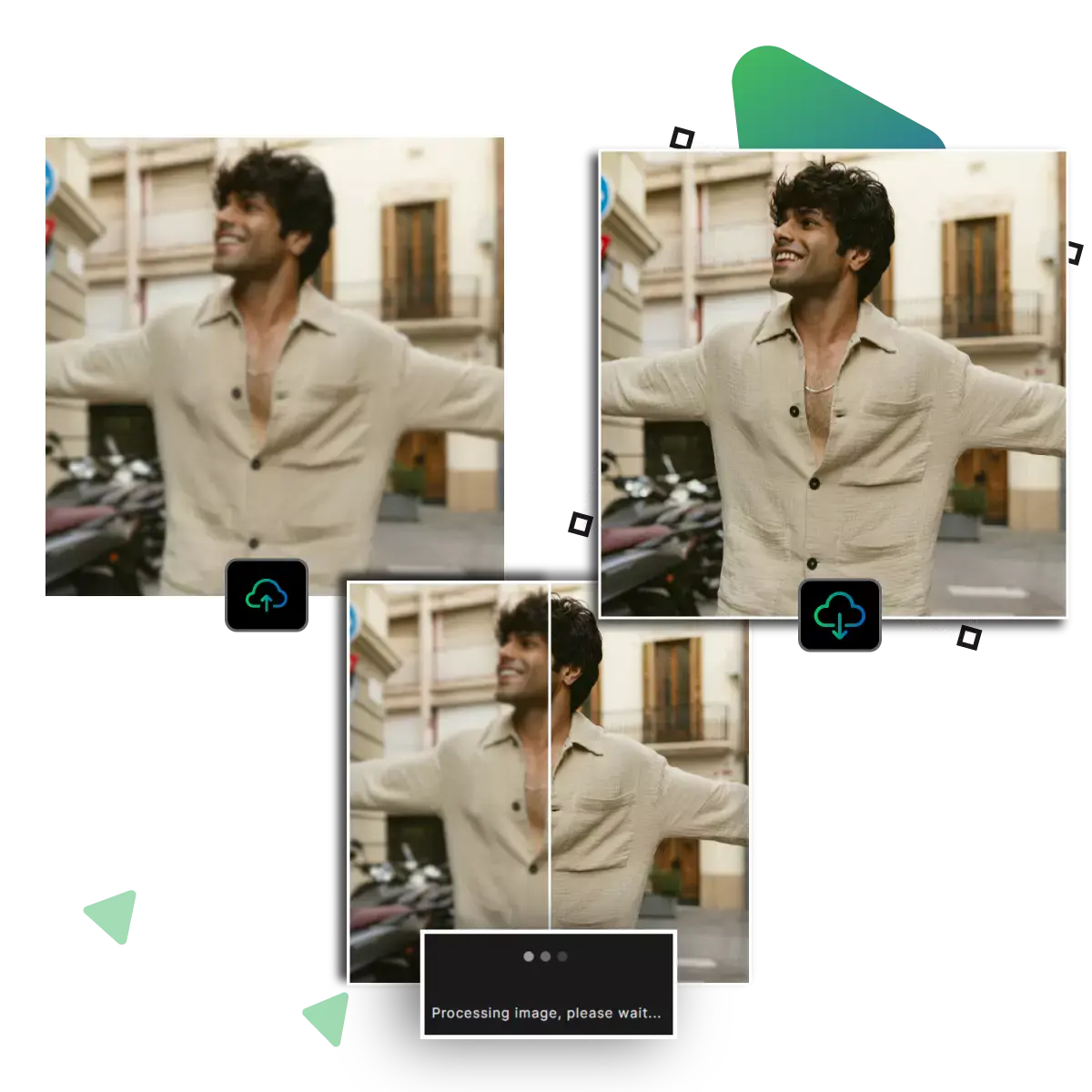
Click the upload button and choose the MidJourney image. From your device that you want to improve.
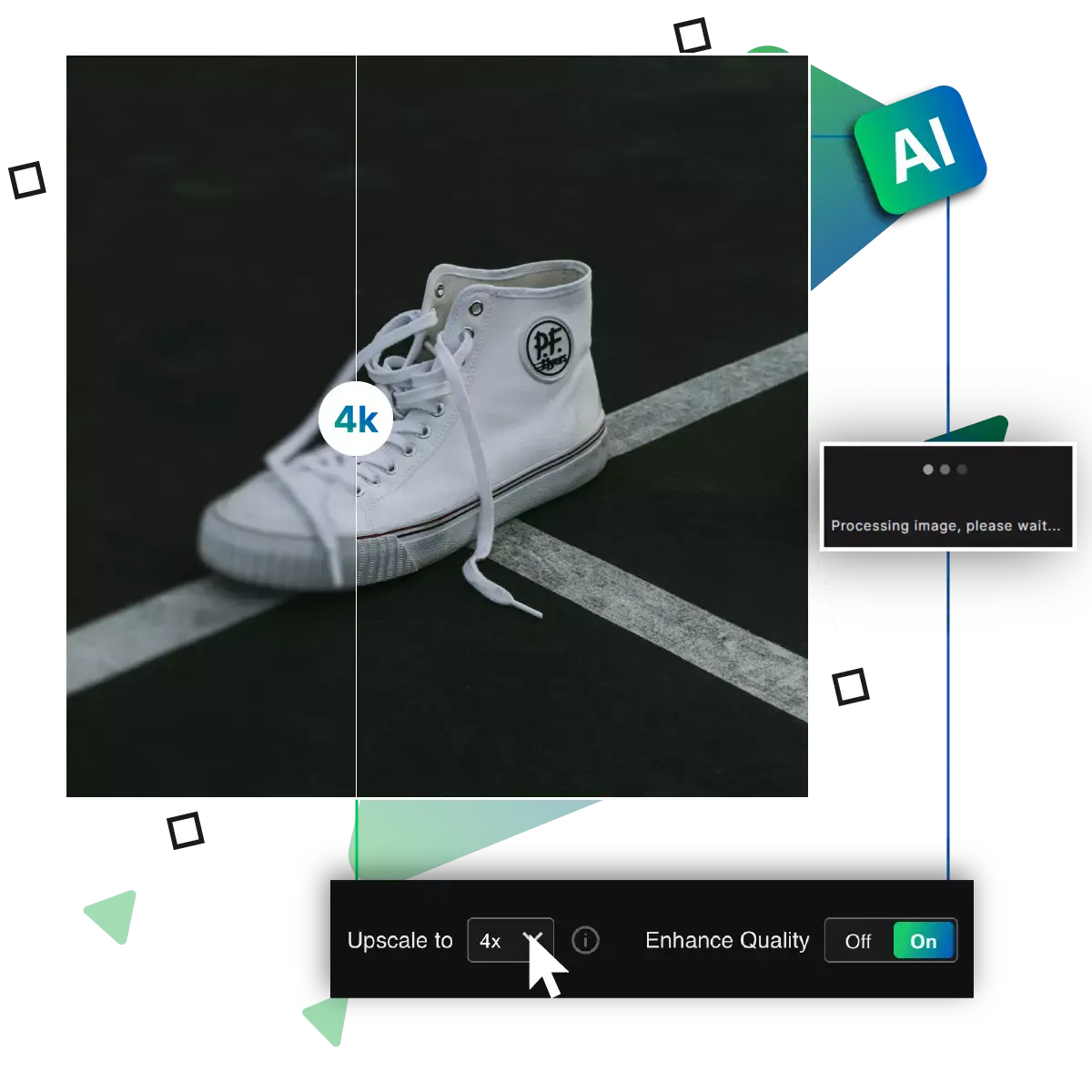
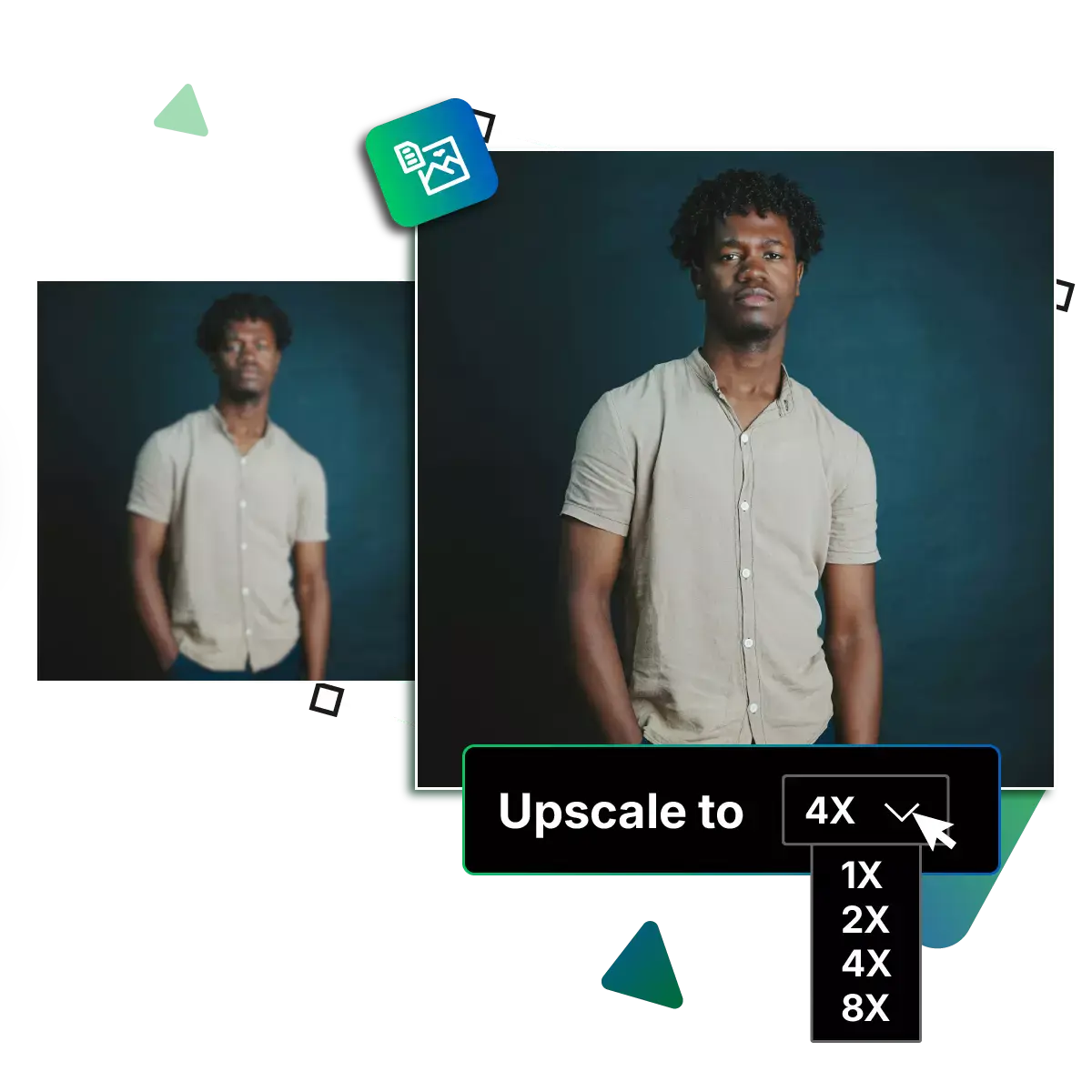
The AI automatically analyses and enlarges your image. Making it sharper, clearer, and better overall.
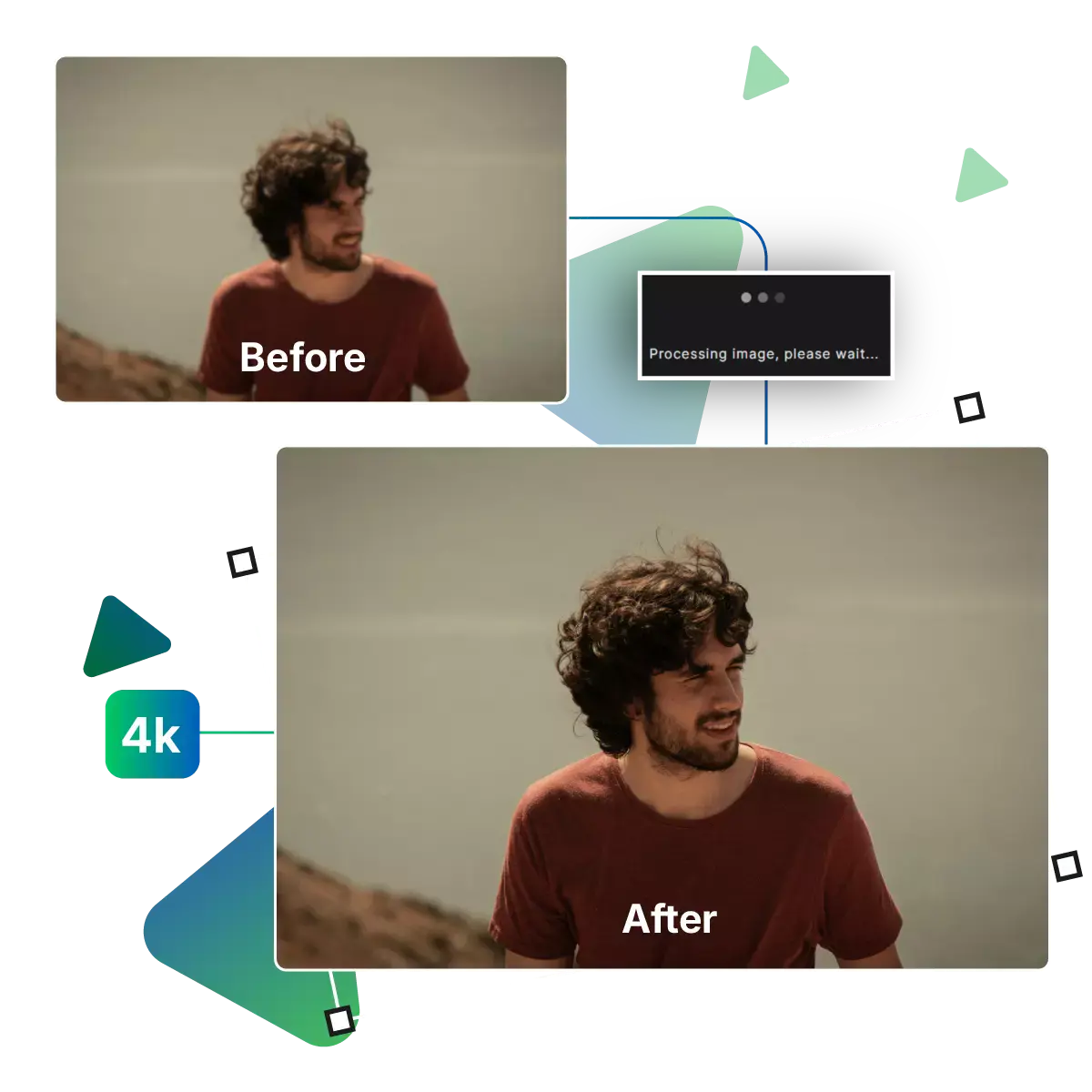
You can download your high-resolution image with just one click. After processing is done image is now clearer and has more detail!
Upscale.media removes the complexity from image enhancement, whether you're a beginner or a pro. The platform's user-friendly interface lets you upscale your MidJourney images in seconds, with no need for Photoshop or plugins, just upload your artwork, and click once. Then let the AI do the rest, as it's smart, simple, and made for hassle-free creativity.
If in a creative rush, the Upscale.media delivers high-resolution images almost instantly. Now say goodbye to lengthy processing times or waiting on software to render files, with just a few seconds of processing. Now your MidJourney artwork transforms into a sharper, more detailed version, and it's the perfect solution for artists who value both quality and speed in their workflow.
Why pay for what you can get free that too with zero compromise, as Upscale.media offers powerful AI upscaling technology at no cost, also no subscriptions, no hidden fees, and no watermarks on your final image, as it’s perfect for hobbyists, freelancers, or pros who want great results without burning. Through their budget, we feel creative freedom shouldn't come with a price tag.
Want to give your MidJourney images a serious visual upgrade, now with Upscale.media, transforming your AI-generated art into sharper, more vibrant, and high-resolution masterpieces is quick and effortless.
Start your enhancement journey. With a simple image upload and Upscale.media is designed for convenience. As it's just drag and drop your MidJourney image onto the platform, with no logins or complicated steps required, within seconds, the AI gets to work, transforming your artwork into a high-resolution version that’s clearer, sharper, and ready to share or print.
With enhanced color correction, your AI-generated art doesn’t just get sharper, as it gets more vivid, and the tool adjusts hue, saturation, and brightness automatically. This is giving your images a richer, more dynamic look, and makes each piece feel more alive and professionally polished, even if it started as a raw MidJourney render with muted tones.
Language should never be a barrier to creativity. Upscale.media supports multiple languages. This is allowing users from around the world to upscale images with ease, whether you're a digital artist in Tokyo or a hobbyist in Berlin. The platform offers a smooth, native-language experience. So nothing gets lost in translation while enhancing your art.
Blurry MidJourney renders holding you back, no worries. Now Upscale.media free sharpening tool is here to fix that, fast. As with powerful AI, instant edits, and zero cost.
Sanjay Choudhury
Riya Khanna
Aditya Kapoor
We’ve answered some of the most common questions about the Upscale.media API. If you don’t see your question here, feel free to reach out at support@pixelbin.io
What is Upscale.media API?
How can Upscale.media API be integrated into my website or app?
The API supports multiple programming languages such as React, Python, Golang, etc., and fits easily into most tech stacks. Integration is straightforward, with clear documentation to guide you through.
What kind of image transformations can be achieved with Upscale.media API?
How does Upscale.media API enhance online visual appeal?
How fast and accurate is the image upscaling with Upscale.media API?
Can Upscale.media API be used for creative design projects?
How does Upscale.media API improve digital content quality?
Is Upscale.media API adaptable for different image upscaling needs?
Can Upscale.media API be customized for specific needs?
What are the benefits of using Upscale.media API for different industries like e-commerce, marketing, and social media?