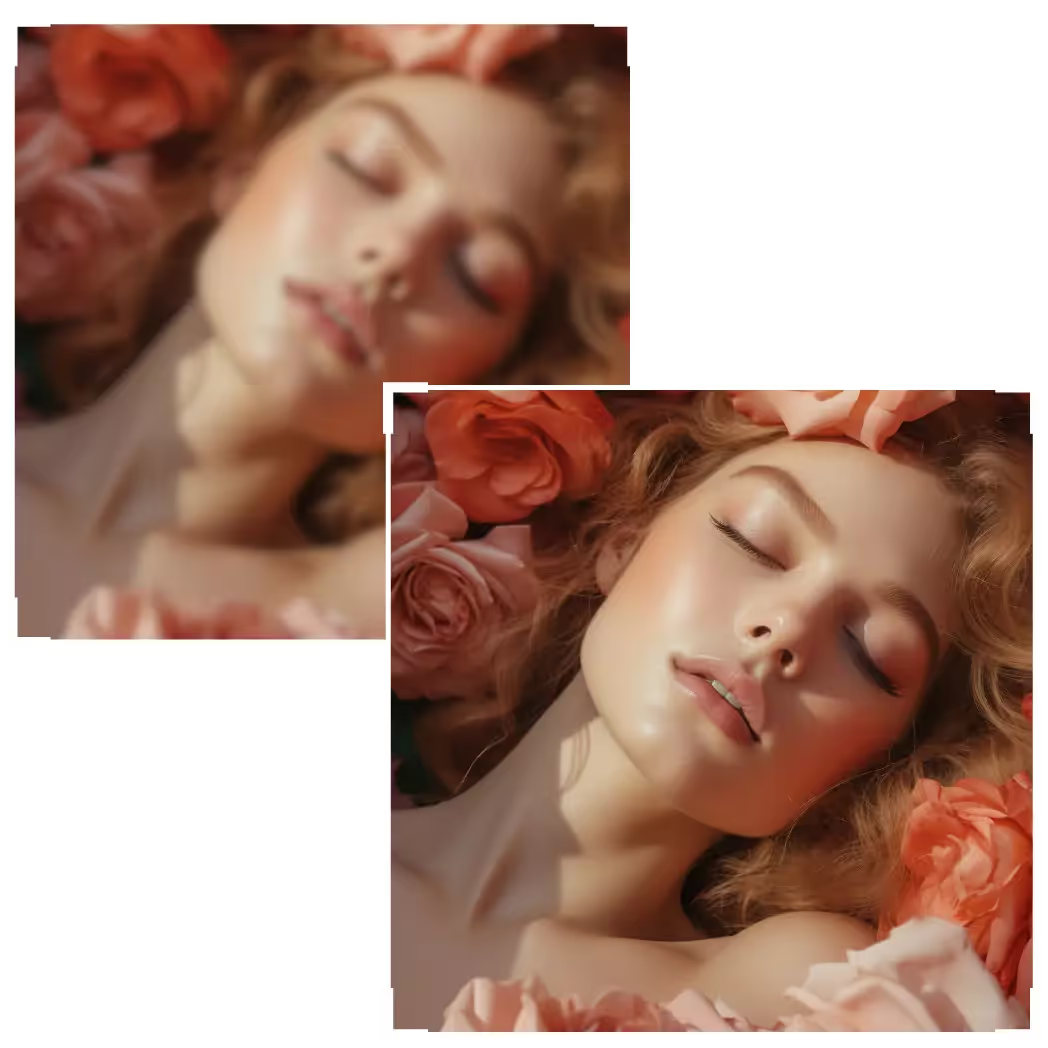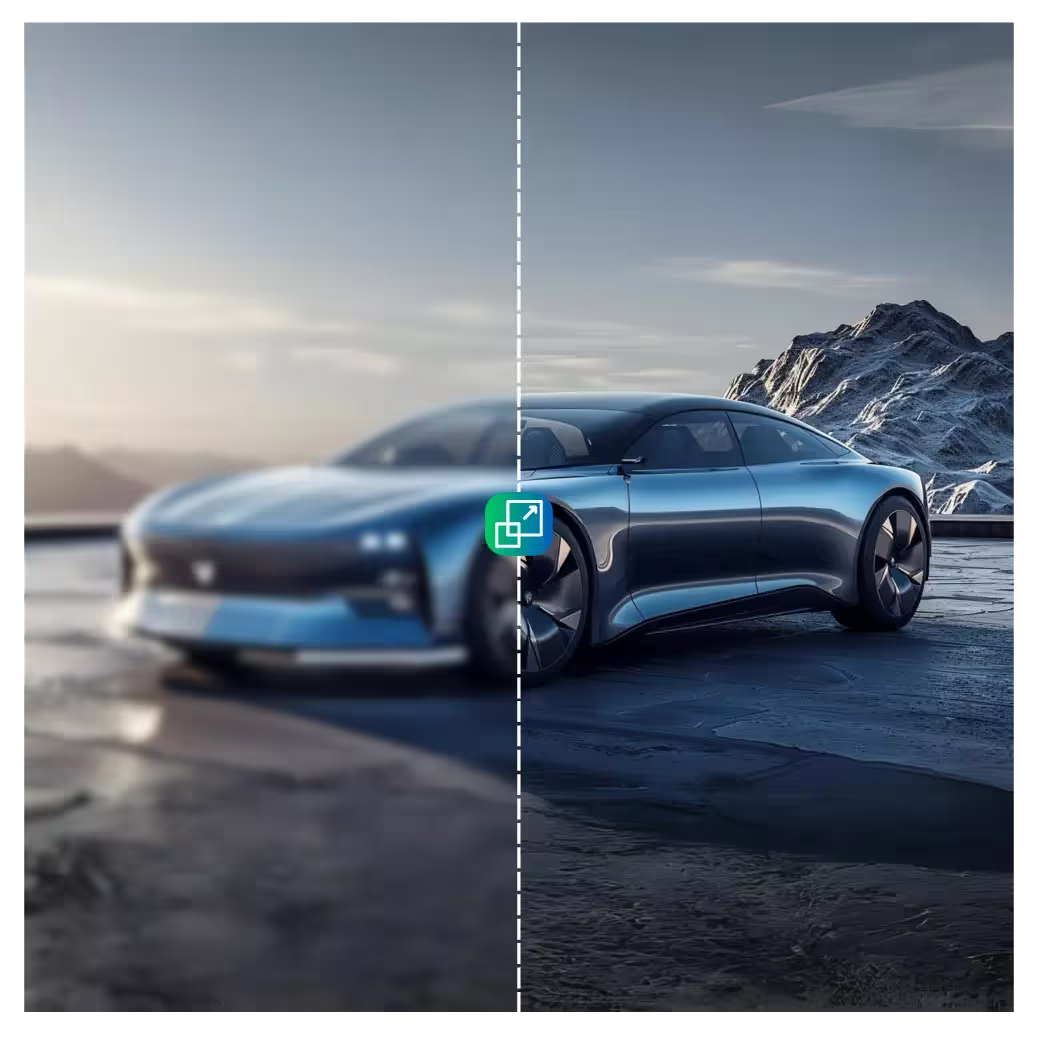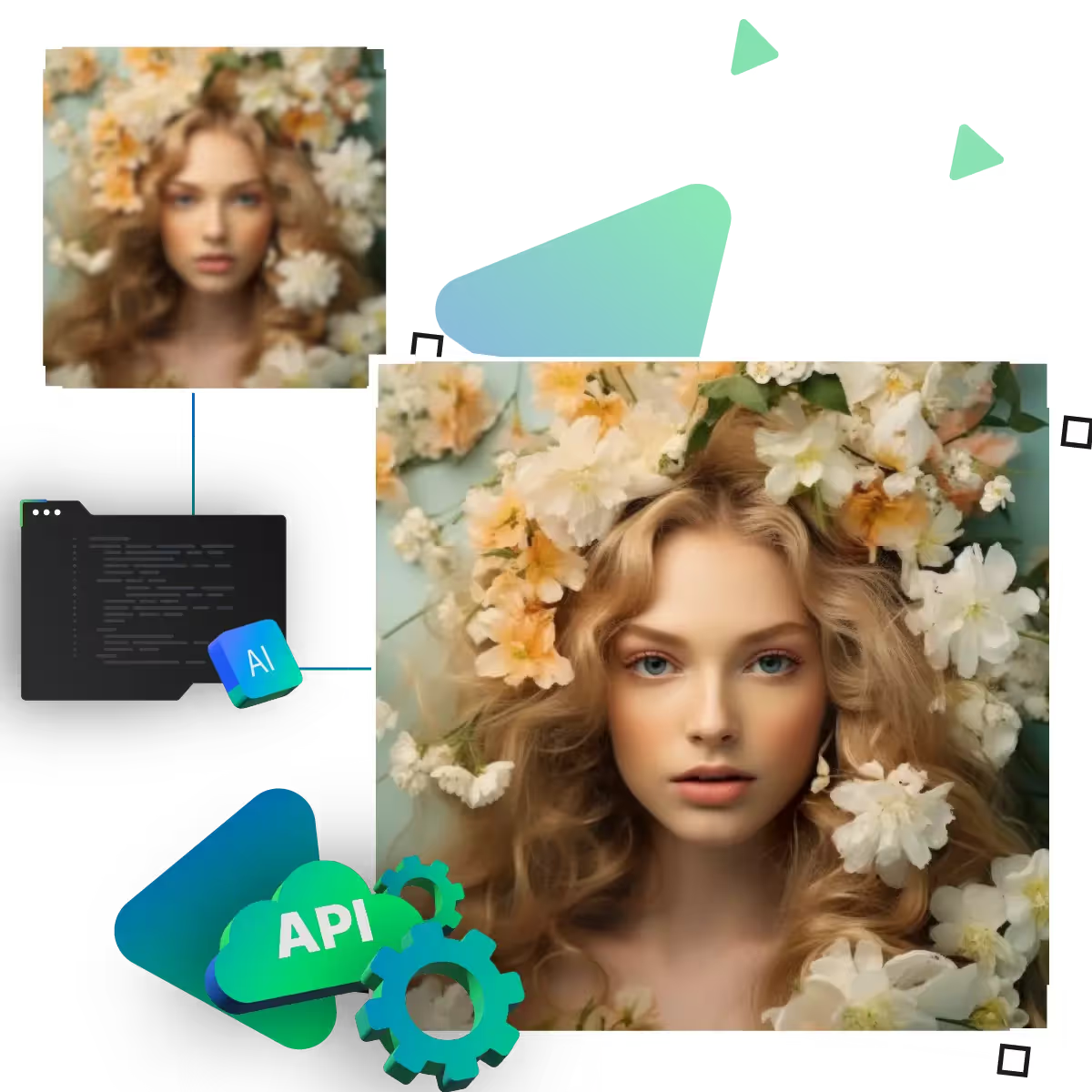






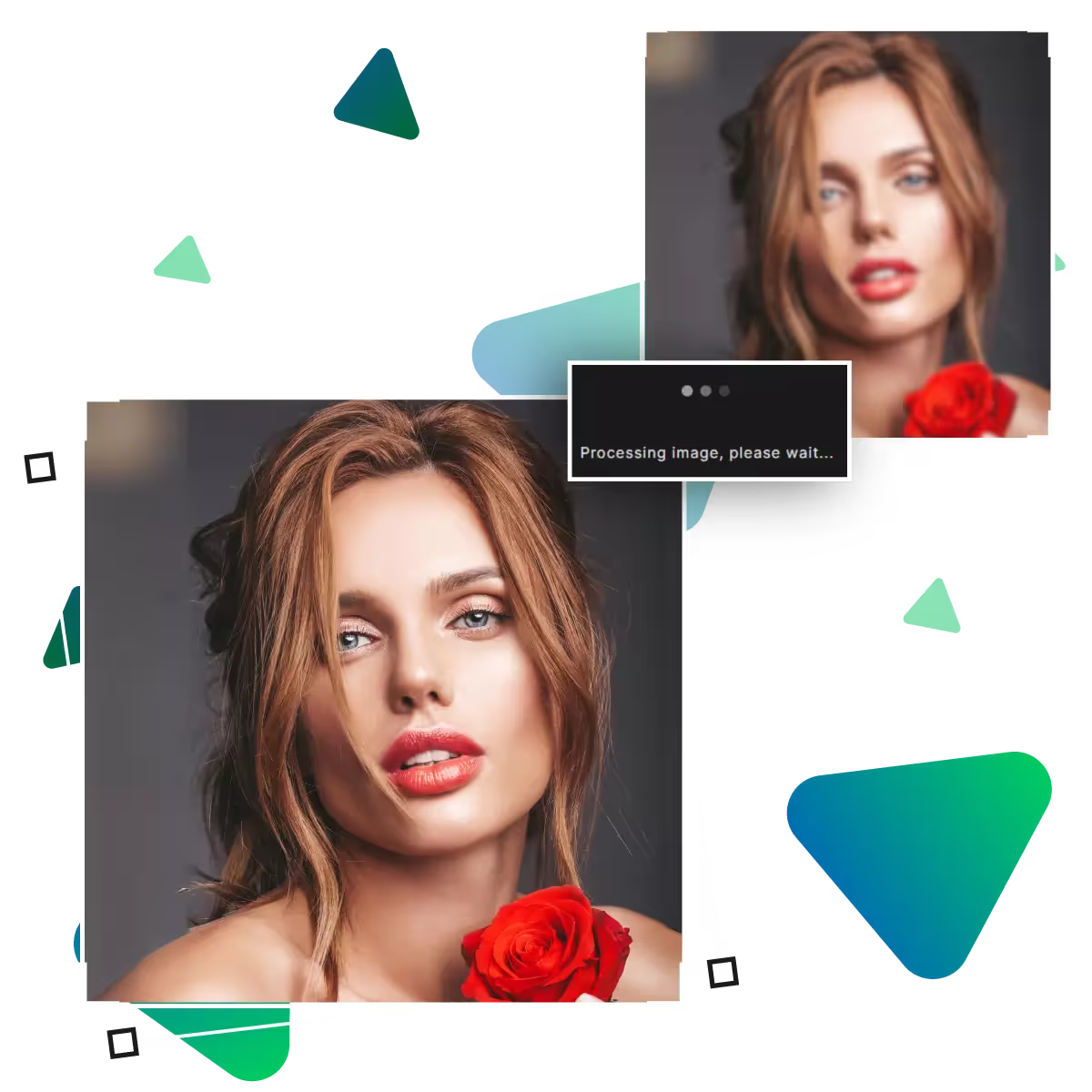
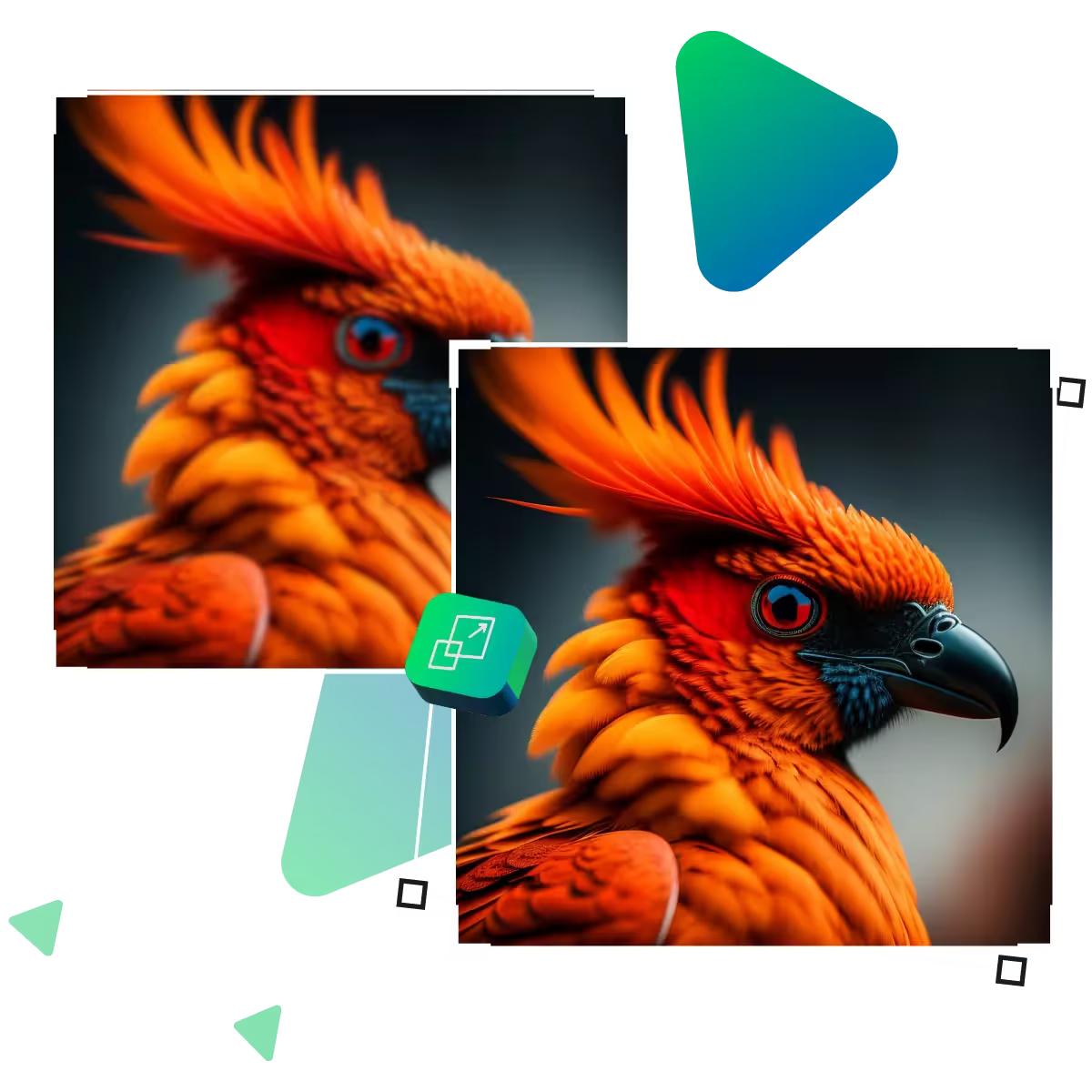
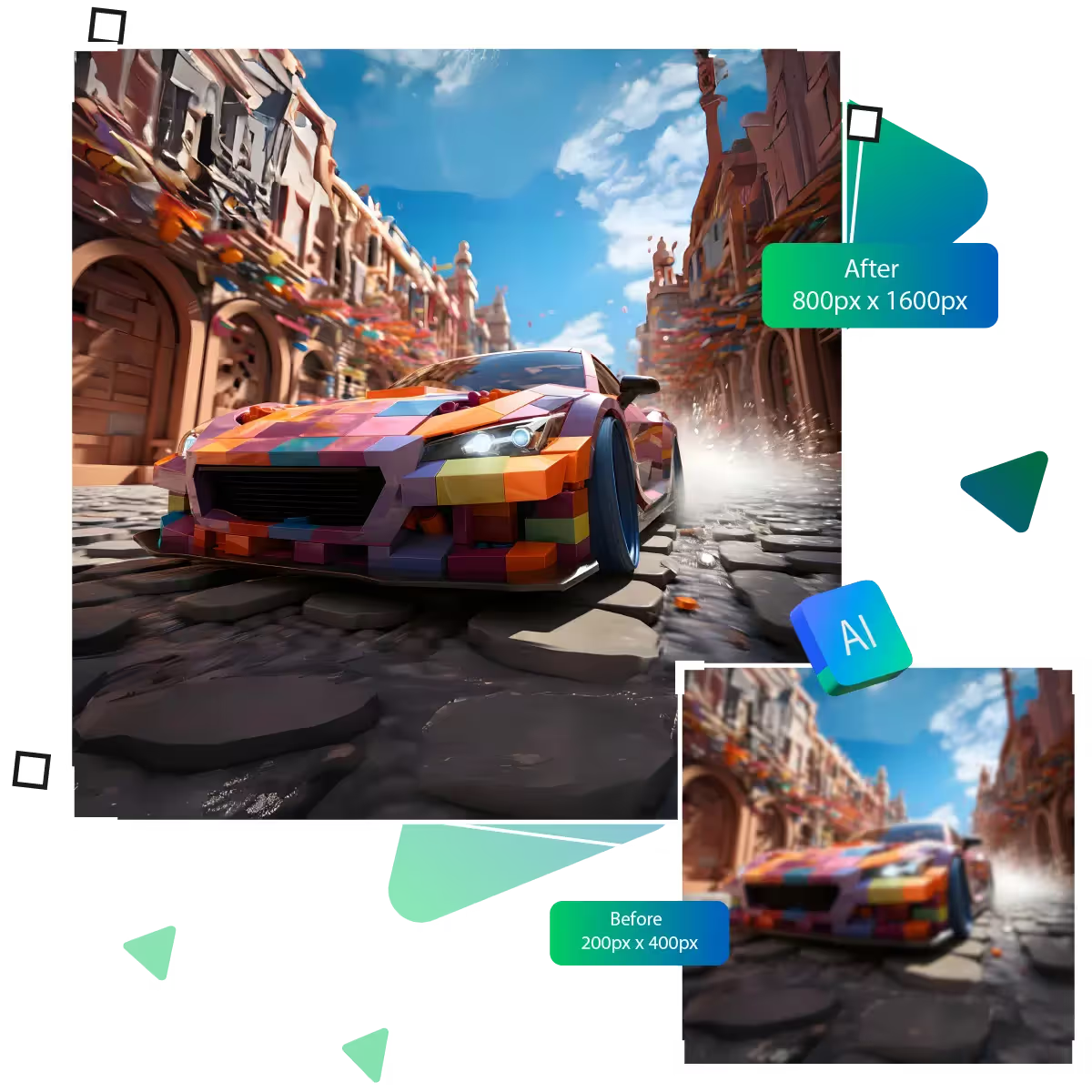
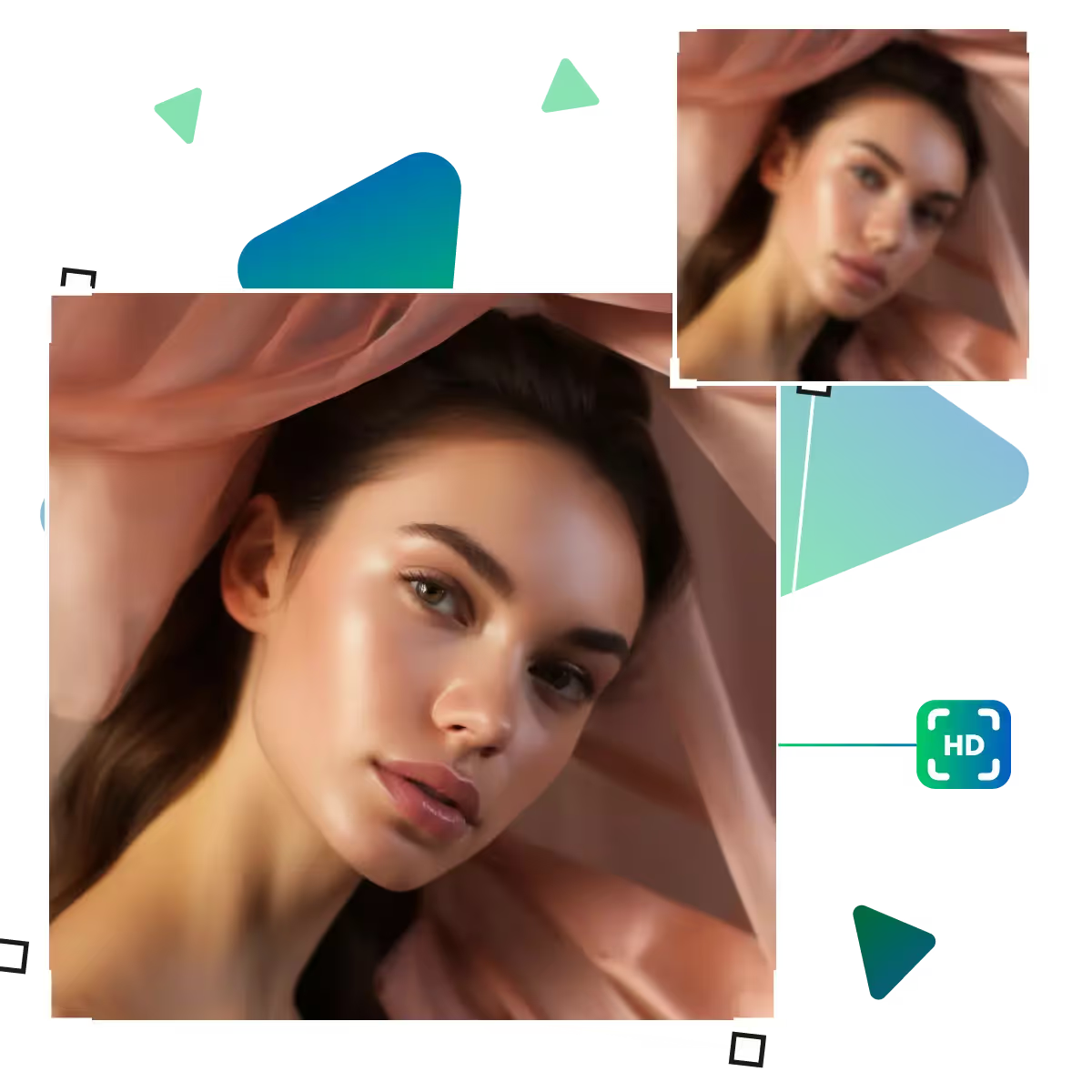
Enhance the image with a pixel art upscaler
Upscale.media’s Pixel Art Upscaler empowers artists to transform basic pixel visuals into vibrant, high-quality masterpieces.
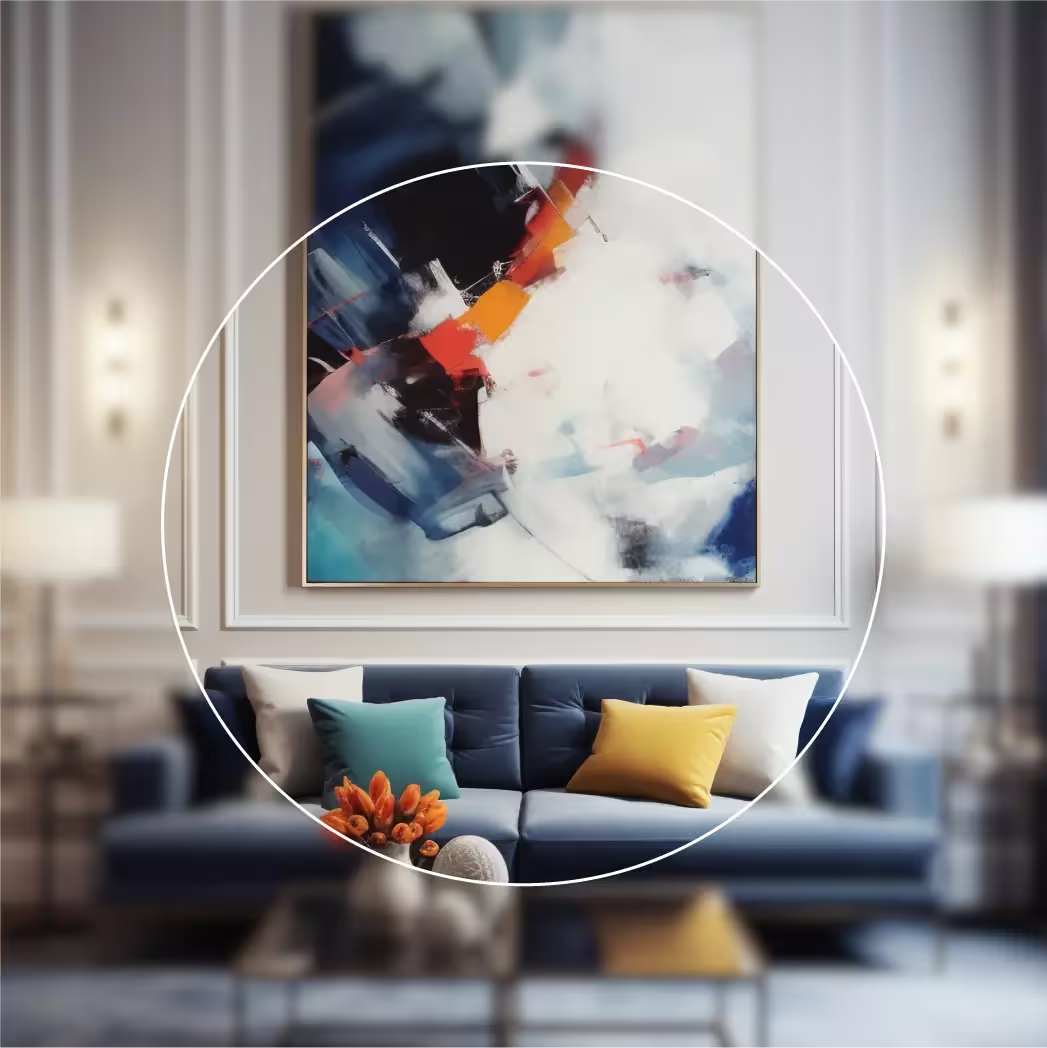
Give your pixel art a modern edge without losing its nostalgic charm, with Upscale.media AI-powered tool, you can now enhance your visuals while preserving original style.
To begin, upload your pixel art to the tool. You can paste an image URL or drag and drop the file.
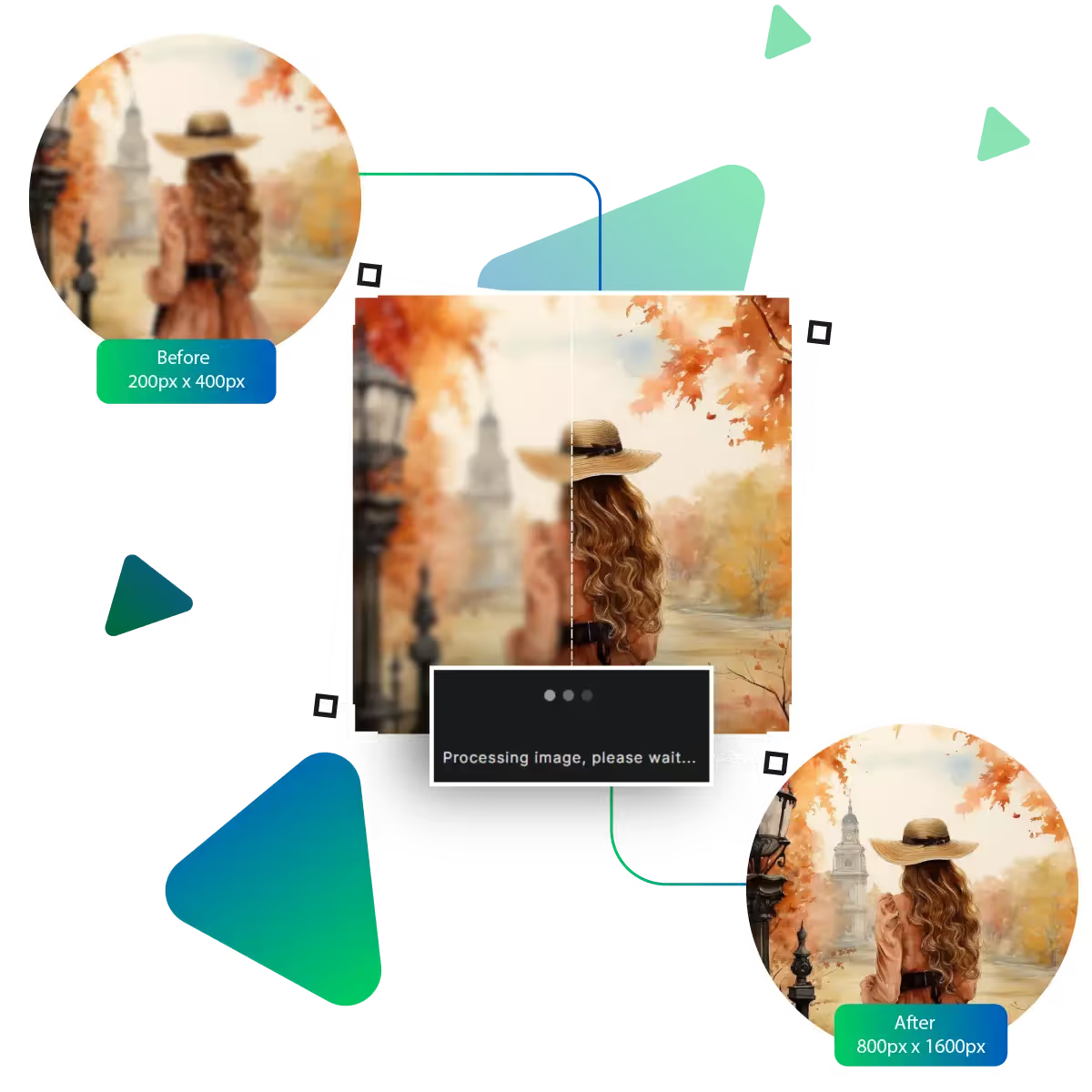
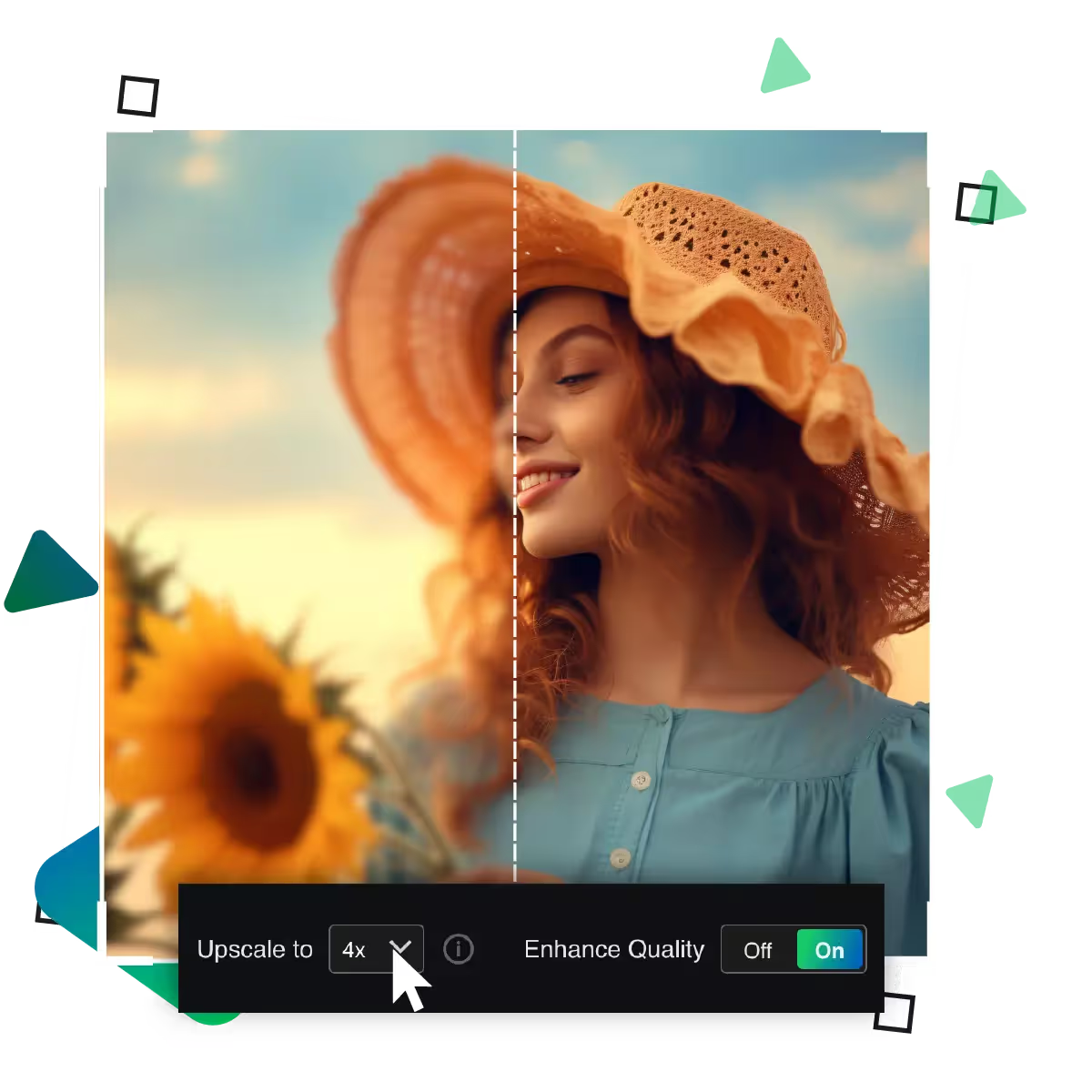
Choose from a range of output resolutions.
Verify that the image is in one of the following supported formats, including PNG, JPEG, JPG, WEBP, or HEIC.
Accept the Terms of Use and Privacy Policy. That too, before continuing.
To get started, click the button, and your image will be upgraded and improved by the AI.
After finishing, download your enhanced pixel art. That too in a higher resolution and quality.
Say goodbye to expensive tools. Upscale.media lets you enhance pixel art for free. Whether you're a game developer or hobbyist, as now upscale your work without needing a subscription or worrying about hidden charges for basic use. As this tool provides a budget-friendly way to enhance the size and quality of your artwork.
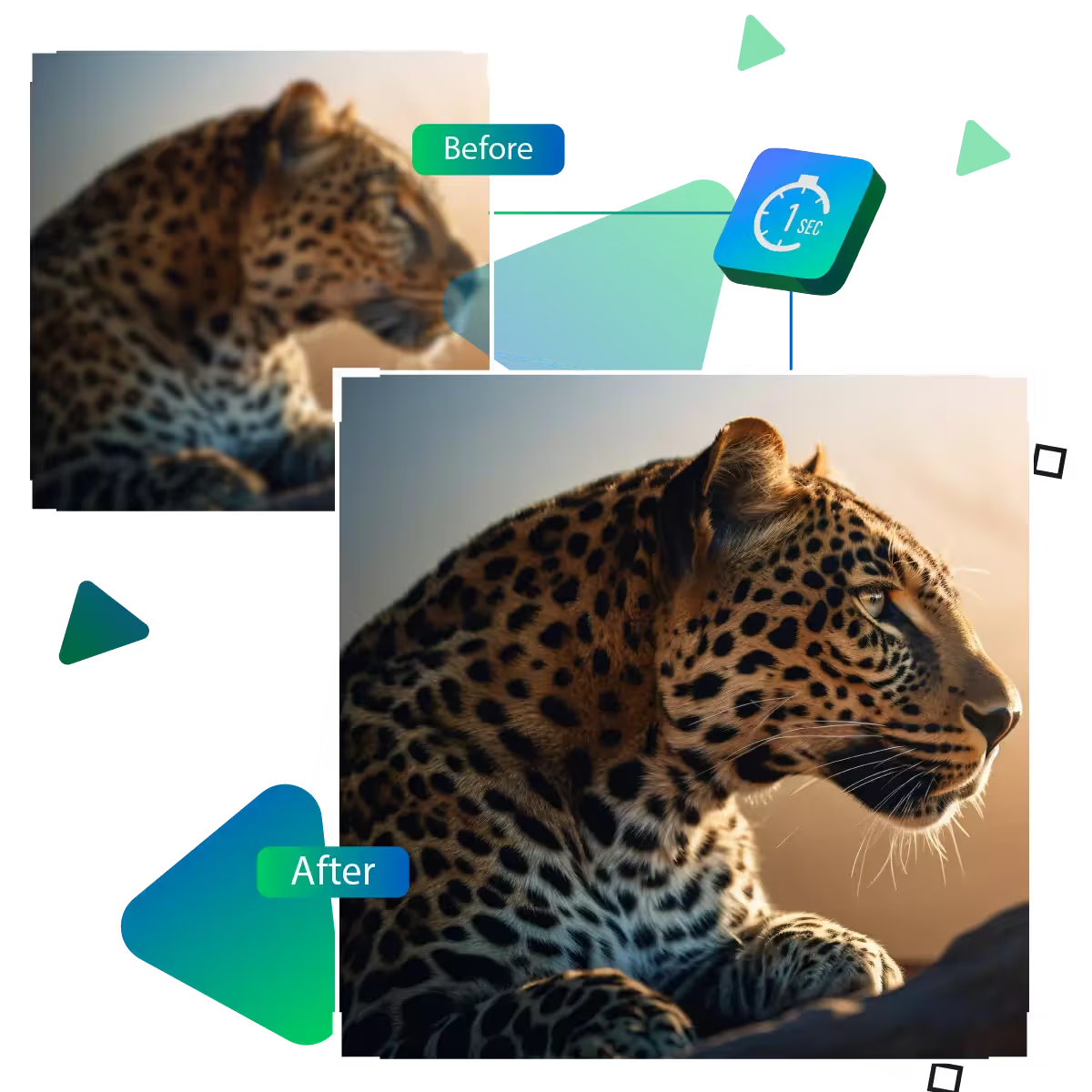
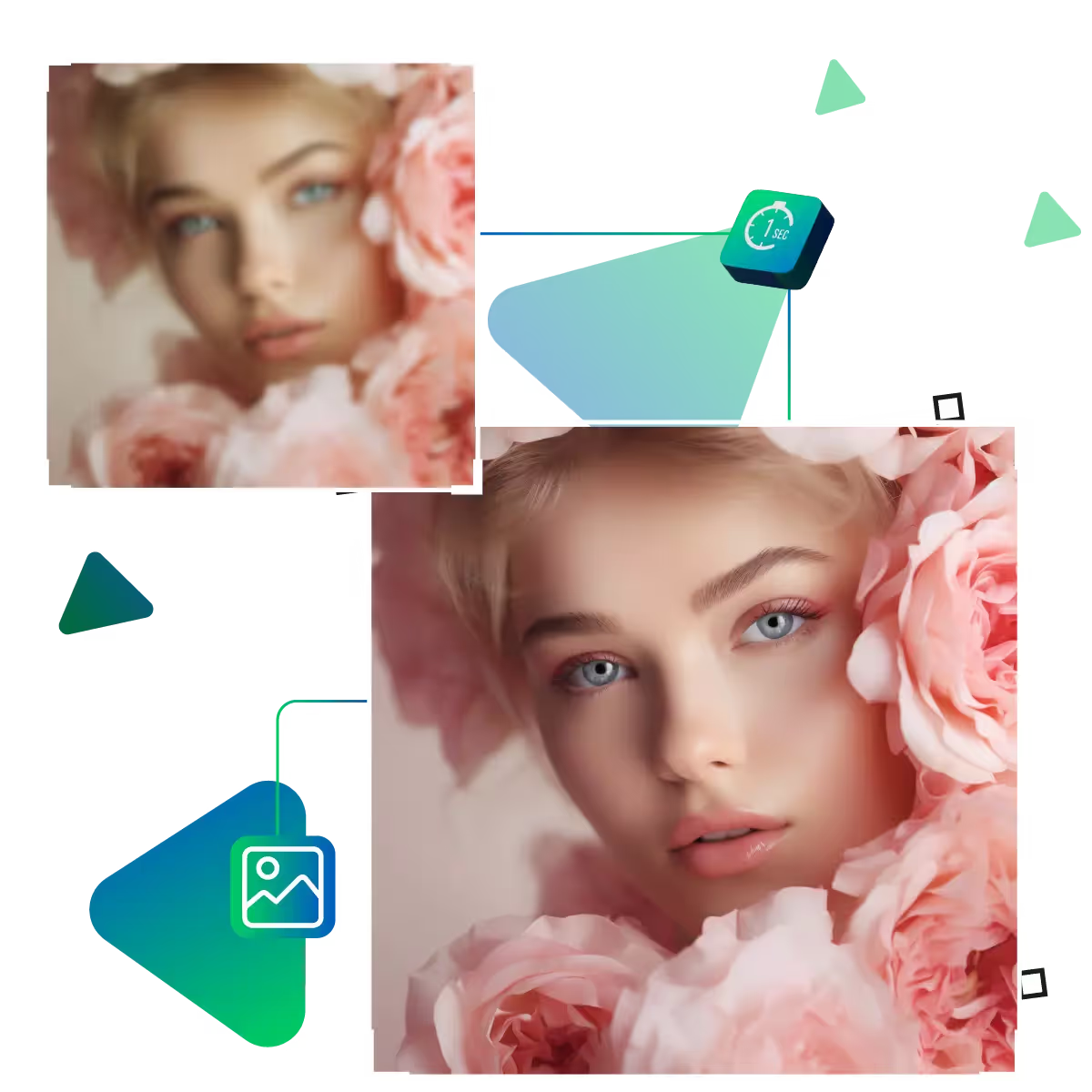
Keep your art crisp with no added filters or distortions, Upscale.media’s Pixel Art Upscaler which enhances images, that too, without introducing blur or artifacts. As with these AI features, our artwork maintains its clean, authentic pixel look. It is also preserving every detail as intended.
Easily upscale images in multiple formats, including PNG, JPEG, WebP, and HEIC, the Upscale.media ensures compatibility; additionally, this AI tool allows you to upload and enhance your files without worrying about format restrictions, whether your art is static or animated, the platform supports your creative needs.
Pixel artists and digital creators can now effortlessly enhance their visuals. That too by using the Pixel Art Upscaler by Upscale.media.
Effortlessly upscale multiple images in one go with seamless batch processing, and along with this feature, it speeds up your workflow. That too, by automating the upscaling process, allows you to focus more on your creative vision and less on repetitive tasks.
Visualize your results instantly with the real-time preview feature. Along with this, you upscale. Now, see the changes on the spot, and the tool allows you to make immediate adjustments, ensuring that every enhancement aligns perfectly with your aesthetic expectations.
Upscale.media offers multilingual support. The tool is making the platform accessible to creators worldwide, regardless of your location or native language. Now you can enjoy a seamless and user-friendly experience.
Upscale.media’s Pixel Art Upscaler empowers artists to transform basic pixel visuals into vibrant, high-quality masterpieces.
Sanjay Choudhury
Riya Khanna
Aditya Kapoor
We’ve answered some of the most common questions about the Upscale.media API. If you don’t see your question here, feel free to reach out at support@pixelbin.io
What is Upscale.media API?
How can Upscale.media API be integrated into my website or app?
The API supports multiple programming languages such as React, Python, Golang, etc., and fits easily into most tech stacks. Integration is straightforward, with clear documentation to guide you through.
What kind of image transformations can be achieved with Upscale.media API?
How does Upscale.media API enhance online visual appeal?
How fast and accurate is the image upscaling with Upscale.media API?
Can Upscale.media API be used for creative design projects?
How does Upscale.media API improve digital content quality?
Is Upscale.media API adaptable for different image upscaling needs?
Can Upscale.media API be customized for specific needs?
What are the benefits of using Upscale.media API for different industries like e-commerce, marketing, and social media?