





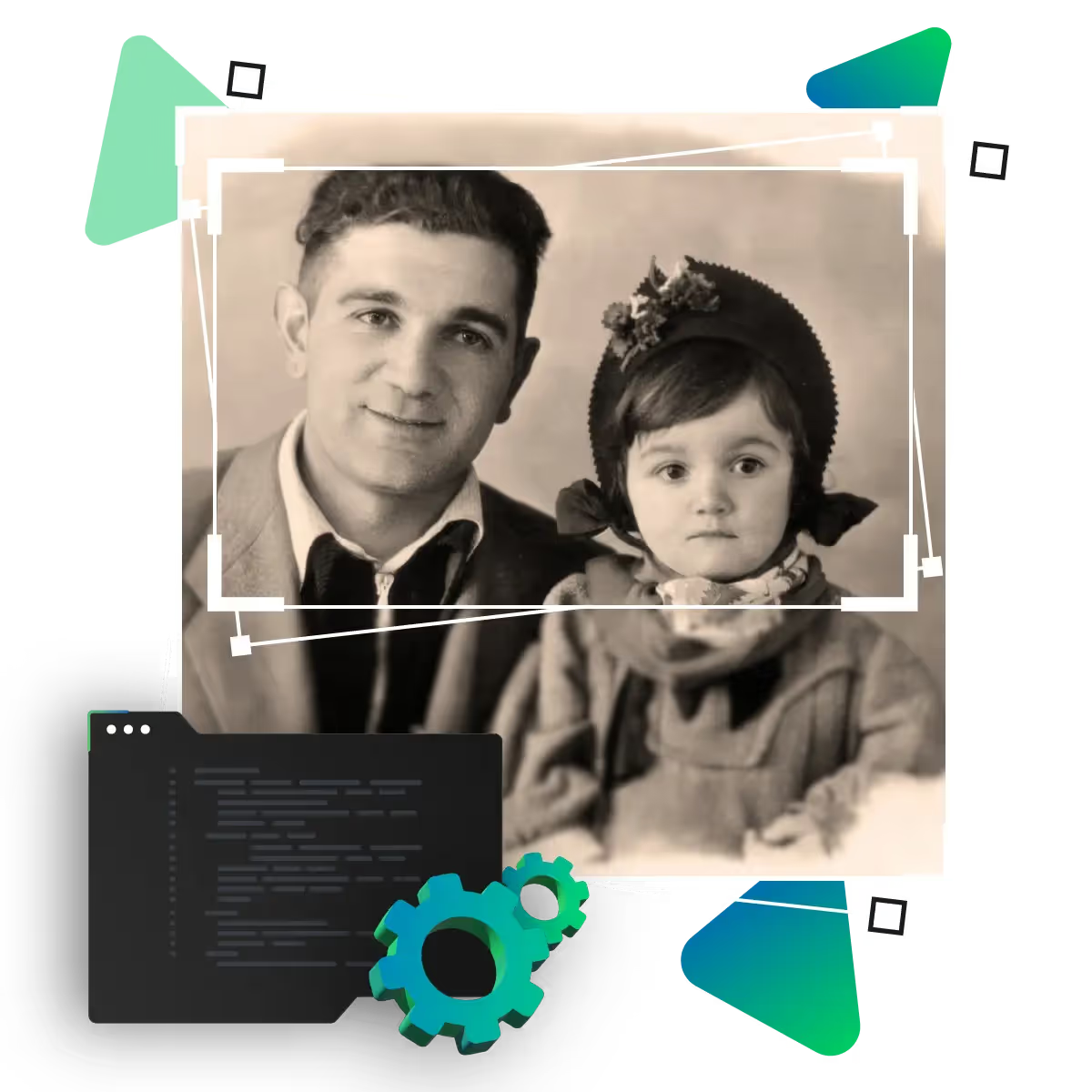
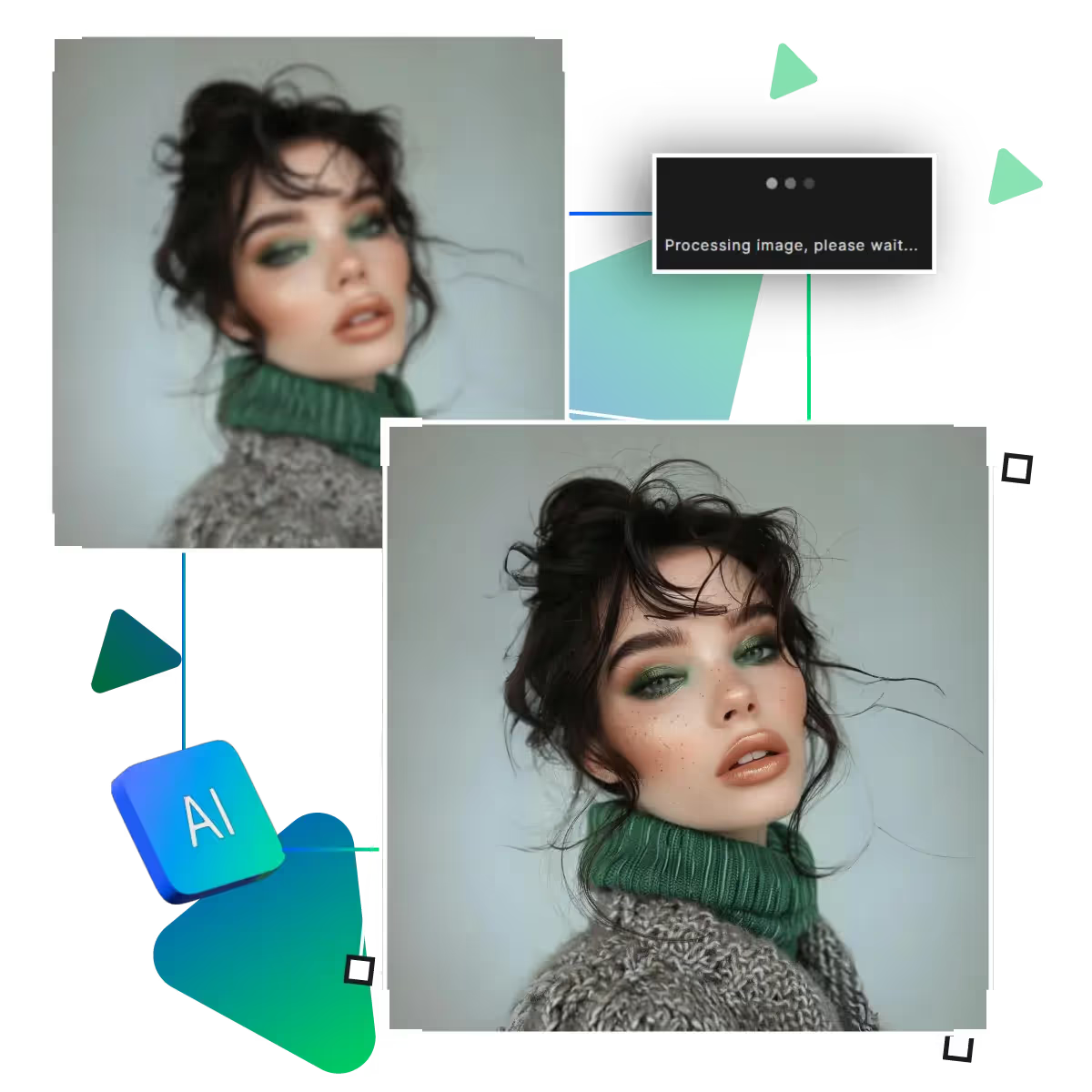
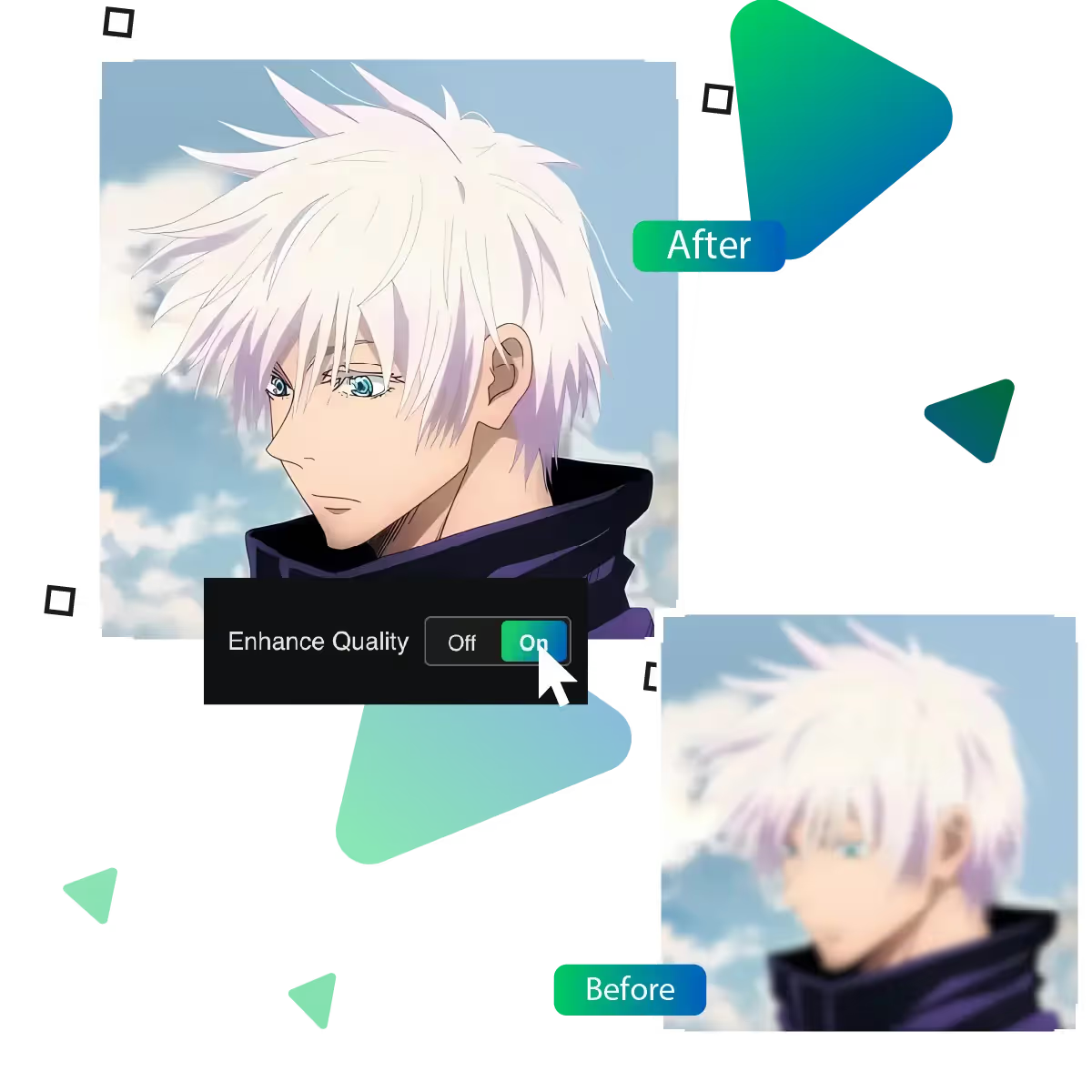
Now, unlock better quality with AI photo enhancer tool online
Improving your pictures has never been easier. This tool helps you get clearer, brighter, and more detailed images in just a few steps.
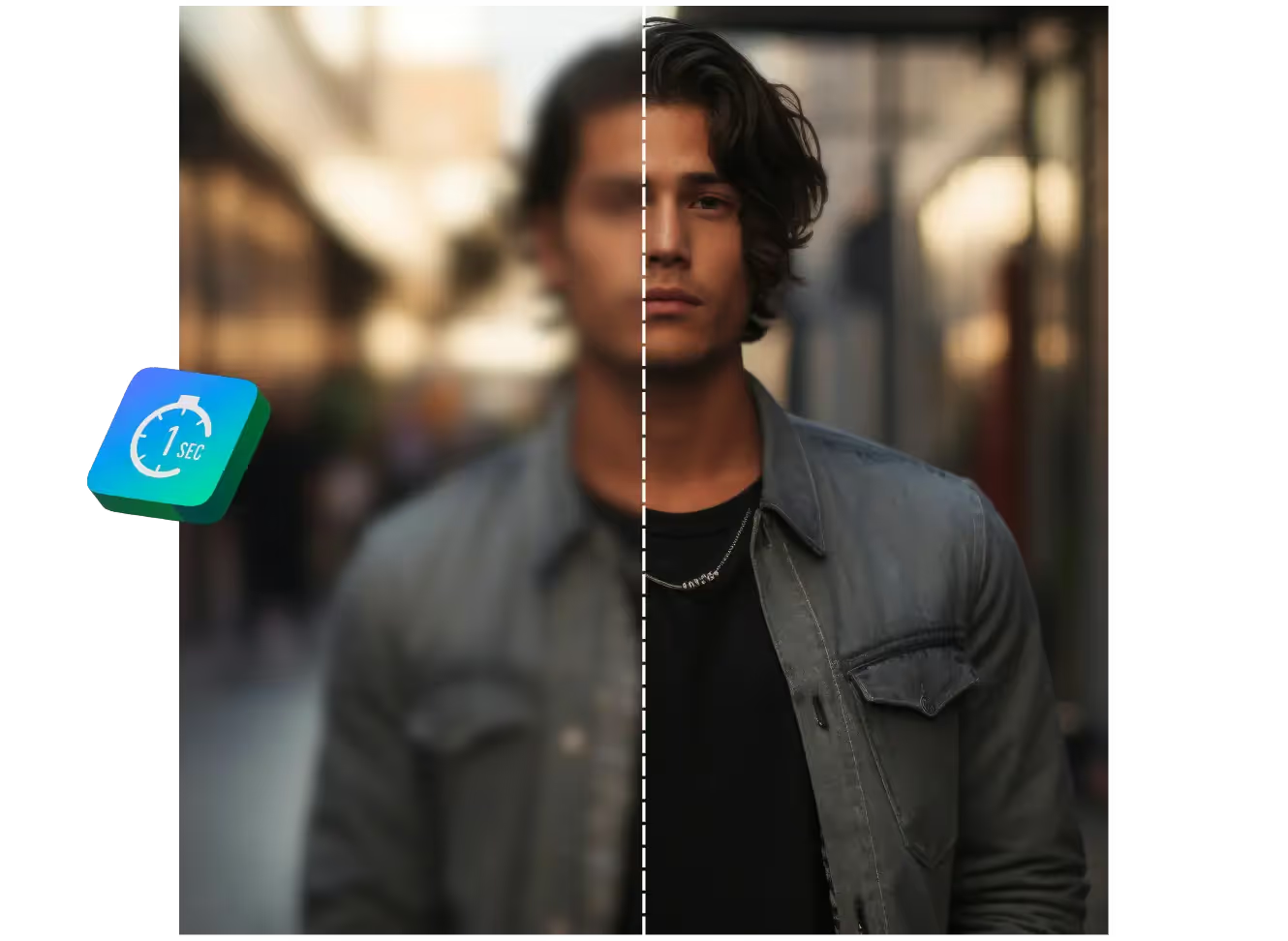
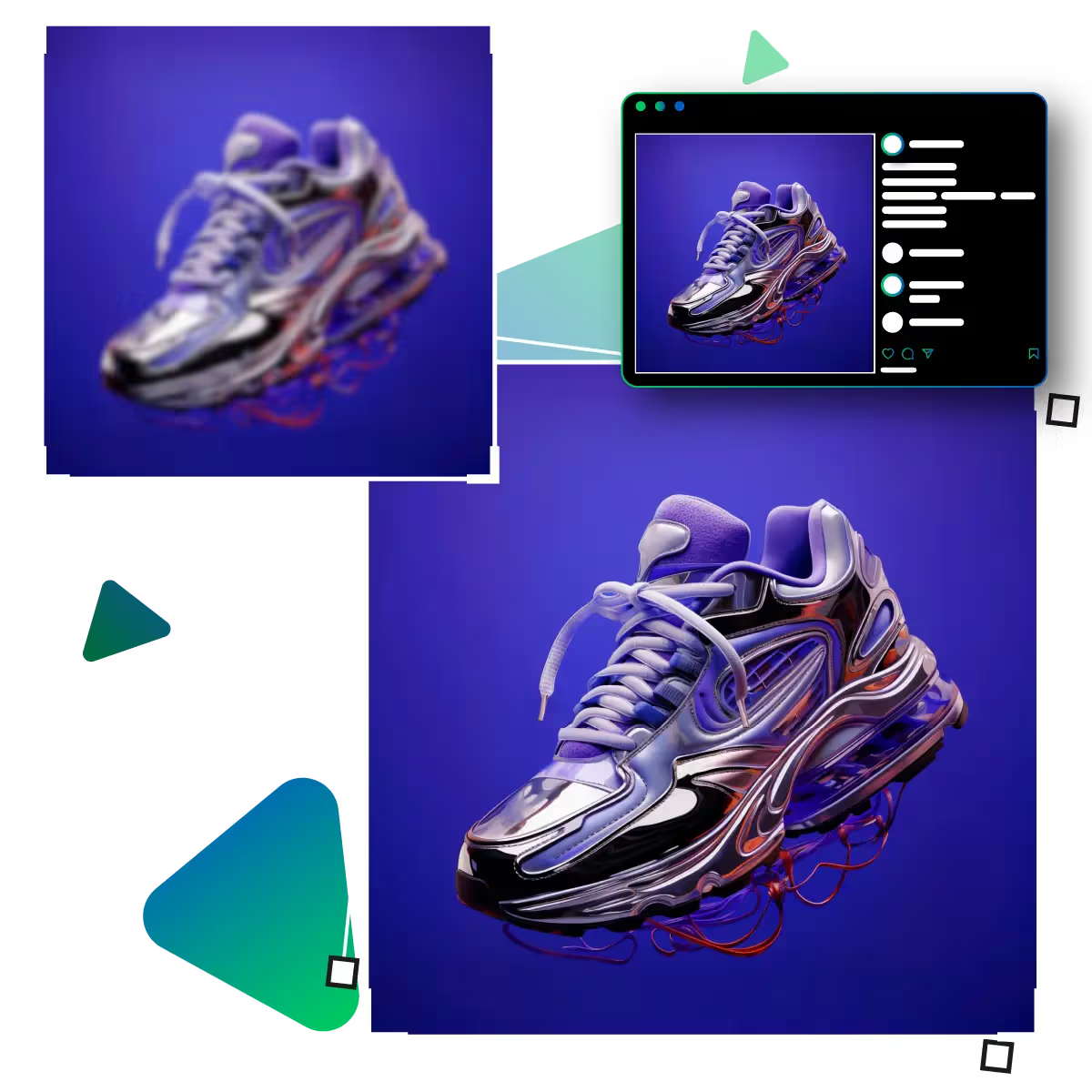
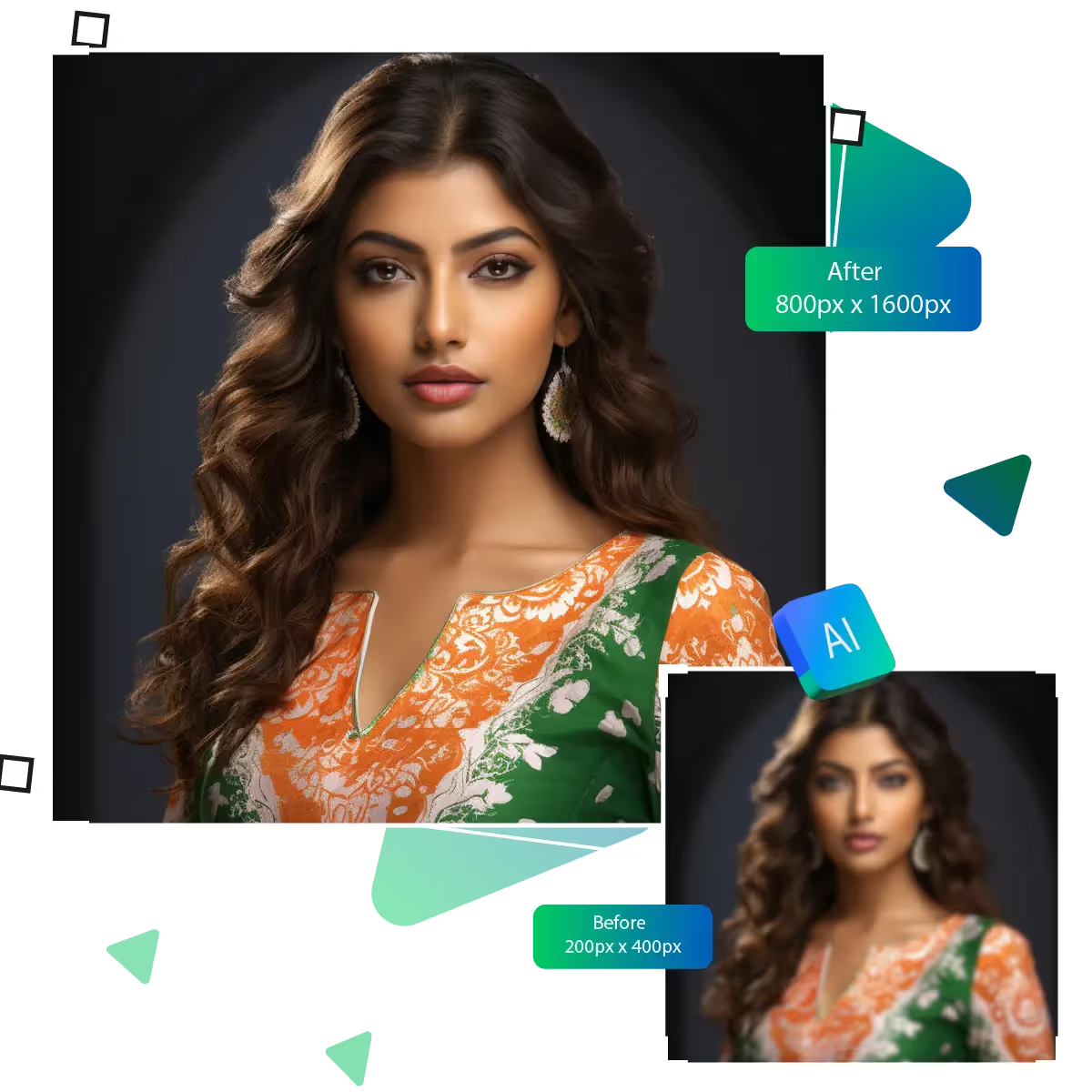
Bring your images to life with crystal-clear quality using Upscale.media’s AI-powered photo enhancer, with no filters, no fuss, delivers just stunning results in seconds!
The first step is to visit the site and select the tool section.
In this step, you need to upload the chosen picture that you want to enhance.
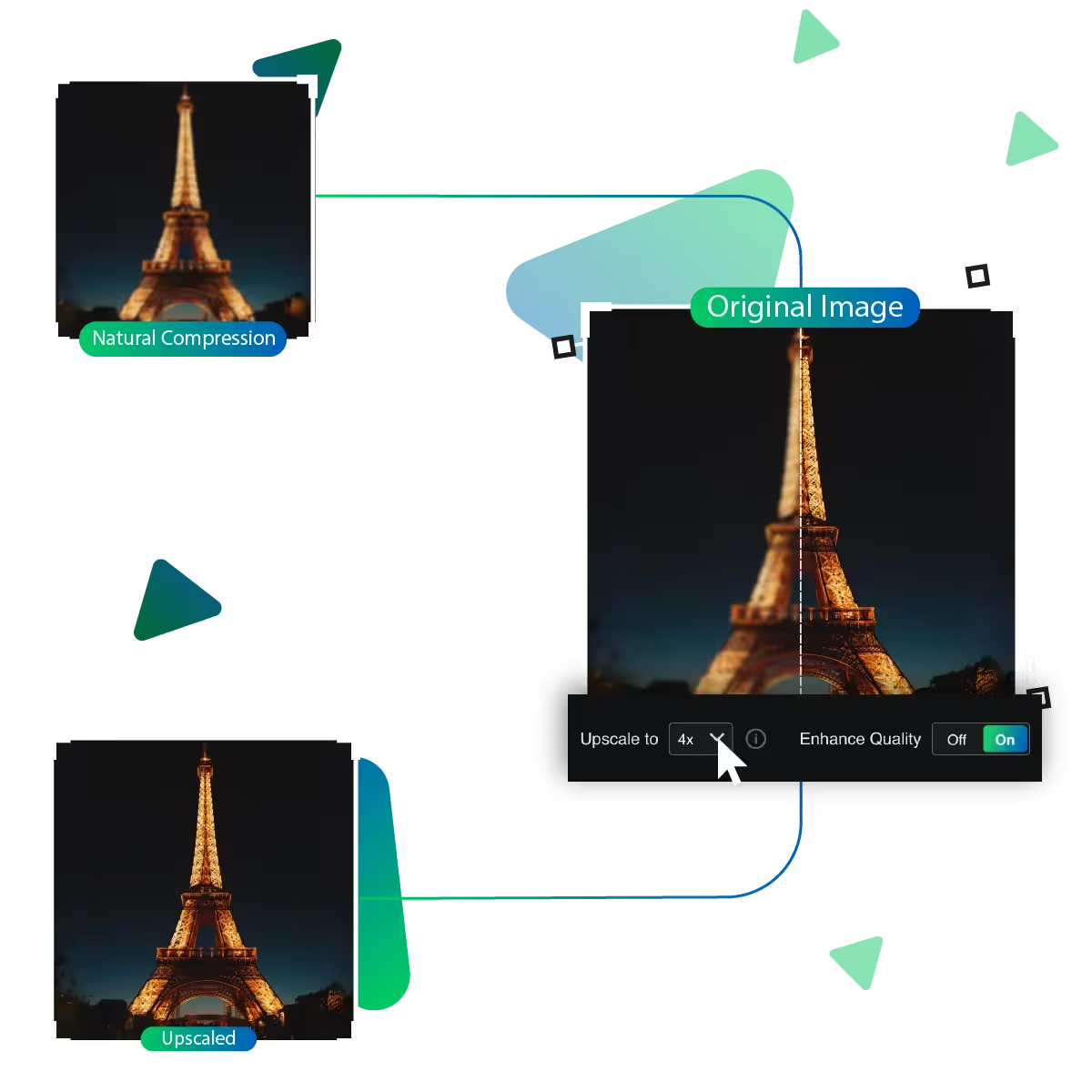
In this step, you need to select the enlargement option from 2x, 4x, and 8x.
In this step, the AI of the tool will process the image to give you your desired result.
You can preview the desired image result in this step and see whether the result meets your desire.
You can download the previewed photo if it meets your needs and use it further.
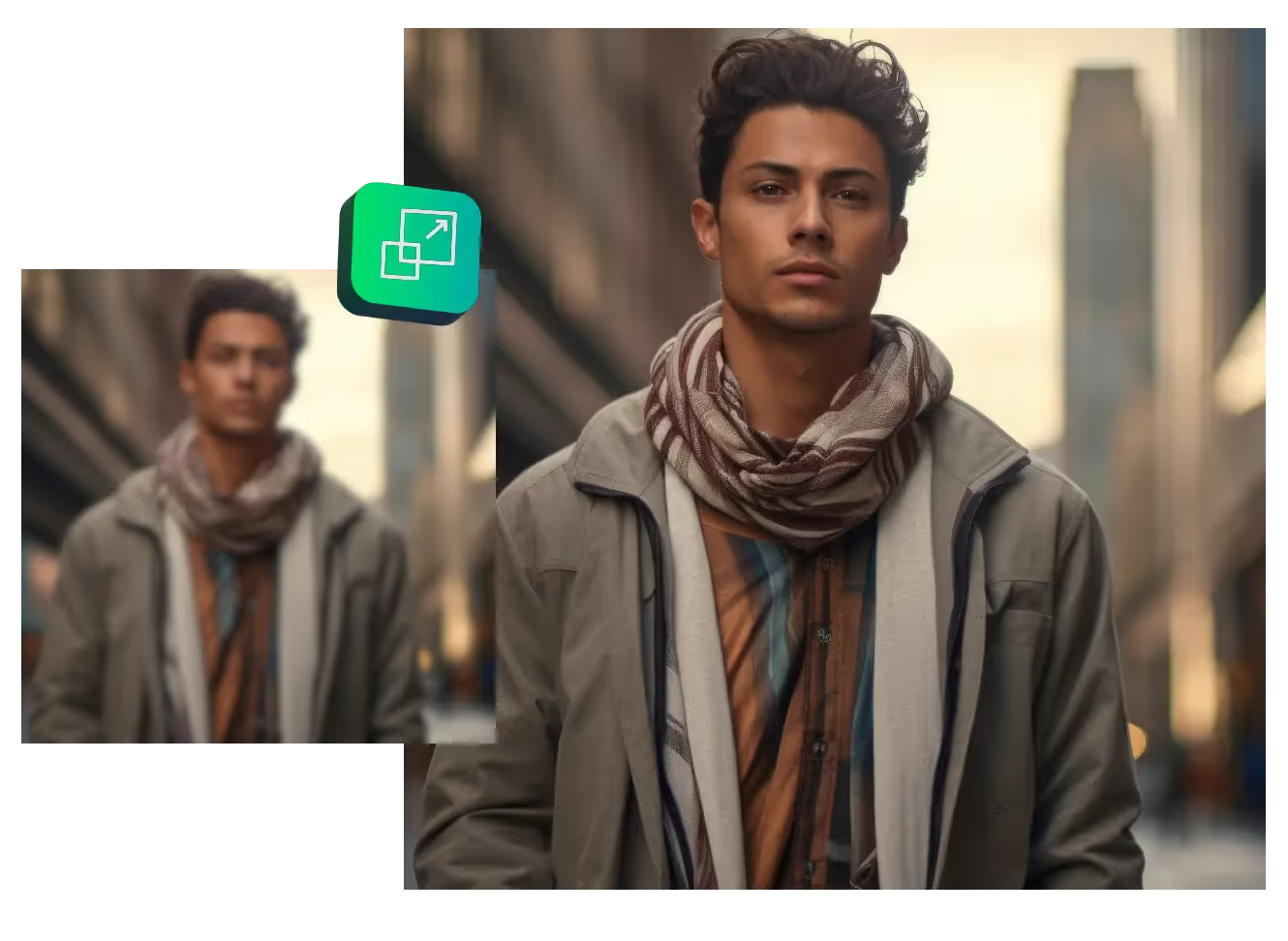
Make your pictures look bigger without losing quality. With the help of this AI feature, your photos stay clear and detailed. That too, when they’re resized. It’s perfect for turning small pictures into large, eye-catching ones, whether you’re saving memories or making visuals stand out.
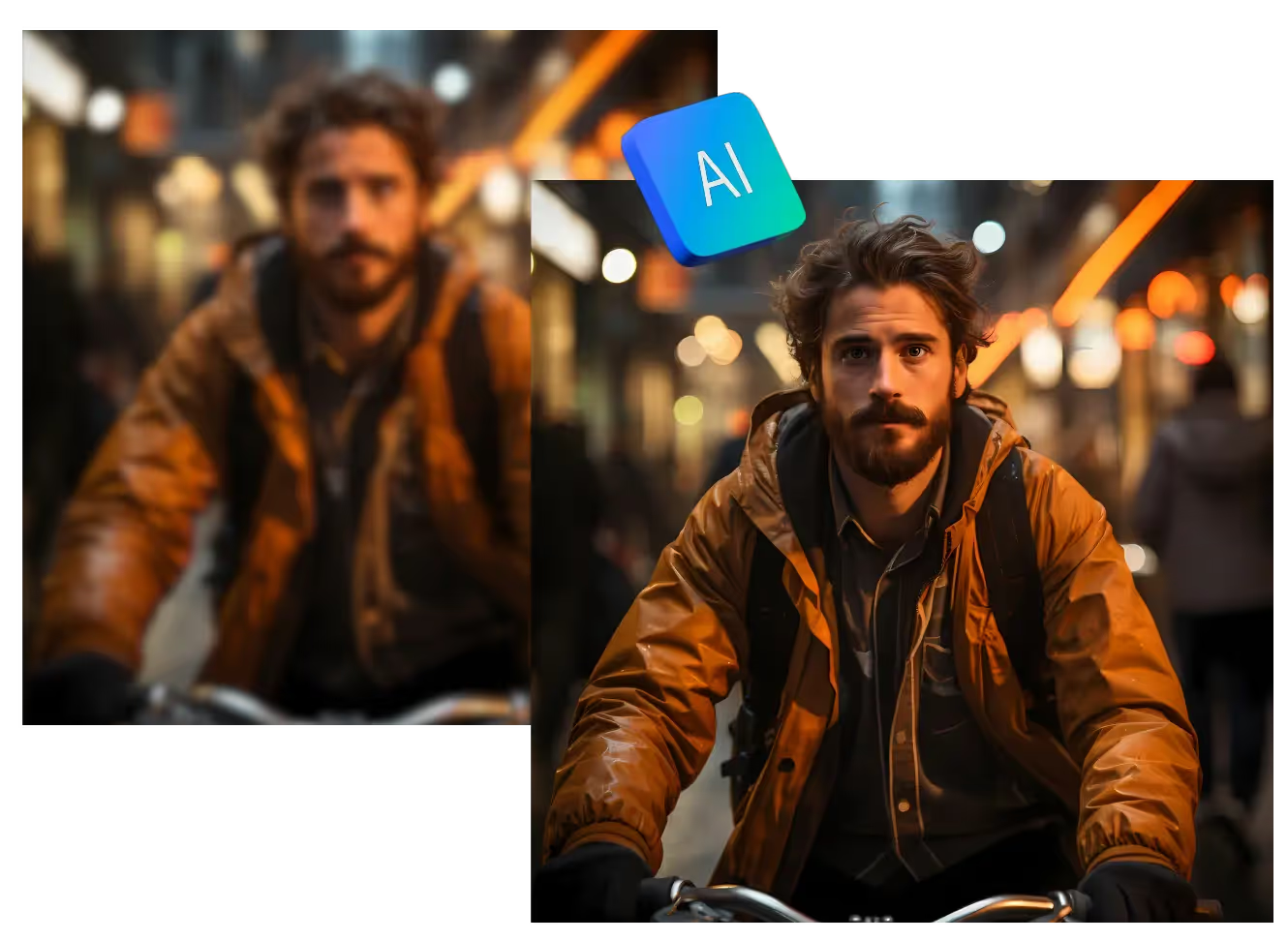
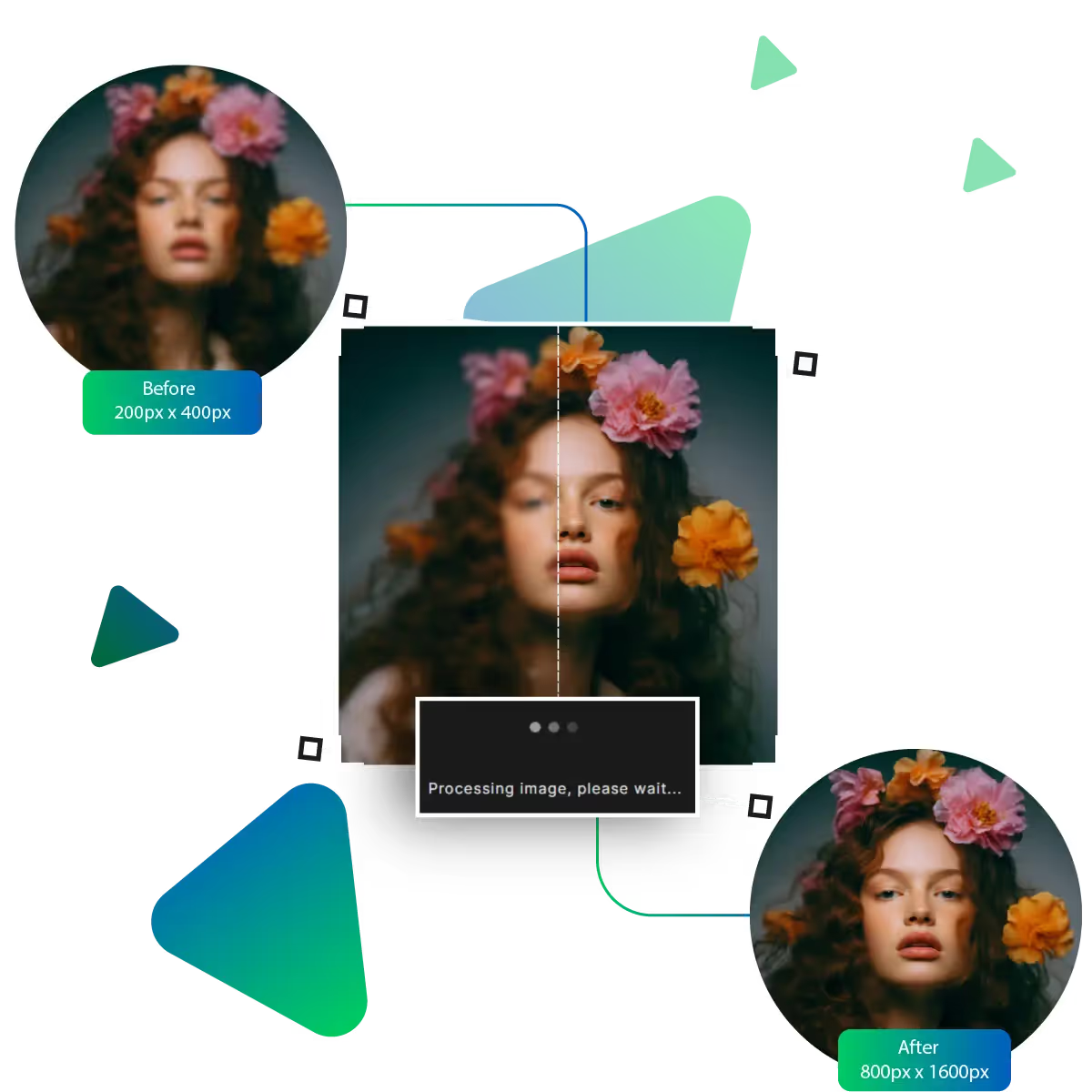
Fix blurry photos and bring out more details with ease. This tool helps your image look clear and well-defined in just a few clicks. It works well for photos that are slightly out of focus or soft-looking, giving them a crisp, clean finish that looks natural and polished without needing any special skills.
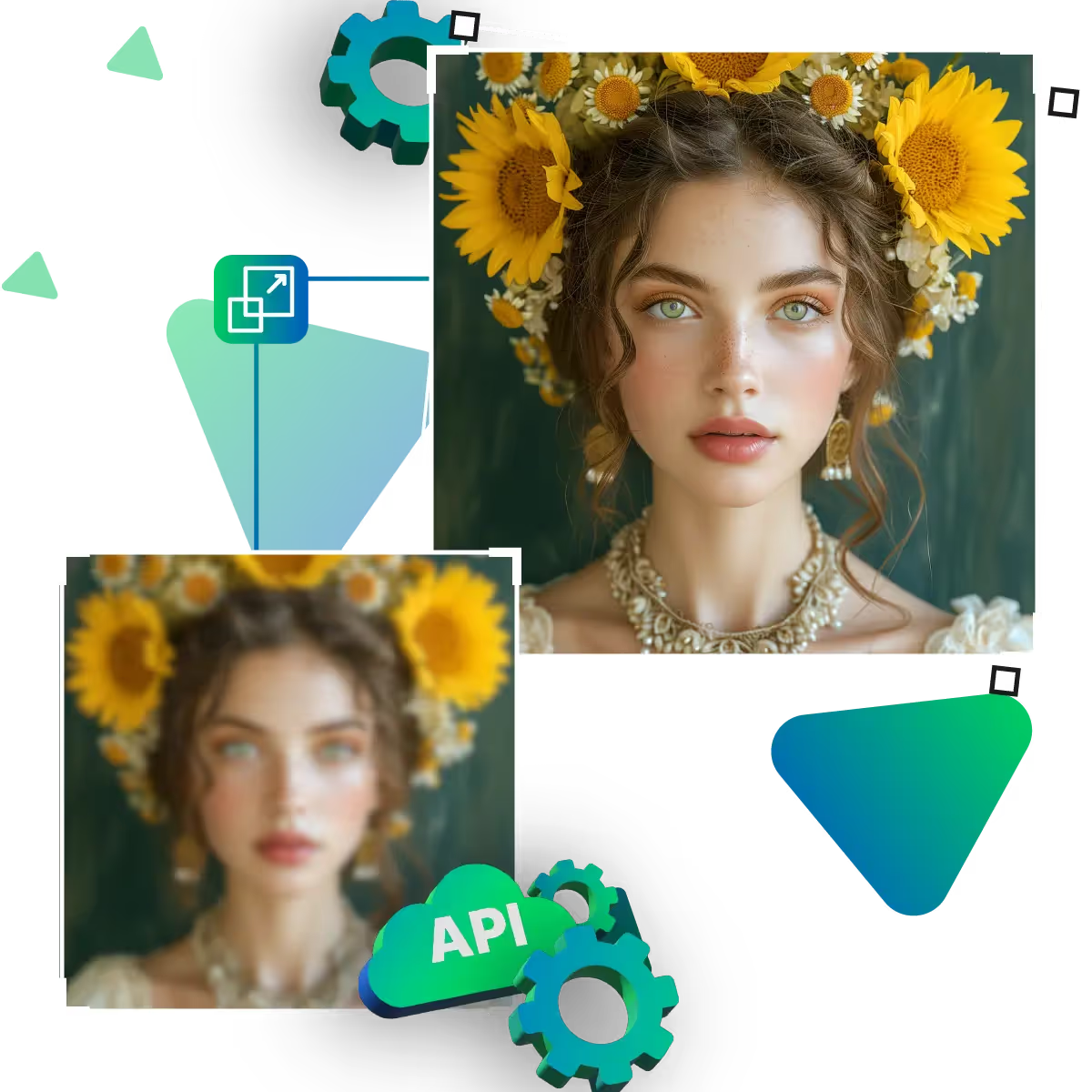
Tidy up photos that look rough or grainy. This feature smooths out the mess in your image without losing important details. It helps your photo look cleaner, especially if the original was taken in tricky lighting. The end result is a clearer and more pleasant image that looks easier on the eyes.
Making your pictures look better doesn’t have to be hard, and with just a few easy features, you can improve your photos in seconds.
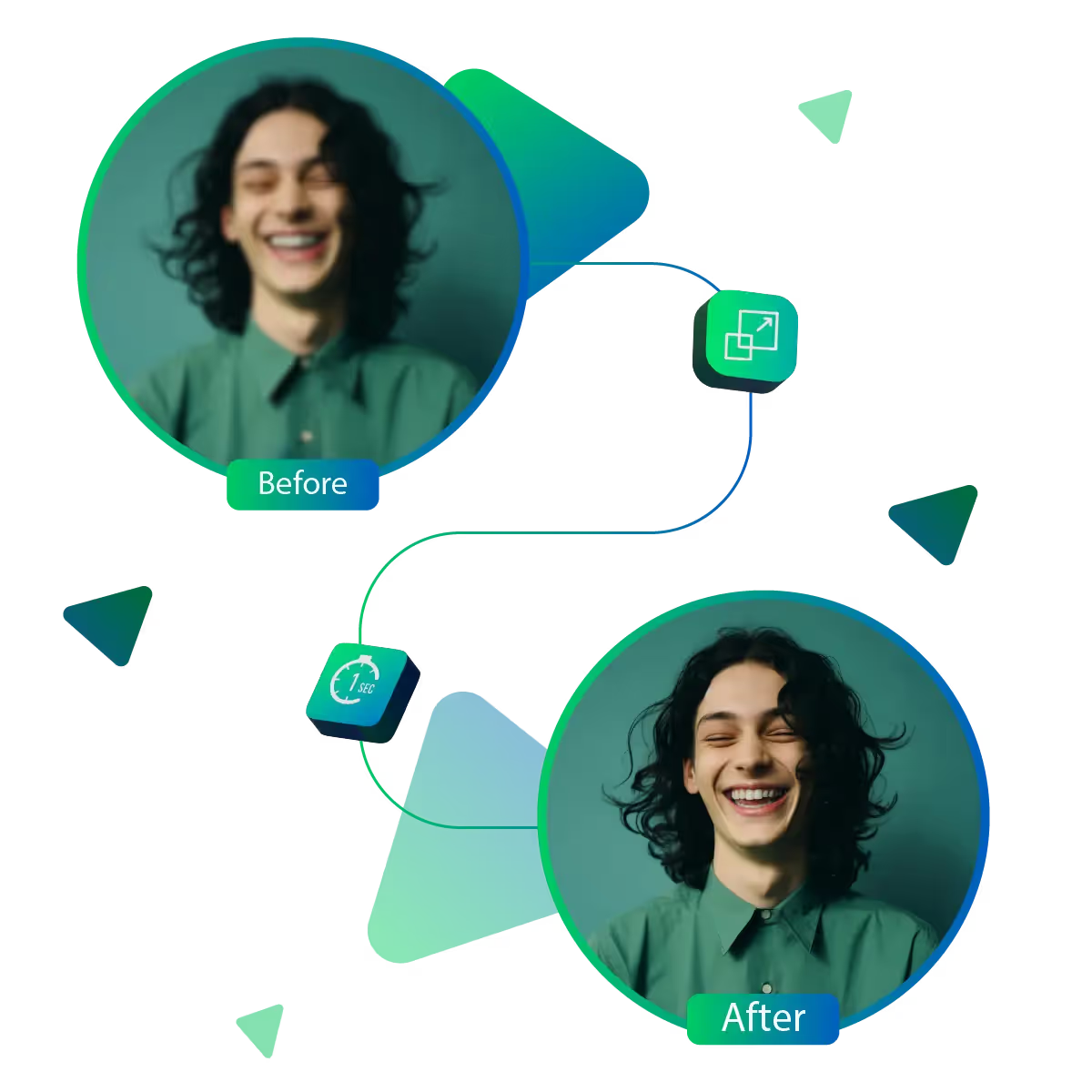
With just one click, you can instantly make your picture look better. The tool also saves time and gives fast results. Additionally, this is particularly useful when you want to edit a photo without spending a lot of time or learning new steps.
This tool analyzes your photo and helps improve it in specific areas. For example, making it clearer and removing unwanted elements now means you don’t have to adjust anything yourself. As the tool understands what to fix and does it for you.
No matter where you’re from or what language you speak, the platform is easy to use, and everything is simple to follow and available in different languages. This AI feature makes it friendly for everyone, allowing you to focus on your pictures.
Improving your pictures has never been easier. This tool helps you get clearer, brighter, and more detailed images in just a few steps.
Sanjay Choudhury
Riya Khanna
Aditya Kapoor
We’ve answered some of the most common questions about the Upscale.media API. If you don’t see your question here, feel free to reach out at support@pixelbin.io
What is Upscale.media API?
How can Upscale.media API be integrated into my website or app?
The API supports multiple programming languages such as React, Python, Golang, etc., and fits easily into most tech stacks. Integration is straightforward, with clear documentation to guide you through.
What kind of image transformations can be achieved with Upscale.media API?
How does Upscale.media API enhance online visual appeal?
How fast and accurate is the image upscaling with Upscale.media API?
Can Upscale.media API be used for creative design projects?
How does Upscale.media API improve digital content quality?
Is Upscale.media API adaptable for different image upscaling needs?
Can Upscale.media API be customized for specific needs?
What are the benefits of using Upscale.media API for different industries like e-commerce, marketing, and social media?