





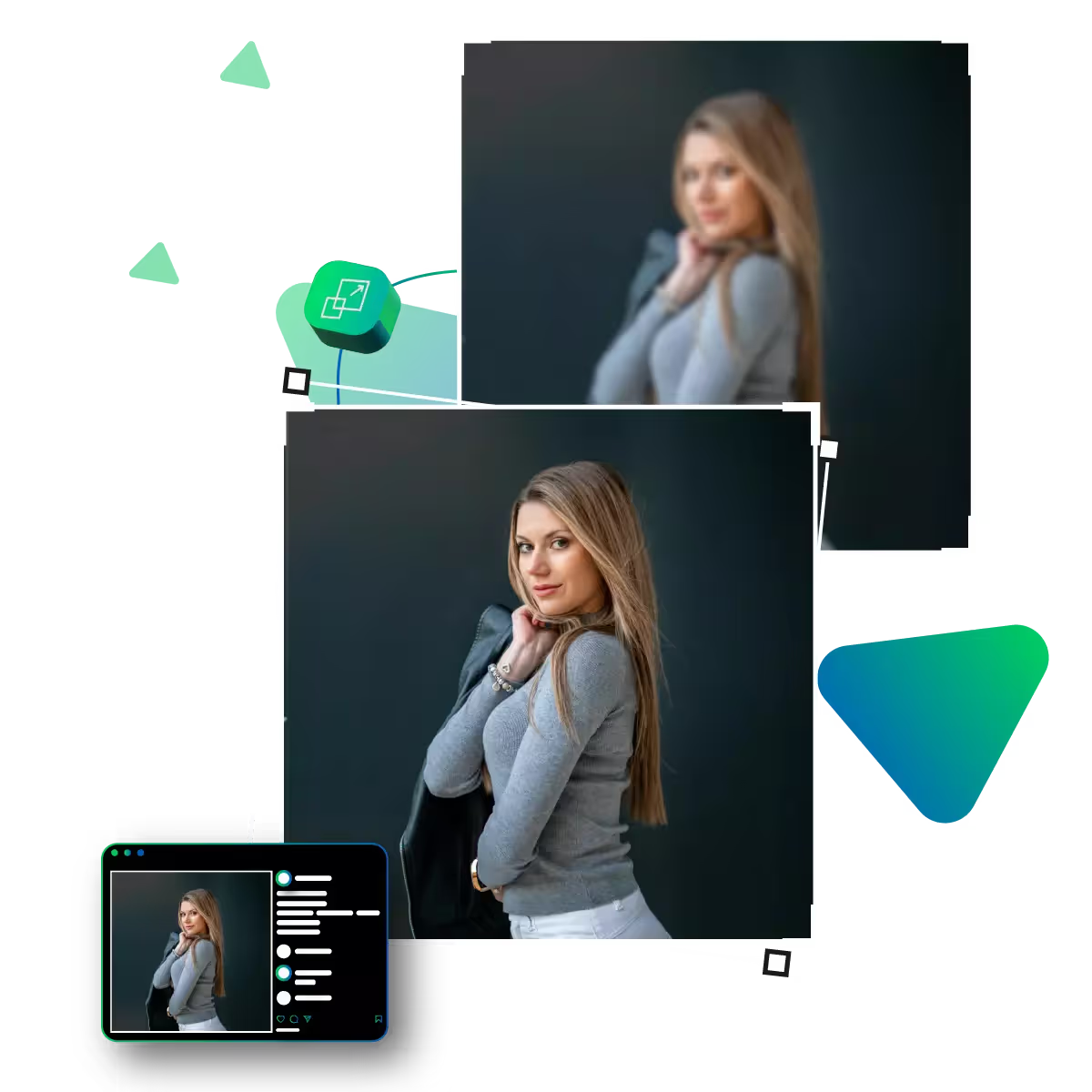
Upgrade photo clarity online with a free AI tool
No skills are needed; upload, enhance, and get stunning, clear pictures anytime. And anywhere with the help of this tool.
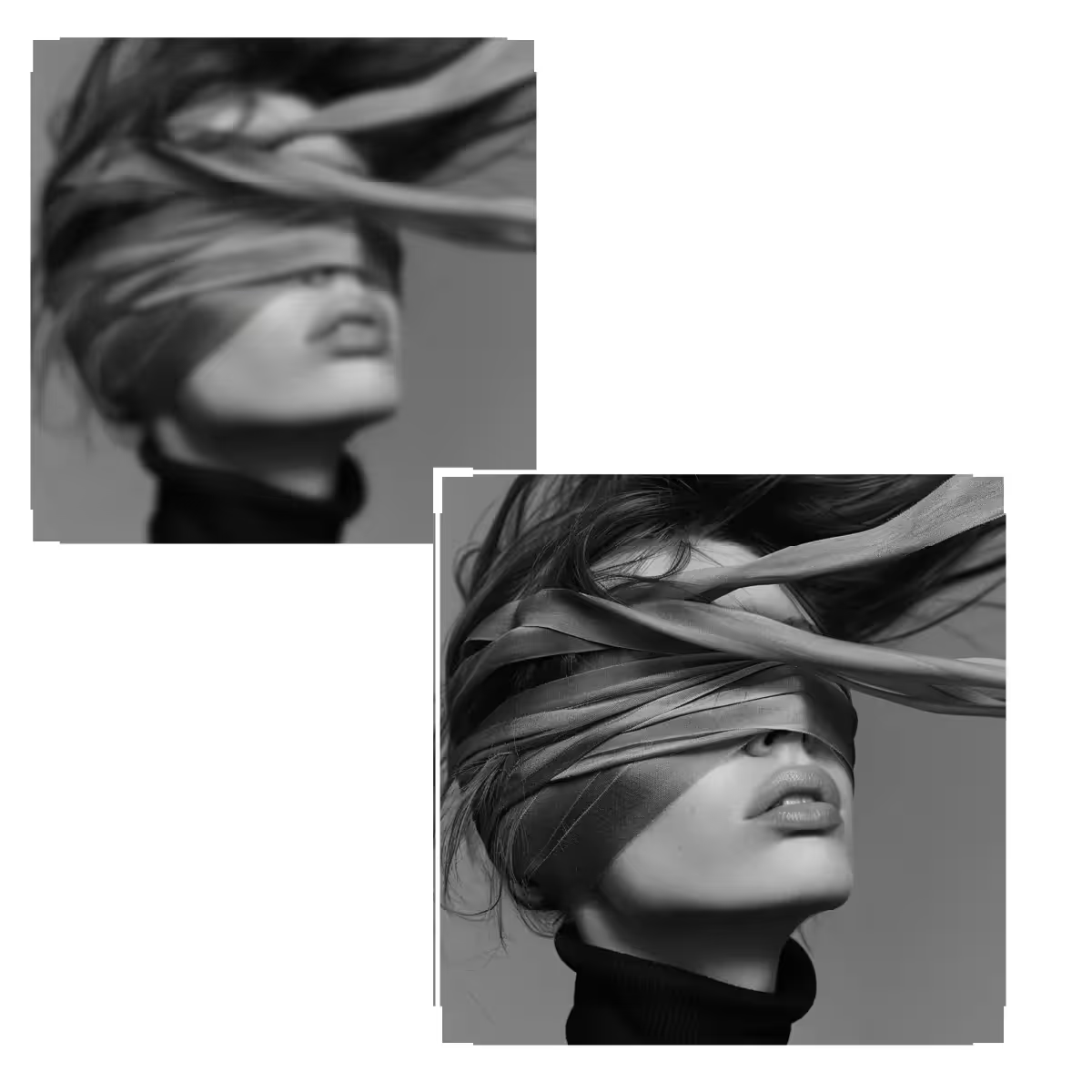
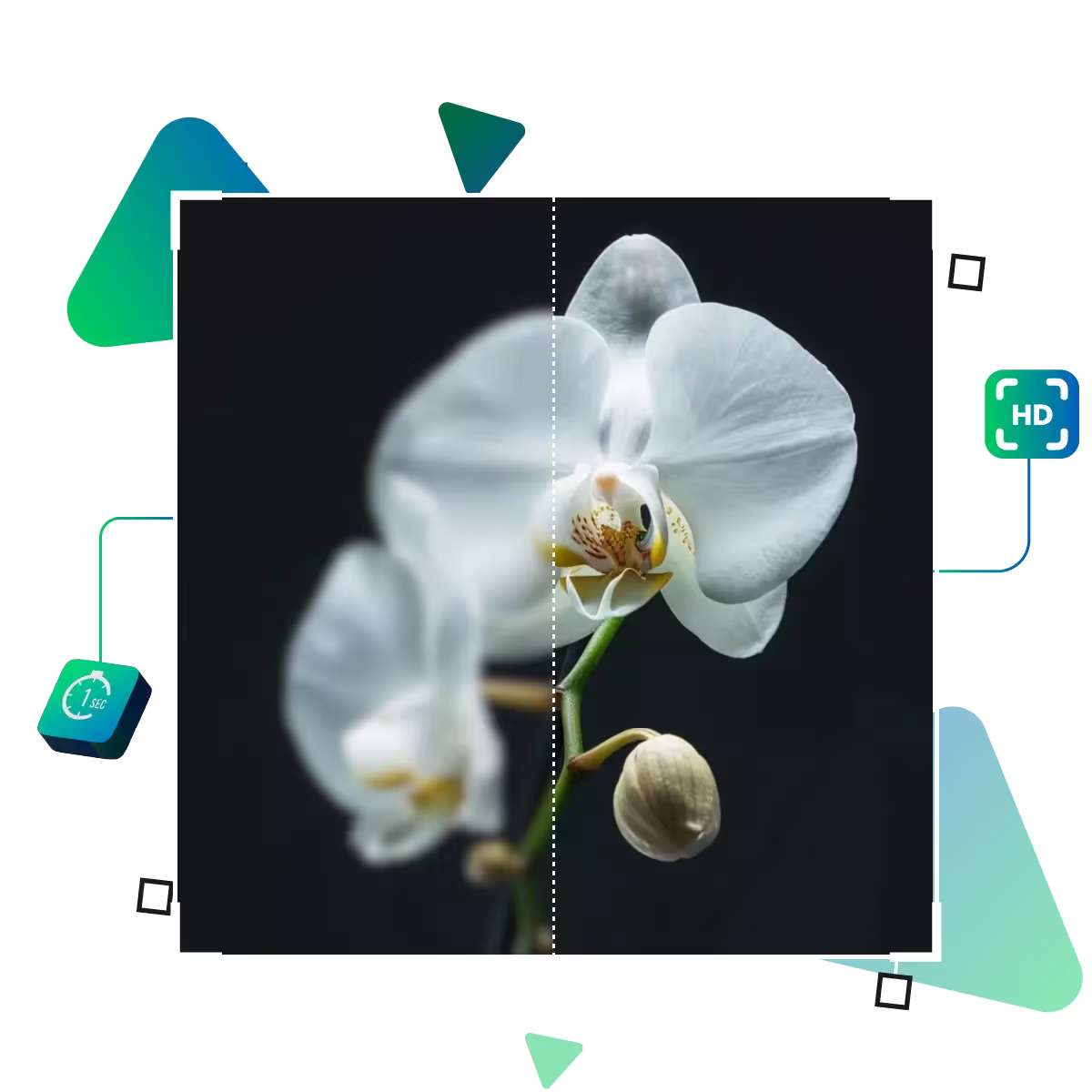
An AI-driven tool designed to elevate your visual content, this tool enables you to enhance image clarity effortlessly in seconds.
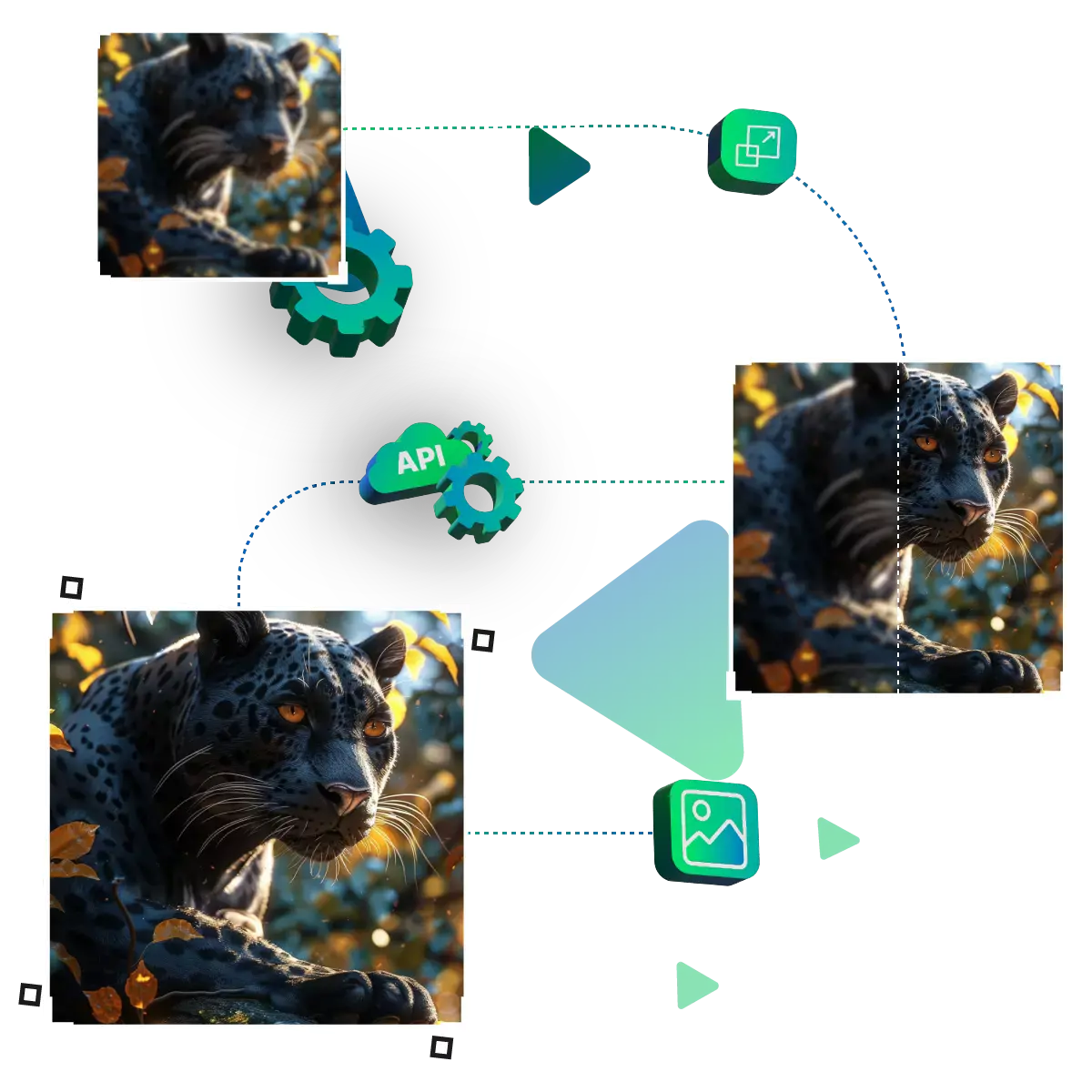
Start by visiting the upscale.media site.
Then upload your chosen photo.
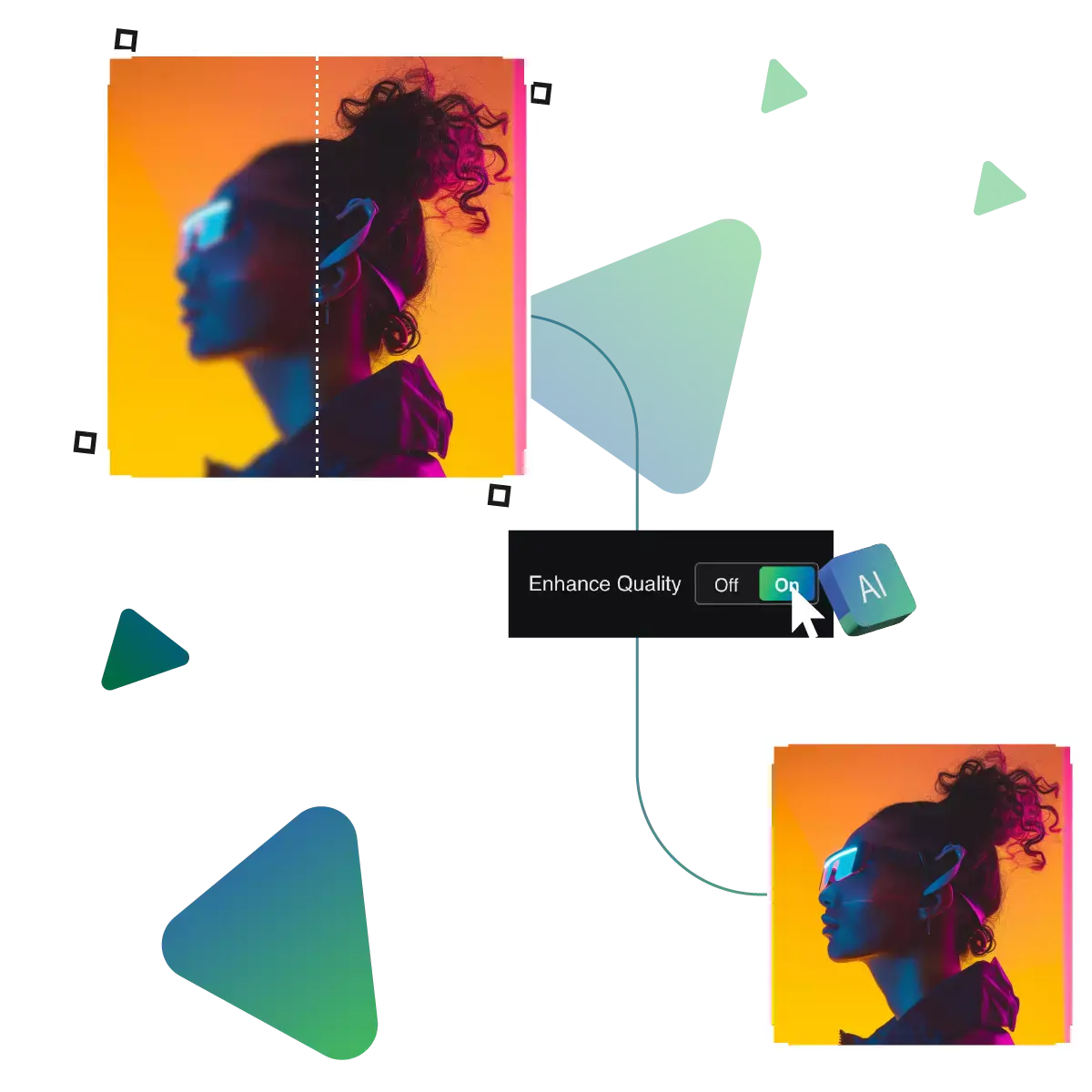
Then, the tool will automatically upscale its clarity.
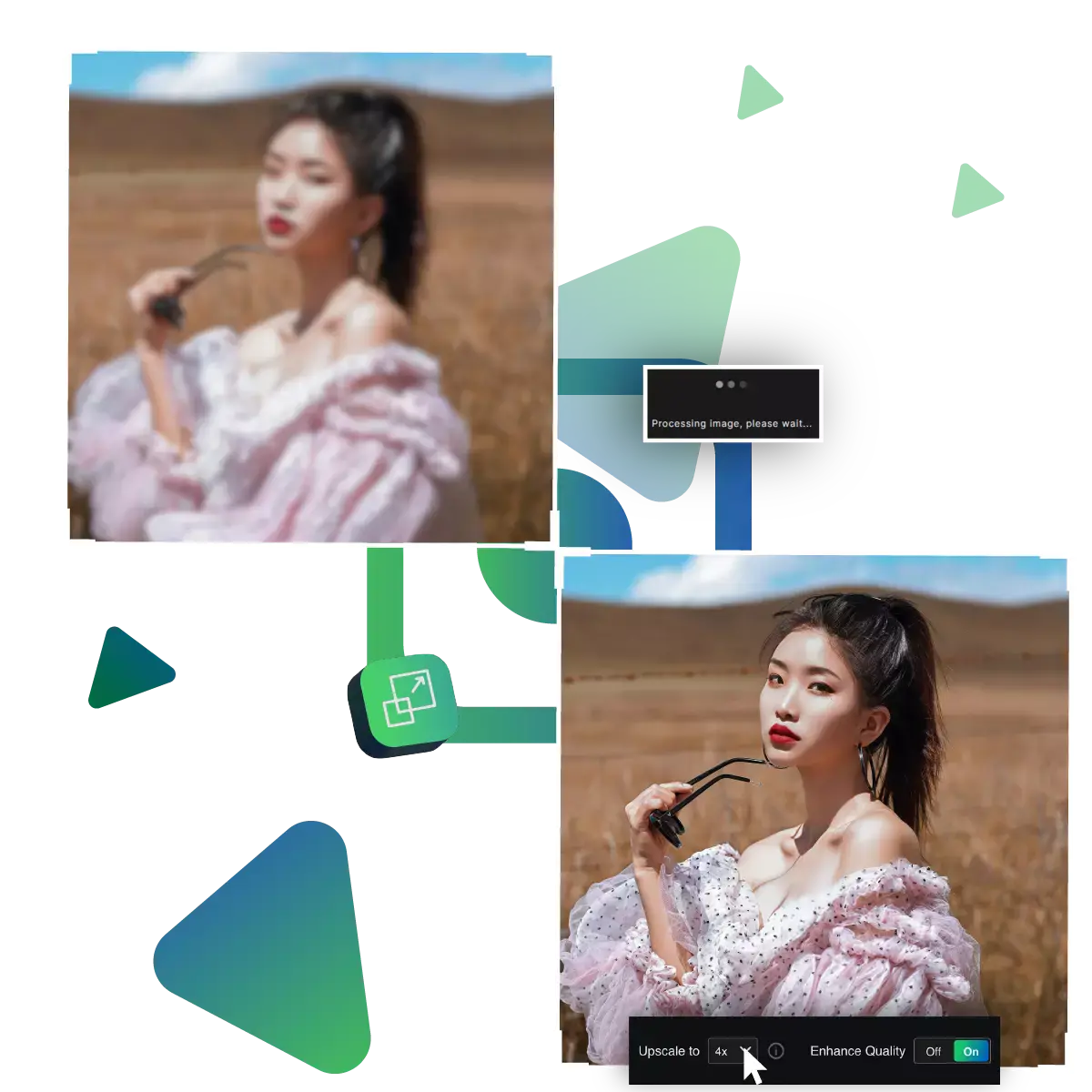
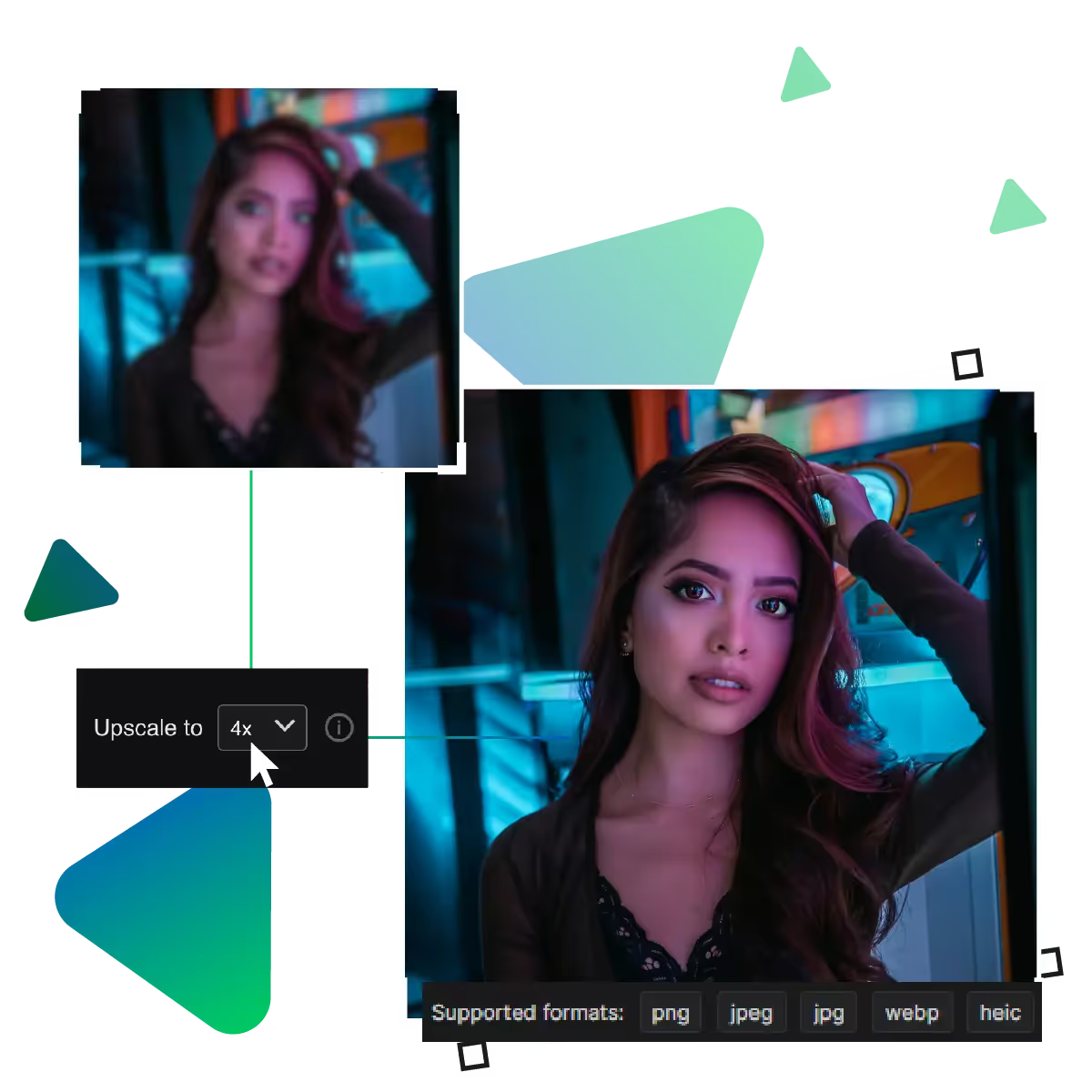
In this step you can select the photo to be enlarged up to 8x.
Preview the result and see if its good to go.
Finally download your result to use it for further works.
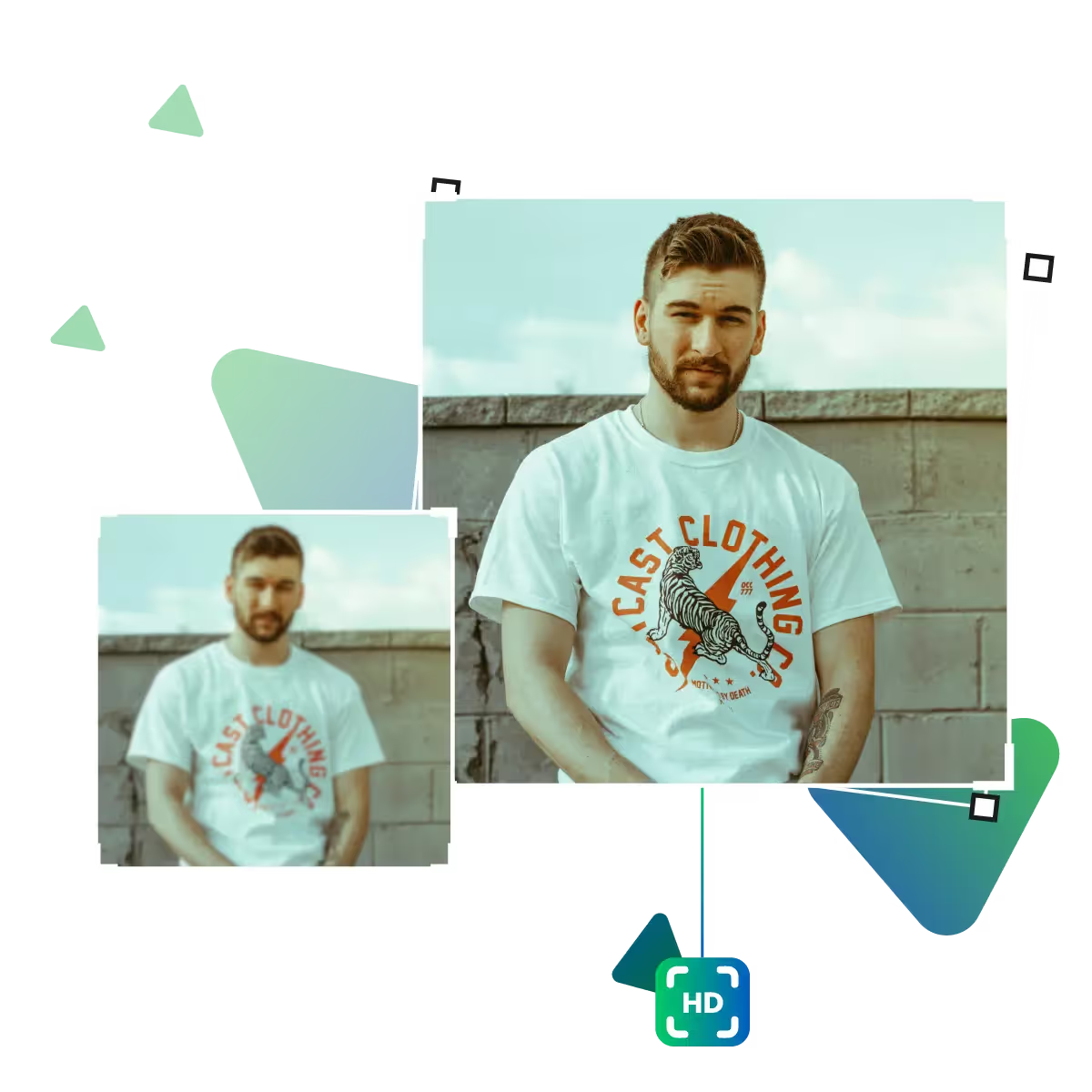
Quickly turn blurry or soft images into sharper, more detailed photos, it enhances focus and definition. The tool highlights the key elements of your image, whether it’s a face, background, or object, making them stand out clearly. The tool is great for both personal and professional use when you want your images to be clear and sharp.
There’s no waiting around as the platform works in seconds. The tool gives you an upgraded image almost instantly, which is ideal for busy users who want high-quality photos. That too, without the need for extensive editing.
The tool is made for everyone. You don’t need to be an expert to improve your images, upload your photo, choose your settings, and click to enhance, as the clear layout helps you move step by step without confusion. The tool lets you focus on results instead of figuring out how it works.
With a photo clarity improver, anyone can effortlessly upgrade dull or blurry images.
Improve the clarity of your photos in seconds with simple tools designed for everyone, and no need to get lost in complex options, click, and watch your image become sharper and clearer. The tool can transform it into something stunning and impactful.
No matter where you are, you can enhance photo clarity right from your phone or tablet. Whether it's vacation pictures, event shots, or quick snapshots, you don’t need to wait until you’re at a computer.
Even if you’ve never edited a photo before, the process feels effortless. With tools designed for ease of use, it is a great solution for beginners, busy users, or anyone who wants fast, beautiful photo results.
No skills are needed; upload, enhance, and get stunning, clear pictures anytime. And anywhere with the help of this tool.
Sanjay Choudhury
Riya Khanna
Aditya Kapoor
We’ve answered some of the most common questions about the Upscale.media API. If you don’t see your question here, feel free to reach out at support@pixelbin.io
What is Upscale.media API?
How can Upscale.media API be integrated into my website or app?
The API supports multiple programming languages such as React, Python, Golang, etc., and fits easily into most tech stacks. Integration is straightforward, with clear documentation to guide you through.
What kind of image transformations can be achieved with Upscale.media API?
How does Upscale.media API enhance online visual appeal?
How fast and accurate is the image upscaling with Upscale.media API?
Can Upscale.media API be used for creative design projects?
How does Upscale.media API improve digital content quality?
Is Upscale.media API adaptable for different image upscaling needs?
Can Upscale.media API be customized for specific needs?
What are the benefits of using Upscale.media API for different industries like e-commerce, marketing, and social media?