






Now, make a 4K photo for free with an online tool
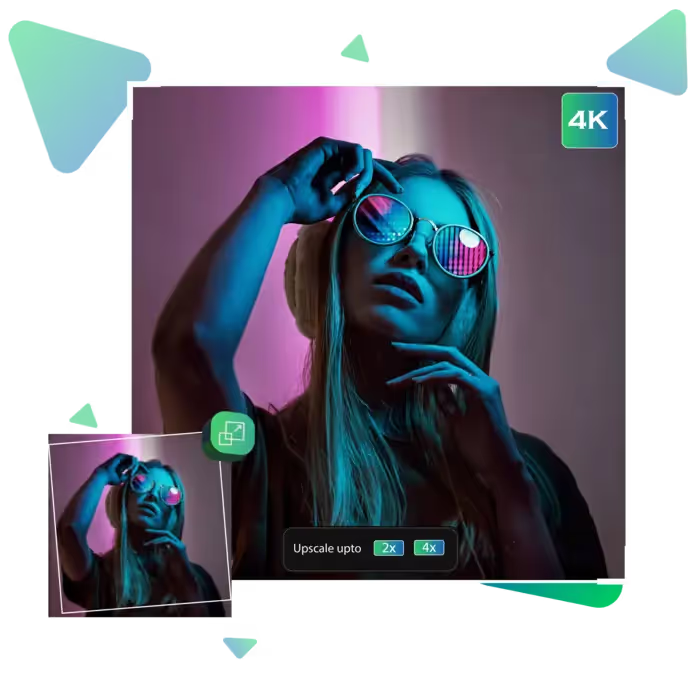
Upscale.media lets you turn blurry or low-quality images into sharp ones. As well as to high-resolution visuals effortlessly.
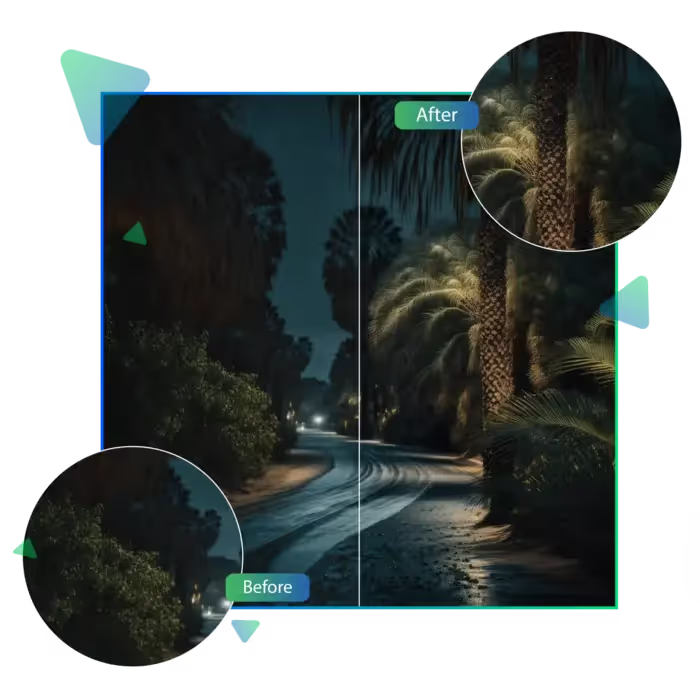
Upscale.media offers a powerful AI-based tool that upscales and sharpens any image online and makes your photo 4K for free fast.
First, you need to visit the upscale.media site.
Then, upload your chosen photo.
Let AI auto-process the image to give you a result here.
You can have a real-time view of the result here.
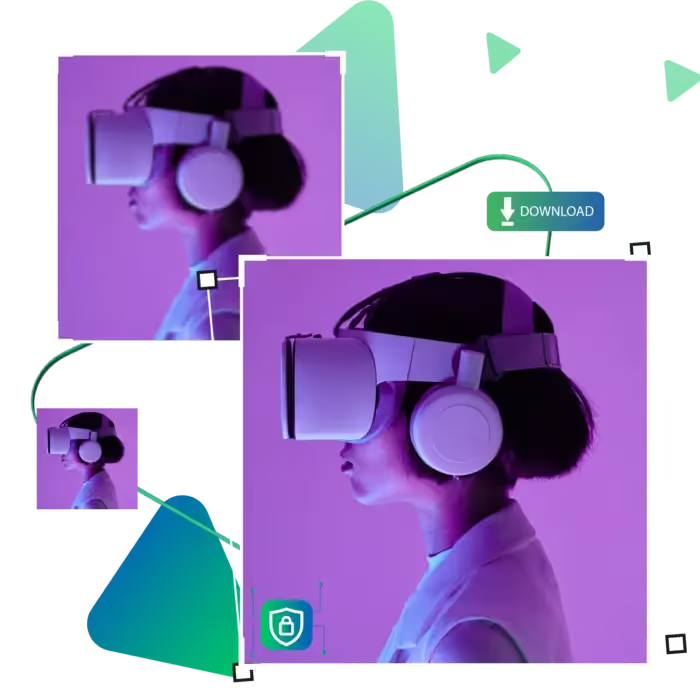
Download the enhanced result and use it for your work.
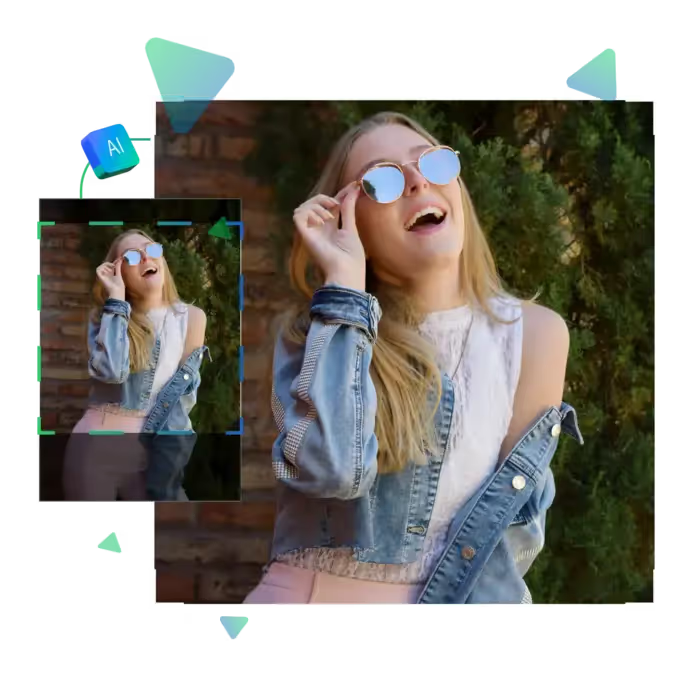
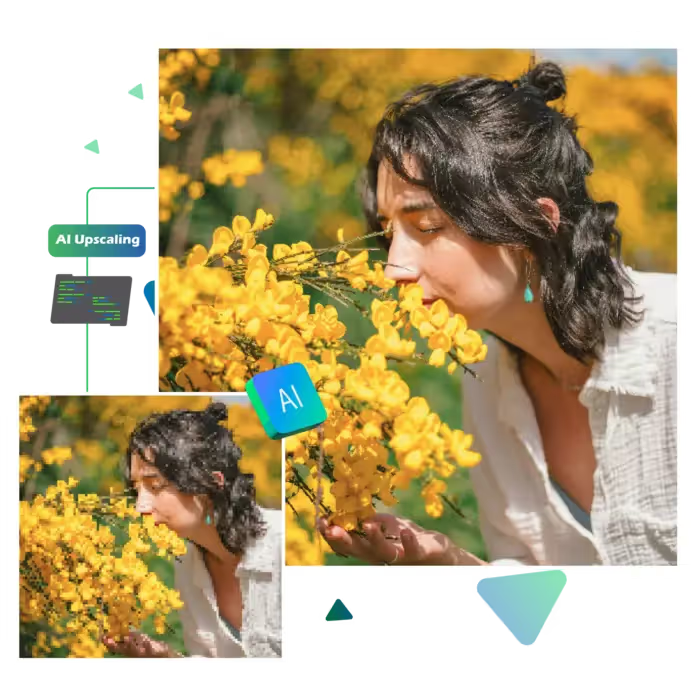
Upload a low-quality photo and see it sharpened into a high-resolution 4K version with ease, you don’t need editing knowledge or software. With just a few clicks, you get better clarity and detail. The tool is ideal for enhancing the quality of old photos, web images, or any other content that requires a simple quality boost.
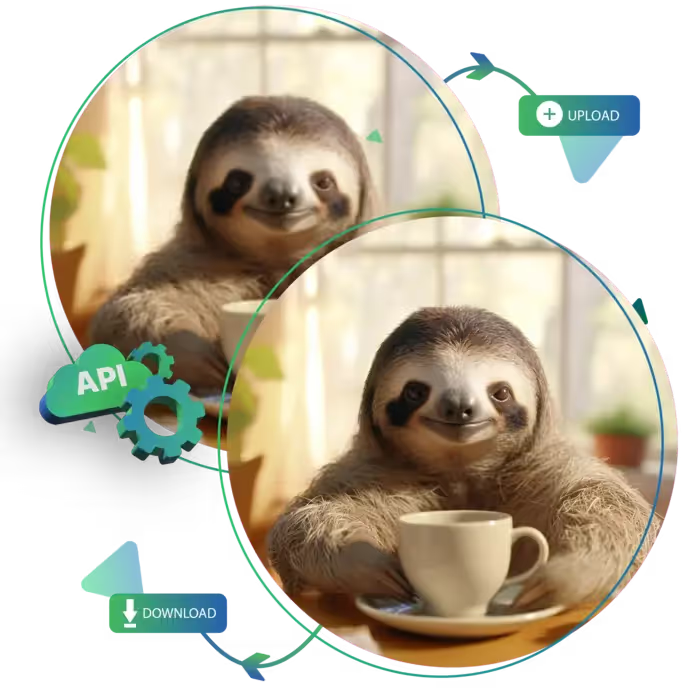
Upscale.media has a clean layout and step-by-step flow, making the process stress-free, you upload, wait a few seconds, and download the enhanced version. as there are no confusing settings or hidden steps. It’s a straightforward way for anyone to make their photo 4K free in moments.
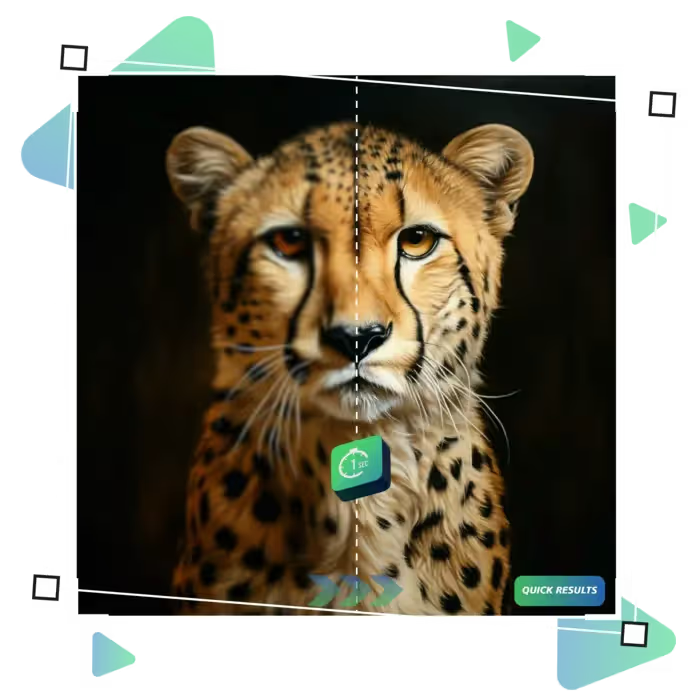
Upscale.media delivers results in seconds, whether you're fixing a single image or improving several, the tool processes photos quickly and efficiently, and you won’t waste time dealing with lengthy uploads or complex settings, if you need a quick visual upgrade for work or personal use, this fast service has you covered.
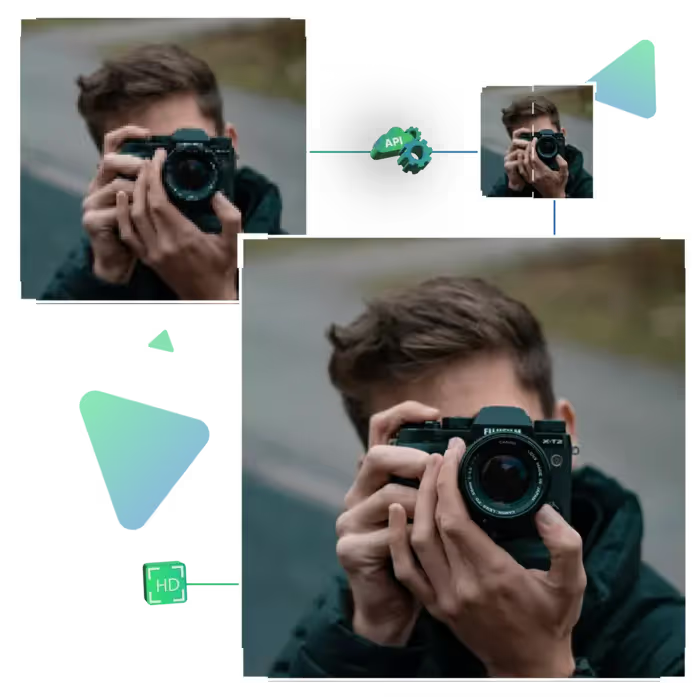
Upscale.media helps you improve photo quality instantly to 4K photos. That too without any complicated steps.
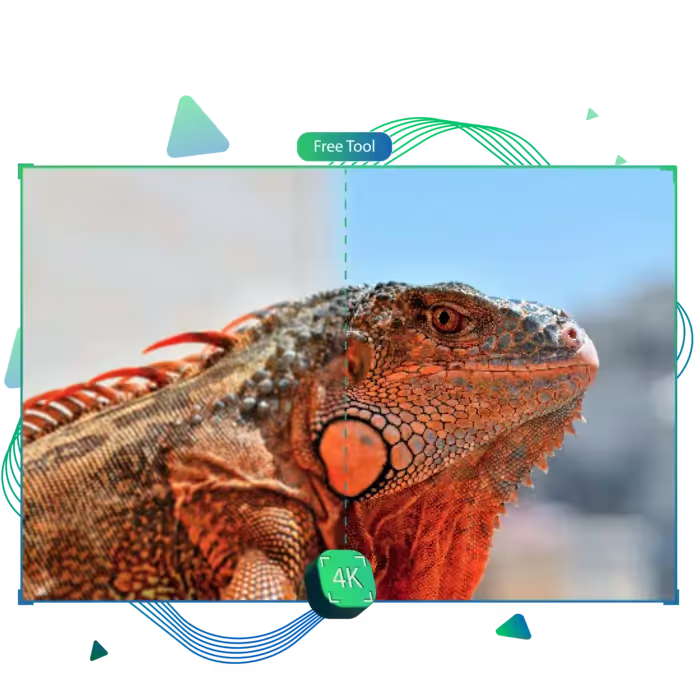
With Upscale.media, you can view the improved image instantly. So you always know what to expect. The tool makes it easy to compare the before and after. Also helping you feel confident about your photo’s new 4K quality.
Upscale.media enhances photo quality while preserving the image’s natural details. You won’t get any strange distortions or blur, just a clean, enhanced version that looks more polished and professional.
Upscale.media is available to users worldwide, with support in multiple languages. Whether you're editing a photo in English, Spanish, or another language. This makes your 4K photo free and accessible to anyone, anywhere.
Upscale.media lets you turn blurry or low-quality images into sharp ones. As well as to high-resolution visuals effortlessly.
Sanjay Choudhury
Riya Khanna
Aditya Kapoor
We’ve answered some of the most common questions about the Upscale.media API. If you don’t see your question here, feel free to reach out at support@pixelbin.io
What is Upscale.media API?
How can Upscale.media API be integrated into my website or app?
The API supports multiple programming languages such as React, Python, Golang, etc., and fits easily into most tech stacks. Integration is straightforward, with clear documentation to guide you through.
What kind of image transformations can be achieved with Upscale.media API?
How does Upscale.media API enhance online visual appeal?
How fast and accurate is the image upscaling with Upscale.media API?
Can Upscale.media API be used for creative design projects?
How does Upscale.media API improve digital content quality?
Is Upscale.media API adaptable for different image upscaling needs?
Can Upscale.media API be customized for specific needs?
What are the benefits of using Upscale.media API for different industries like e-commerce, marketing, and social media?