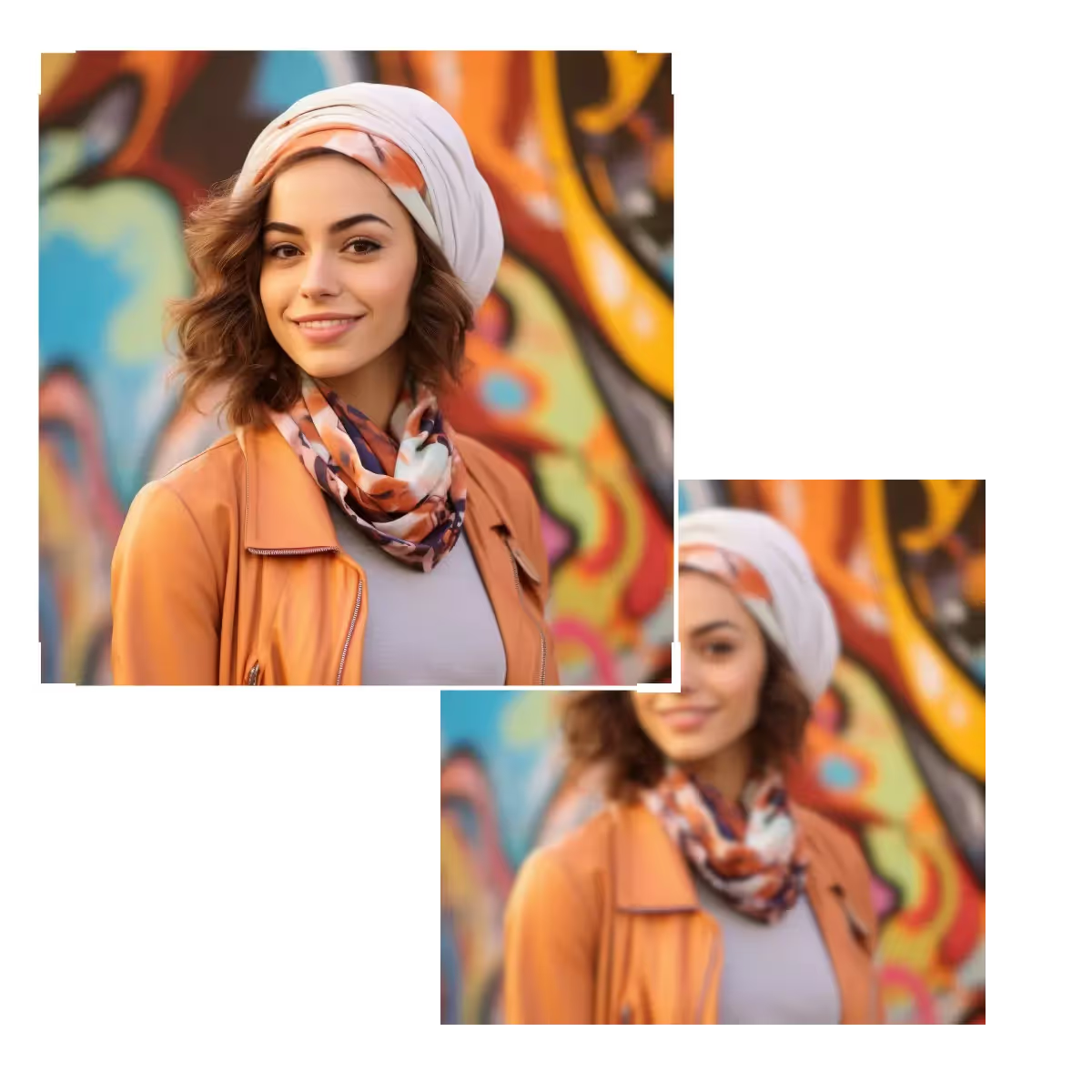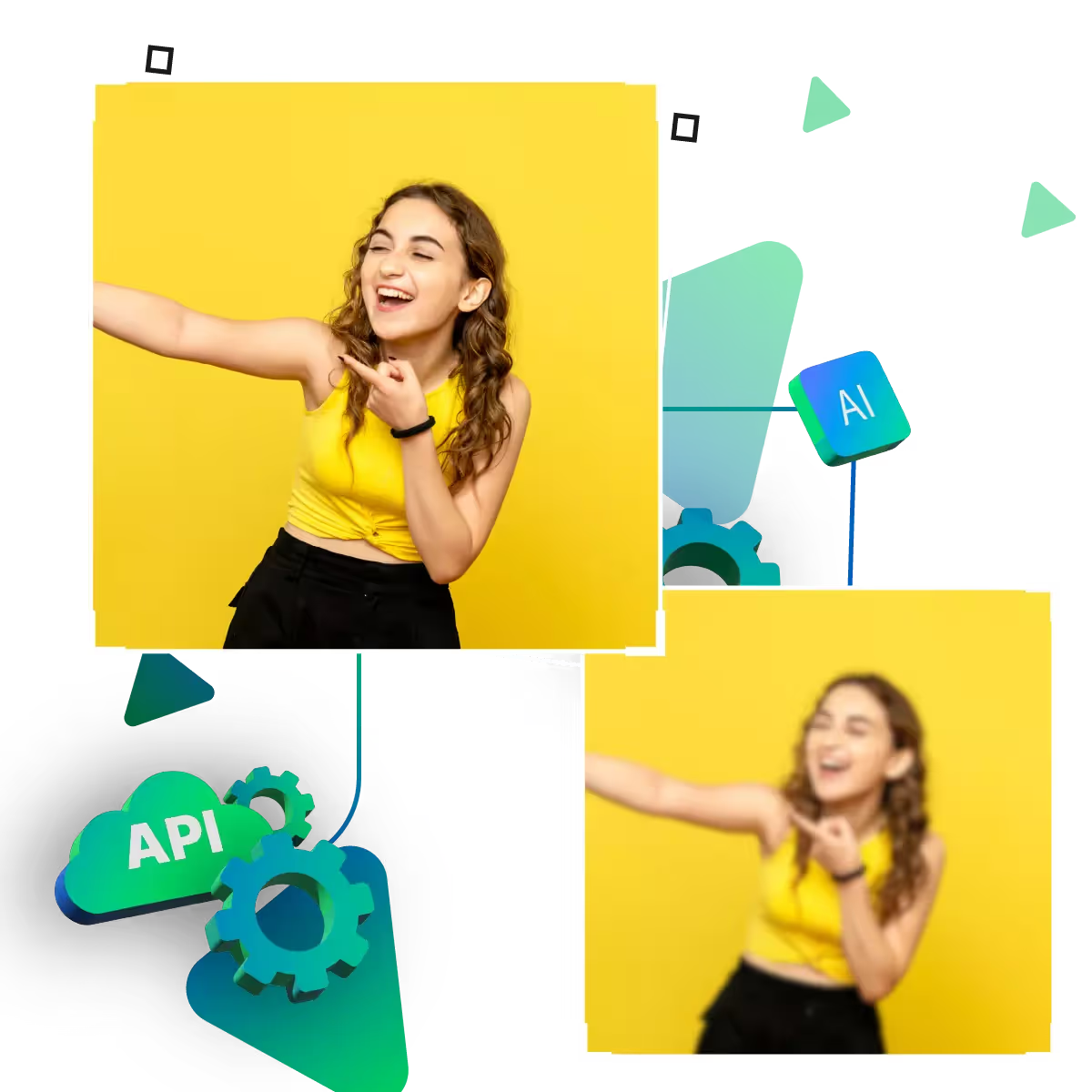






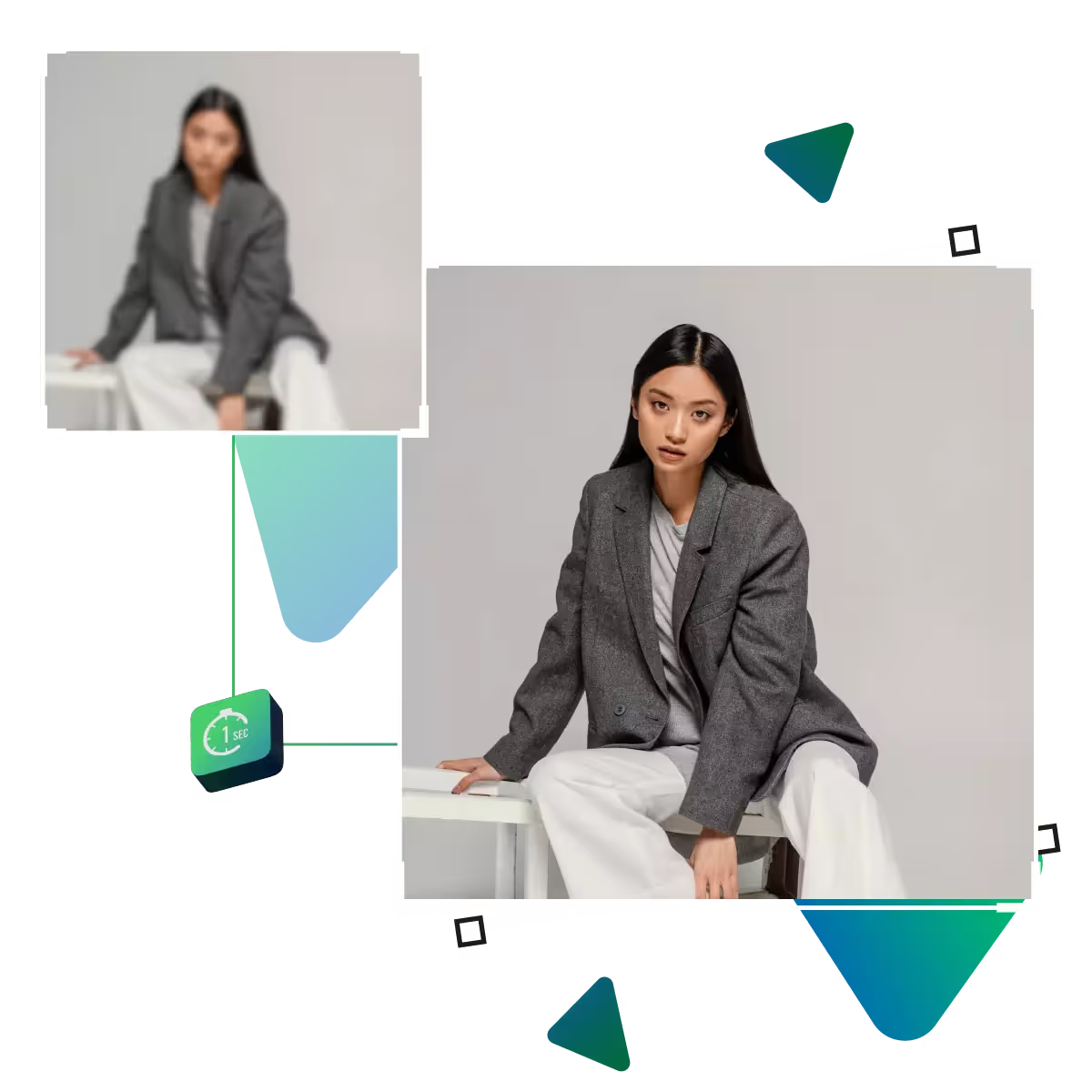
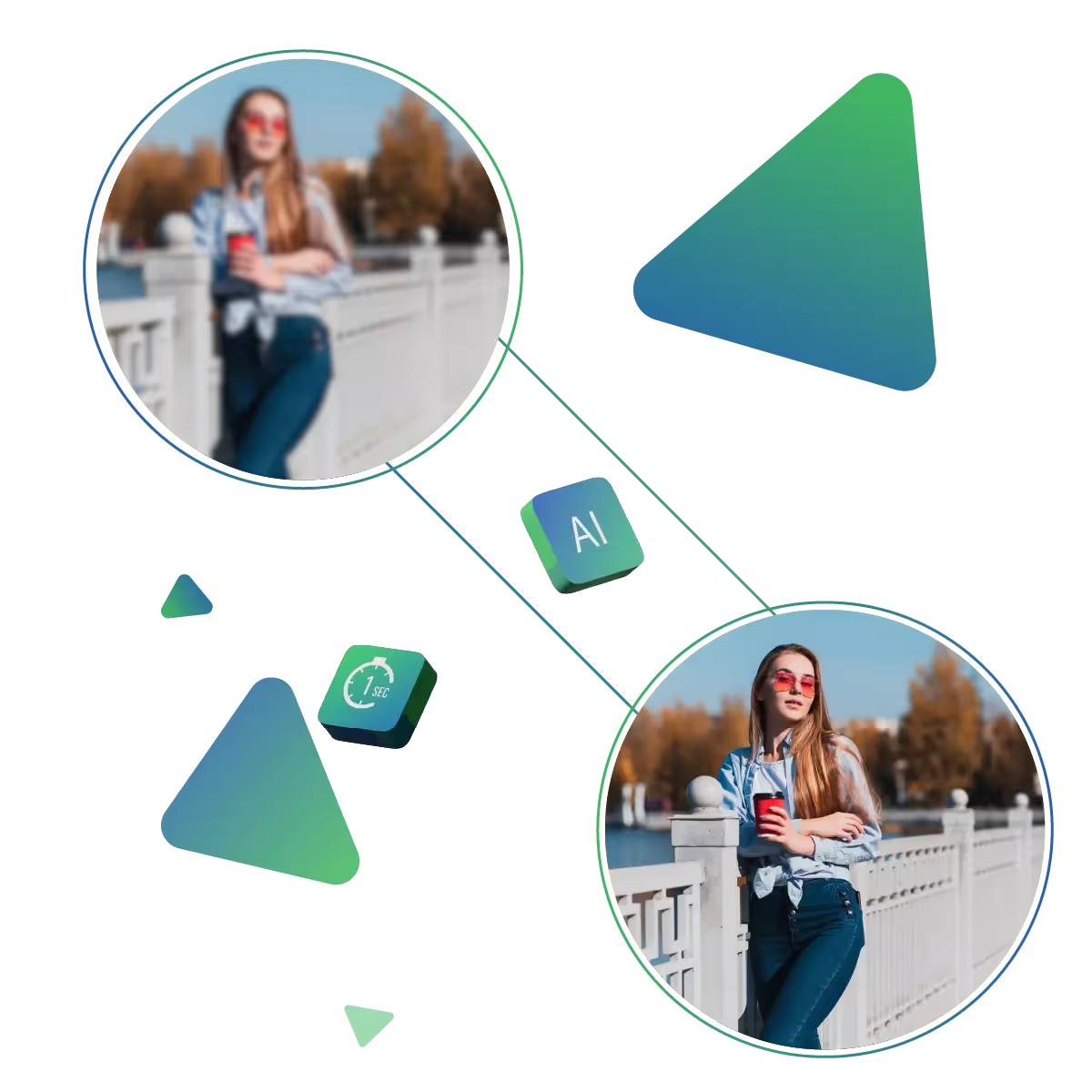
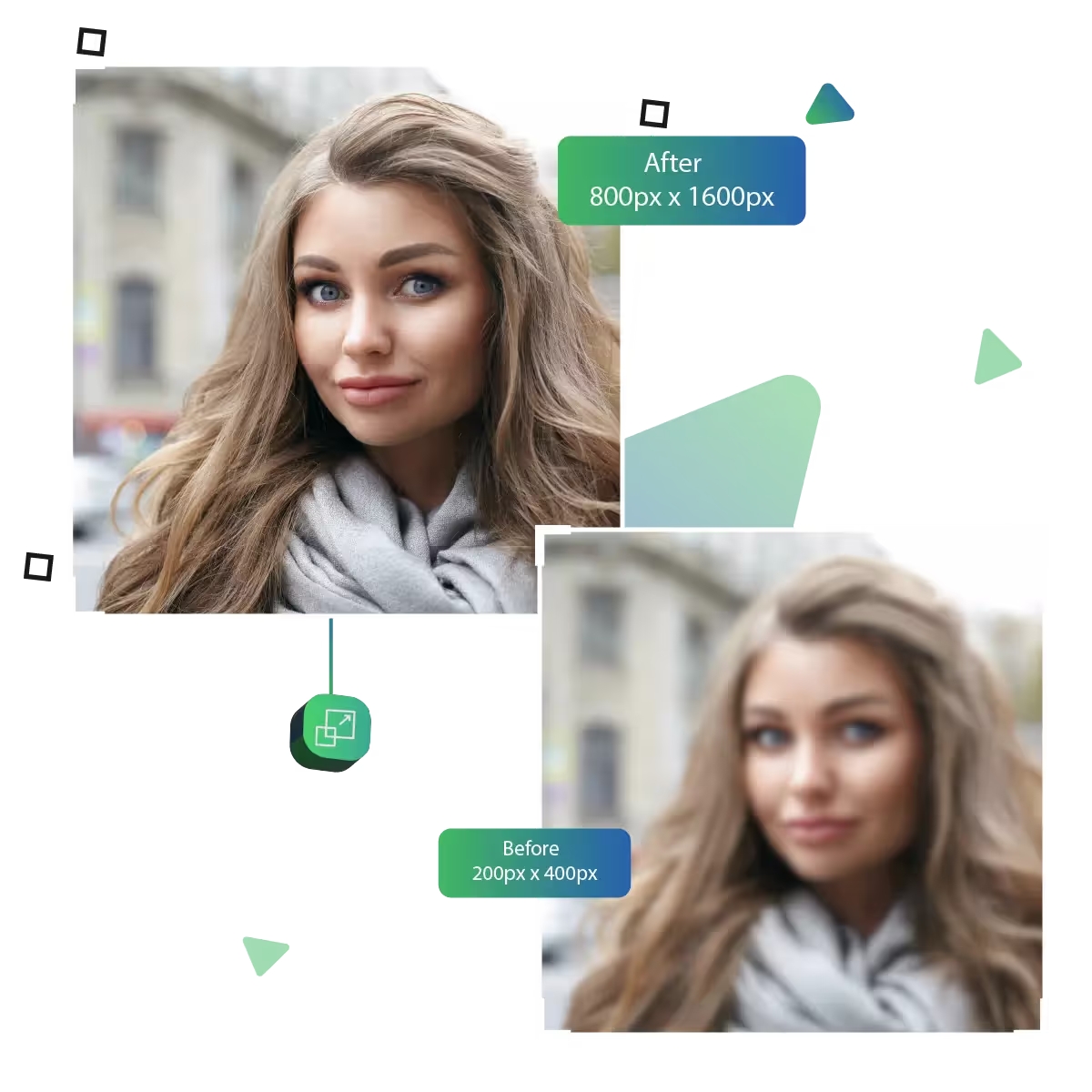
Enhance the photo quality using an increased pixel quality tool
It’s fast, reliable, and simple to use. Ideal for both professionals and casual users. The tool improves every image effortlessly.
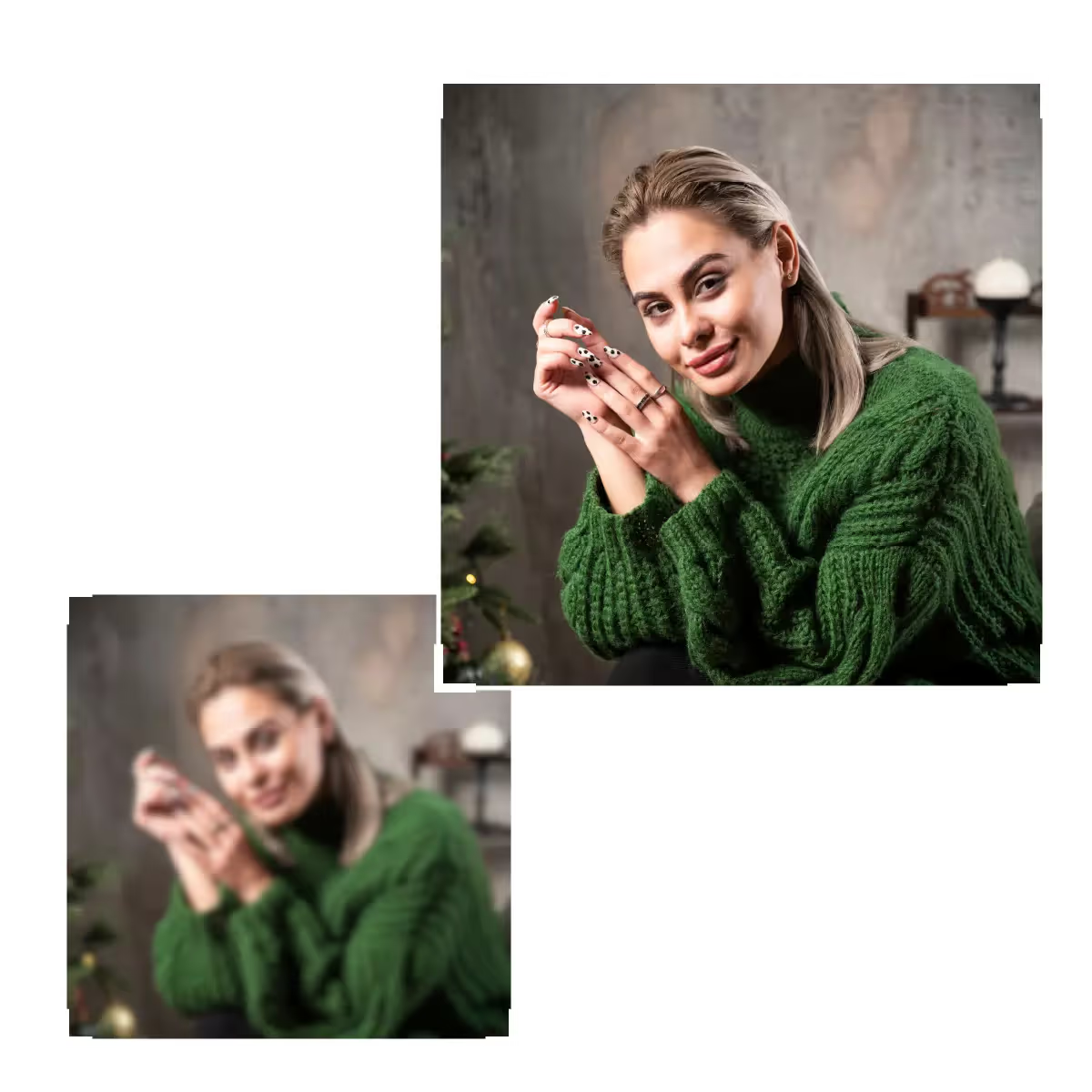
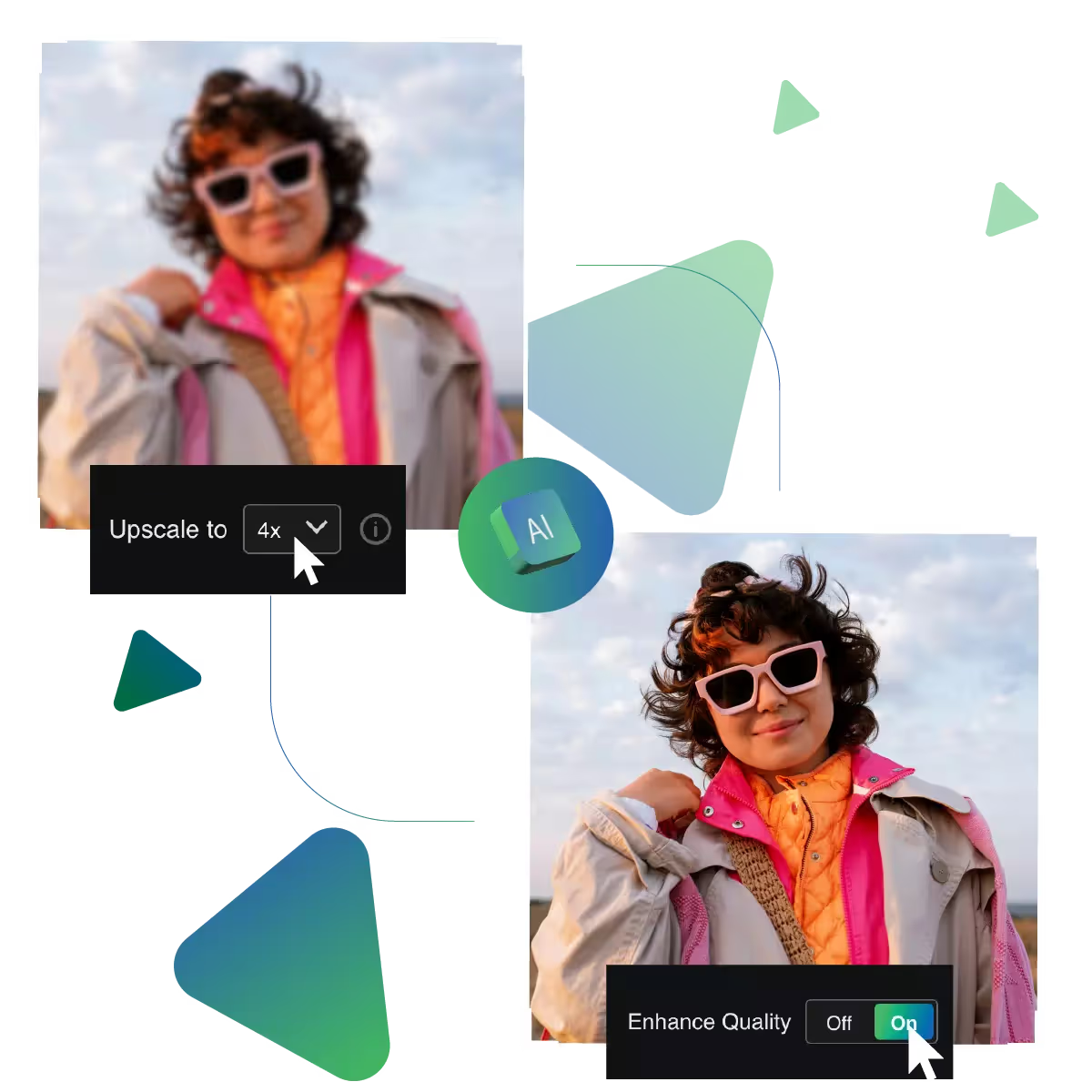
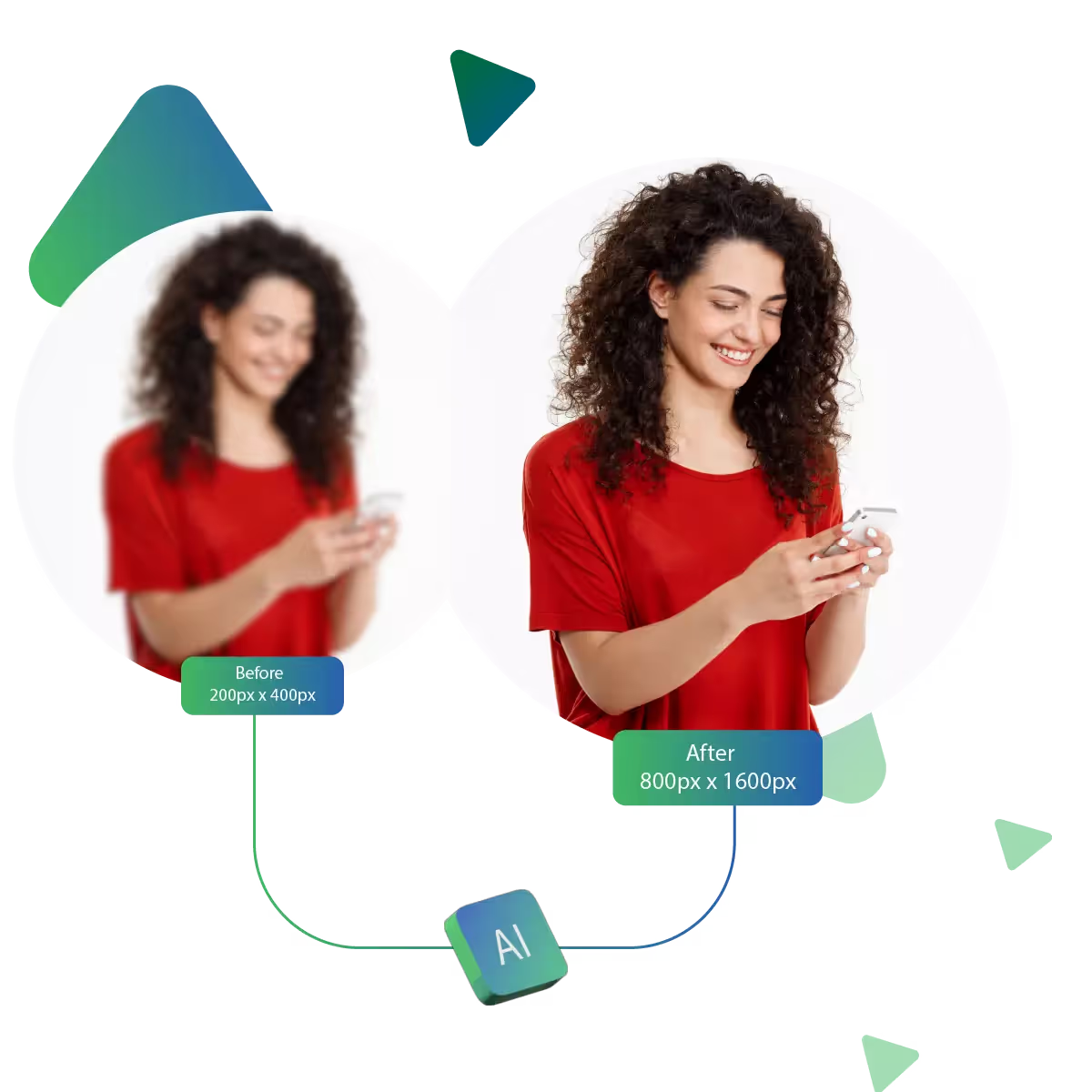
Upscale.media's advanced AI tool lets you effortlessly increase pixel quality. The tool is transforming blurry or low-res images into crystal-clear, high-definition visuals.
The first step is to visit the site.
The next step is uploading the image.
The next step is AI upscaling the image quality.
The next step is choosing the 8x enlargement option.
Next is previewing the result to see if it meets the desired needs.
Last is downloading it to use further.
Improving your photo is simple; just upload and let Upscale.media handle the rest, as there’s no need to install software or learn complicated steps, whether for a profile picture, artwork, or memory. This tool helps upgrade it in a few clicks, making your image look more polished and sharp.
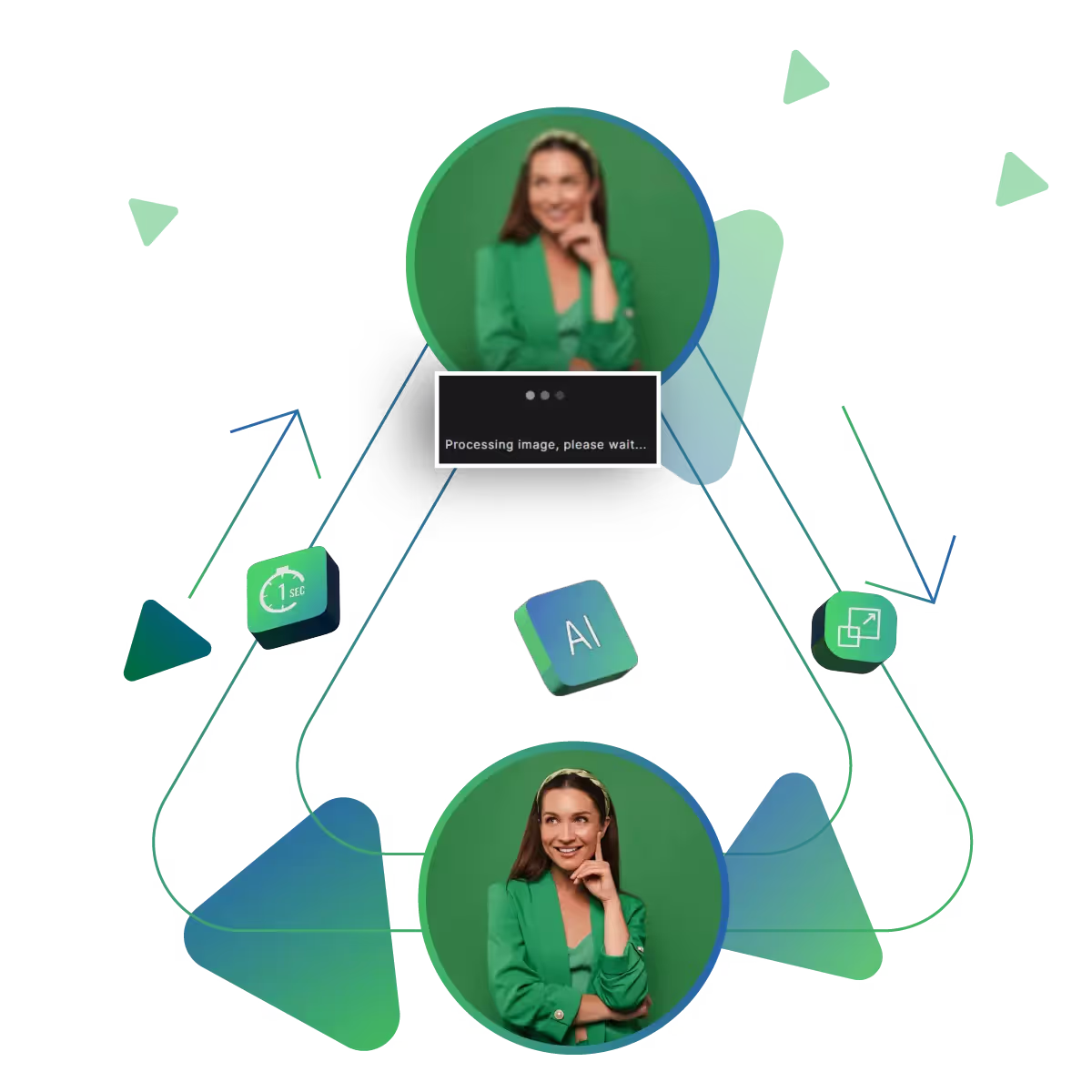
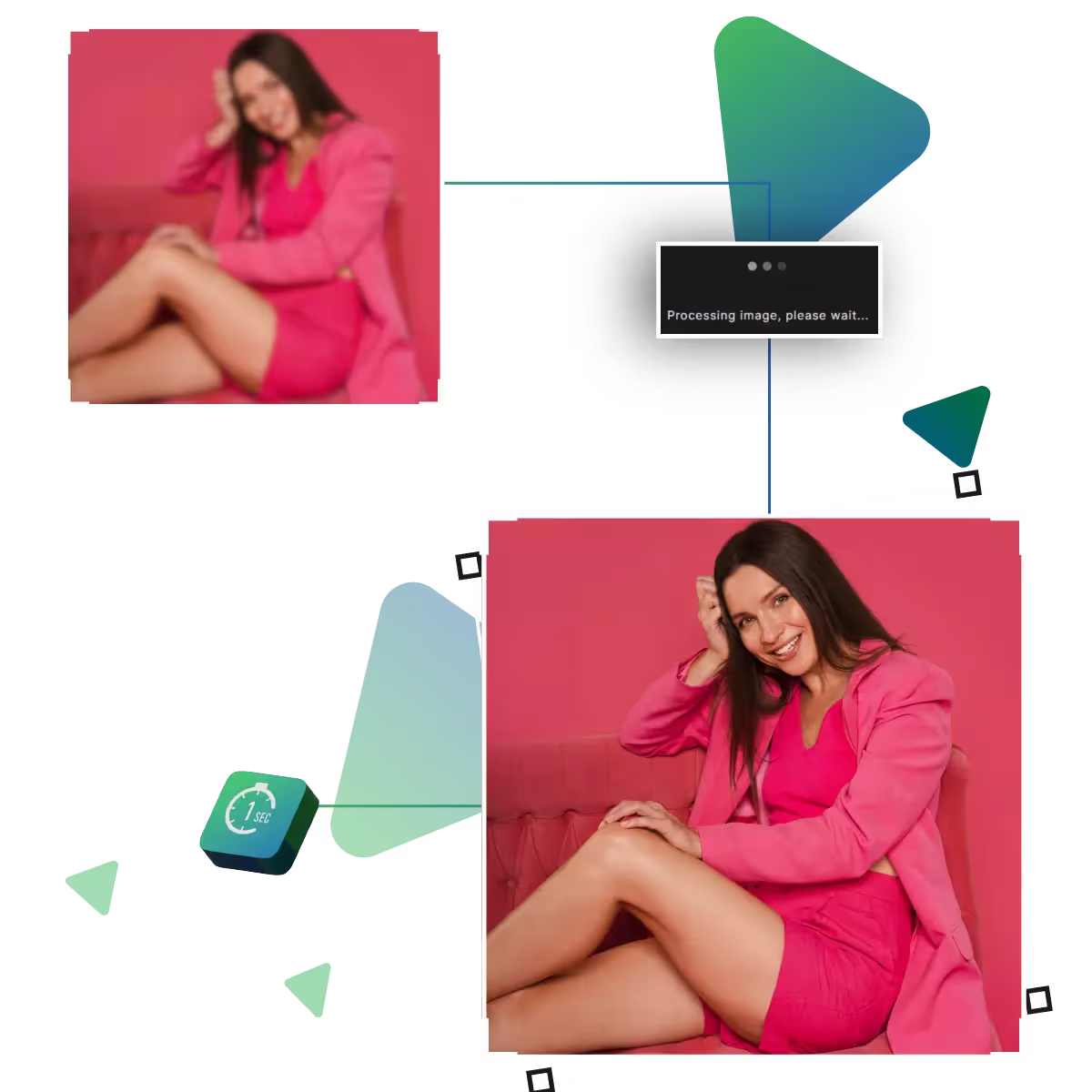
Don’t wait around for your photos to improve, with Upscale.media, images are processed quickly, delivering enhanced results in seconds, whether you’re preparing a last-minute presentation or editing for social media. The platform saves time while making sure your image looks clean and crisp.
Before finalizing your enhancement, you can see how the upgraded image will look, and this preview helps ensure you’re satisfied with the result before saving it. The tool is an easy way to ensure your photo meets your expectations and looks as sharp as you want it.
Upscale.media helps you increase pixel quality with ease and clarity.
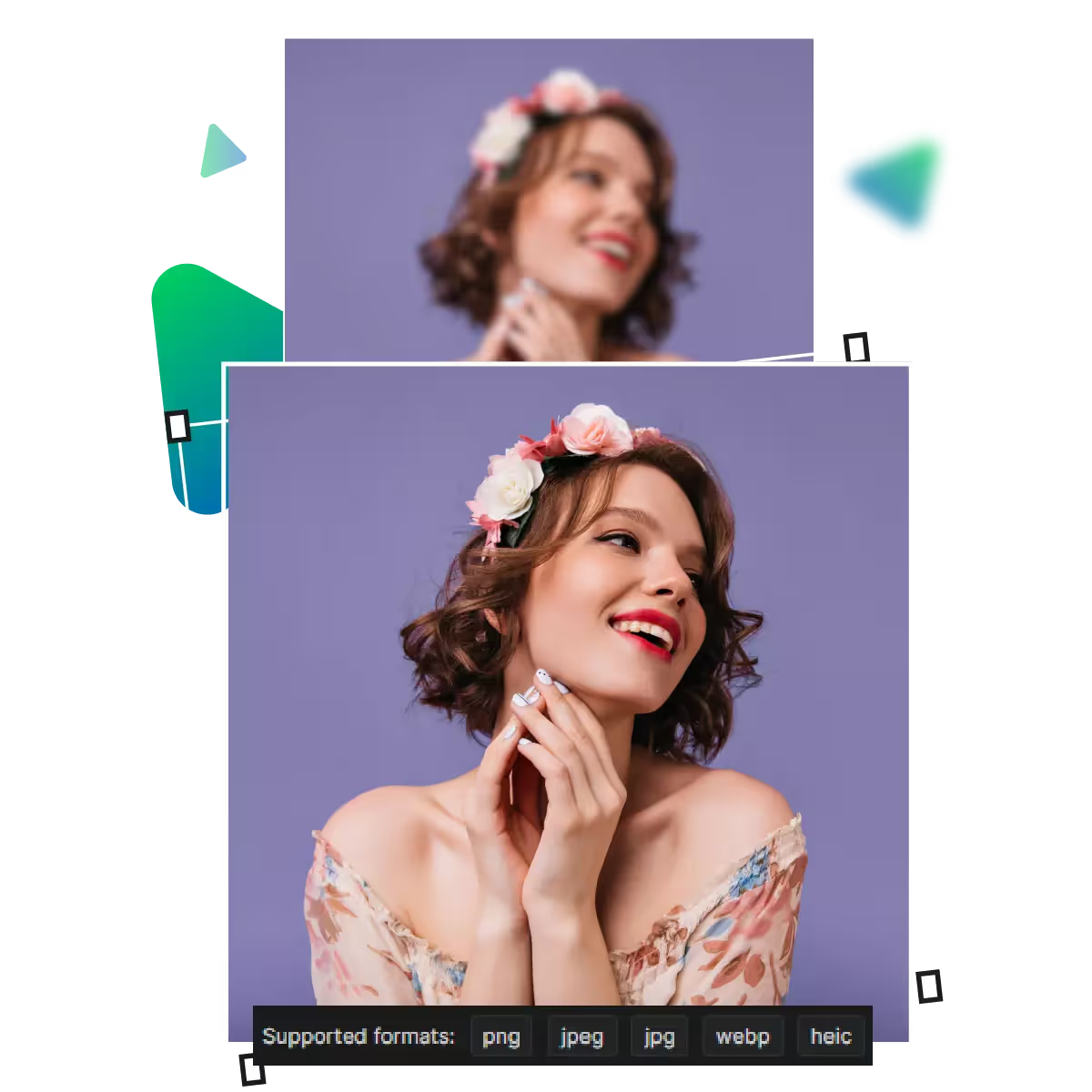
Upscale.media turns unclear, blurry photos into sharper, more defined images, and the tool improves outlines and smooths rough patches. And brings small details back into focus, and the platform upgrades, making it stand out instantly with improved quality.
One of the best features is its speed; now you don’t need to spend time figuring things out. Just upload your image and get results in seconds. This is ideal for those who require high-quality upgrades quickly.
You don’t need special skills to use Upscale.media. The tool's interface is made for all kinds of users. Now, just upload a photo and let the tool handle the enhancement. The tool is an easy way to get better-quality images without stress, tutorials, or extra downloads.
It’s fast, reliable, and simple to use. Ideal for both professionals and casual users. The tool improves every image effortlessly.
Sanjay Choudhury
Riya Khanna
Aditya Kapoor
We’ve answered some of the most common questions about the Upscale.media API. If you don’t see your question here, feel free to reach out at support@pixelbin.io
What is Upscale.media API?
How can Upscale.media API be integrated into my website or app?
The API supports multiple programming languages such as React, Python, Golang, etc., and fits easily into most tech stacks. Integration is straightforward, with clear documentation to guide you through.
What kind of image transformations can be achieved with Upscale.media API?
How does Upscale.media API enhance online visual appeal?
How fast and accurate is the image upscaling with Upscale.media API?
Can Upscale.media API be used for creative design projects?
How does Upscale.media API improve digital content quality?
Is Upscale.media API adaptable for different image upscaling needs?
Can Upscale.media API be customized for specific needs?
What are the benefits of using Upscale.media API for different industries like e-commerce, marketing, and social media?