





Increase quality with the image upscaler 4K free tool
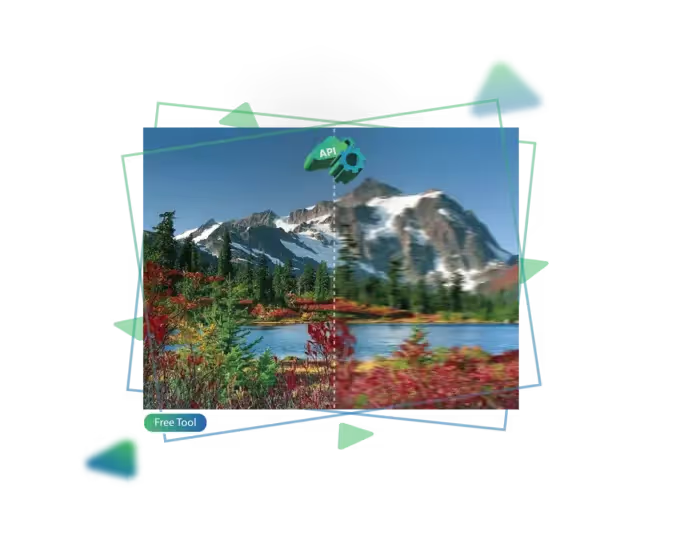
With Upscale.media’s Image Upscaler 4K Free tool, now you can easily improve photo quality at no cost.
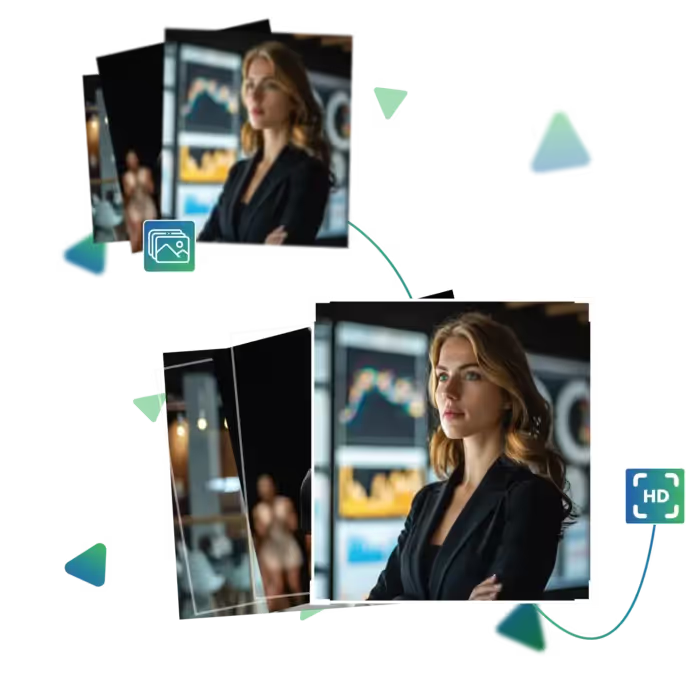
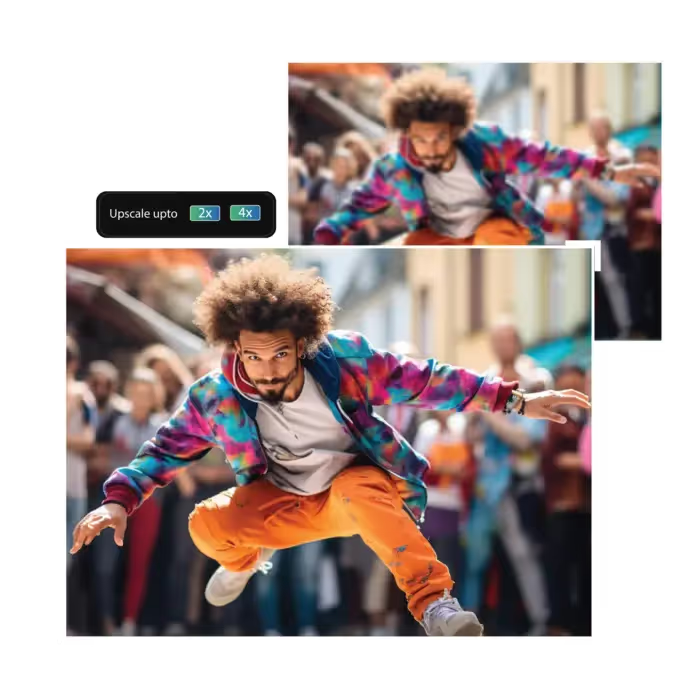
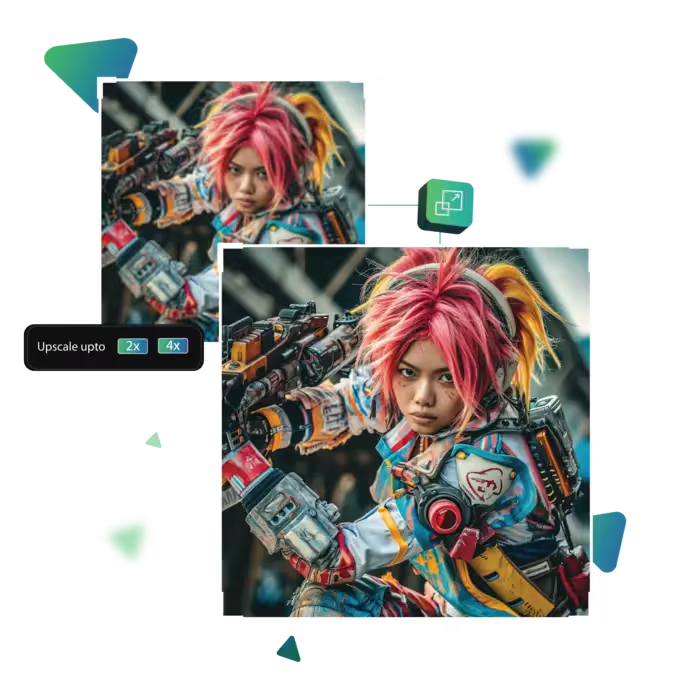
Upscale.media offers a free 4K Image Upscaler that uses cutting-edge AI to transform your low-res visuals into stunning, high-definition masterpieces effortlessly.
Start the process by visiting the site.
Then select and upload the photo that you want to enhance and improve.
In this step, choose from options like 2, 4x, and 8x as your enlargement result.
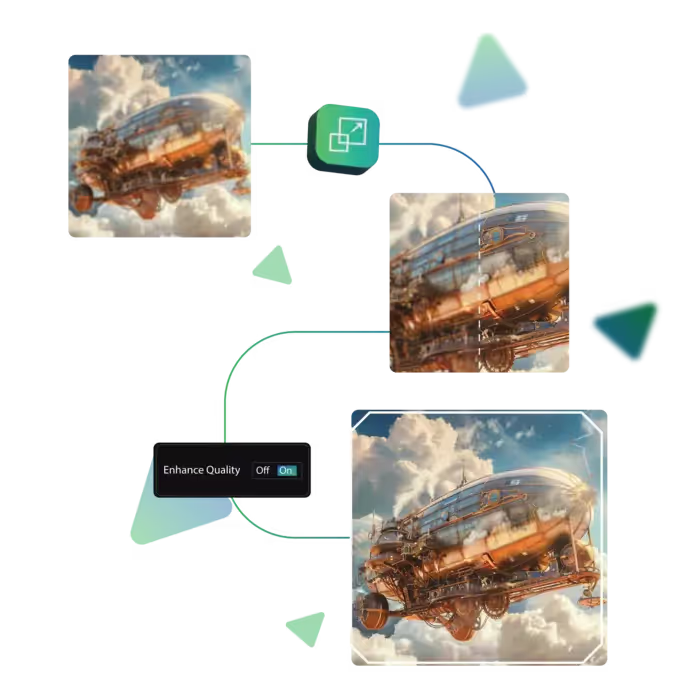
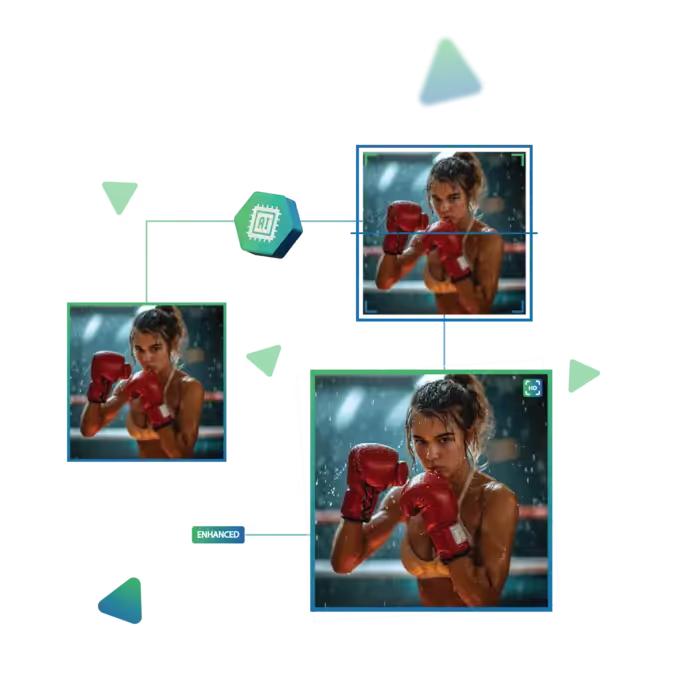
Here, the tool will automatically improve the image quality to 4K by using AI.
Preview your image result to check if it meets your needs.
In the end, download the result and use it for your own purposes.
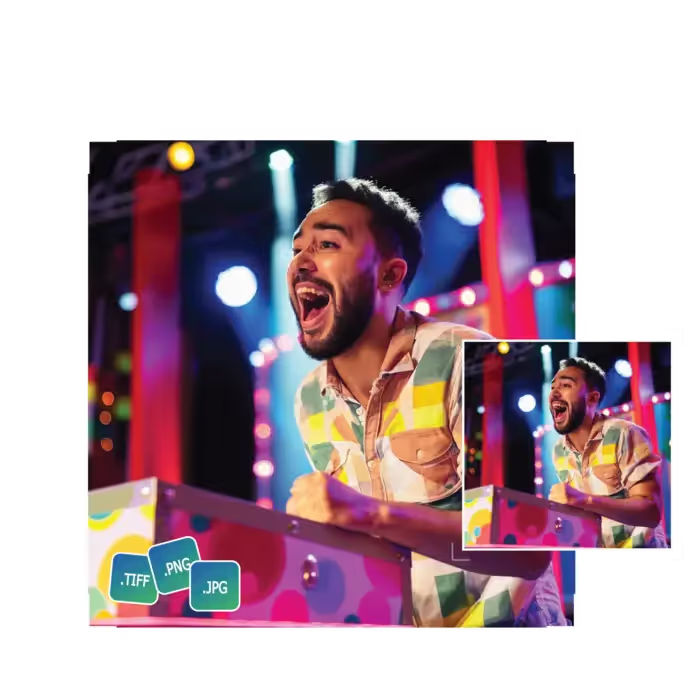
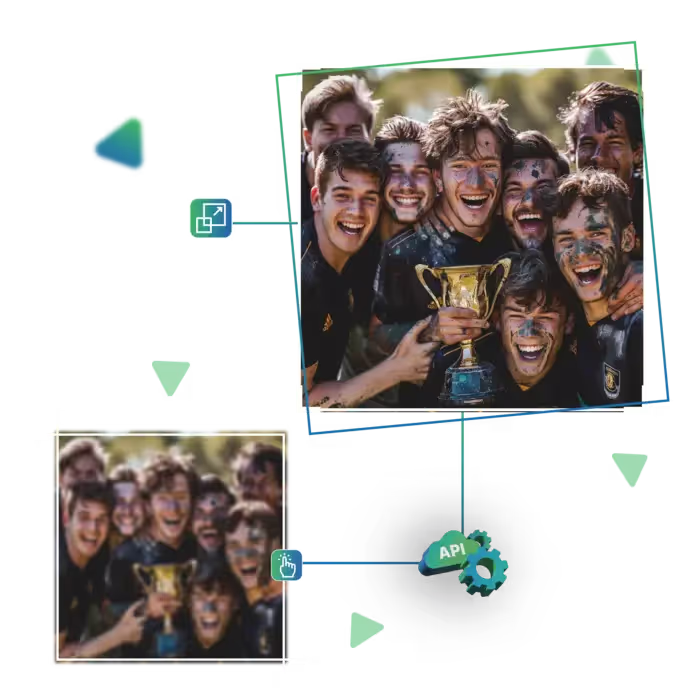
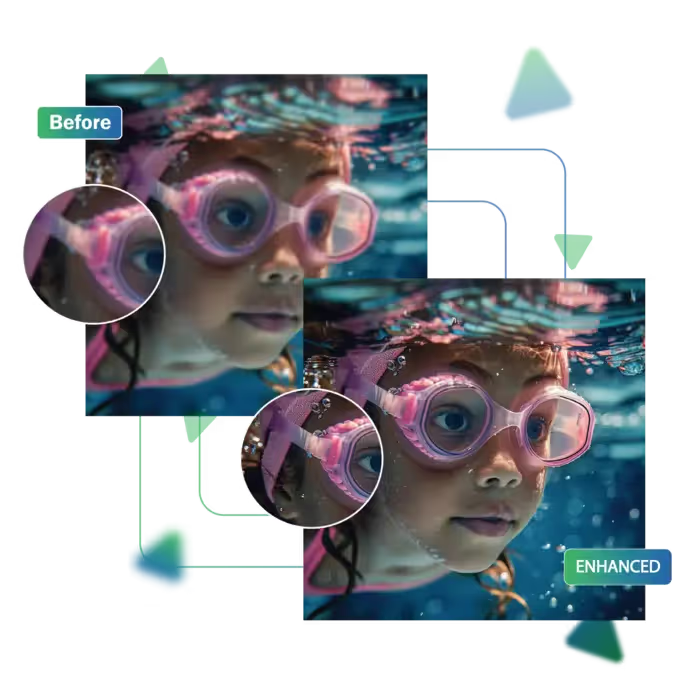
Your photos get a clear upgrade without losing quality, and help you notice the smaller details that were previously hard to see, whether it's a photo of a person, product, or artwork, the results appear clear.
You don’t need to create an account or go through any setup; now, just visit the site, upload your photo, and start enhancing. The tool is perfect for anyone who wants to improve image quality quickly without filling out forms or signing in.
Time matters, and this tool gets that. Your images are processed in just a few seconds, meaning you can upscale and download high-quality pictures without waiting around. It’s a great fit for people who want results fast.
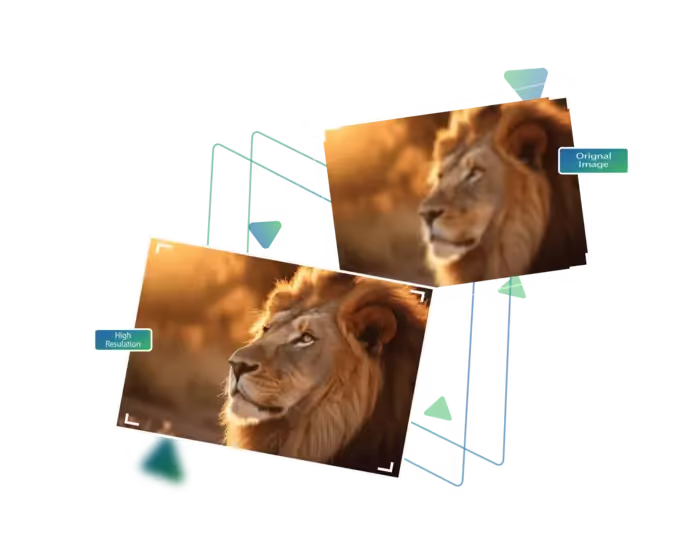
With Image Upscaler 4K Free by Upscale.media, now anyone can turn average images into stunning, high-resolution versions.
Uploading images is effortless with the drag-and-drop feature, just pull your photo into the tool, which is ready for upscaling, and the tool makes the entire process quick and user-friendly, saving you time.
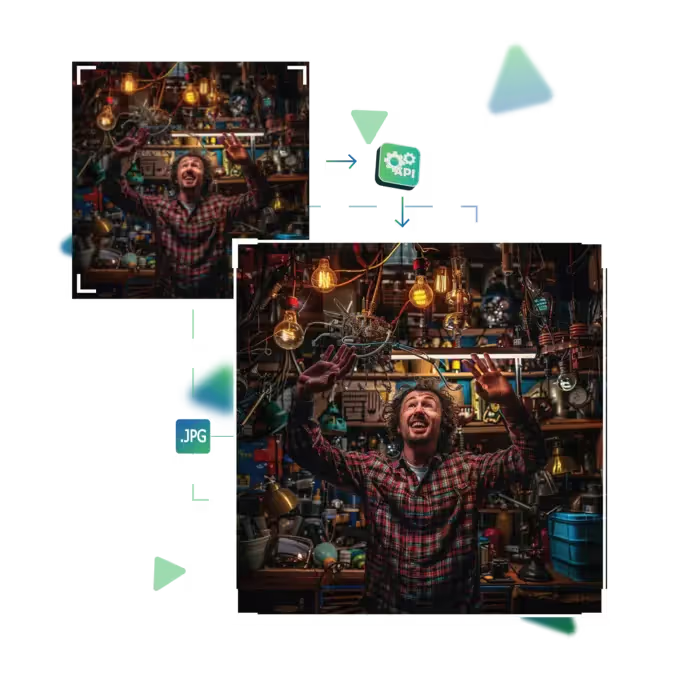
With just one click, your image quality improves significantly as there's no need to adjust settings or understand editing tools. It automatically enhances the photo for a sharper version.
You can use the upscaler from any device work from phone, tablet, or computer. The tool adapts to fit your screen smoothly. So you can enhance images wherever you are.
With Upscale.media’s Image Upscaler 4K Free tool, now you can easily improve photo quality at no cost.
Sanjay Choudhury
Riya Khanna
Aditya Kapoor
We’ve answered some of the most common questions about the Upscale.media API. If you don’t see your question here, feel free to reach out at support@pixelbin.io
What is Upscale.media API?
How can Upscale.media API be integrated into my website or app?
The API supports multiple programming languages such as React, Python, Golang, etc., and fits easily into most tech stacks. Integration is straightforward, with clear documentation to guide you through.
What kind of image transformations can be achieved with Upscale.media API?
How does Upscale.media API enhance online visual appeal?
How fast and accurate is the image upscaling with Upscale.media API?
Can Upscale.media API be used for creative design projects?
How does Upscale.media API improve digital content quality?
Is Upscale.media API adaptable for different image upscaling needs?
Can Upscale.media API be customized for specific needs?
What are the benefits of using Upscale.media API for different industries like e-commerce, marketing, and social media?