





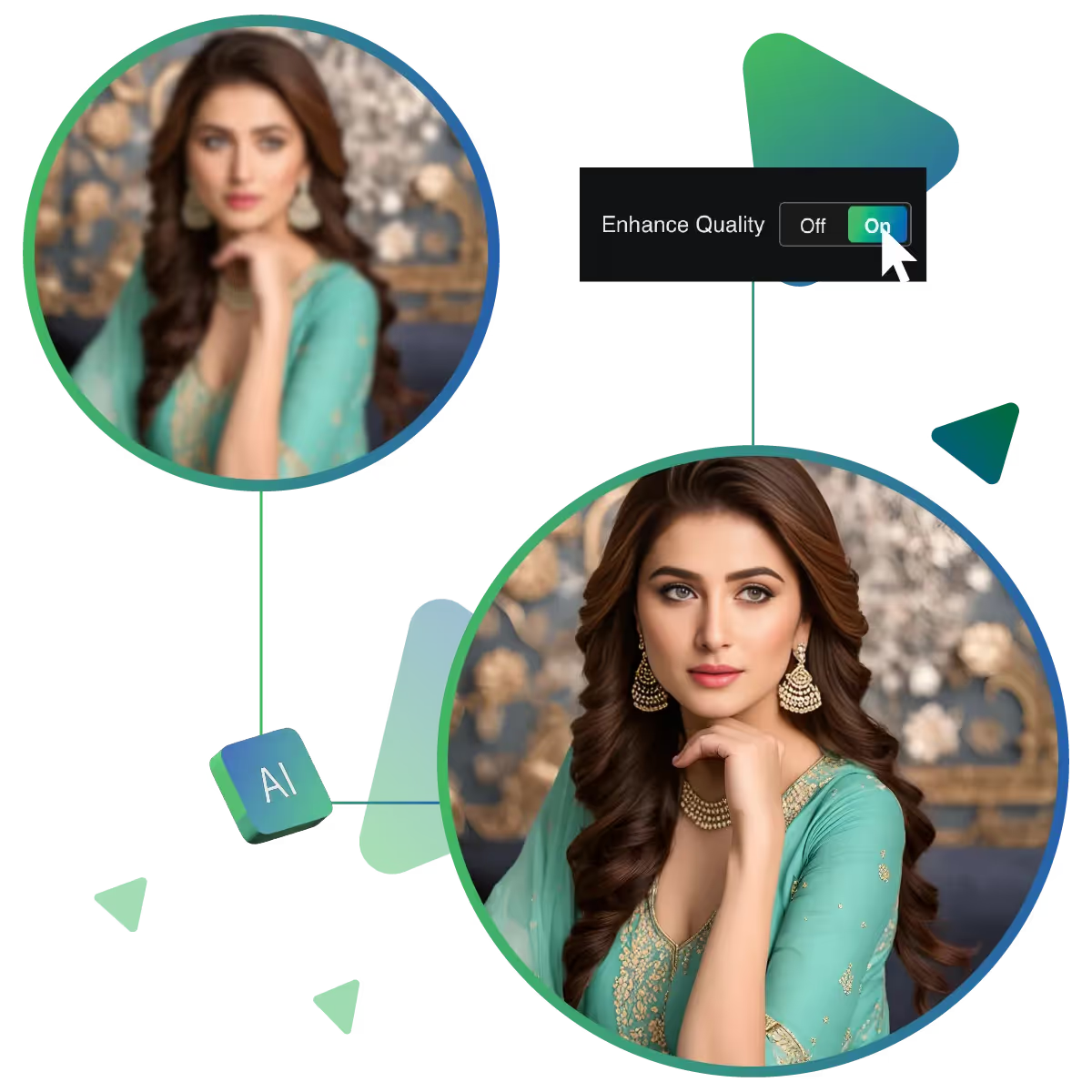
Upgrade photo to best quality by using the image AI enhancer tool
With just a few clicks, you can make your images look professionally enhanced; the tool is simple, quick, and powerful.
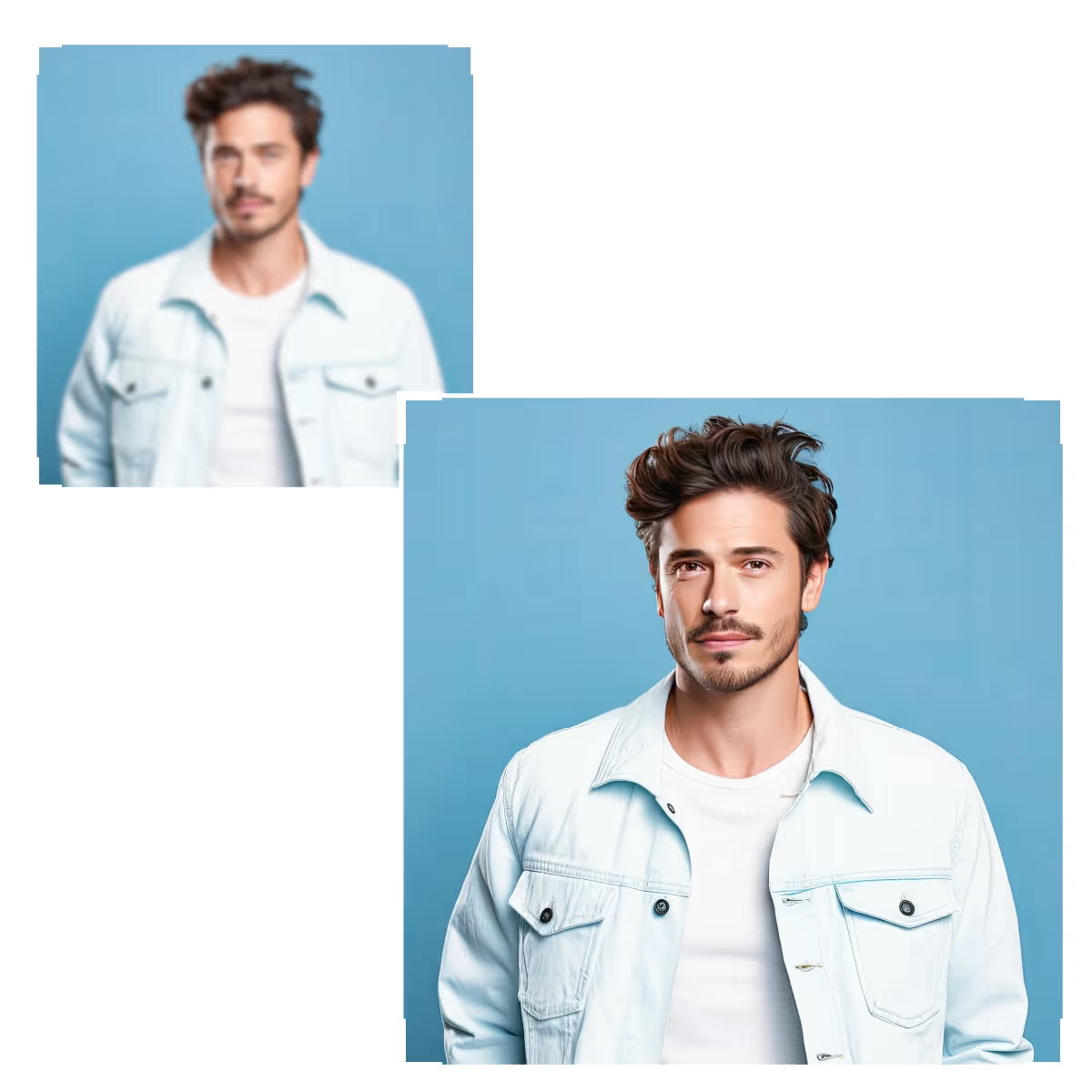
Upscale.media’s AI Image Enhancer is a powerful online tool designed to transform ordinary photos into stunning visuals and make your images stand out with minimal effort.
Start the process by visiting the site.
The next step is uploading the image.
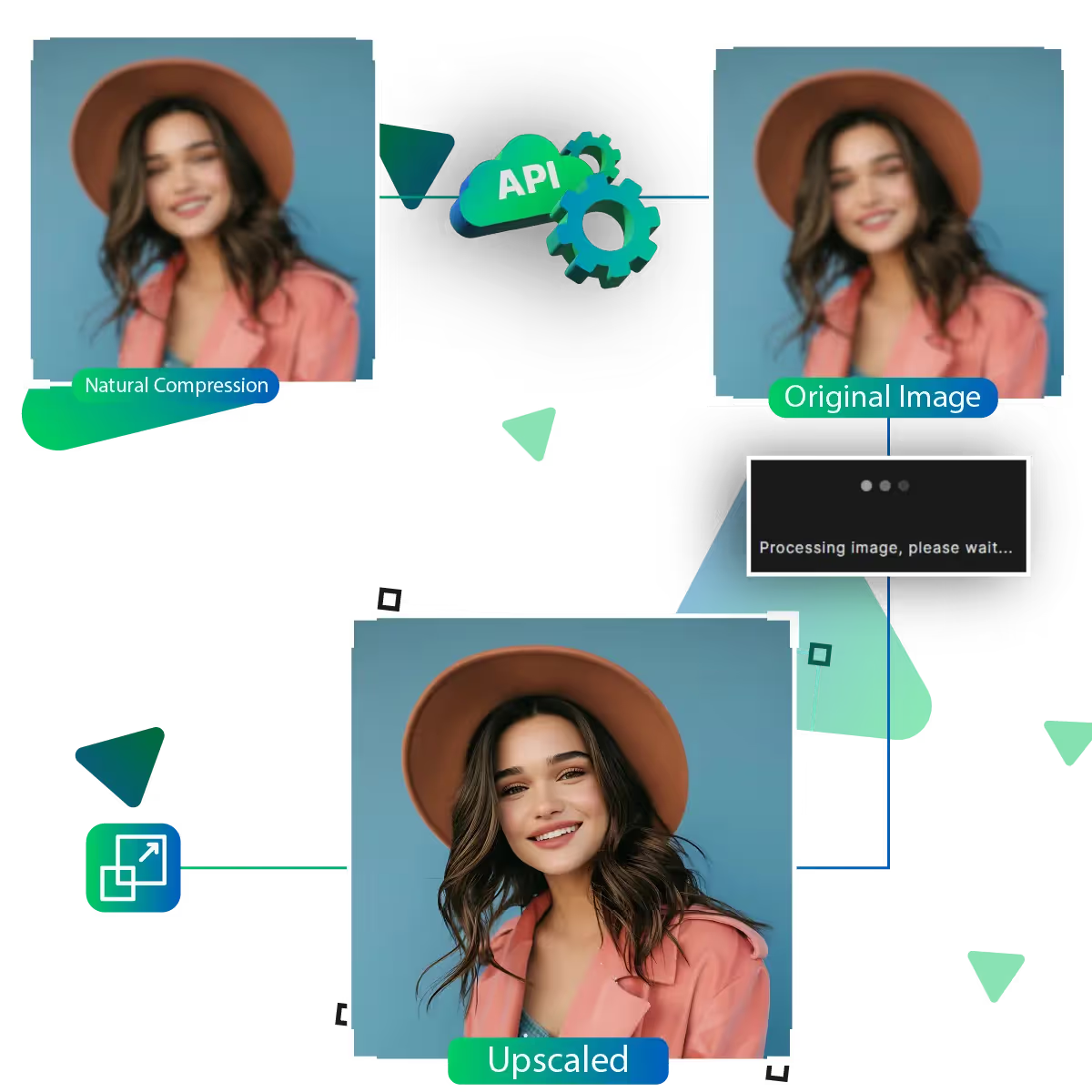
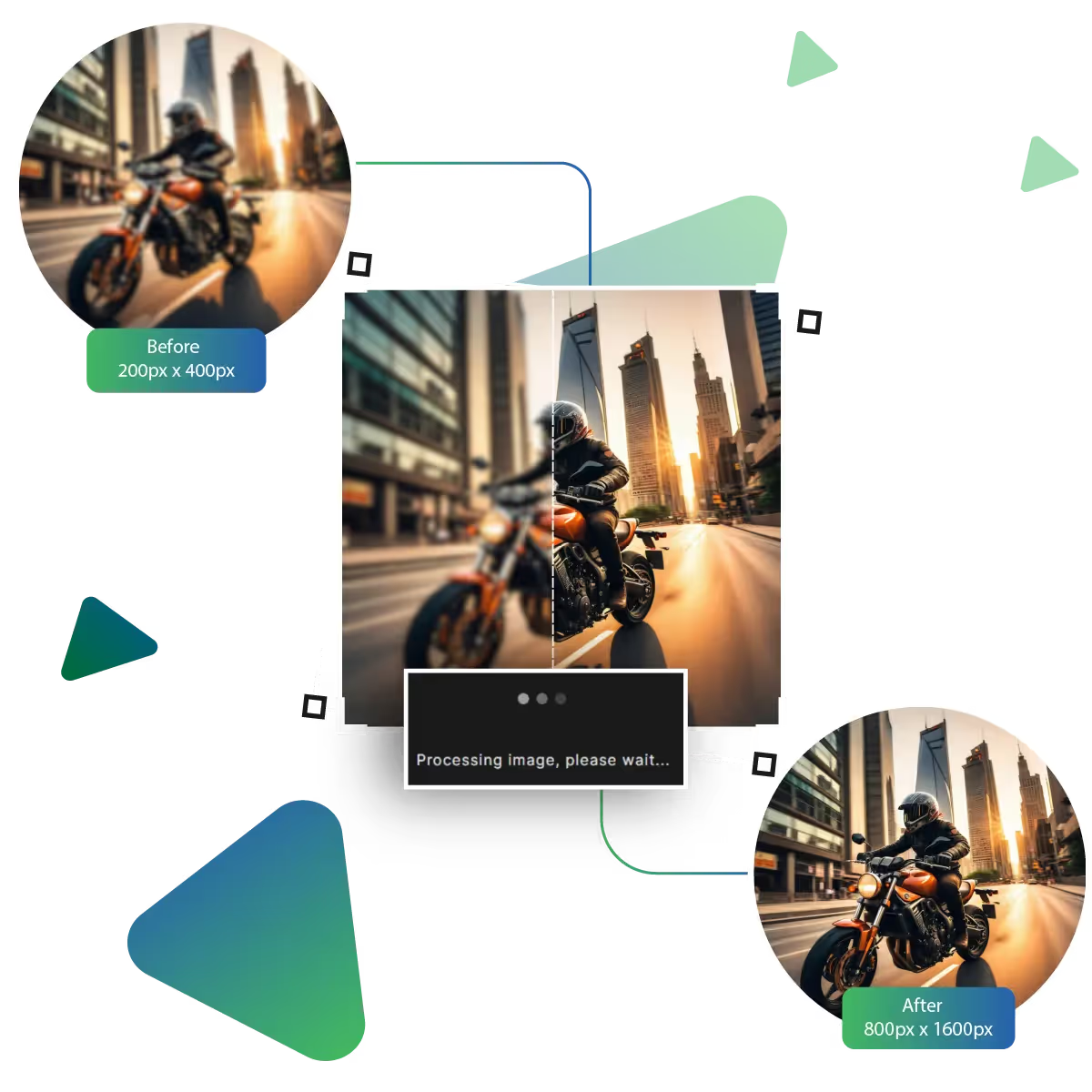
The next step is to upscale the image by using AI.
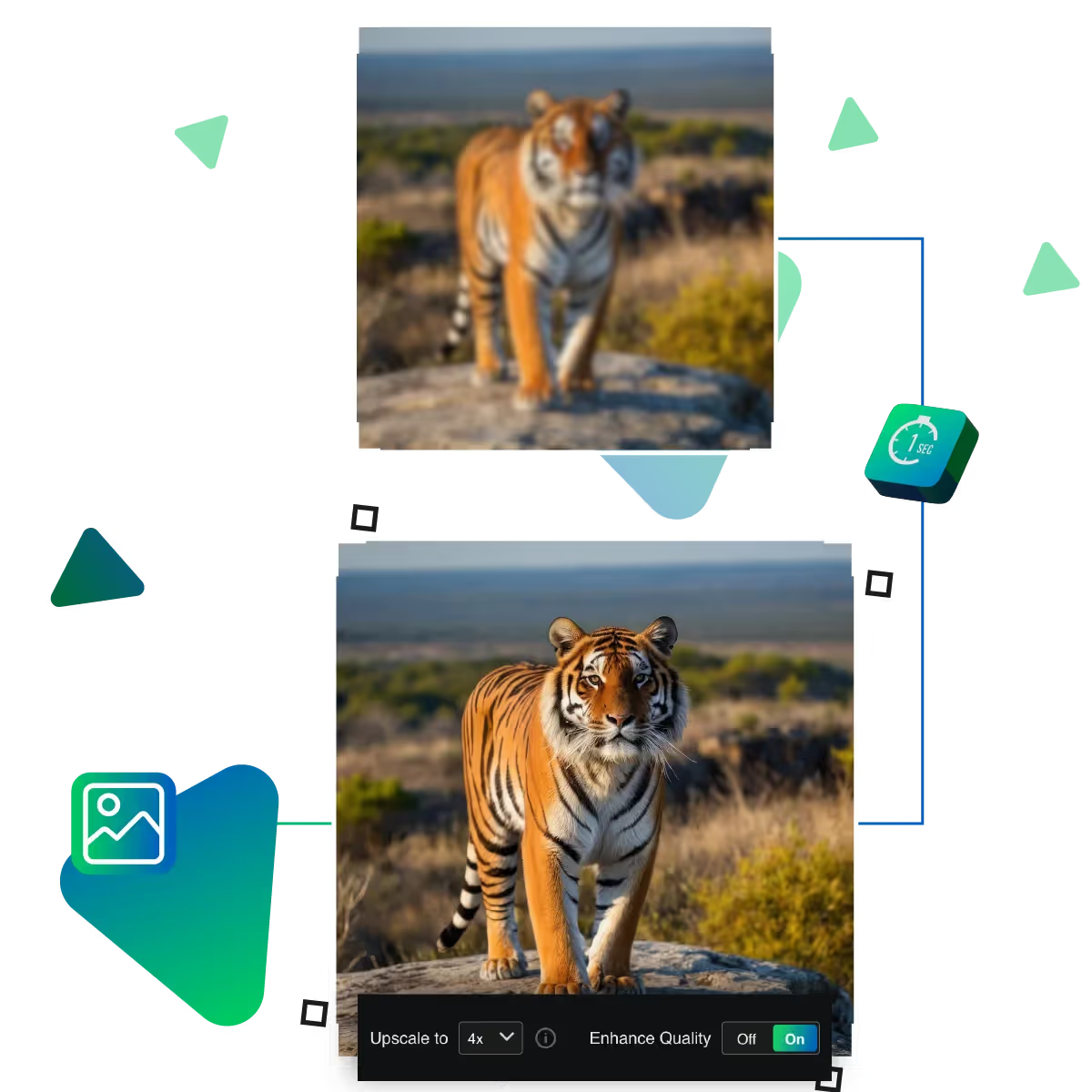
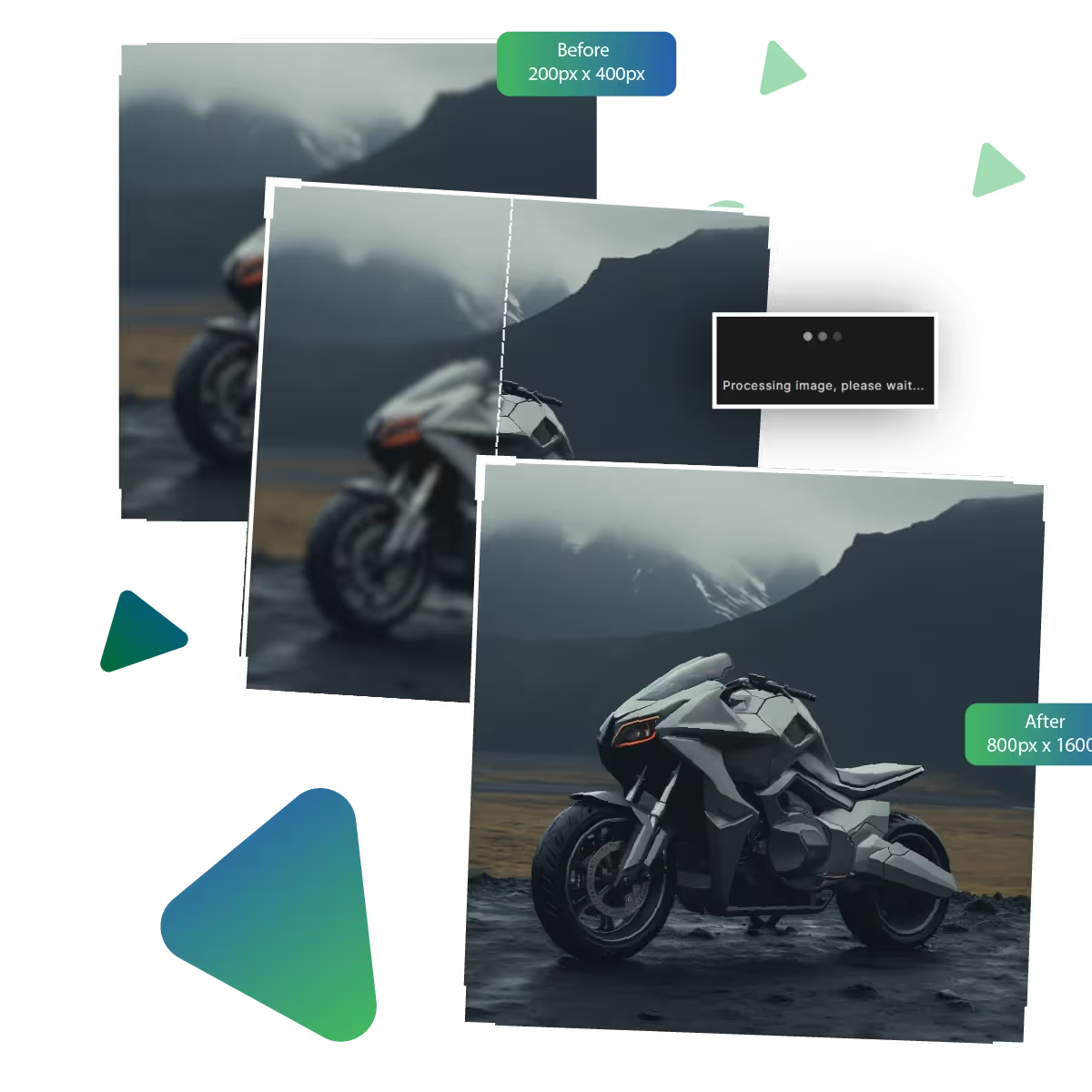
If needed, choose up to 8x enlargement option for your photo.
Preview the result to check if it meets your needs.
Download the result to use it for your tasks.
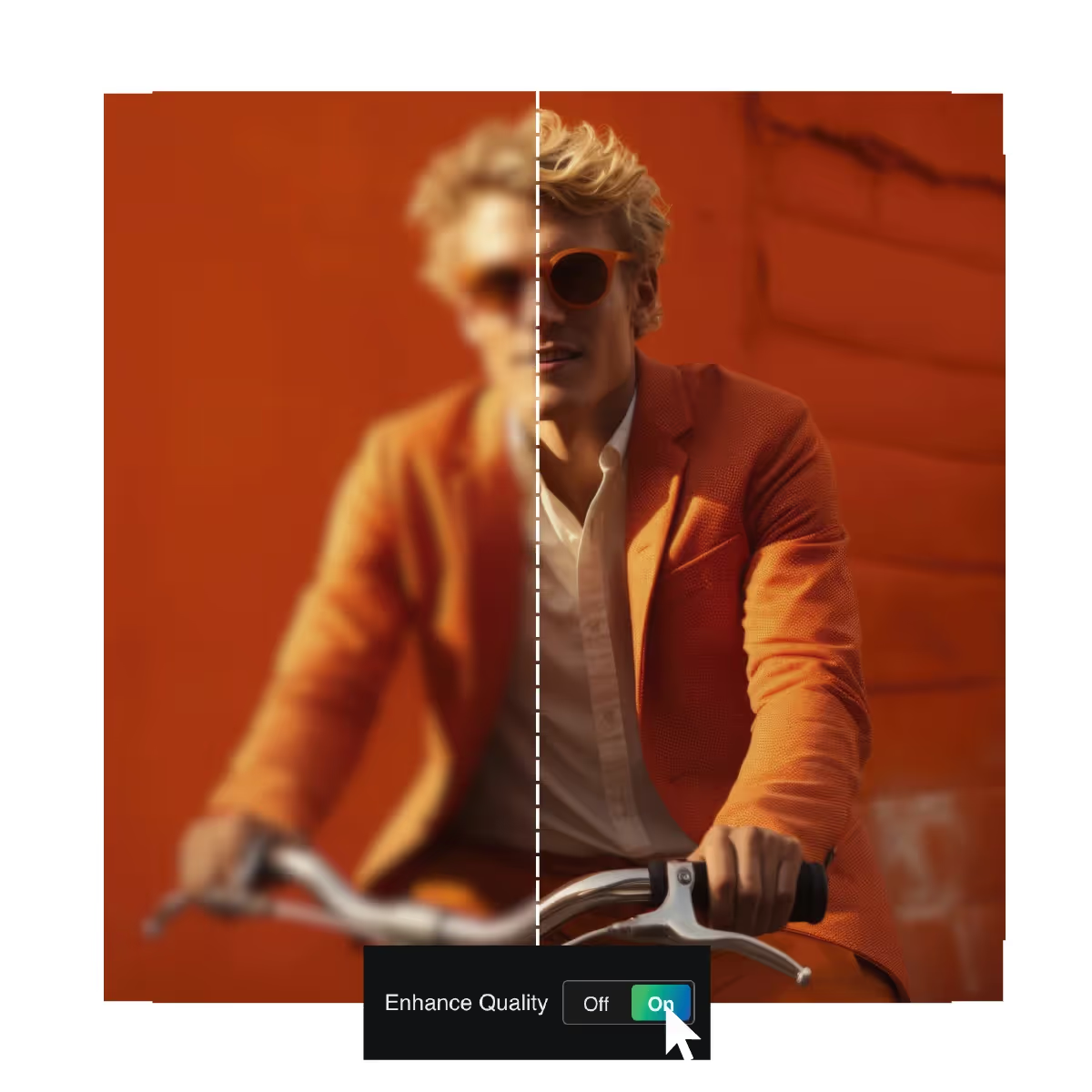
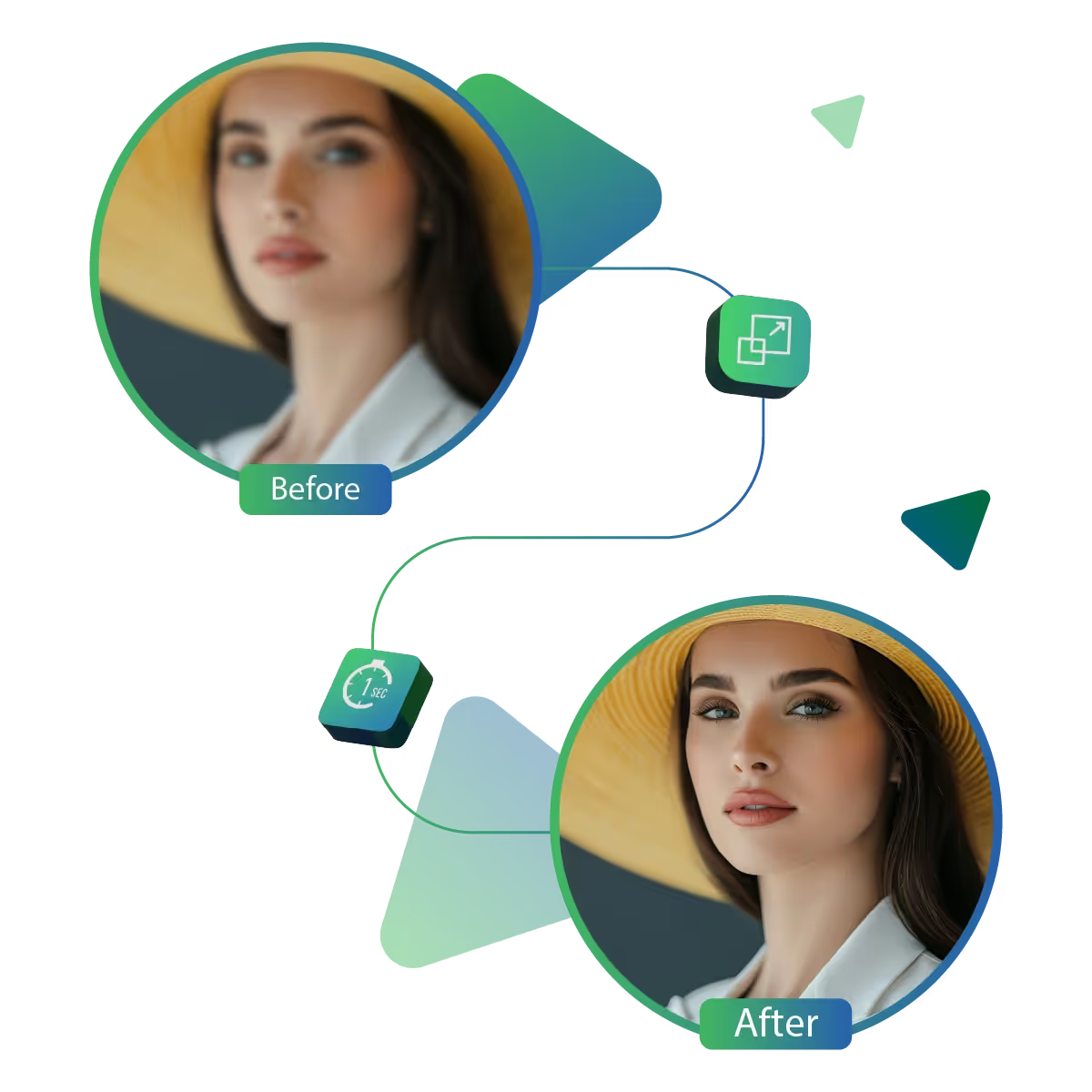
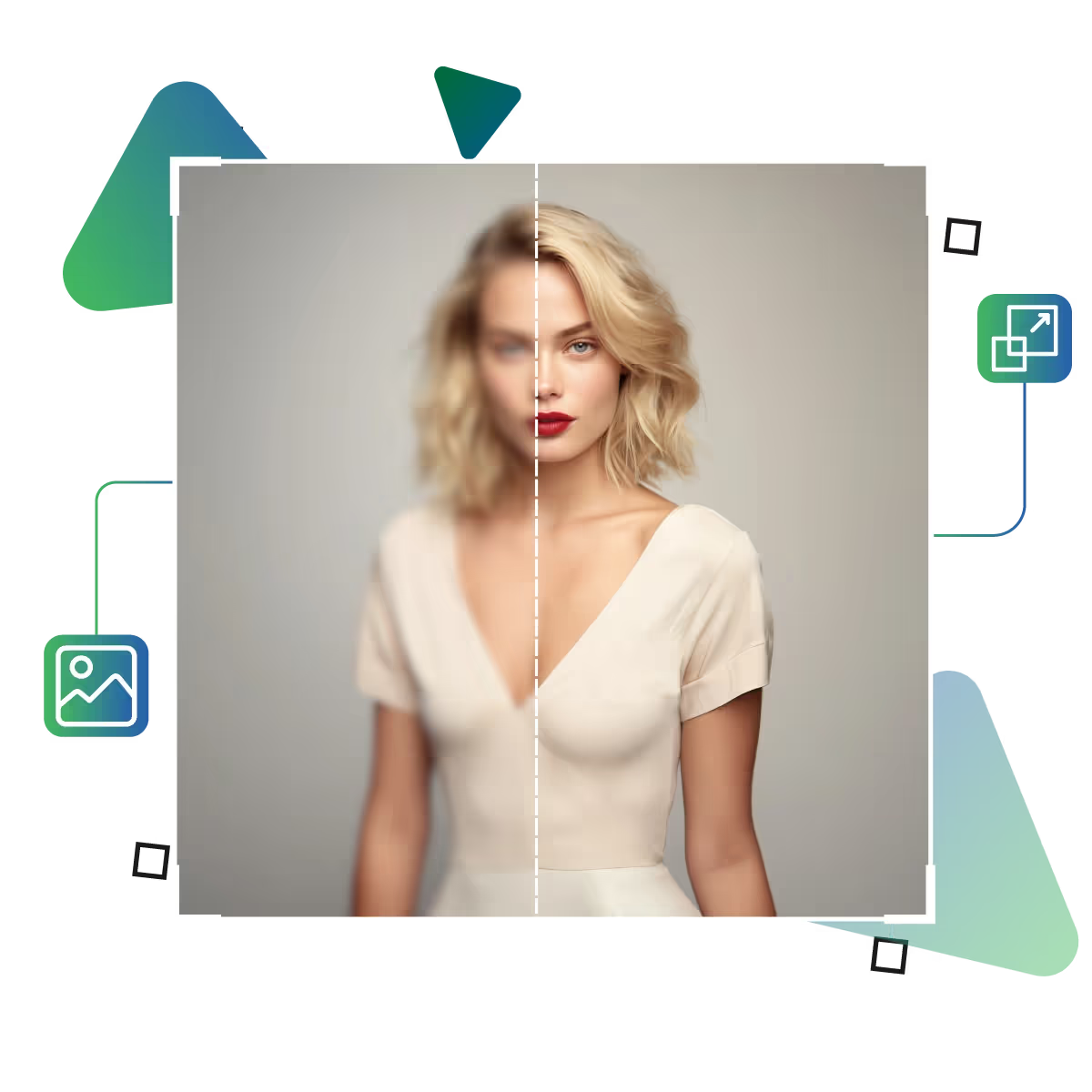
Turn slightly dull or blurry pictures into sharper, cleaner visuals. This feature automatically improves the fine details. The tool gives your image a more polished look; great for bringing out the true quality of photos; whether they’re from your phone or old albums, making every image feel more focused and clear.
Tidy up images that appear grainy or rough, especially those taken in low-light conditions. The tool's enhancement upscales your photos. The tool is perfect for making your nighttime or low-light shots feel more refined and easier on the eyes.
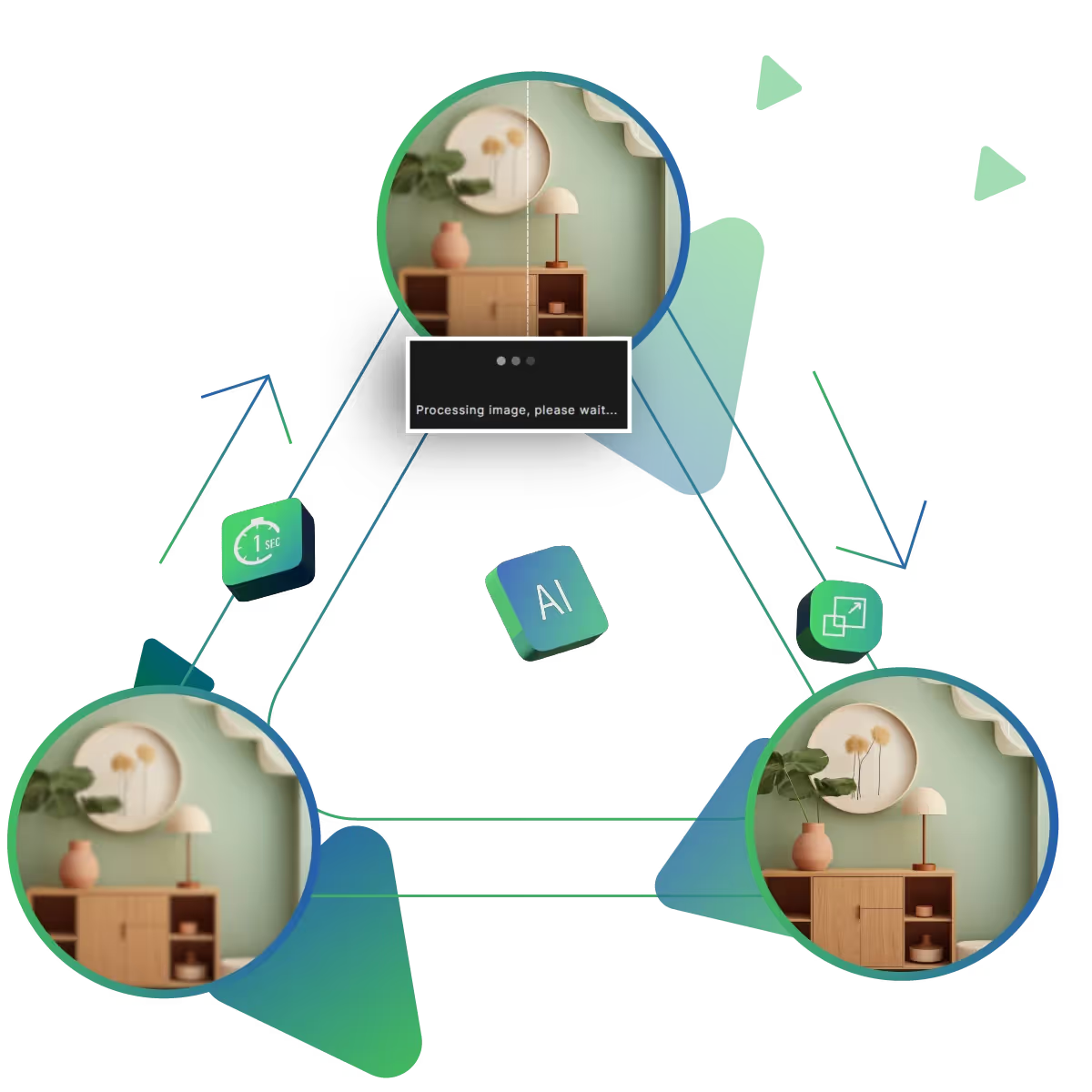
No need to spend time waiting; this tool works fast, just upload your photo and see the improved version within moments. The tool is designed to give you instant results, which is helpful when you want quality photos quickly, whether for sharing, printing, or saving memories.
Bring your photos to life with Upscale.media's Image AI Enhancer, a smart solution for anyone who wants clearer, sharper, and more eye-catching visuals.
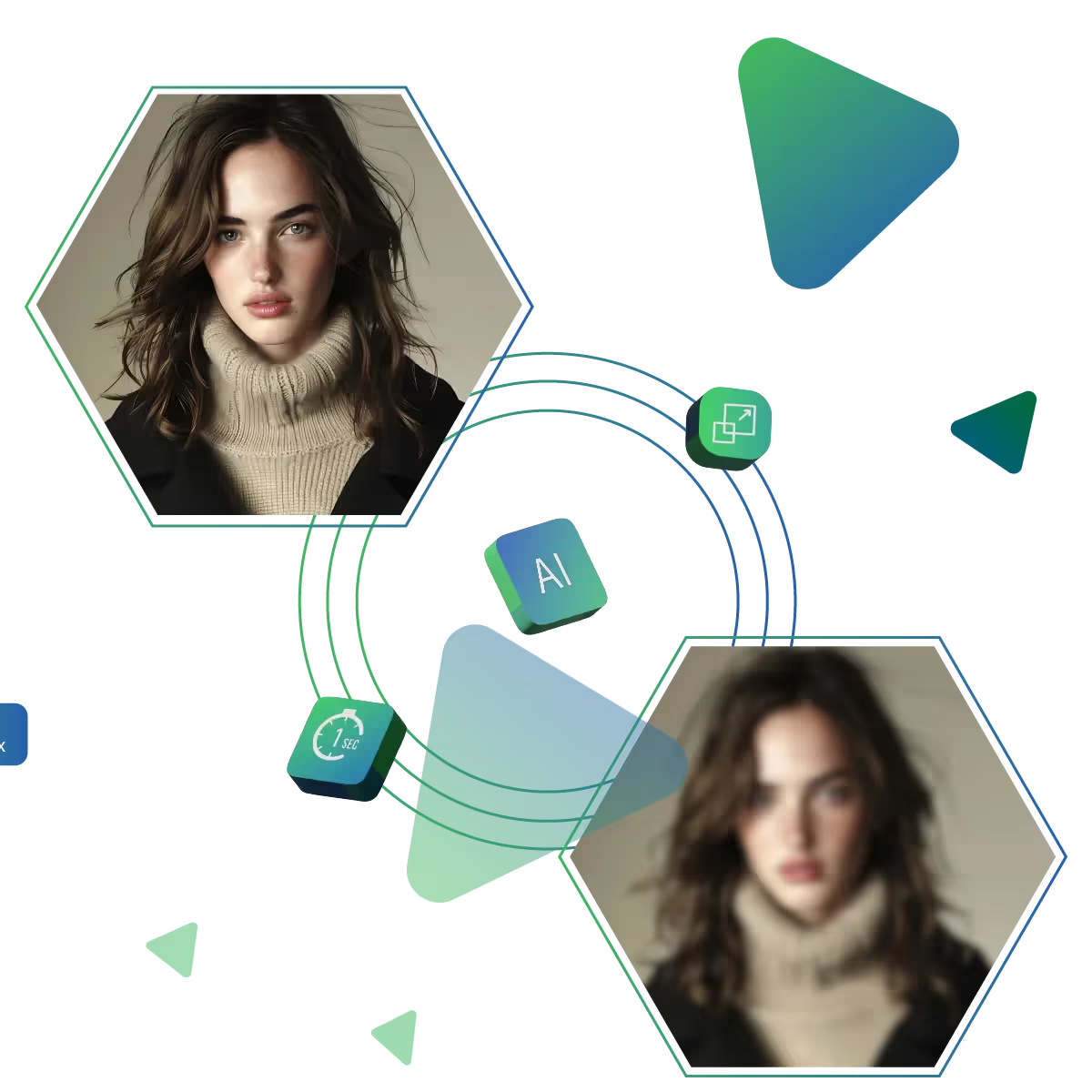
Image AI Enhancer automatically improves the overall clarity of your photos. The tool sharpens details to make your images look crisp and well-defined. AI takes care of the rest, making your visuals instantly clearer and more appealing.
With just one click, your image receives a full-quality makeover, the AI does all the hard work behind the scenes. So you get a visibly improved version of your original photo in seconds, a fast way to make your photos stand out.
The Image AI Enhancer is built for a global audience and with multilingual support. The tool has an intuitive interface and ensures everyone can access high-quality image improvement without barriers.
With just a few clicks, you can make your images look professionally enhanced; the tool is simple, quick, and powerful.
Sanjay Choudhury
Riya Khanna
Aditya Kapoor
We’ve answered some of the most common questions about the Upscale.media API. If you don’t see your question here, feel free to reach out at support@pixelbin.io
What is Upscale.media API?
How can Upscale.media API be integrated into my website or app?
The API supports multiple programming languages such as React, Python, Golang, etc., and fits easily into most tech stacks. Integration is straightforward, with clear documentation to guide you through.
What kind of image transformations can be achieved with Upscale.media API?
How does Upscale.media API enhance online visual appeal?
How fast and accurate is the image upscaling with Upscale.media API?
Can Upscale.media API be used for creative design projects?
How does Upscale.media API improve digital content quality?
Is Upscale.media API adaptable for different image upscaling needs?
Can Upscale.media API be customized for specific needs?
What are the benefits of using Upscale.media API for different industries like e-commerce, marketing, and social media?