







Upgrade with the HD Photo Converter tool
With this tool, turn your old photos into a new HD quality result.
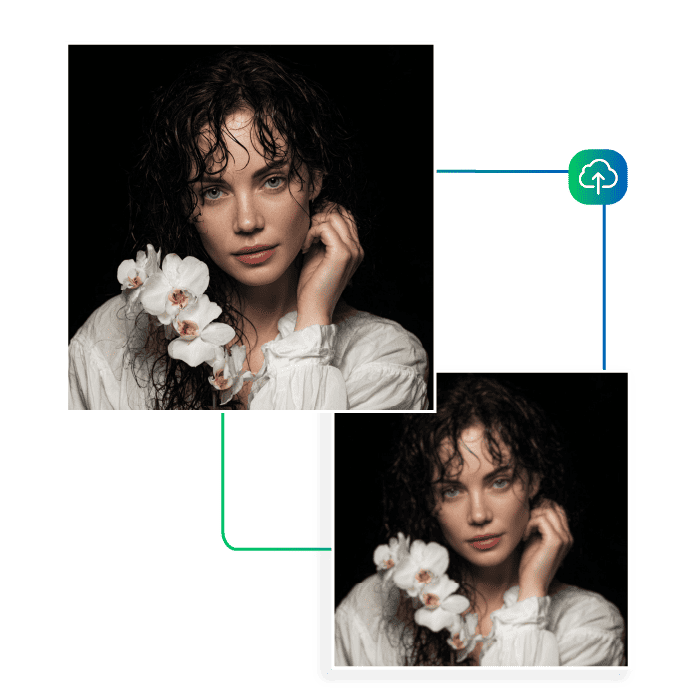
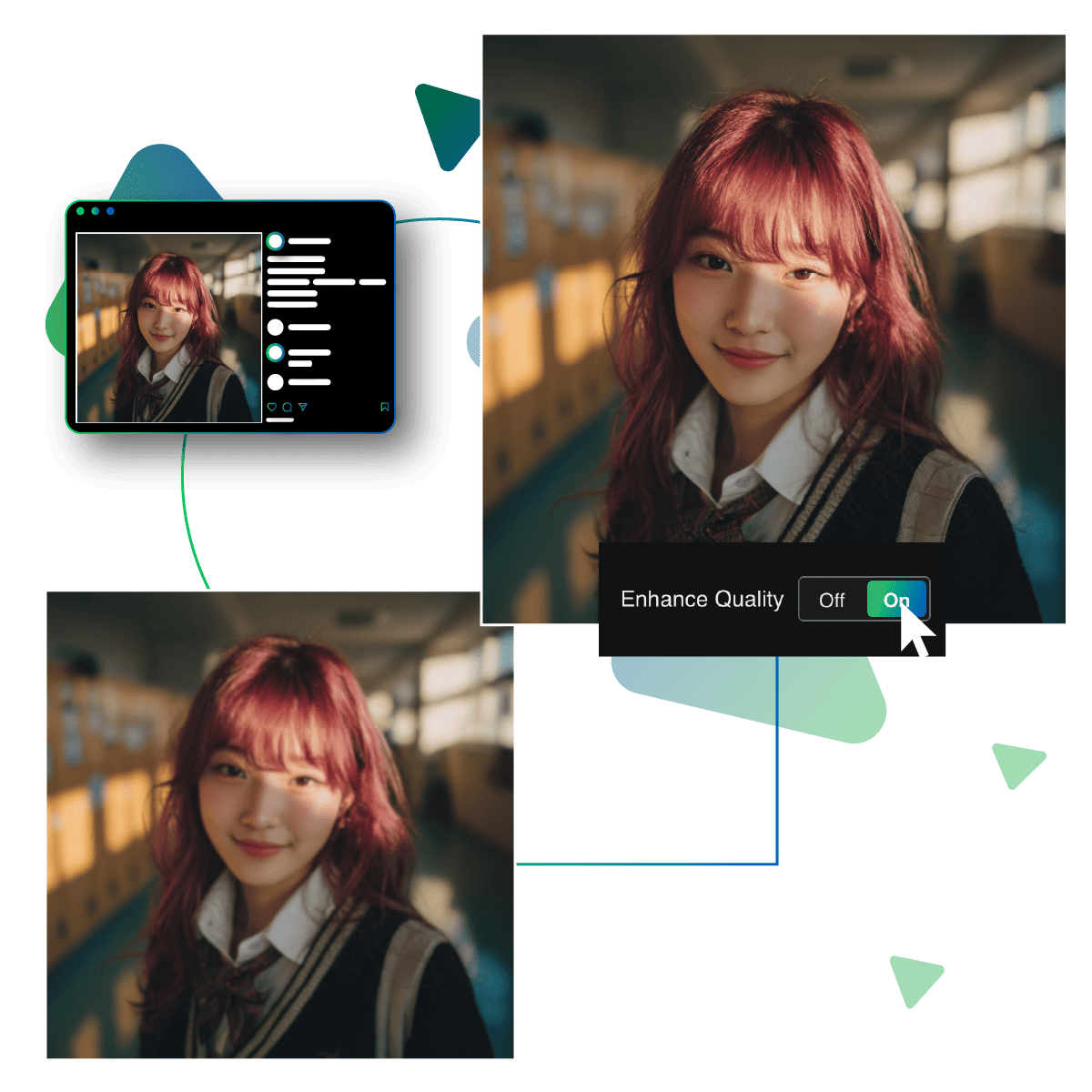
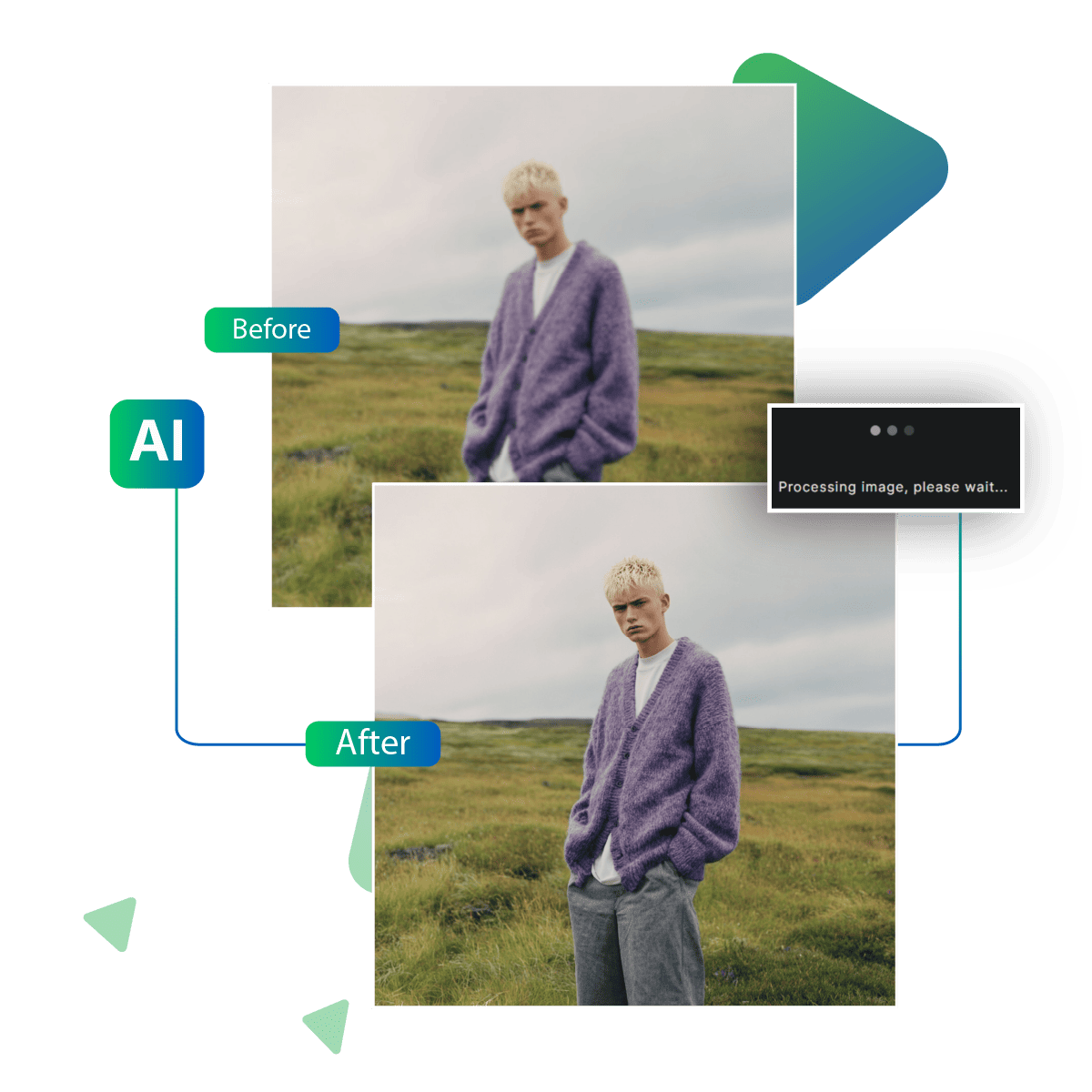
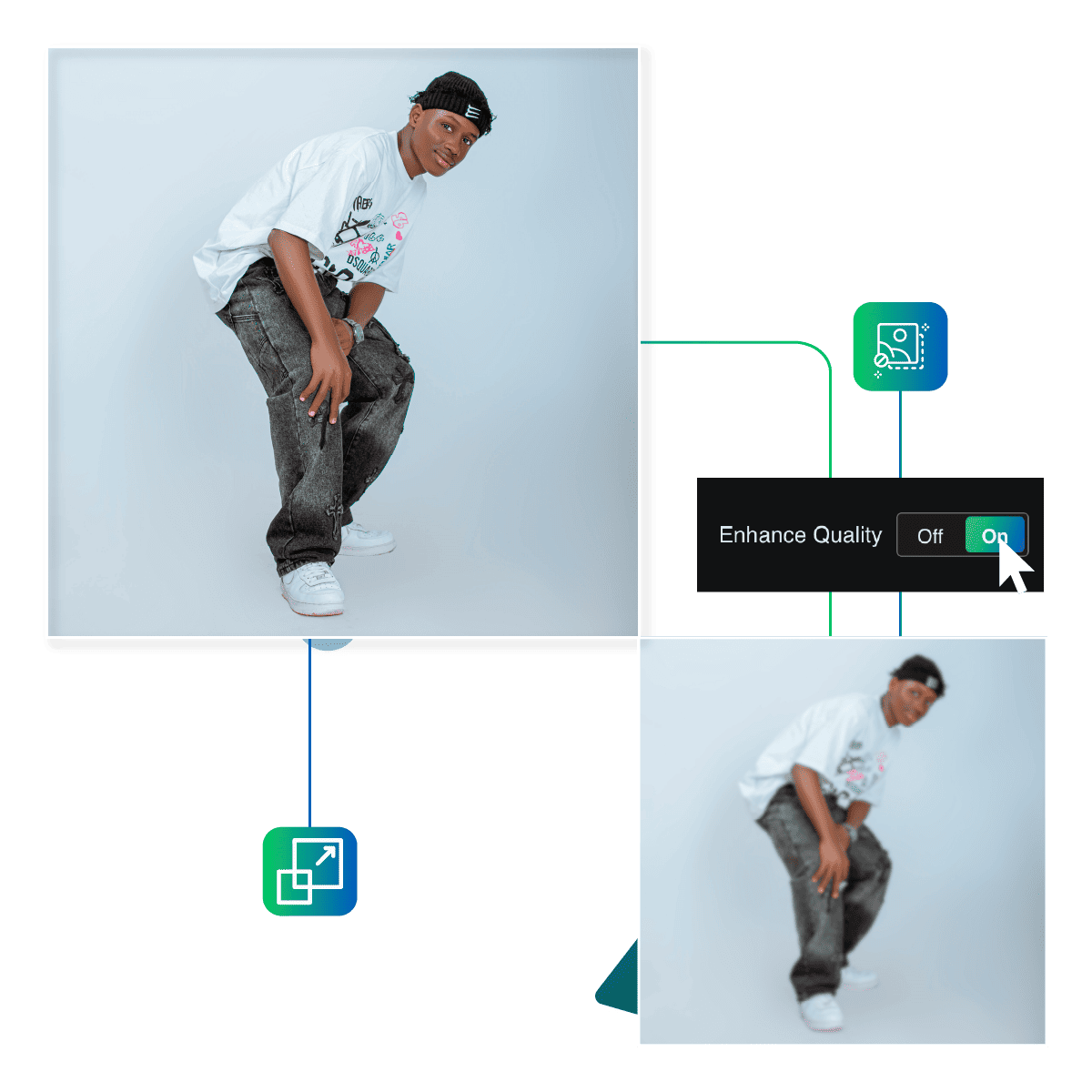
Use the HD Photo Converter tool on Upscale.media to sharpen your blurry images. With the use of sophisticated AI enhancement, image quality is improved.
First step is visiting the site.
Then upload your chosen photo.
Let AI do its job and upscale the image.
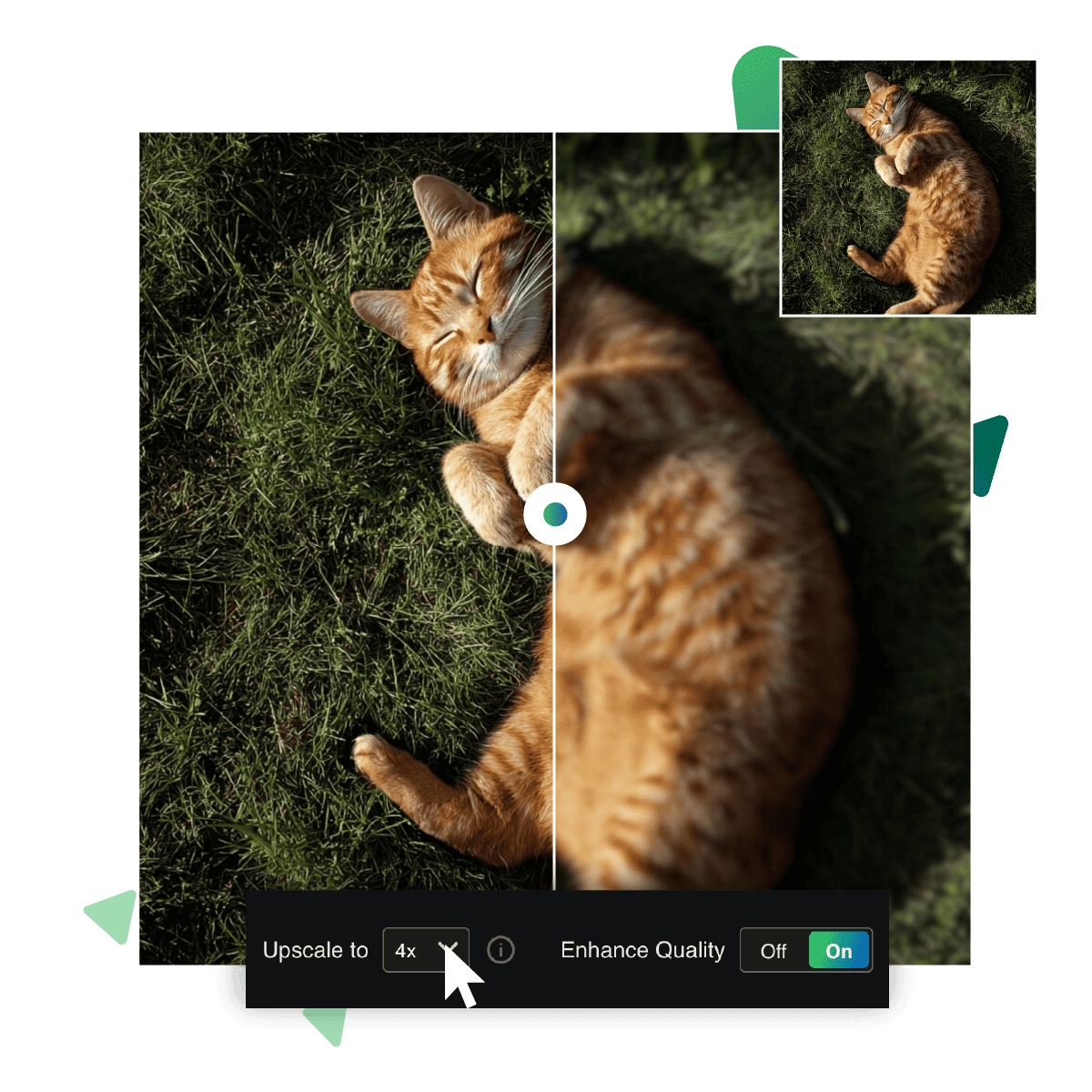
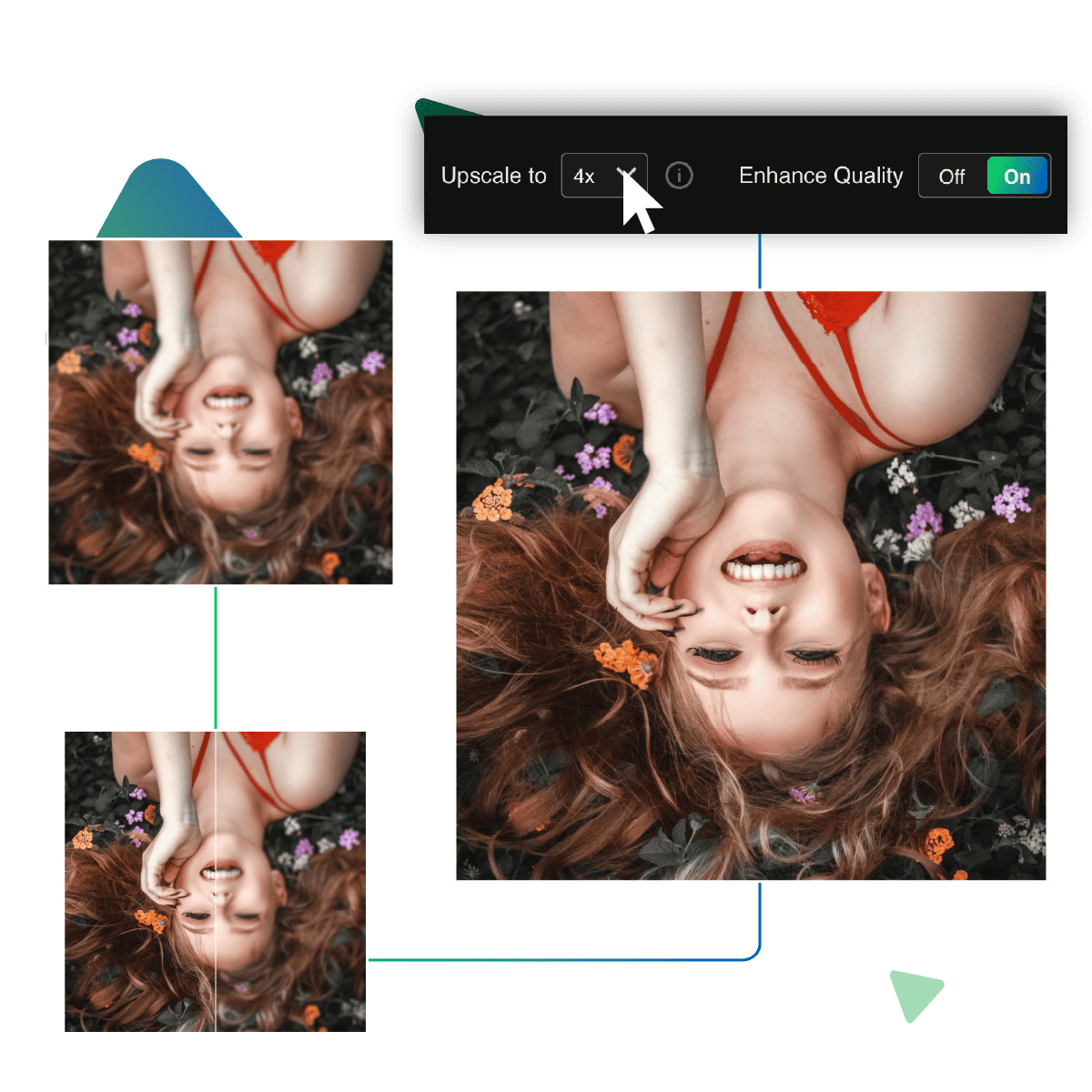
Then, if needed, choose the enlargement option up to 8x.
Preview your result.
Download your desired outcome to use it further.
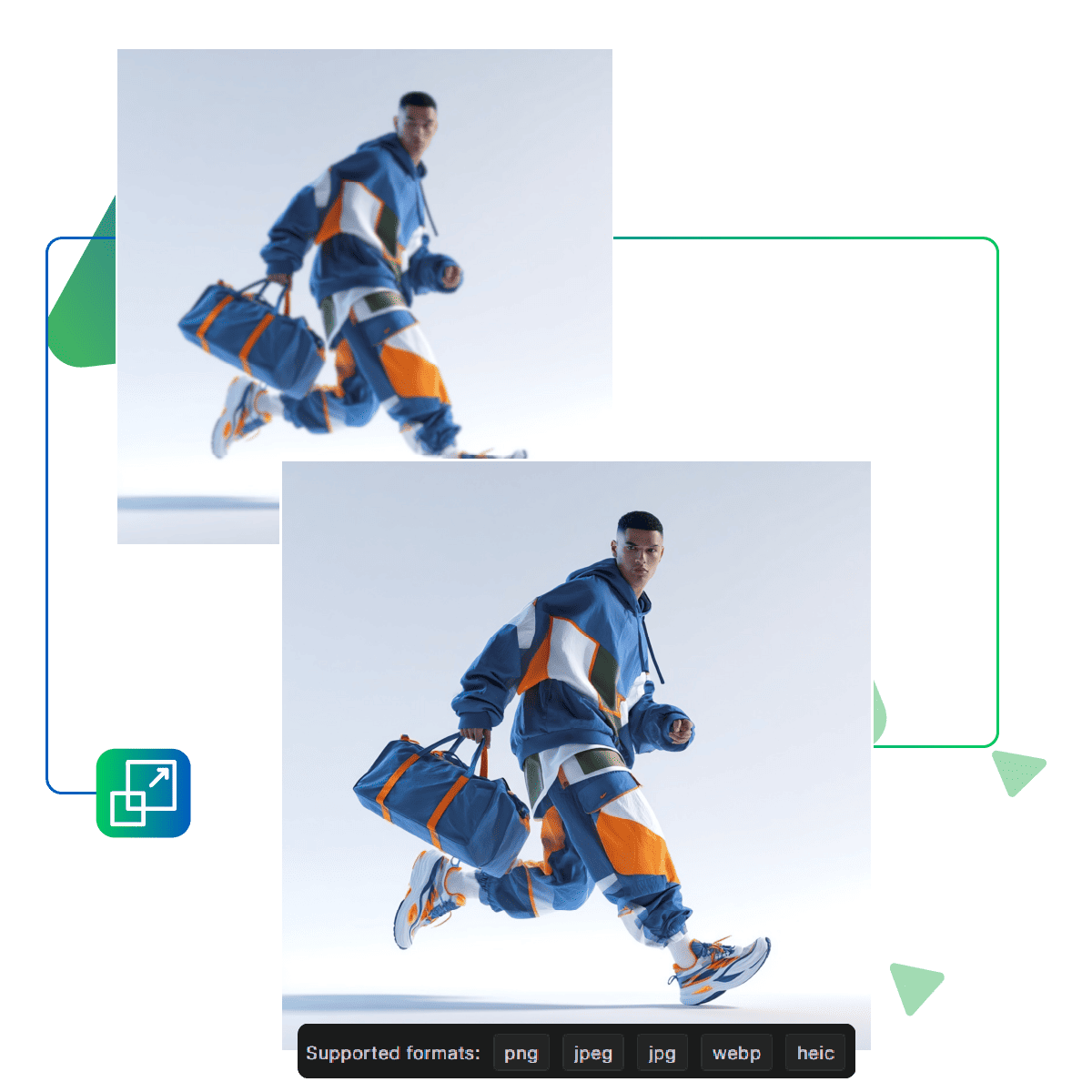
This AI tool works seamlessly with popular image formats. Such as JPEG, PNG, and others, and now you won’t need to convert or adjust anything beforehand. You can just upload what you have, and you're ready to go.
This tool helps refresh your images, too, by bringing out more vibrant results, as it is perfect for breathing new life into dull or faded pictures.
Turn blurry and unclear photos into sharper versions that highlight important details. Blurry backgrounds all become easier to see, whether it’s an old memory or a recent photo that didn’t turn out right. This tool helps make the picture more visible and natural-looking.
Turn your old blurry photos into HD and achieve better quality engagement.
You can use the tool directly from your web browser. That too with no requirement for software installation or setup. By using this tool you can just upload your image, enhance it, and download the result. It is an easy way to make images HD online with just a few steps.
This online tool works just as well on your phone or tablet. Whether you're traveling, working remotely, or just on the go, you can rely on this platform to help you create HD images online with total ease.
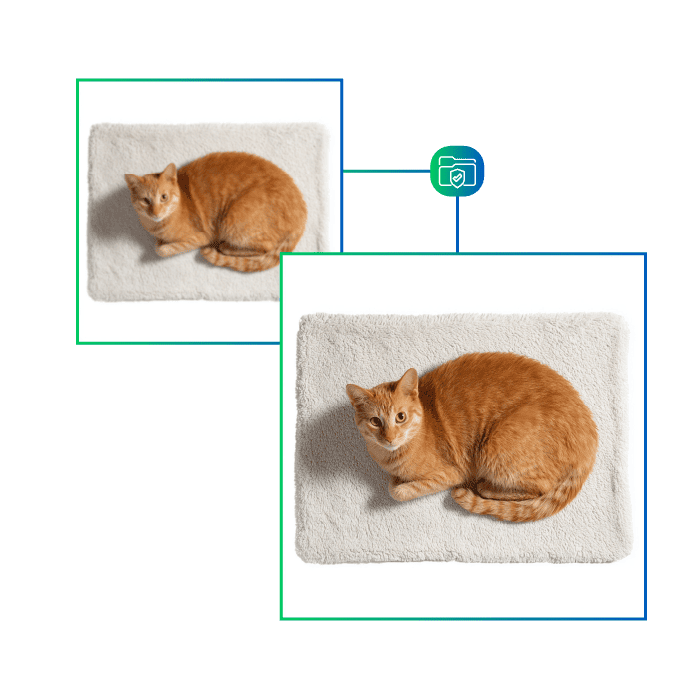
We prioritize your confidentiality with strict privacy protections. when you upload images for upscalling, they're processed securely without being stored or shared, it ensures that your photos remain private, and you can confidently enhance images knowing they'll never be accessible to others.
With this tool, turn your old photos into a new HD quality result.
Sanjay Choudhury
Riya Khanna
Aditya Kapoor
We’ve answered some of the most common questions about the Upscale.media API. If you don’t see your question here, feel free to reach out at support@pixelbin.io
What is Upscale.media API?
How can Upscale.media API be integrated into my website or app?
The API supports multiple programming languages such as React, Python, Golang, etc., and fits easily into most tech stacks. Integration is straightforward, with clear documentation to guide you through.
What kind of image transformations can be achieved with Upscale.media API?
How does Upscale.media API enhance online visual appeal?
How fast and accurate is the image upscaling with Upscale.media API?
Can Upscale.media API be used for creative design projects?
How does Upscale.media API improve digital content quality?
Is Upscale.media API adaptable for different image upscaling needs?
Can Upscale.media API be customized for specific needs?
What are the benefits of using Upscale.media API for different industries like e-commerce, marketing, and social media?