





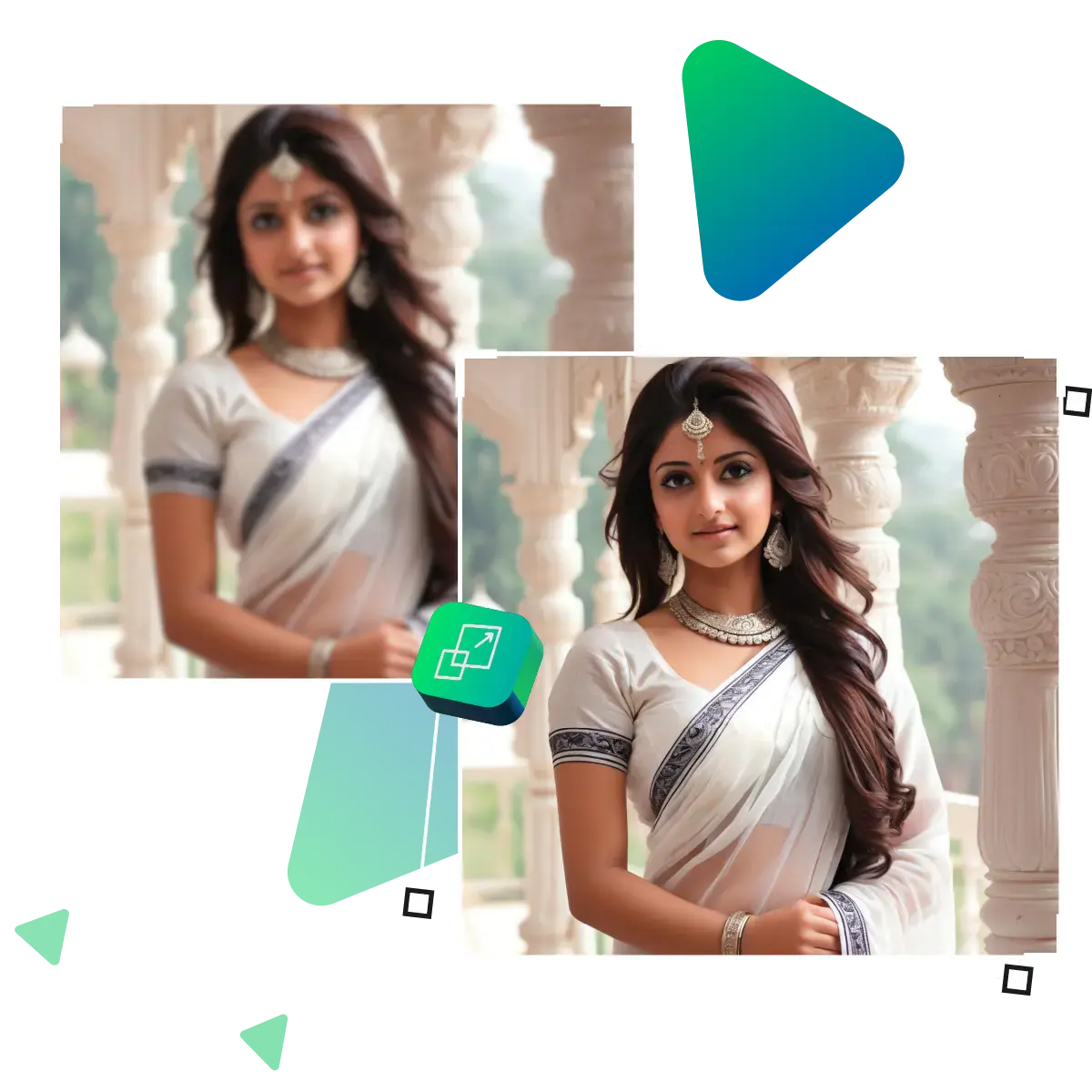
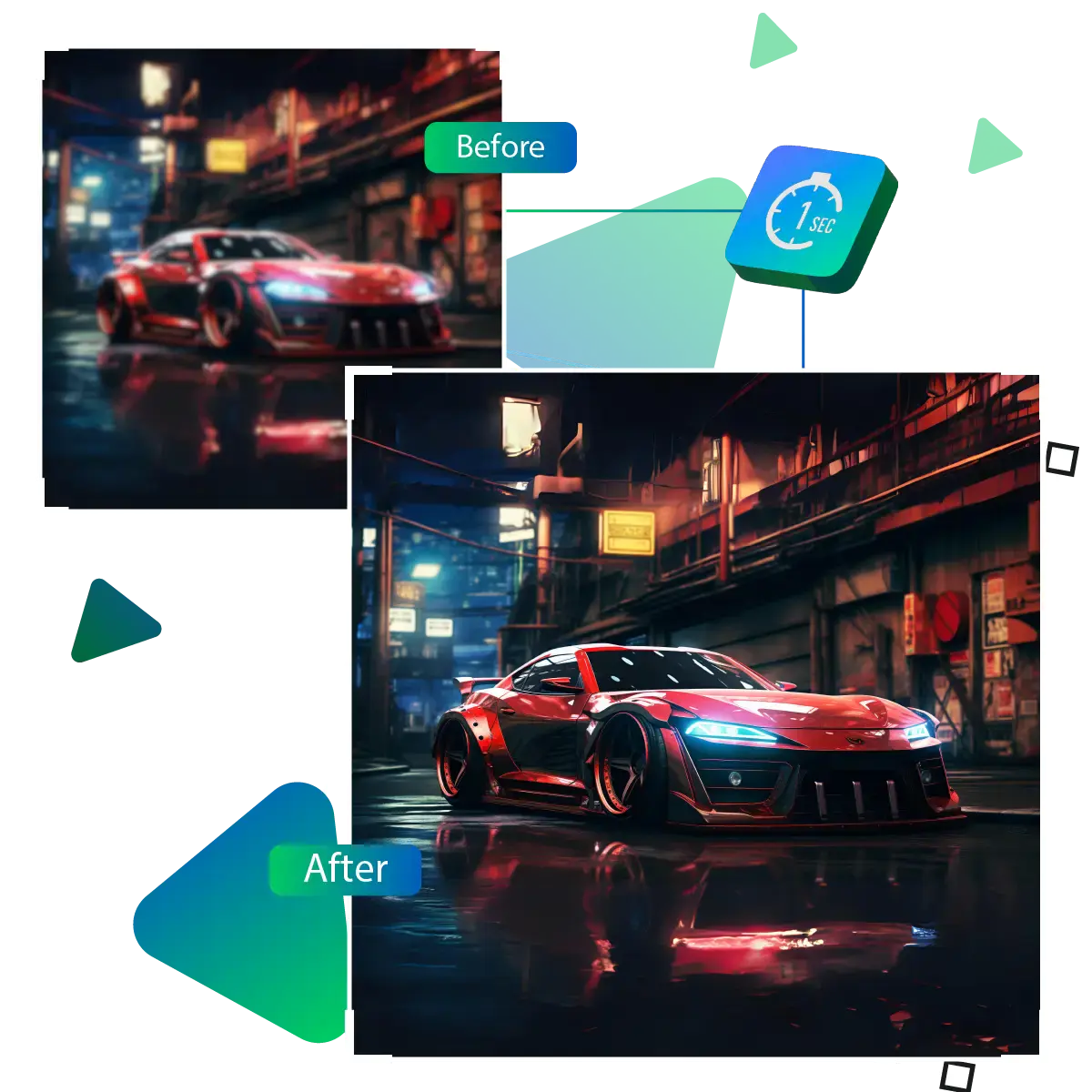
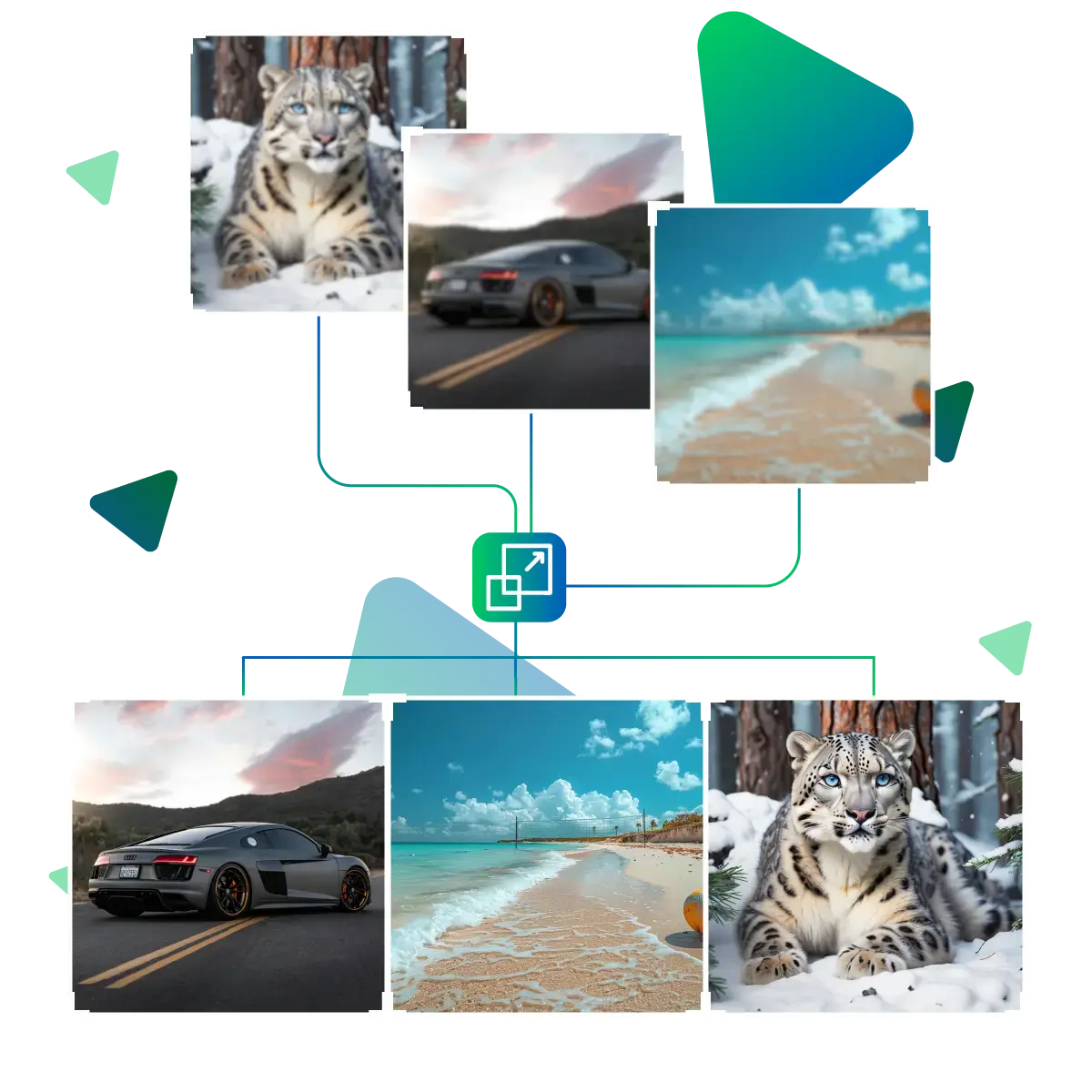
Unlock the potential of the AI tool and enhance photo quality smartly
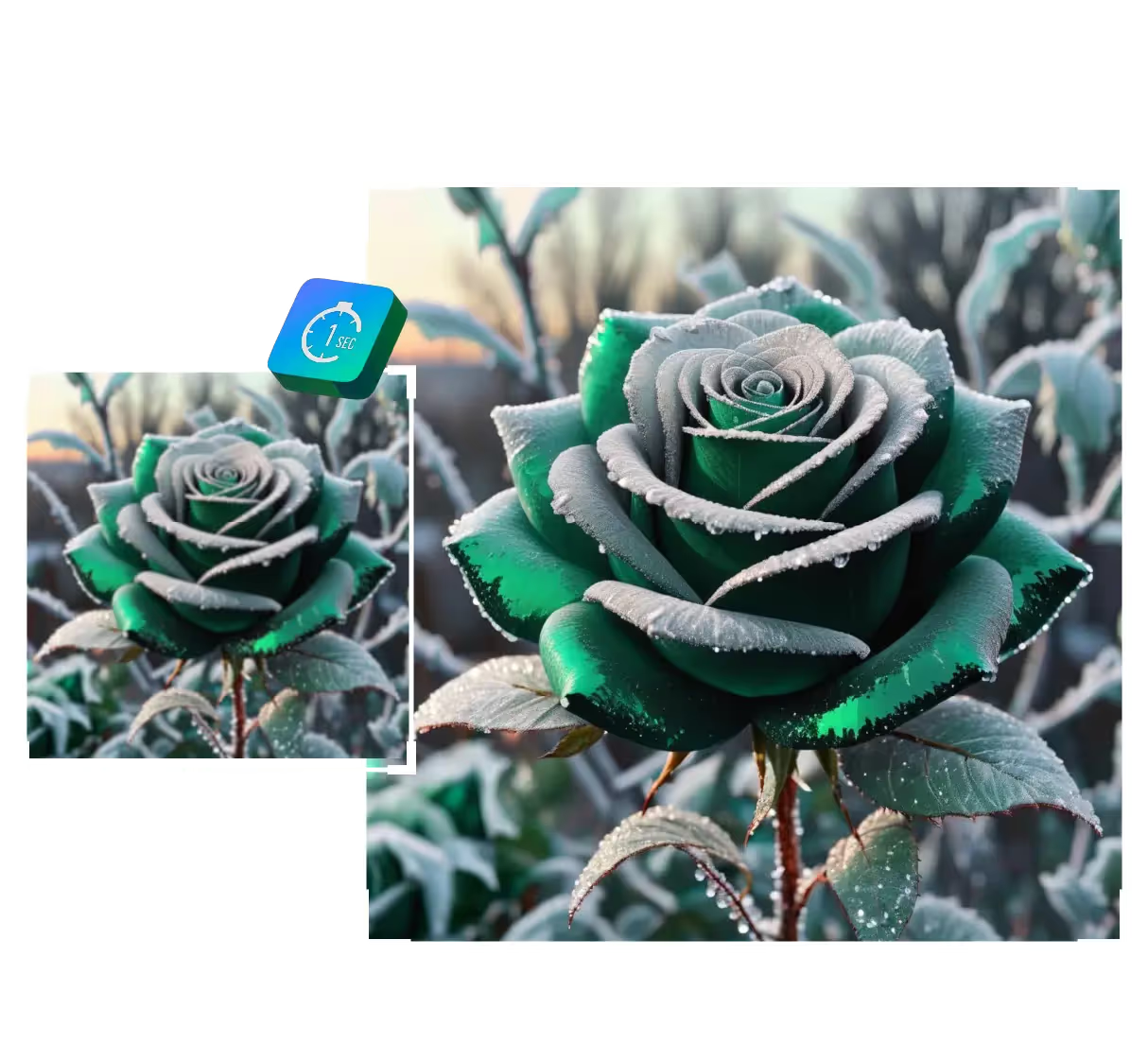
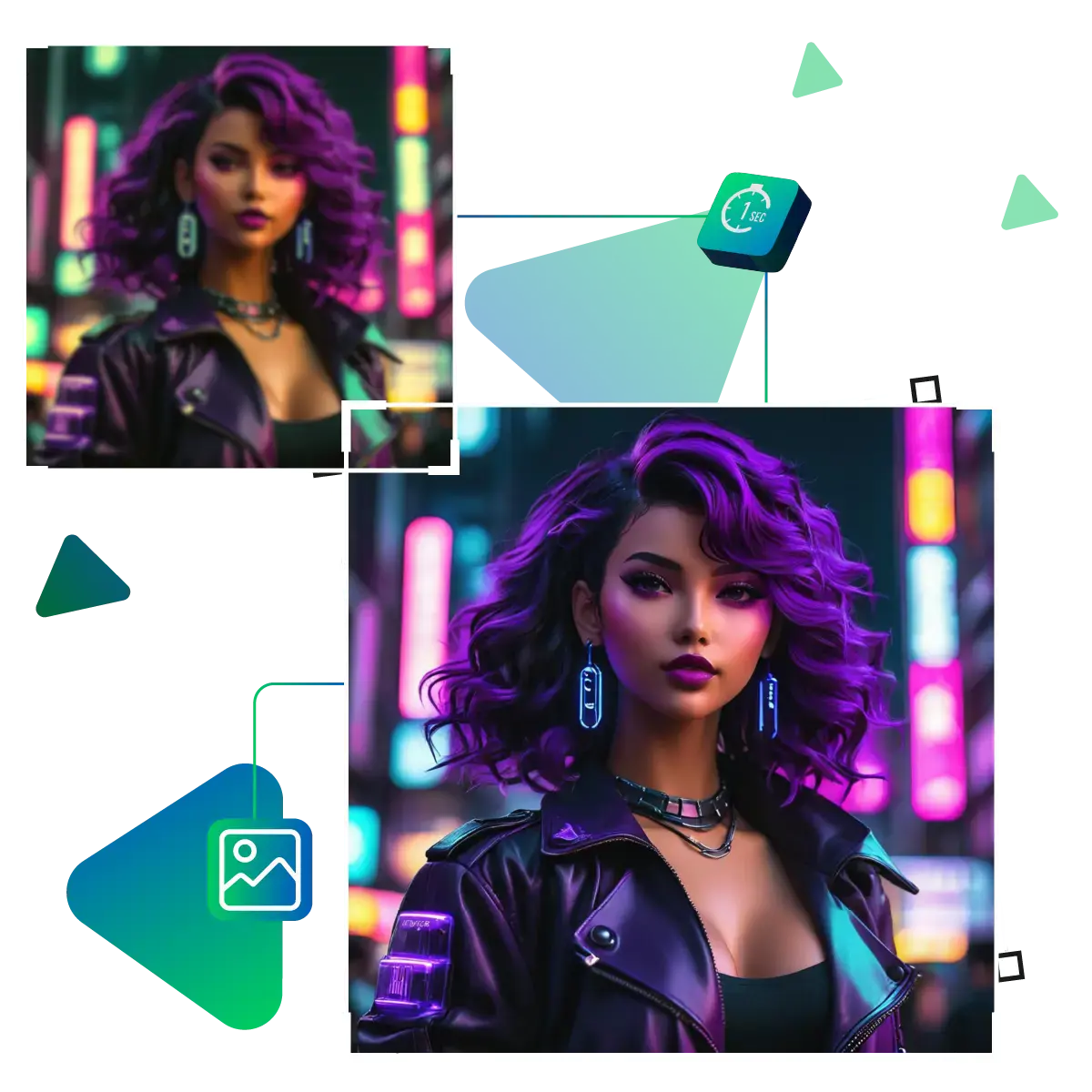
This tool helps turn average images into impressive ones in just seconds.
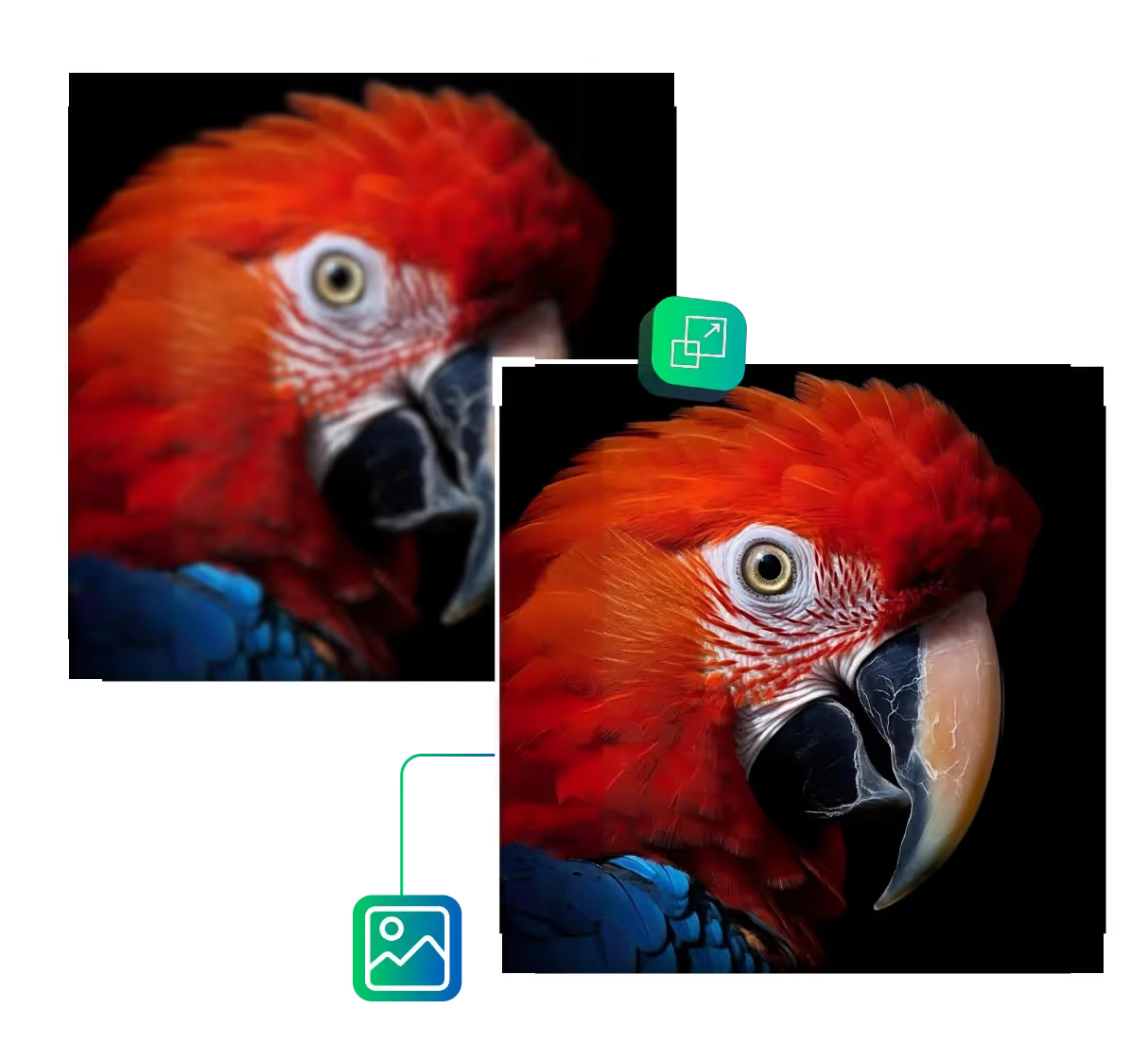
Upscale.media is here to rescue your blurry photos that are ruining your vibe; it uses AI magic to sharpen and enhance your images.
First, you need to visit the upscale.media site.
After visiting the site, you need to upload the image of your choice that you want to enhance in terms of quality.
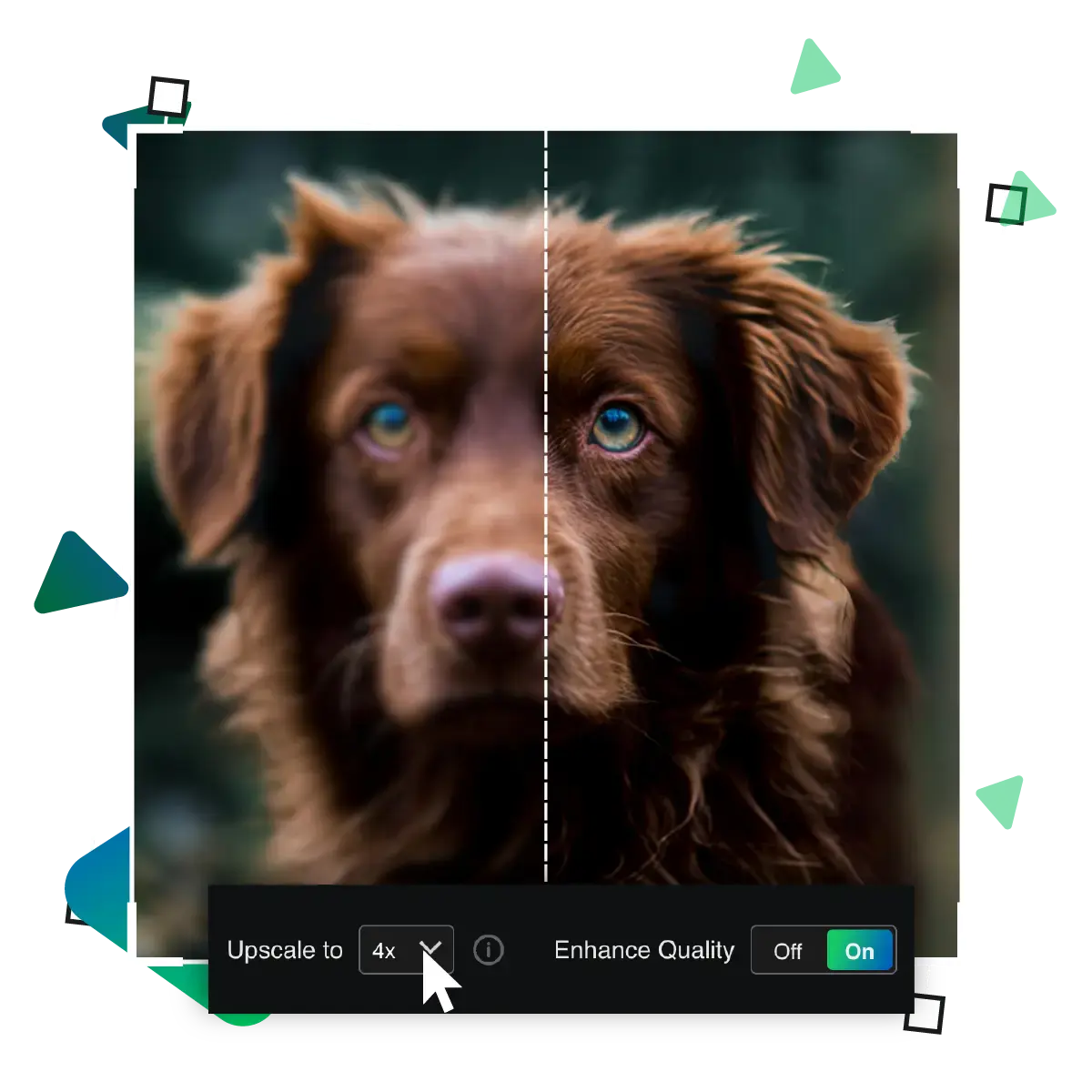
In this third step, you need to select the enlargement options, such as 2x, 4x or 8x, for your chosen image.
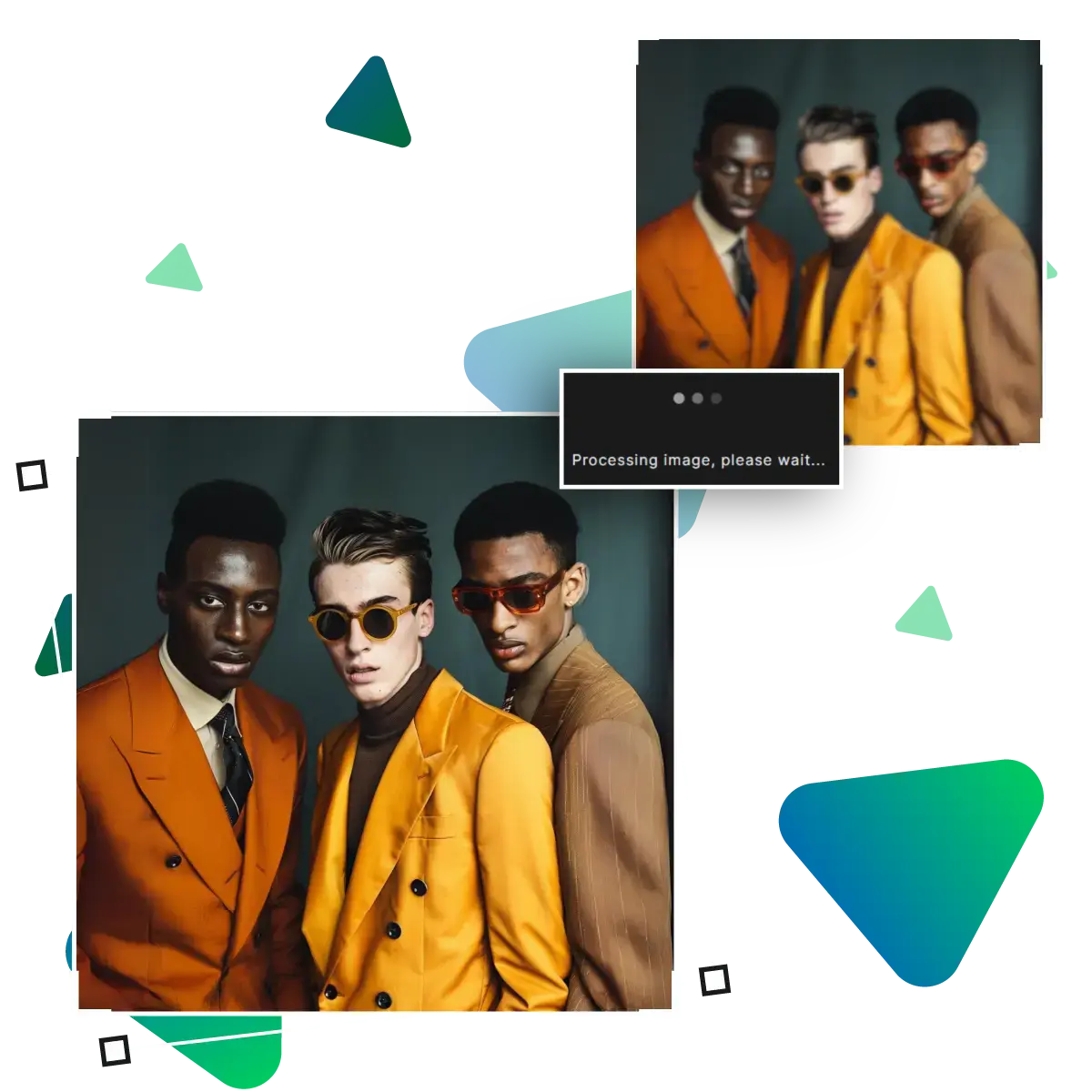
In this step, the AI will upscale your image and enhance its quality.
In this step, you can preview your image and see if the result meets your desired needs properly.
In the final step, you can download the image that you can use for future projects and work.
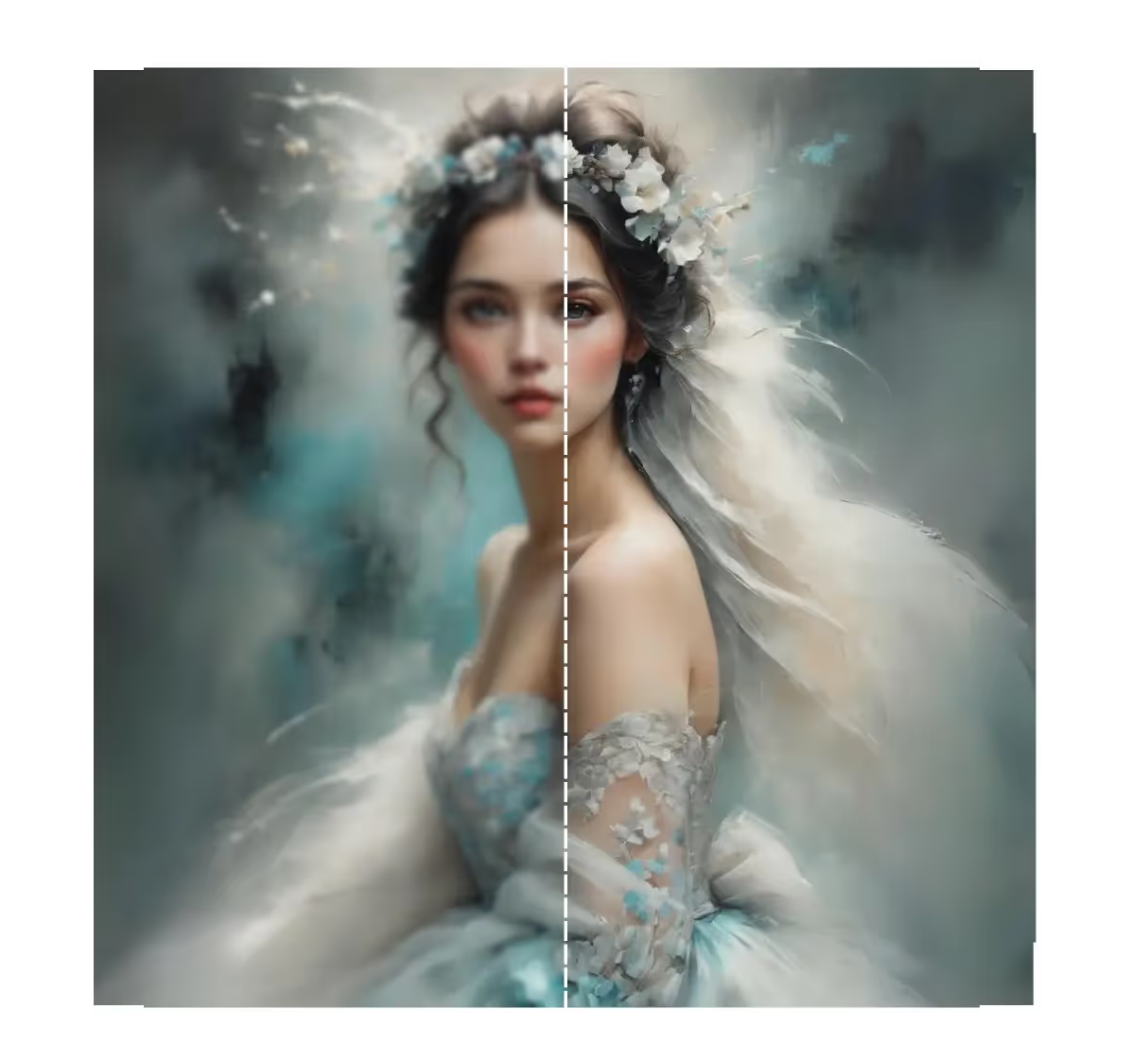
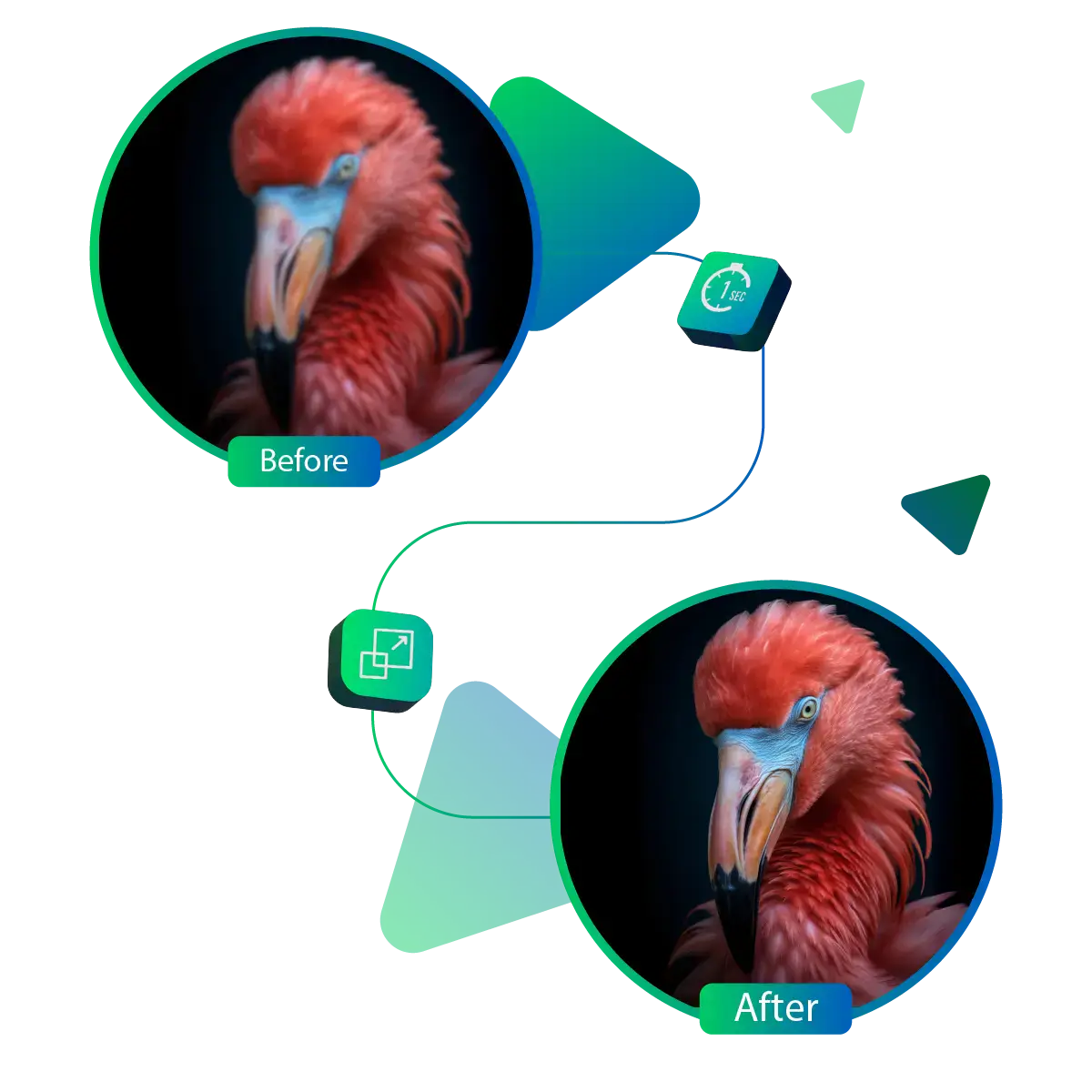
Turn blurry or dull photos into sharp, clear ones with just a click. As the AI feature of this tool brings out the best in your pictures, helping every detail shine, whether it’s a selfie, a scenic shot, or a product photo, you’ll see a big difference in clarity.
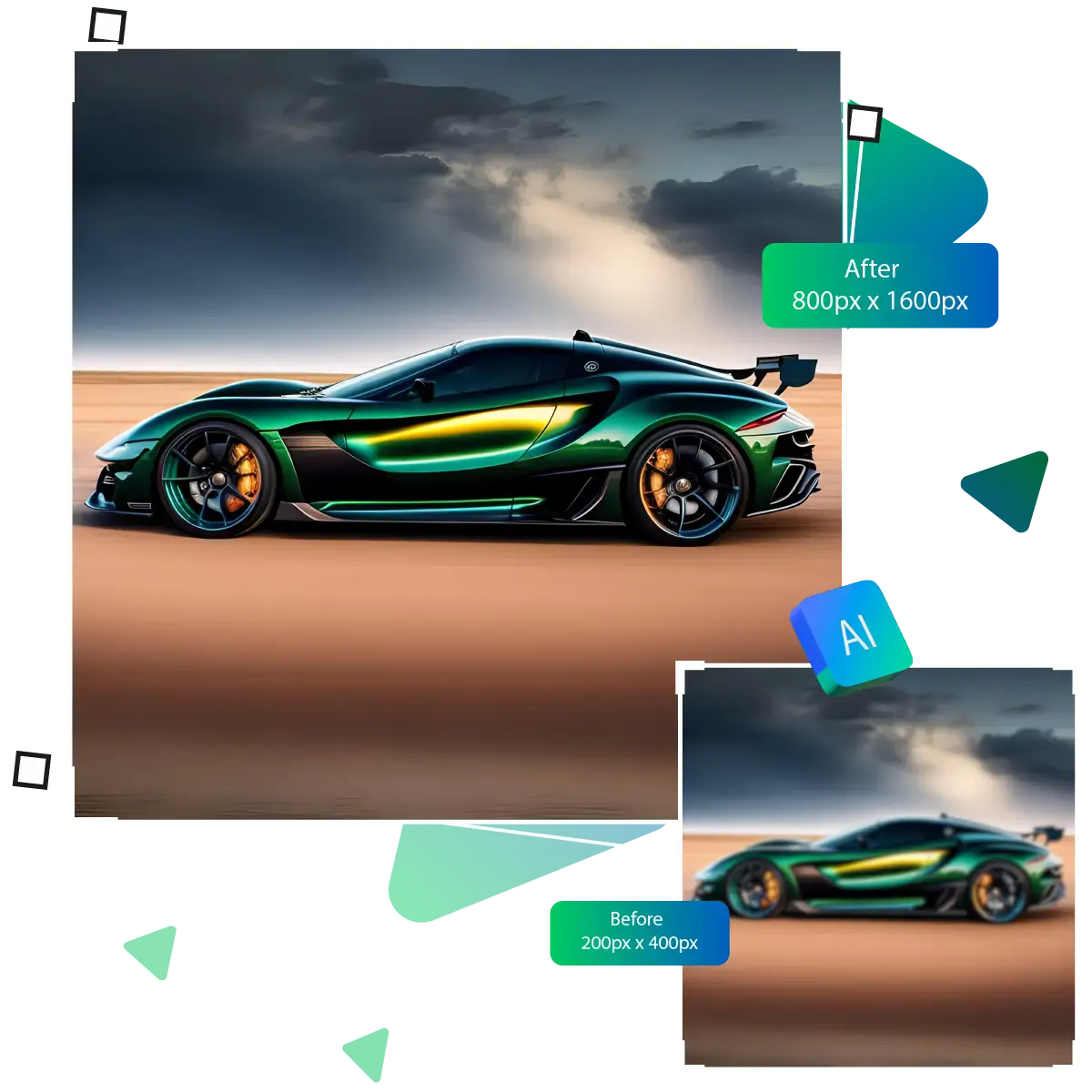
If your pictures look small or grainy, this tool can make them look much better. It increases the quality so your images appear bigger, cleaner, and more detailed. Whether you're printing them or posting online, the improved look makes a noticeable difference that helps your photos stand out and look professional.
No one likes photos that look noisy or messy. This feature helps smooth out any rough patches and makes everything look polished. Whether it's a nighttime photo or an old picture, it reduces distractions and gives you a clean, soft finish that looks much more pleasing and is easier on the eyes.
Sometimes pictures don’t turn out the way we hoped, but that’s easy to fix. With just a few smart tools, you can give any image a fresh new look.
With just one click, you can give your photo a full makeover. As the AI feature of this tool is designed to resolve common issues, it saves you time quickly. The tool is perfect when you want fast results without messing around with settings.
You don’t need to be an expert to improve your photos, and the AI feature layout is simple and user-friendly, making it accessible to anyone, just upload, click, and download, with no confusion, no stress. Everything is built to help you move smoothly from start to finish.
Every photo deserves to show off its best side. This tool helps bring out the small details, such as textures, edges, and subtle features, without requiring any special adjustments. The image becomes clearer and more focused, making it look fresh and professional.
This tool helps turn average images into impressive ones in just seconds.
Sanjay Choudhury
Riya Khanna
Aditya Kapoor
We’ve answered some of the most common questions about the Upscale.media API. If you don’t see your question here, feel free to reach out at support@pixelbin.io
What is Upscale.media API?
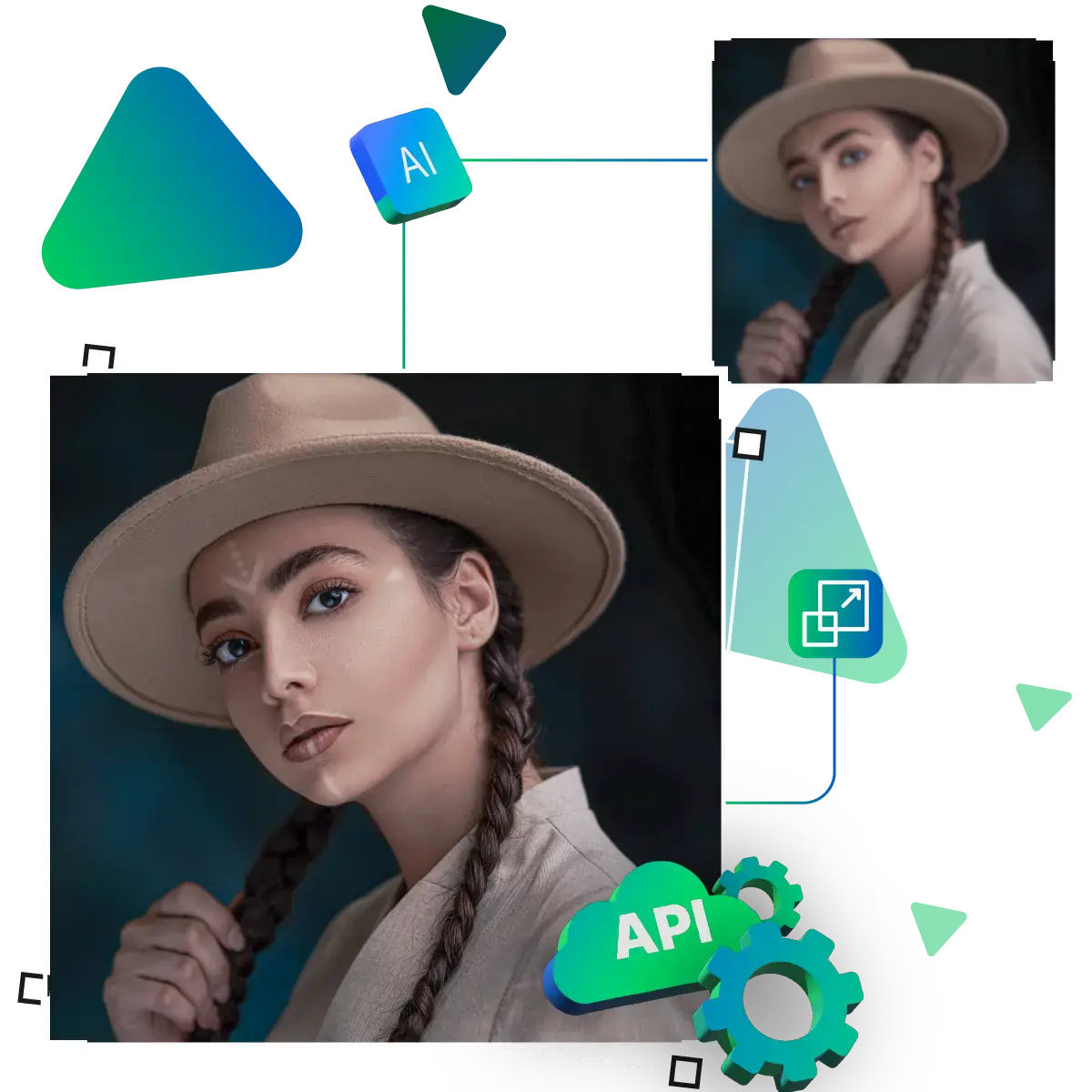
How can Upscale.media API be integrated into my website or app?
The API supports multiple programming languages such as React, Python, Golang, etc., and fits easily into most tech stacks. Integration is straightforward, with clear documentation to guide you through.
What kind of image transformations can be achieved with Upscale.media API?
How does Upscale.media API enhance online visual appeal?
How fast and accurate is the image upscaling with Upscale.media API?
Can Upscale.media API be used for creative design projects?
How does Upscale.media API improve digital content quality?
Is Upscale.media API adaptable for different image upscaling needs?
Can Upscale.media API be customized for specific needs?
What are the benefits of using Upscale.media API for different industries like e-commerce, marketing, and social media?