





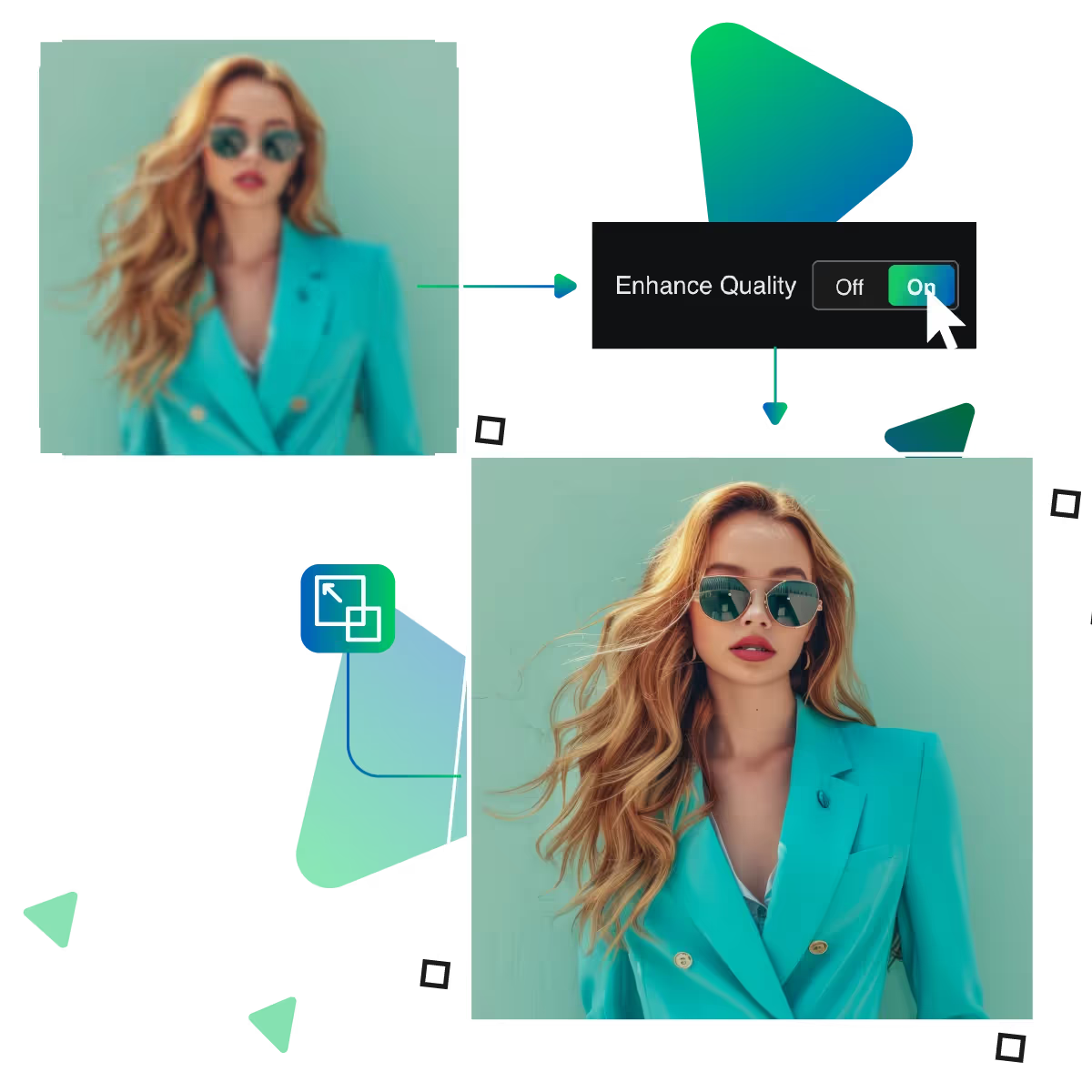
Rediscover moments with AI photo restoration
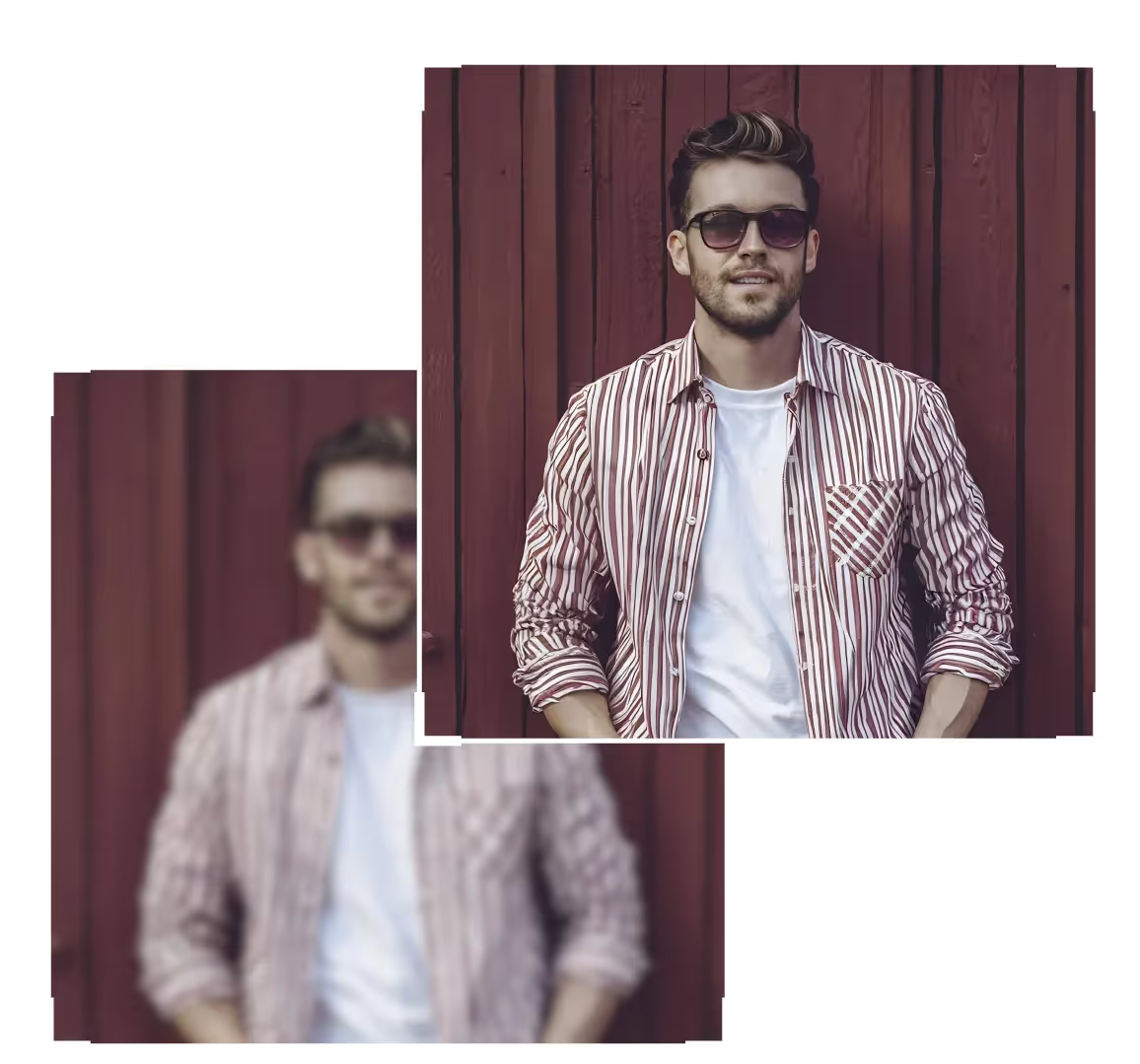
Revive your faded memories with AI photo restoration. Now, our advanced technology effortlessly enhances old photos, delivering stunning results. At the same time, it preserves its authentic charm.
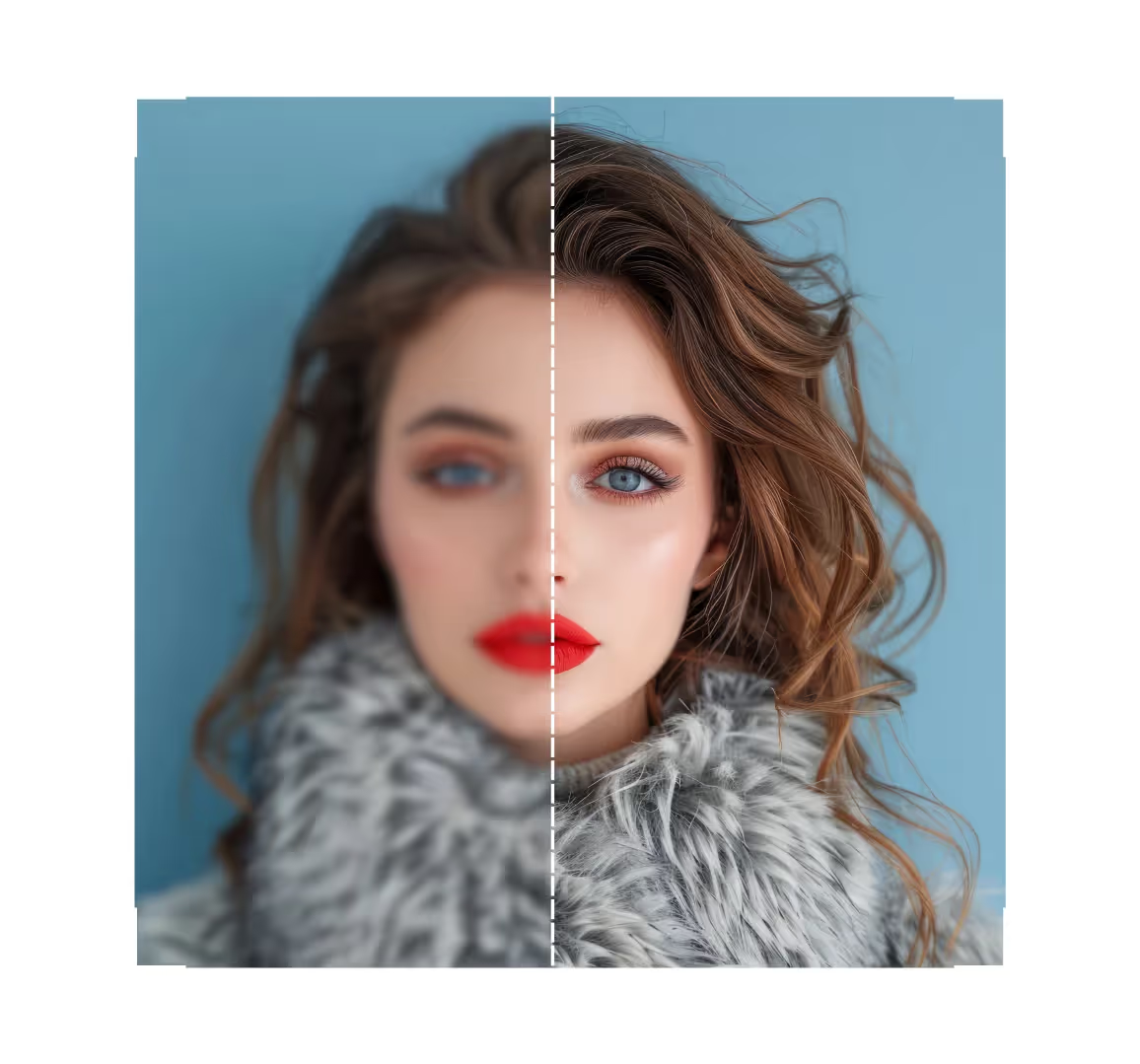
Revive your cherished memories with AI photo restoration. It enhances details, restores colors, and preserves moments in crisp clarity. Also, it is all completely free.
Begin by uploading your old or damaged photo to the system. The AI photo restoration tool is used to get the result.
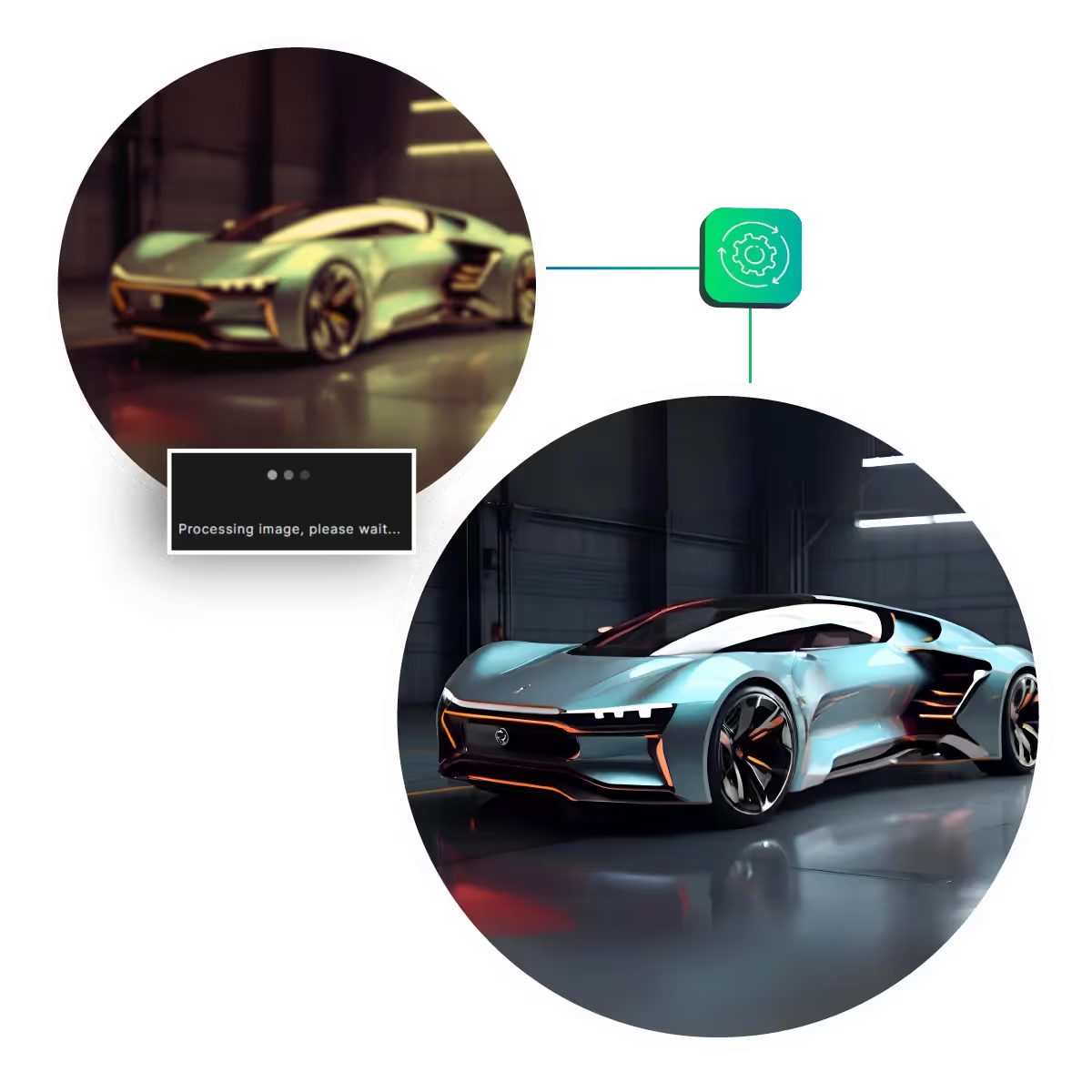
The system scans your image properly. After that, it detects flaws such as scratches, blurriness, and fading.
The AI photo restoration technology effectively repairs imperfections. Also, while enhancing colors, sharpness, and details.
You can instantly check the restored photo and make any necessary adjustments. After that, if needed for optimal quality.
Save your high-resolution restored image in the JPEG or PNG format you want. After that, share the renewed memories.
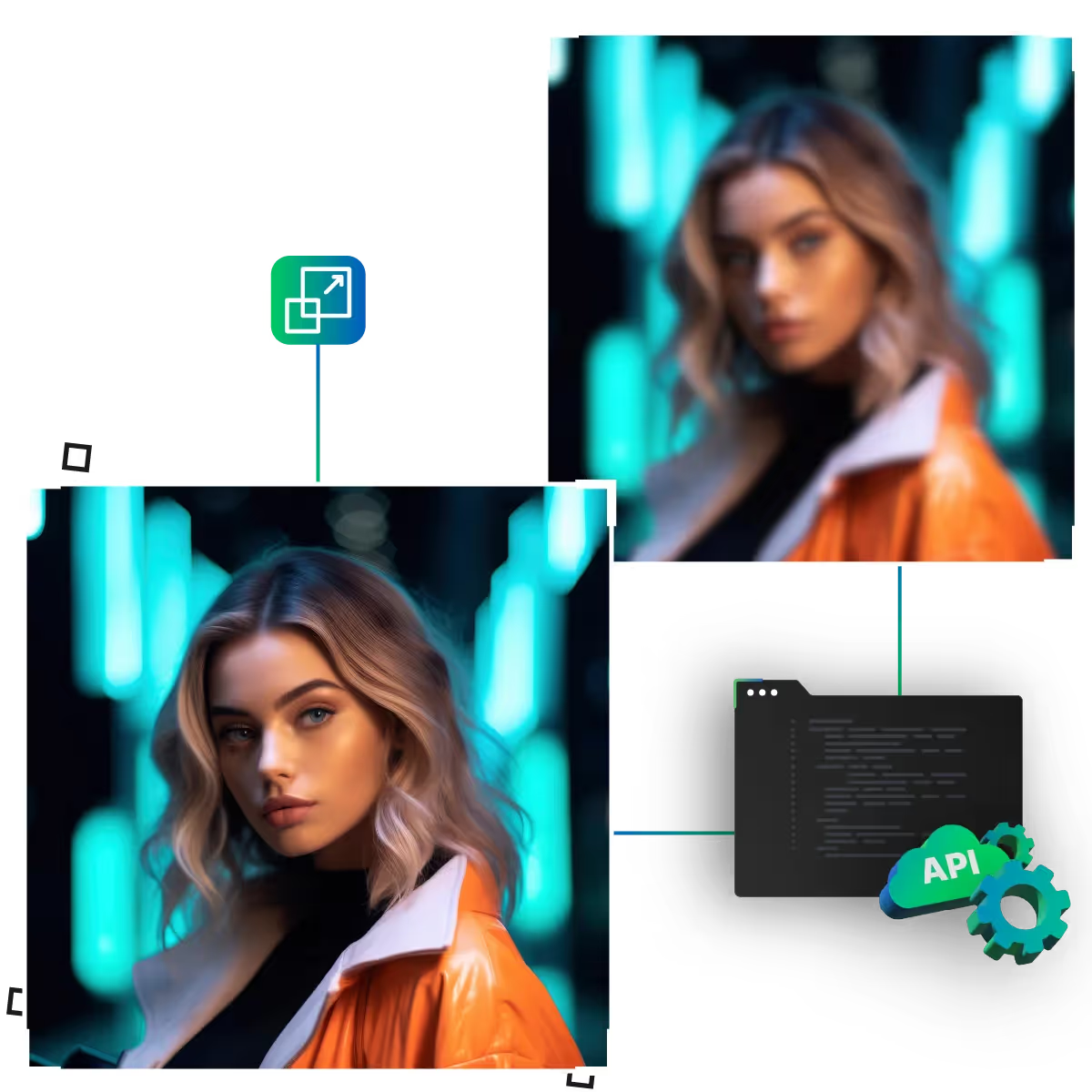
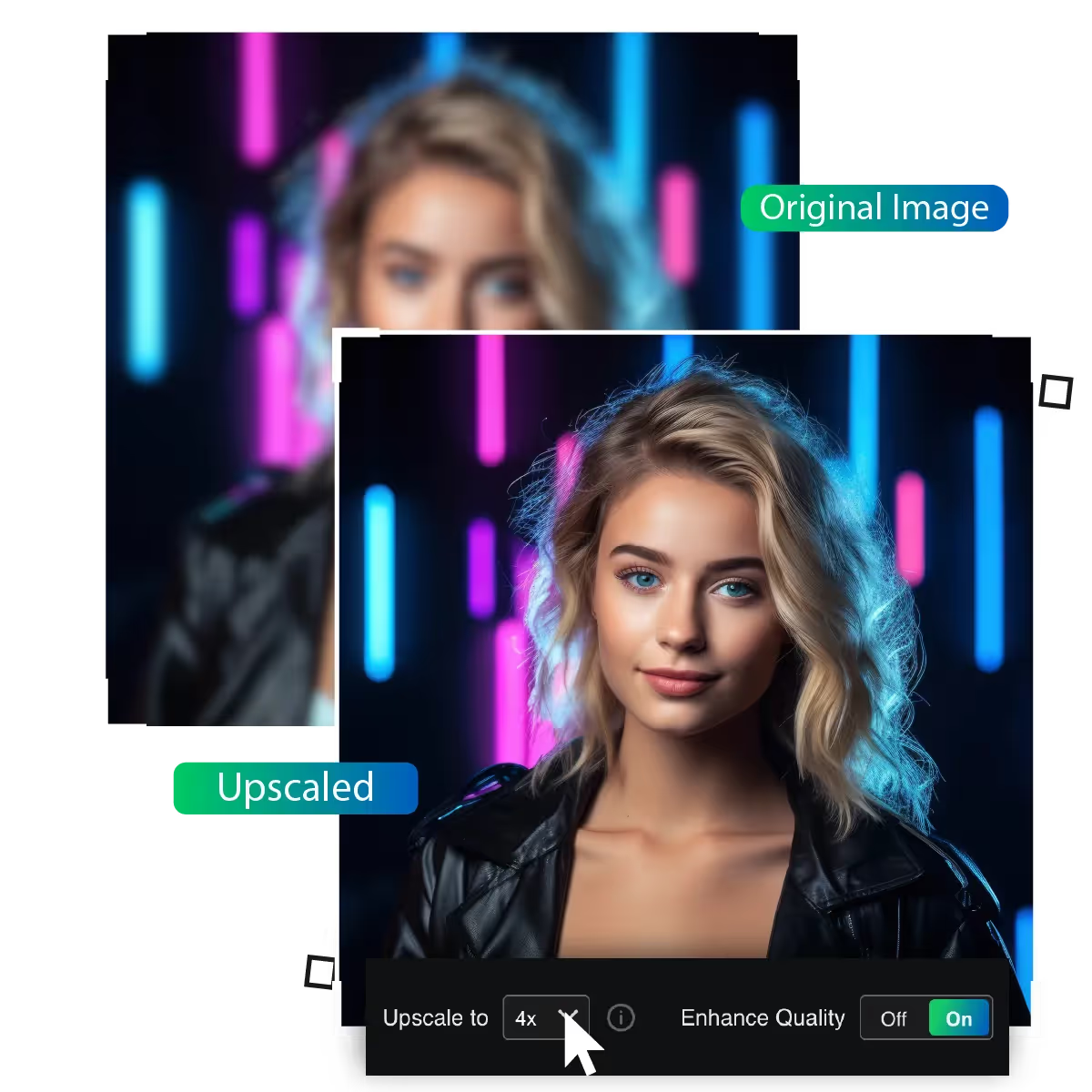
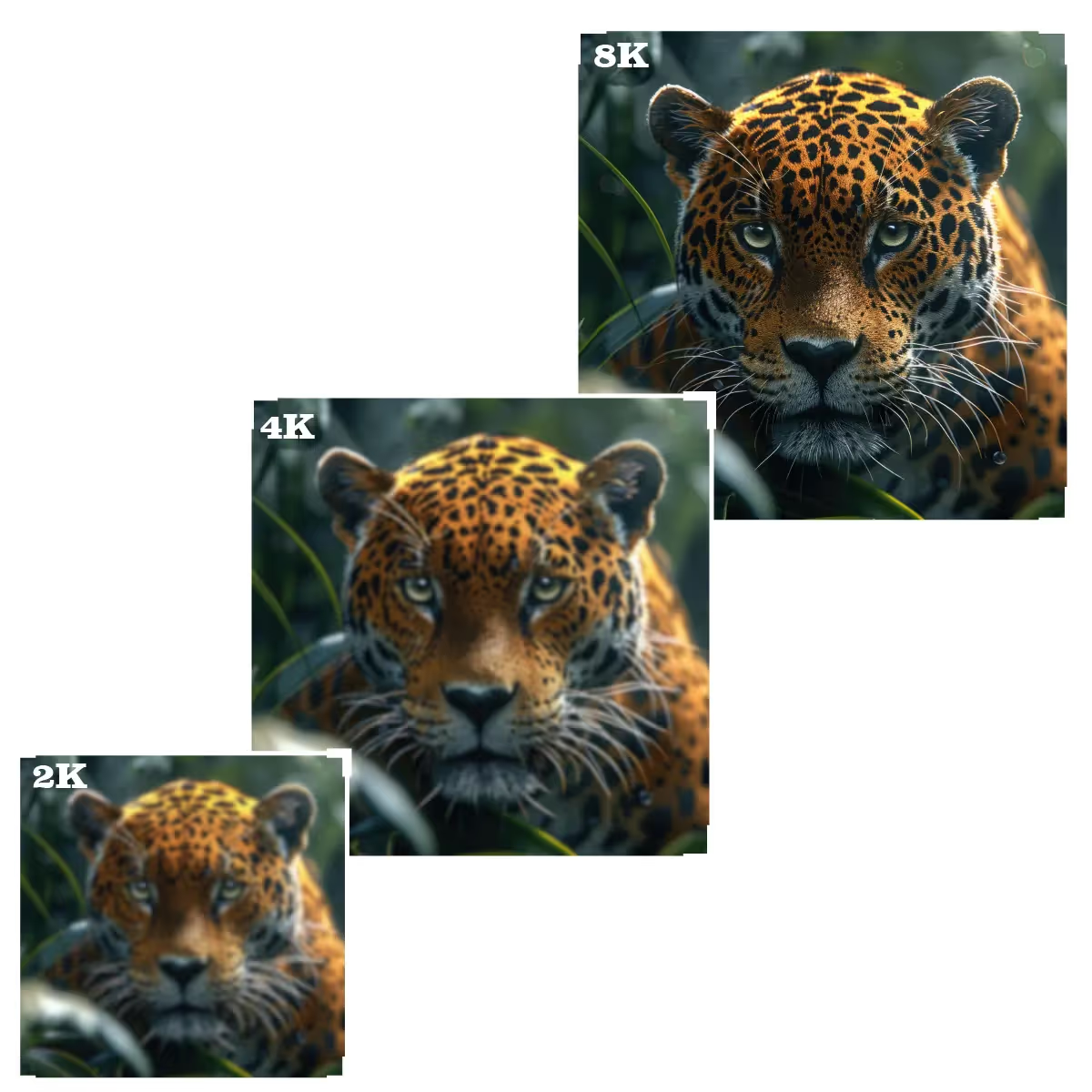
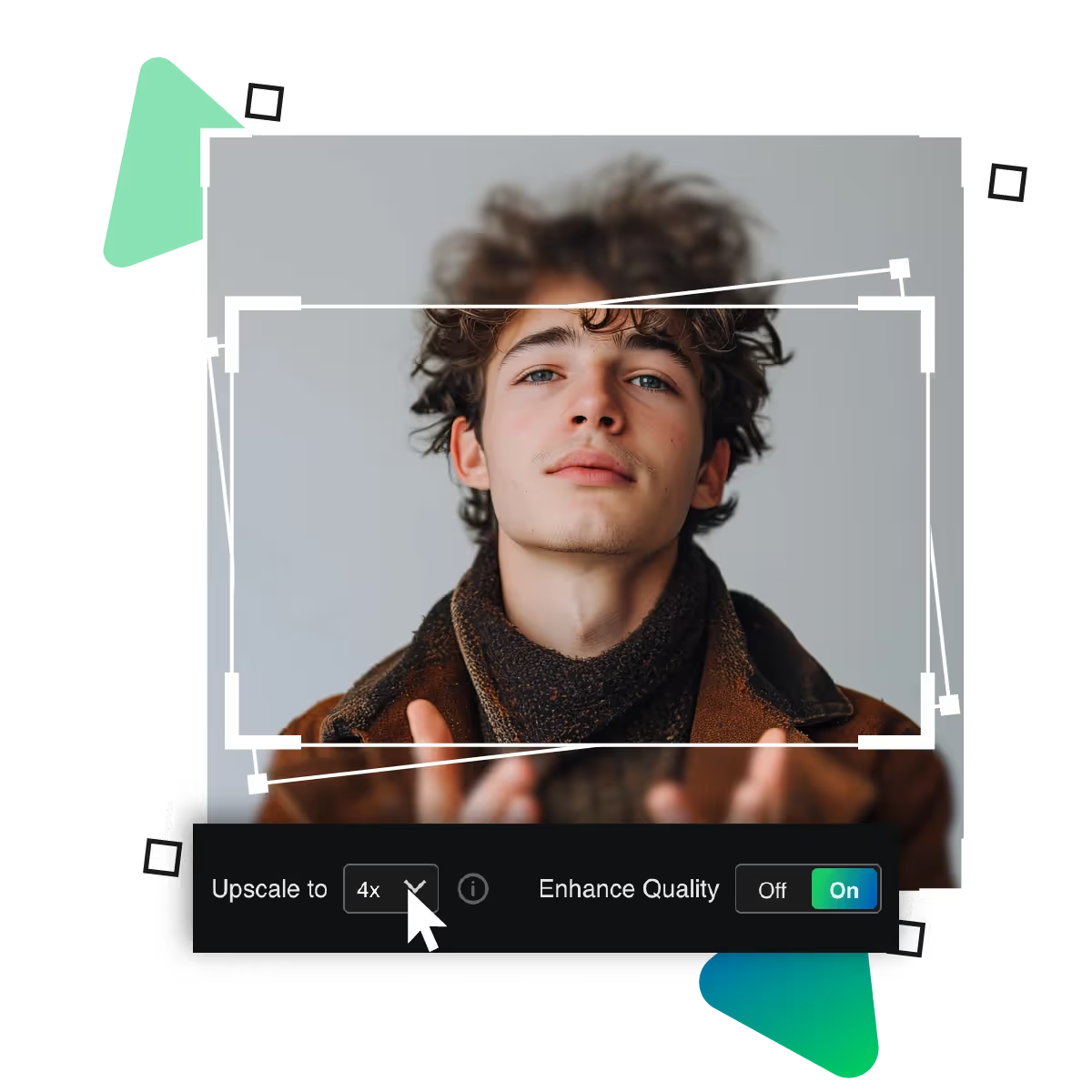
Images can be upscaled to 2x, 4x, or even 8x their original size. With AI photo restoration, this feature is perfect for enlarging photos, even for printing or digital displays, without sacrificing quality while preserving sharp details. The tool is a great option for both personal and professional use. It carefully examines every pixel to guarantee consistently crisp, realistic-looking results.
Say goodbye to manual retouching; now, AI photo restoration automatically detects and repairs scratches, tears, dust spots, and other flaws. The AI analyzes the image structure to fill in missing details seamlessly. This results in a perfectly restored photo, as this smart technology saves hours of tedious editing while delivering professional-grade restoration with minimal effort.
Remove unwanted grain and digital noise from old or low-light photos with AI photo restoration. The AI intelligently smooths out pixelation. While it aims to preserve essential details. This is resulting in a cleaner, sharper image, whether it's an old film scan or a blurry digital photo; this feature enhances clarity for a more polished and professional finish.
Revive your precious memories effortlessly with AI photo restoration. The AI tool is now restoring old, faded photos to pristine condition. While preserving every special detail.
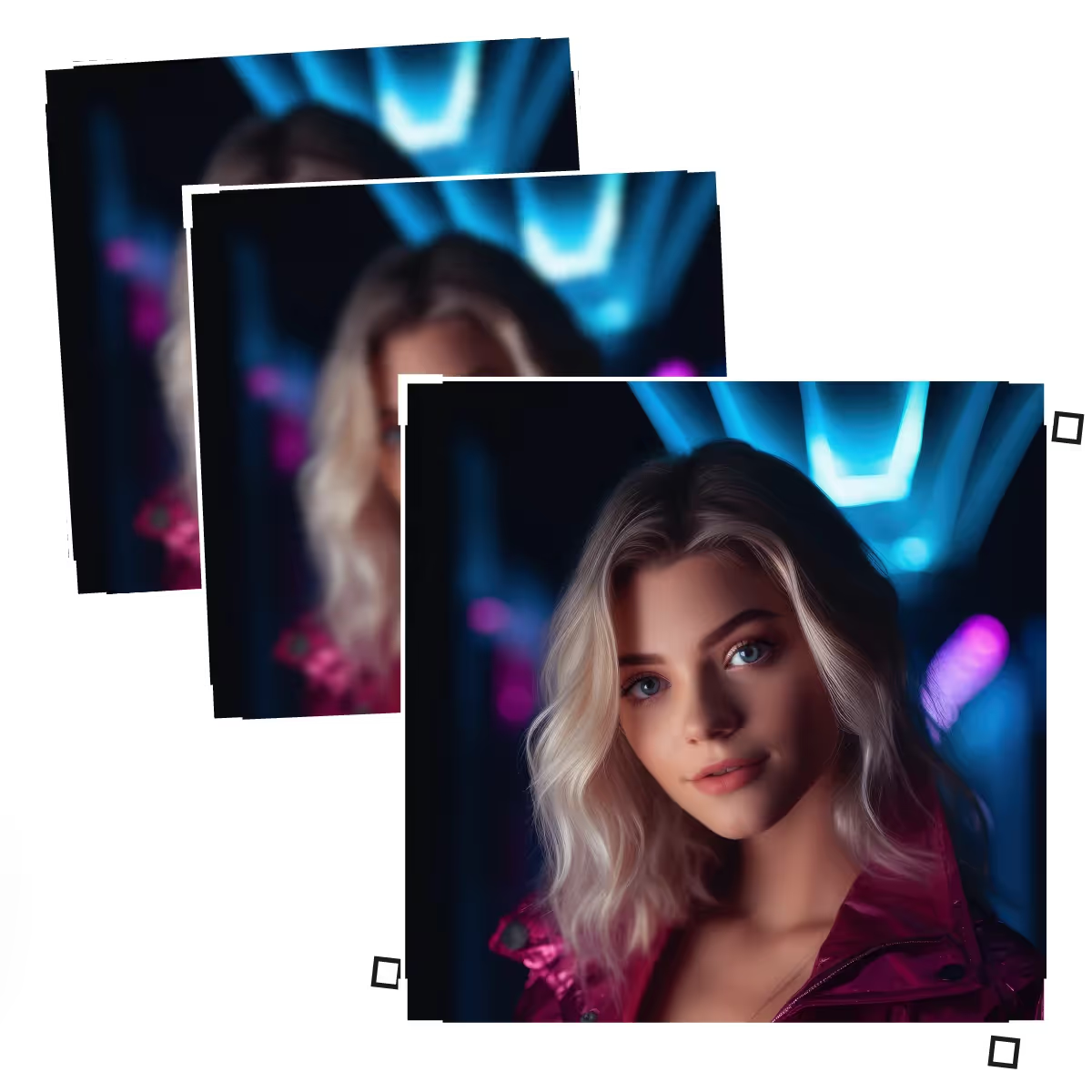
AI photo restoration's batch processing enables you to restore entire photo collections instantly. And making it ideal for professional projects or digitizing family albums, as it produces reliable, excellent results for several photos at once.
With AI photo restoration's clever one-click editing, now you can get professional-quality restorations instantly, with our AI automatically fixing damage, sharpening details, and correcting colours, without the need for technical expertise.
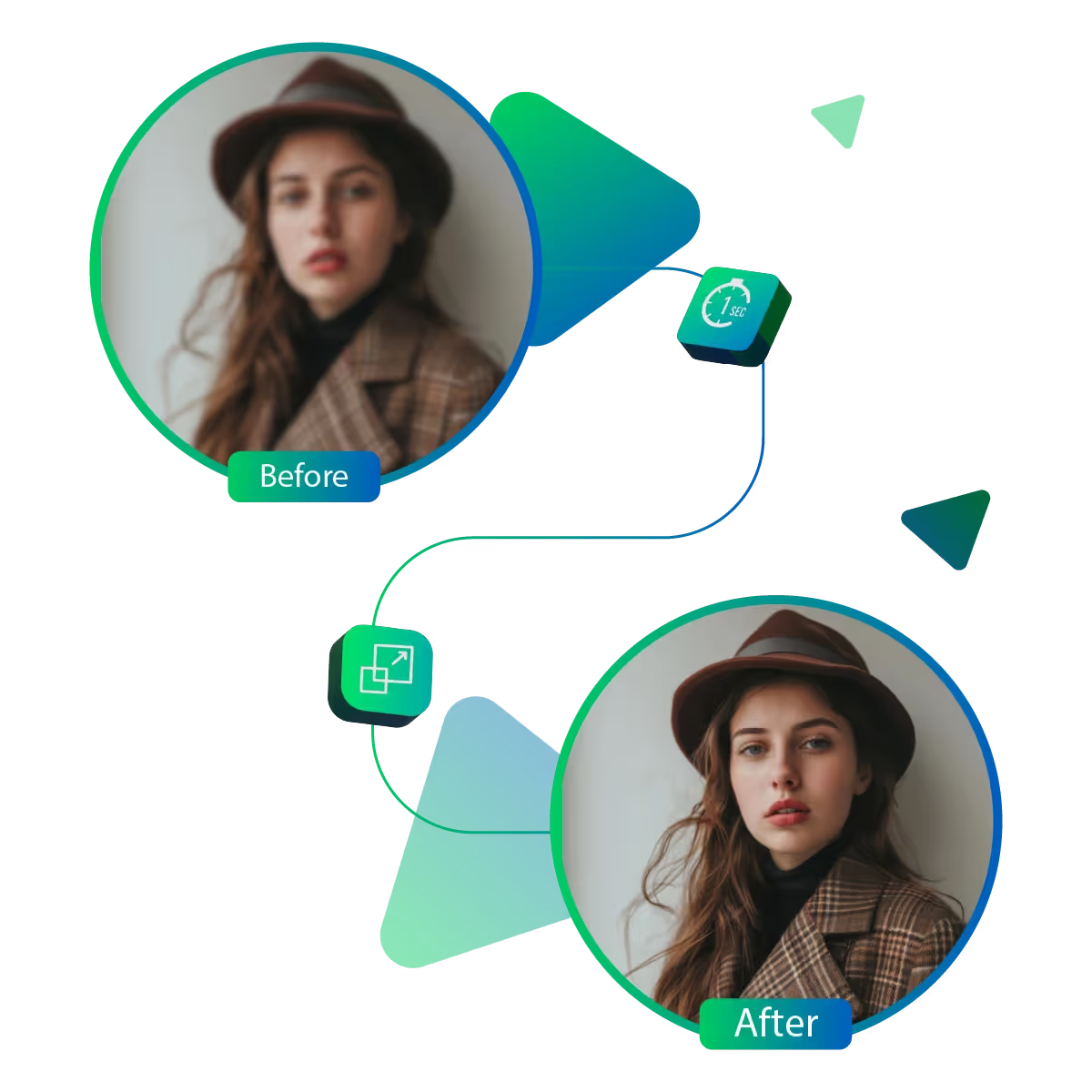
AI photo restoration's instant preview allows you to see changes in real time, too. It also changes settings and compares the before-and-after outcomes, which helps to ensure your improved result.
Revive your faded memories with AI photo restoration. Now, our advanced technology effortlessly enhances old photos, delivering stunning results. At the same time, it preserves its authentic charm.
Sanjay Choudhury
Riya Khanna
Aditya Kapoor
We’ve answered some of the most common questions about the Upscale.media API. If you don’t see your question here, feel free to reach out at support@pixelbin.io
What is Upscale.media API?
How can Upscale.media API be integrated into my website or app?
The API supports multiple programming languages such as React, Python, Golang, etc., and fits easily into most tech stacks. Integration is straightforward, with clear documentation to guide you through.
What kind of image transformations can be achieved with Upscale.media API?
How does Upscale.media API enhance online visual appeal?
How fast and accurate is the image upscaling with Upscale.media API?
Can Upscale.media API be used for creative design projects?
How does Upscale.media API improve digital content quality?
Is Upscale.media API adaptable for different image upscaling needs?
Can Upscale.media API be customized for specific needs?
What are the benefits of using Upscale.media API for different industries like e-commerce, marketing, and social media?