
Free AI Video Upscaler
How to Upscale Low-quality Videos with Pixelbin?

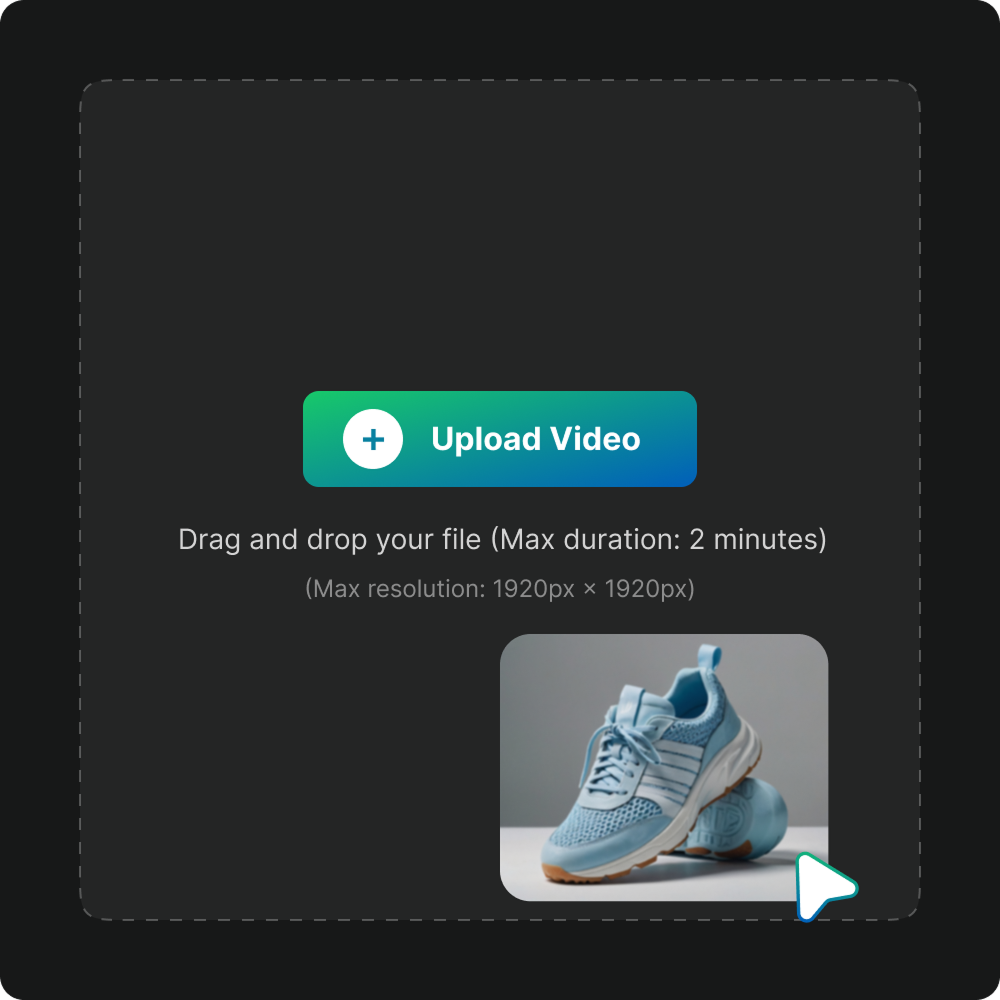
Upload a video
Click ‘Upload’ or drag and drop your file to select the video you’d like to enhance. You can select your preferred output quality, such as HD, Full HD, or 4K.

AI Processing
The AI will automatically process your video, improving sharpness, clarity, and resolution within seconds.

Download output
Preview the results, confirm the output quality, and then download or export the final version in your chosen format.
Benefits for AI Video Upscaler
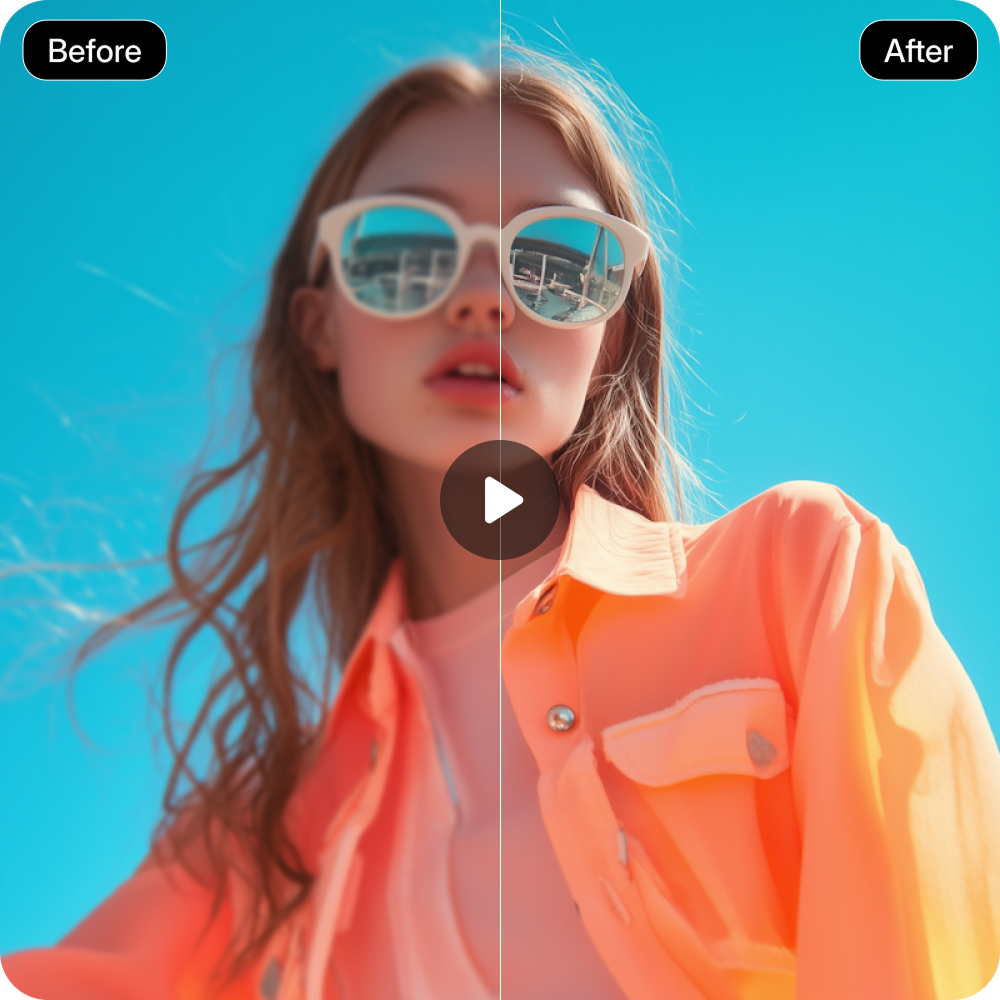
Enhanced Video Quality
Transform blurry or low-resolution videos into clear, detailed visuals. Each frame is refined for sharper focus, enhanced clarity, and overall improved quality.

Wide Format Support
Compatible with major video formats such as MP4, MOV, and WebM. Works seamlessly across resolutions, letting you upscale any footage without technical limitations.
Streamlined Workflow
Enhance and export videos in a single smooth process. No need for multiple tools or complicated steps - the workflow is fast, efficient, and hassle-free.
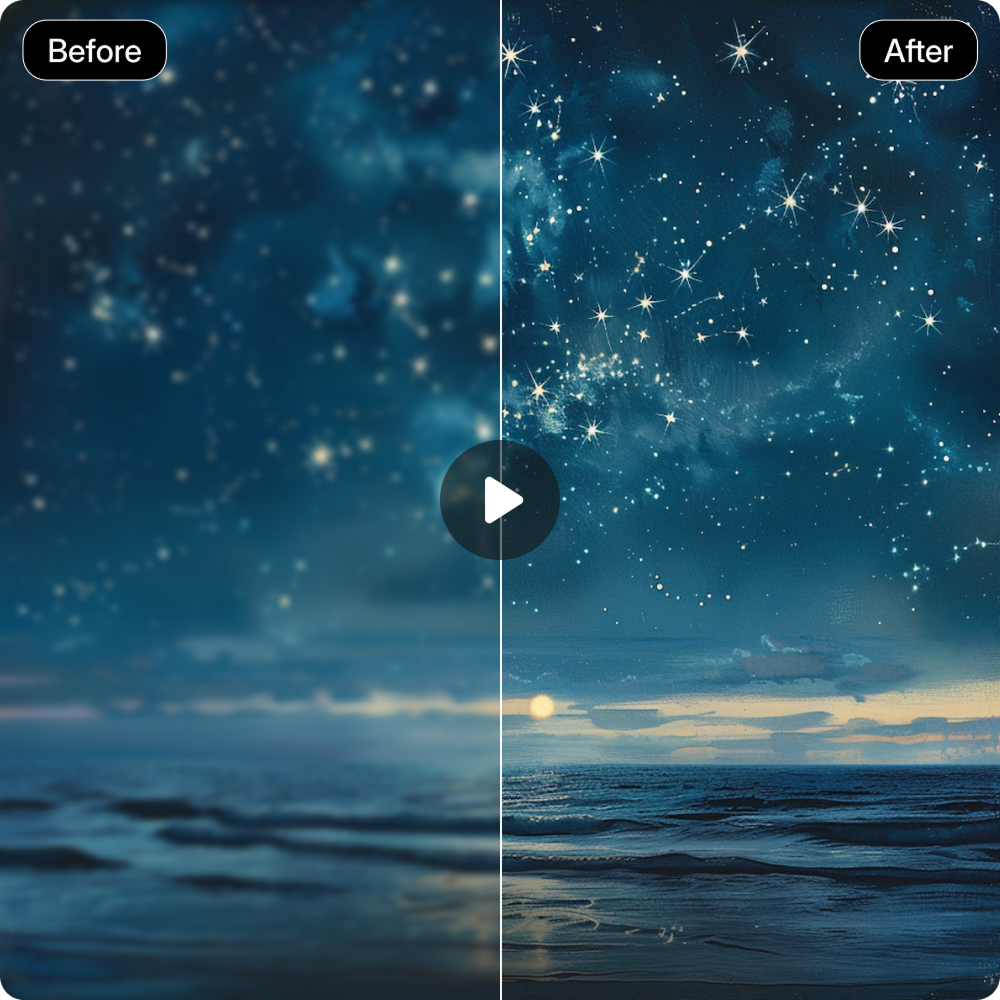
Preserve Original Video
Maintain the original look of your video while improving sharpness and clarity. Colors, tones, and style remain true to the original.
Why Choose Pixelbin?

Fast Processing Speed
Transform your videos with a single upload. The tool quickly enhances resolution and clarity, delivering studio-quality results in just seconds.

User-Friendly Interface
Built for everyone - from beginners to professionals. The simple, intuitive design makes video enhancement effortless and efficient.

Assures Complete privacy
All videos are processed securely on protected servers and are never stored, shared, or reused in any form.
Built for Convenience

Lifetime Storage
Store and export the videos anytime without any deadlines or restrictions.

Subscription-Free
Get unlimited video enhancements without subscriptions, sign-ups, or extra charges.
Use Cases of Pixelbin’s AI Video Upscaler
AI video upscaler boosts clarity and resolution for professionals and beginners, enabling smooth restoration of old files along with bulk enhancement.
Enhance Presentations
Make your recorded presentations, tutorials, or webinars look more polished and professional. The AI Video Upscaler refines visuals, sharpens details, and improves overall clarity for a more impactful viewing experience.
Elevate Marketing and Brand Videos
Transform promotional and brand videos into high-quality, engaging visuals. Enhanced sharpness and color depth help strengthen your brand image and make campaigns more impactful.

Improve User-Generated Content
Enhance videos recorded on phones or consumer cameras to achieve a more refined, studio-quality appearance. The AI upscaler restores clarity and balance, giving amateur clips a professional edge.

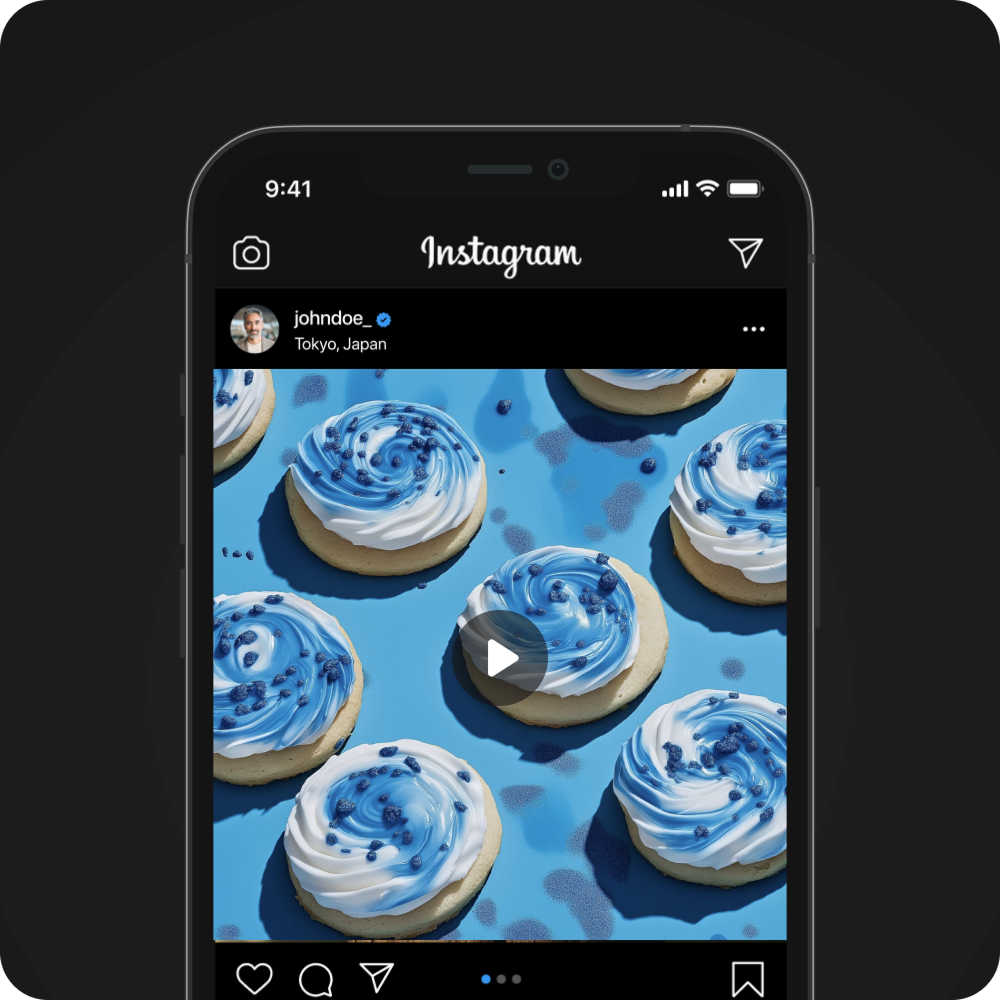
Enhance Social Media Content
Improve the visual quality of your social media videos with greater clarity and sharpness. The AI Video Upscaler increases resolution and enhances detail, helping your posts look cleaner and more engaging across platforms.
Frequently Asked Questions
Here, we have listed some of the commonly asked questions from the community. If you do not find the information you need, feel free to reach out to us at support@pixelbin.io
Can I turn 1080p videos into 4K?
Will upscaling affect the original video quality?
How long does the upscaling process take?
Which video formats are supported?
Do I need to download anything to use the AI video upscaler by Pixelbin?
How can I use Pixelbin’s AI video upscaler for free?
Overview
Whether you’re a creator, a small business, or part of a marketing team, Pixelbin helps you give your videos a clean, professional look. Here are a few simple ways to get the best results.
Creators: Creators working with low-quality or older videos who want to give their content a fresh, modern look.
Social Media: Social media producers who need sharper, more polished videos for online platforms.
Marketing: Marketing professionals and content creators who want to quickly enhance or repurpose archived footage for campaigns, social posts, or presentations.
Everyday use: Everyday users who want to restore and refresh family memories, travel videos, or personal clips.
Things to Keep in Mind
- 1. If a video is extremely low quality or heavily compressed, there’s a limit to how much detail can be restored.
- 2. Fast-moving or action-heavy scenes may occasionally show minor softness or artifacts, while stable footage tends to produce the best results.
- 3. Processing HD, Full HD, or 4K videos is quick, but a strong and stable internet connection ensures smooth uploads and downloads.